
Photos from current listings. Actual item, color, and included accessories may vary.
Soundbar Buying Guide
A soundbar is a slim, single-enclosure speaker system that upgrades TV audio without the clutter of separate speakers. The core trade-off is acoustic physics versus form factor: compact bars with tiny drivers and plastic cabinets cannot produce deep bass or wide dispersion, while larger multi-driver bars with dedicated subwoofers and solid MDF enclosures deliver real home-theater dynamics. The decision rule: choose a bar with a dedicated subwoofer and at least 3 discrete channels if you want cinematic impact; accept a compact 2-channel bar only if space is the absolute constraint.
Median $174.99
Key takeaways
- Channel count determines surround realism: 2.0/2.1 bars mix everything into left-right, 3.1 adds a discrete center channel for dialogue, 5.1.2 adds rear surrounds and height effects for Dolby Atmos.
- Driver size and cabinet material drive output: full-range drivers under 2 inches with plastic cabinets distort at high volume; 3-inch or larger drivers in MDF enclosures play cleaner and louder.
- A dedicated subwoofer (wired or wireless) is the single biggest upgrade for movies and music bass; bars without one typically roll off below 60-80 Hz and sound thin.
At a glance
- Category
- Home Theater Speakers & Subwoofers
- Last updated
- Nov 27, 2026
Current offers
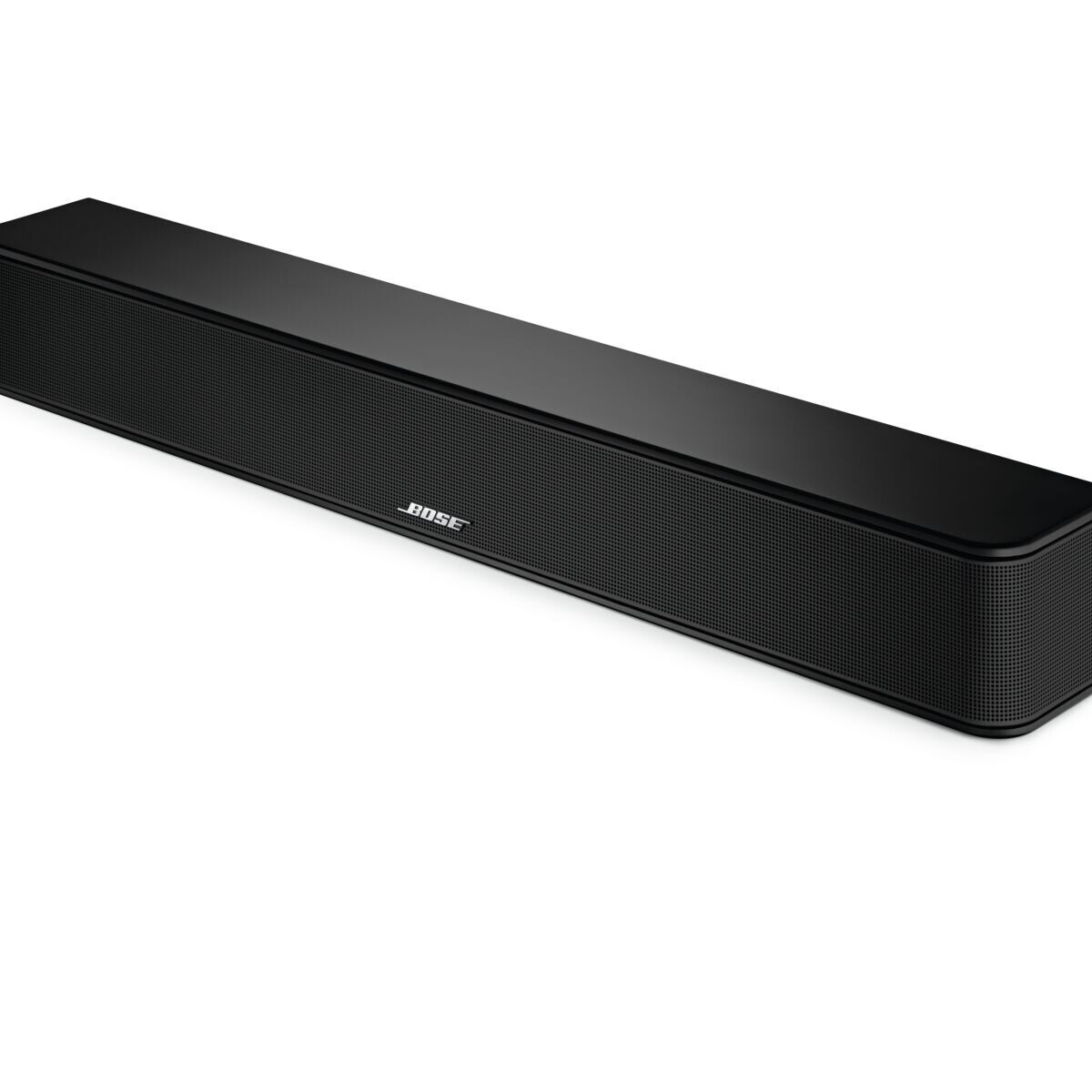 Bose Solo Soundbar 2 Home Theater, Certified Refurbished$94.00View on eBay
 ULTIMEA Skywave F40 Boom 5.1.2 Sound Bar with Subwoofer & Surround Speakers 460W$169.99View on eBay
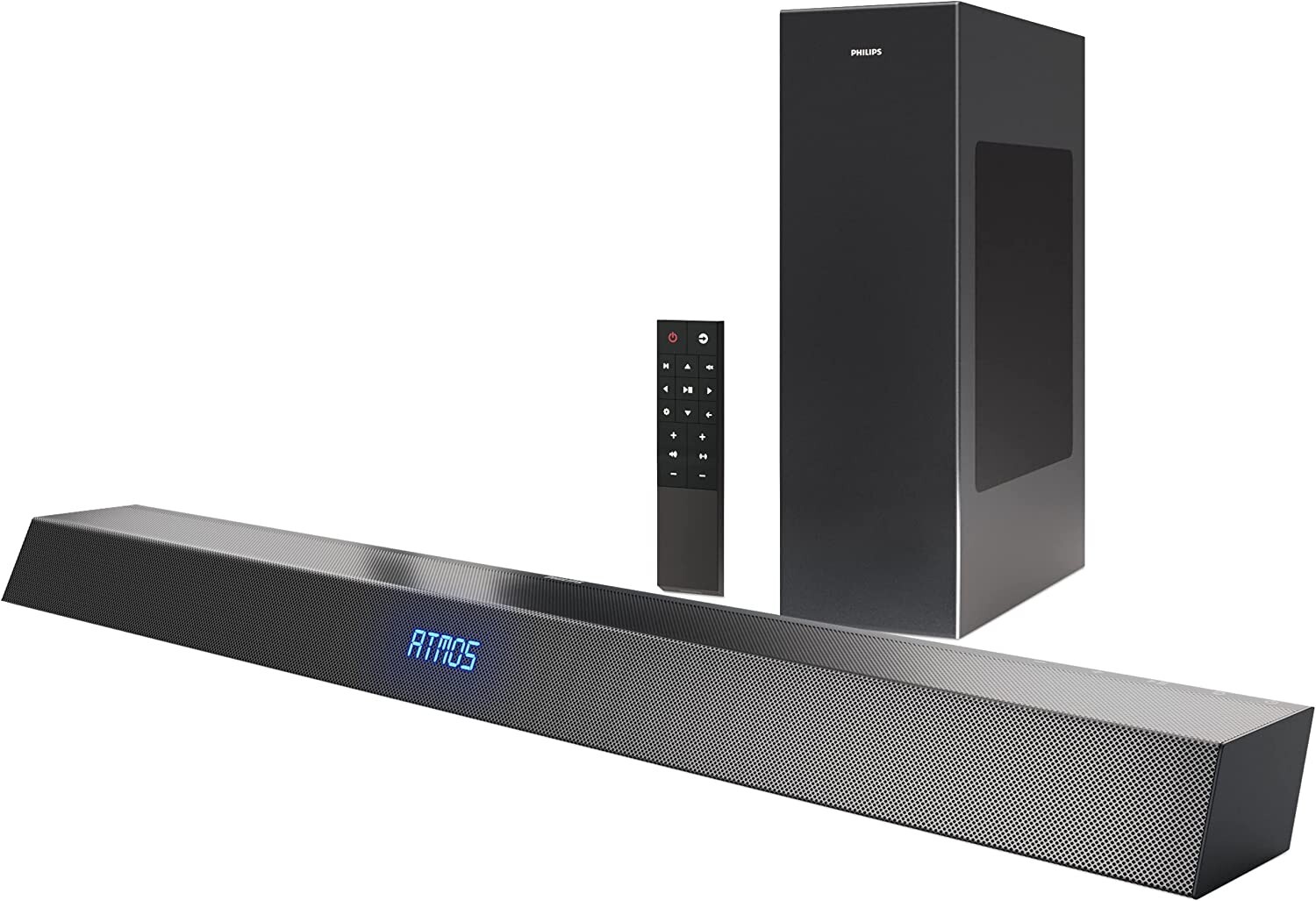 Philips Sound bar with Subwoofer. Great for Home Theater. TV Speaker$179.99View on eBay
 Ultimea - Poseidon D80 Boom 7.1CH Dolby Atmos Sound bar, Surround sound system$279.99Last checked Nov 18, 2026View on eBay
Highlights
- Channel count determines surround realism: 2.0/2.1 bars mix everything into left-right, 3.1 adds a discrete center channel for dialogue, 5.1.2 adds rear surrounds and height effects for Dolby Atmos.
- Driver size and cabinet material drive output: full-range drivers under 2 inches with plastic cabinets distort at high volume; 3-inch or larger drivers in MDF enclosures play cleaner and louder.
- A dedicated subwoofer (wired or wireless) is the single biggest upgrade for movies and music bass; bars without one typically roll off below 60-80 Hz and sound thin.
- HDMI eARC is the modern connection standard for lossless Dolby Atmos/DTS:X passthrough; optical is a fallback limited to compressed 5.1 and no height channels.
Best use cases
- Pick a 5.1.2 or 7.1.2 bar with dedicated subwoofer and rear surround speakers for a dedicated movie room where Dolby Atmos height effects and true rear fill matter.
- Choose a compact 2.0 or 2.1 bar with HDMI eARC for a bedroom or small living room where wall space is tight and dialogue clarity is the priority over room-shaking bass.
- Select a 3.1 bar with a wireless subwoofer for music-first listeners: the center channel locks vocals while the sub handles low-end, without paying for rear speakers you will not place.
- Skip ultra-slim 2.0 bars for large open-plan rooms: they lack the driver surface area and subwoofer output to fill more than about 200 square feet.
Buying tips
- Match bar width to TV width: a bar should be no wider than the TV stand and ideally within 2-4 inches of the screen width for proper left-right separation.
- Prioritize HDMI eARC over optical if your TV supports it: eARC carries uncompressed Atmos and DTS:X, while optical caps at compressed 5.1 and drops height channels.
- For music, favor bars with a dedicated subwoofer and at least 3-inch midrange drivers; tiny 2-inch drivers crossed over high leave a muddy mid-bass gap.
- Check subwoofer placement: wireless subs need an AC outlet within reach, and down-firing subs need 2-3 inches of floor clearance to avoid chuffing.
Specs
| Channel Config | 2.0 / 3.1 / 5.1.2 / 7.1.2 |
|---|---|
| Subwoofer | None / Wired / Wireless |
| HDMI Standard | eARC / ARC / Optical only |
| Driver Size | 2 in compact / 3 in+ full-range |
Related searches
What to check before buying
- Measure the TV stand width and the clearance under the screen: the bar must fit without blocking the IR receiver or resting on the TV base.
- Confirm the TV has HDMI eARC (or at least ARC) and an available HDMI input; older TVs may need an optical cable and will lose Atmos height channels.
- Verify a power outlet near the subwoofer location if choosing a wireless sub, and ensure the sub fits the intended floor or corner footprint.
- Check the room volume: bars with subwoofers suit rooms up to roughly 300 square feet; larger open spaces need higher-output multi-driver systems.
FAQ
Data sources: eBay / Amazon listings and product attribute feeds. Updated Nov 27, 2026.
Some links on this page are affiliate links. If you buy after clicking one, we may earn a commission at no extra cost to you. This does not change which products appear here or their order. Affiliate disclosure.