
Photos from current listings. Actual item, color, and included accessories may vary.
Sound Bar With Subwoofer Buying Guide
A sound bar with subwoofer replaces TV speakers with a dedicated center channel and a separate bass driver, trading floor space for dramatically better dialogue clarity and low-end impact. The core decision is whether you want a true multichannel system (5.1/7.1 with rear speakers and upfiring Atmos drivers) or a simpler 2.1 bar-plus-sub that still upgrades every movie and game. Durable options have a wired or wireless sub with a real cabinet and at least 3 channels; compromises are compact 2.0 bars that lack a sub entirely or rely on HDMI ARC instead of eARC for lossless object audio.
Median $169.99
Key takeaways
- Channel count determines immersion: 2.1 bars deliver left/right/stereo plus sub, while 5.1.2 or 7.1 units add dedicated rear surrounds and height drivers for Dolby Atmos overhead effects.
- HDMI eARC is the critical port for lossless Dolby Atmos and DTS:X passthrough; HDMI ARC and optical are limited to compressed 5.1 and cannot carry object-based metadata.
- Subwoofer wireless range and driver size matter more than wattage claims: a 6.5- to 8-inch driver in a ported MDF cabinet outperforms a 10-inch driver in a thin plastic shell at the same rated power.
At a glance
- Category
- Home Theater Speakers & Subwoofers
- Last updated
- Nov 27, 2026
Current offers
 ULTIMEA Skywave F40 Boom 5.1.2 Sound Bar with Subwoofer & Surround Speakers 460W$169.99View on eBay
 Sound Bar For Smart TV, 2.0 Channel, 32-Inch Compact Soundbar TV Speakers For Projector, Bluetooth AUX Connection, Remote Control, Easy Setup, 80W Surround System For PC Home Theater Audio$46.99View on Mallflare
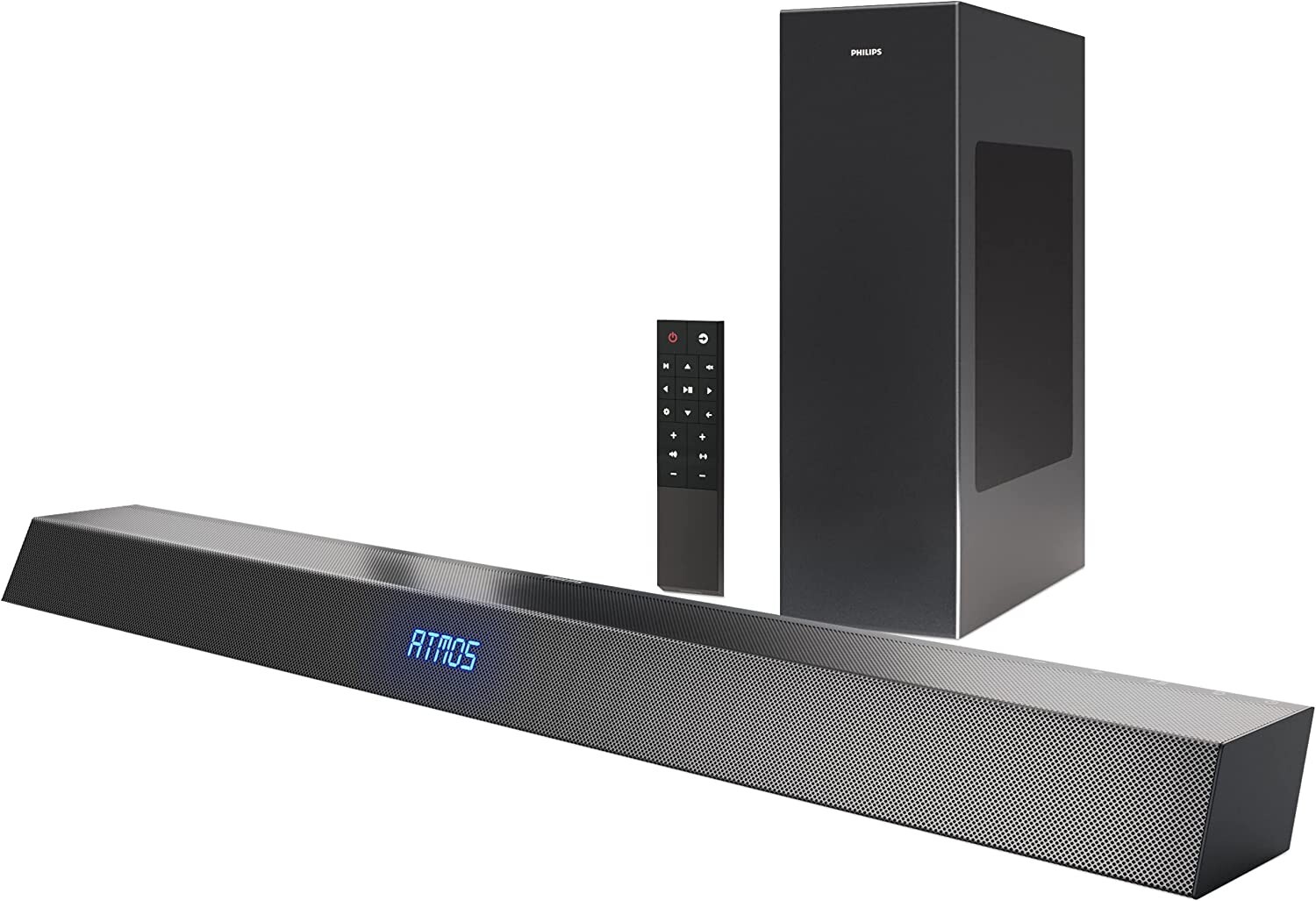 Philips Sound bar with Subwoofer. Great for Home Theater. TV Speaker$179.99View on eBay
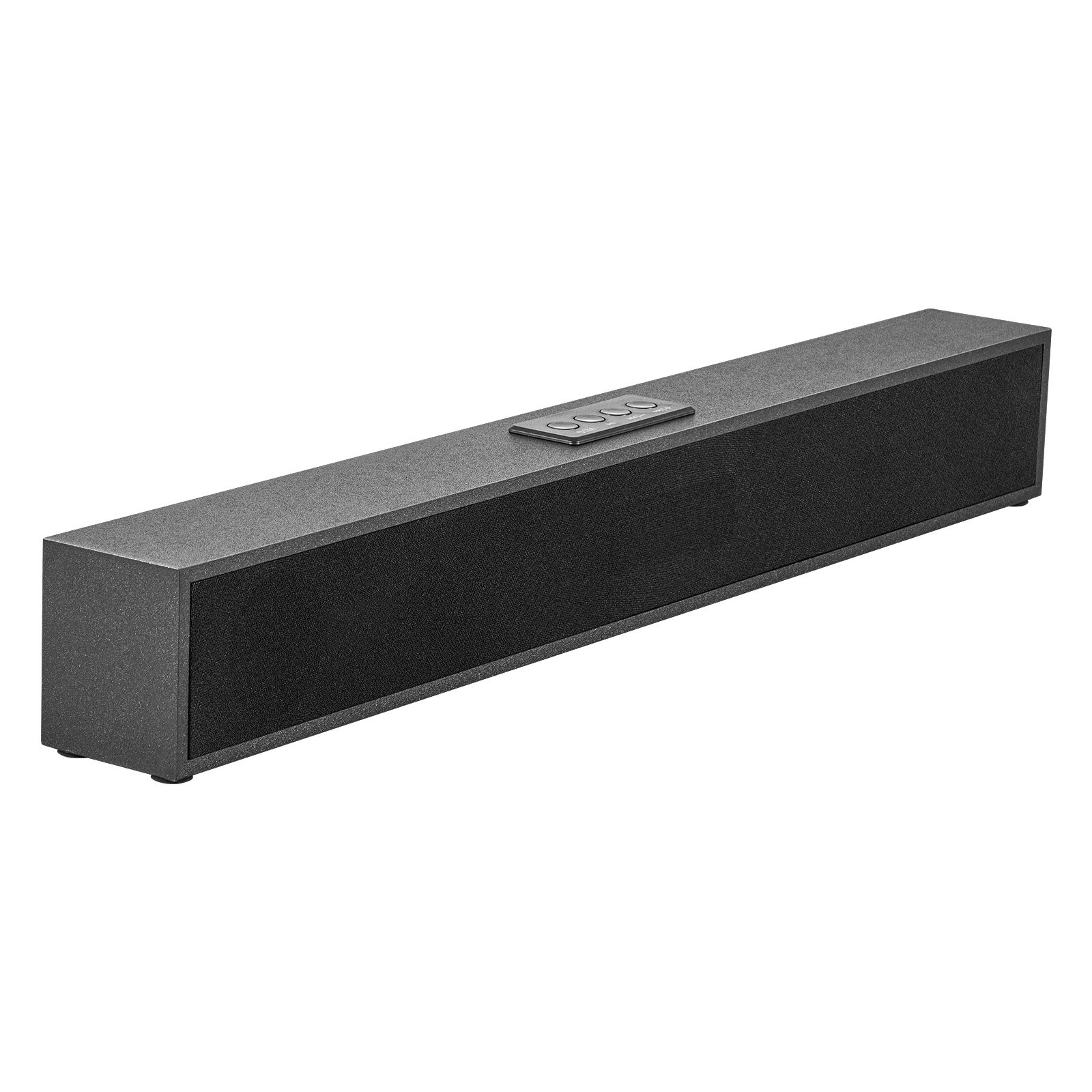 Sound Bar For Smart TV, 2.0 Channel, 24-Inch Compact Soundbar TV Speakers For Projector, Bluetooth AUX Connection, Remote Control, Easy Setup, 80W Surround System For PC Home Theater Audio$47.99View on Mallflare
 Ultimea - Poseidon D80 Boom 7.1CH Dolby Atmos Sound bar, Surround sound system$279.99Last checked Nov 18, 2026View on eBay
Highlights
- Channel count determines immersion: 2.1 bars deliver left/right/stereo plus sub, while 5.1.2 or 7.1 units add dedicated rear surrounds and height drivers for Dolby Atmos overhead effects.
- HDMI eARC is the critical port for lossless Dolby Atmos and DTS:X passthrough; HDMI ARC and optical are limited to compressed 5.1 and cannot carry object-based metadata.
- Subwoofer wireless range and driver size matter more than wattage claims: a 6.5- to 8-inch driver in a ported MDF cabinet outperforms a 10-inch driver in a thin plastic shell at the same rated power.
- Room calibration (auto-EQ with a microphone) separates serious bars from budget units because it compensates for sub placement and wall reflections that no manual crossover setting can fix.
Best use cases
- Pick a 5.1.2 or 7.1 system with rear speakers and upfiring drivers if your room is 12 feet or deeper behind the couch and you watch Atmos content on a streaming stick or 4K Blu-ray player.
- Pick a 3.1 or 2.1 bar with a wireless sub if you sit within 8 feet of the TV in an apartment or bedroom and value dialogue clarity over surround effects; skip rear-speaker kits that need power outlets behind the couch.
- Skip compact 2.0 bars (24- to 32-inch, 80W) for any home-theater use; they are projector or desktop-PC companions only and cannot reproduce the LFE channel a subwoofer handles.
- Choose a bar with a wired subwoofer if your Wi-Fi or 2.4 GHz band is congested; wireless subs that drop connection are the most common failure mode in dense apartment buildings.
Buying tips
- Match bar width to TV width: a bar 4 to 6 inches narrower than the TV sits cleanly under the screen, while a wider bar blocks IR remotes and looks oversized on a 50-inch set.
- Check the subwoofer connection type before buying: wireless subs need a nearby AC outlet within the manufacturer's stated range (typically 30 feet), while wired subs need a line-of-sight cable run.
- Confirm HDMI eARC on both the bar and the TV; if your TV is pre-2020 and lacks eARC, an optical connection caps you at Dolby Digital 5.1 and makes Atmos height channels mute.
- For apartments, choose a sub with a front-firing driver and a phase or night-mode control; down-firing subs couple to the floor and transmit more bass into the unit below.
Specs
| Channel Config | 2.1 / 3.1 / 5.1.2 / 7.1 |
|---|---|
| Subwoofer Connection | Wireless / Wired |
| HDMI Version | eARC / ARC / Optical |
| Sub Driver Size | 6.5-8 in typical / 10 in large |
Related searches
What to check before buying
- Measure the clear space under your TV and the width of your TV stand: the bar must fit without blocking the screen's bottom edge or the stand's center support.
- Verify a power outlet near the subwoofer location and confirm the wireless range covers the distance from bar to sub in your room layout.
- Check your TV's HDMI port version and whether it supports eARC; note whether you need an optical cable as a fallback for older sets.
- Confirm the bar accepts your sources: HDMI eARC for TV, Bluetooth or AUX for phone/tablet, and optical for a projector or older console.
FAQ
Data sources: eBay / Amazon listings and product attribute feeds. Updated Nov 27, 2026.
Some links on this page are affiliate links. If you buy after clicking one, we may earn a commission at no extra cost to you. This does not change which products appear here or their order. Affiliate disclosure.