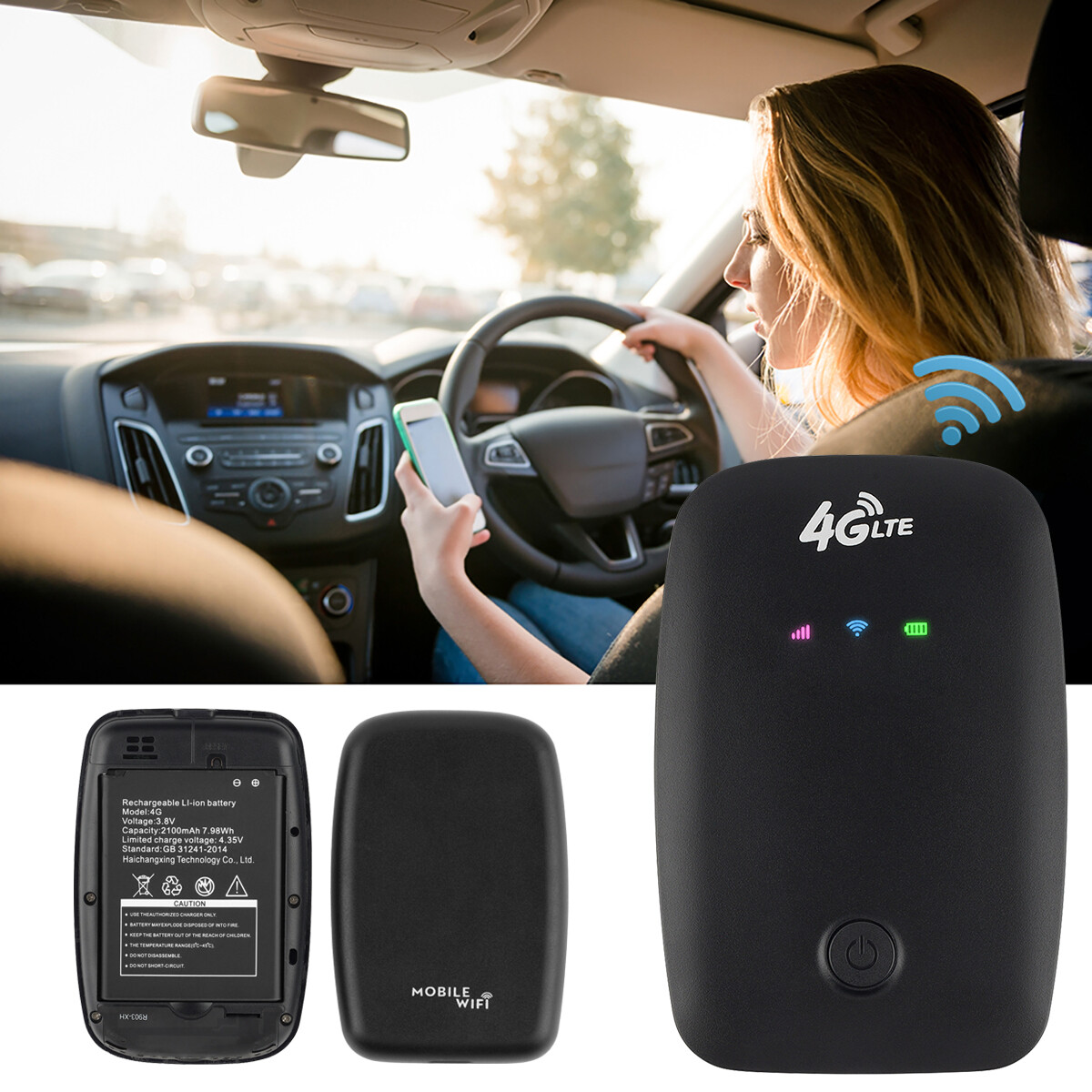

Photos from current listings. Actual item, color, and included accessories may vary.
WiFi Router And Modem Buying Guide
A Wi-Fi router and modem combo defines whether your home network is bottlenecked by the incoming line or by the wireless gear broadcasting it. The core trade-off is integrated modem-router units (fewer boxes, ISP-tied) versus separate modem and router (upgrade flexibility, better placement). Buy integrated only when your ISP certifies the unit; otherwise pair a standalone DOCSIS 3.1 or fiber ONT modem with a Wi-Fi 6/6E router for the most durable, upgradeable path.
Key takeaways
- DOCSIS 3.1 modems support multi-gig downstream tiers; DOCSIS 3.0 caps practical plans around 1 Gbps and lacks upstream OFDMA for low-latency gaming.
- Wi-Fi 6 (802.11ax) adds OFDMA and 1024-QAM for congested homes; Wi-Fi 6E adds clean 6 GHz spectrum that avoids legacy 2.4/5 GHz interference.
- Separate modem + router allows placing the router centrally for coverage while the modem stays at the coax/fiber drop, avoiding a closet-mounted all-in-one.
At a glance
- Category
- Network Switches, Routers & Firewalls
- Last updated
- Nov 28, 2026
Current offers
Highlights
- DOCSIS 3.1 modems support multi-gig downstream tiers; DOCSIS 3.0 caps practical plans around 1 Gbps and lacks upstream OFDMA for low-latency gaming.
- Wi-Fi 6 (802.11ax) adds OFDMA and 1024-QAM for congested homes; Wi-Fi 6E adds clean 6 GHz spectrum that avoids legacy 2.4/5 GHz interference.
- Separate modem + router allows placing the router centrally for coverage while the modem stays at the coax/fiber drop, avoiding a closet-mounted all-in-one.
- 4G LTE/5G portable hotspots are bridge devices, not home routers: they top out at mobile-plan data caps and lack Ethernet LAN ports for wired backhaul.
Best use cases
- Cable-internet homes with plans above 1 Gbps: buy a DOCSIS 3.1 standalone modem plus a Wi-Fi 6E router; skip DOCSIS 3.0 all-in-ones.
- Apartment or rental with ISP-supplied gateway: replace only the router for better Wi-Fi, keep the ISP modem in bridge mode; skip buying a second modem.
- Mobile or travel connectivity: select an unlocked 4G LTE/5G hotspot with Ethernet tethering; skip it as a primary home router if you need multi-device wired LAN.
- Fiber-to-the-home: use the ISP ONT and a standalone Wi-Fi 6 router with 2.5GbE WAN; skip DOCSIS modems entirely—they are cable-only.
Buying tips
- Match modem standard to plan speed: DOCSIS 3.1 for plans above 1 Gbps, DOCSIS 3.0 only for sub-1 Gbps tiers with 32x8 channel bonding.
- Choose Wi-Fi 6E (6 GHz) over Wi-Fi 6 when you have 30+ devices or dense neighbor interference; 6 GHz delivers 160 MHz channels without DFS contention.
- Verify router WAN port speed: a 2.5GbE WAN is required to avoid throttling multi-gig cable or fiber plans above 1 Gbps.
- For mesh, ensure the router supports wired Ethernet backhaul; triband mesh with a dedicated 5 GHz or 6 GHz backhaul preserves client throughput.
Specs
| Modem Standard | DOCSIS 3.1 vs 3.0 / Fiber ONT |
|---|---|
| Wi-Fi Generation | Wi-Fi 6E / 6 / 5 (802.11ax/ac) |
| WAN Port Speed | 2.5GbE / 1GbE / 10GbE |
| Device Type | Modem-router combo / Separate / Hotspot |
Related searches
What to check before buying
- Measure the coax or fiber drop location and router placement distance—legacy RG6 coax and single-mode fiber dictate modem placement, not router placement.
- Confirm ISP-approved modem list: cable ISPs certify specific DOCSIS models, and uncertified units may refuse provisioning on the network.
- Check electrical: modems and routers use 12V DC barrel adapters; ensure outlet and UPS capacity at the drop location for both devices.
- For LTE/5G hotspots, confirm carrier band support (e.g., n41, n71, B12/B13) and that the SIM slot is unlocked for your carrier.
FAQ
Data sources: eBay / Amazon listings and product attribute feeds. Updated Nov 28, 2026.
Some links on this page are affiliate links. If you buy after clicking one, we may earn a commission at no extra cost to you. This does not change which products appear here or their order. Affiliate disclosure.