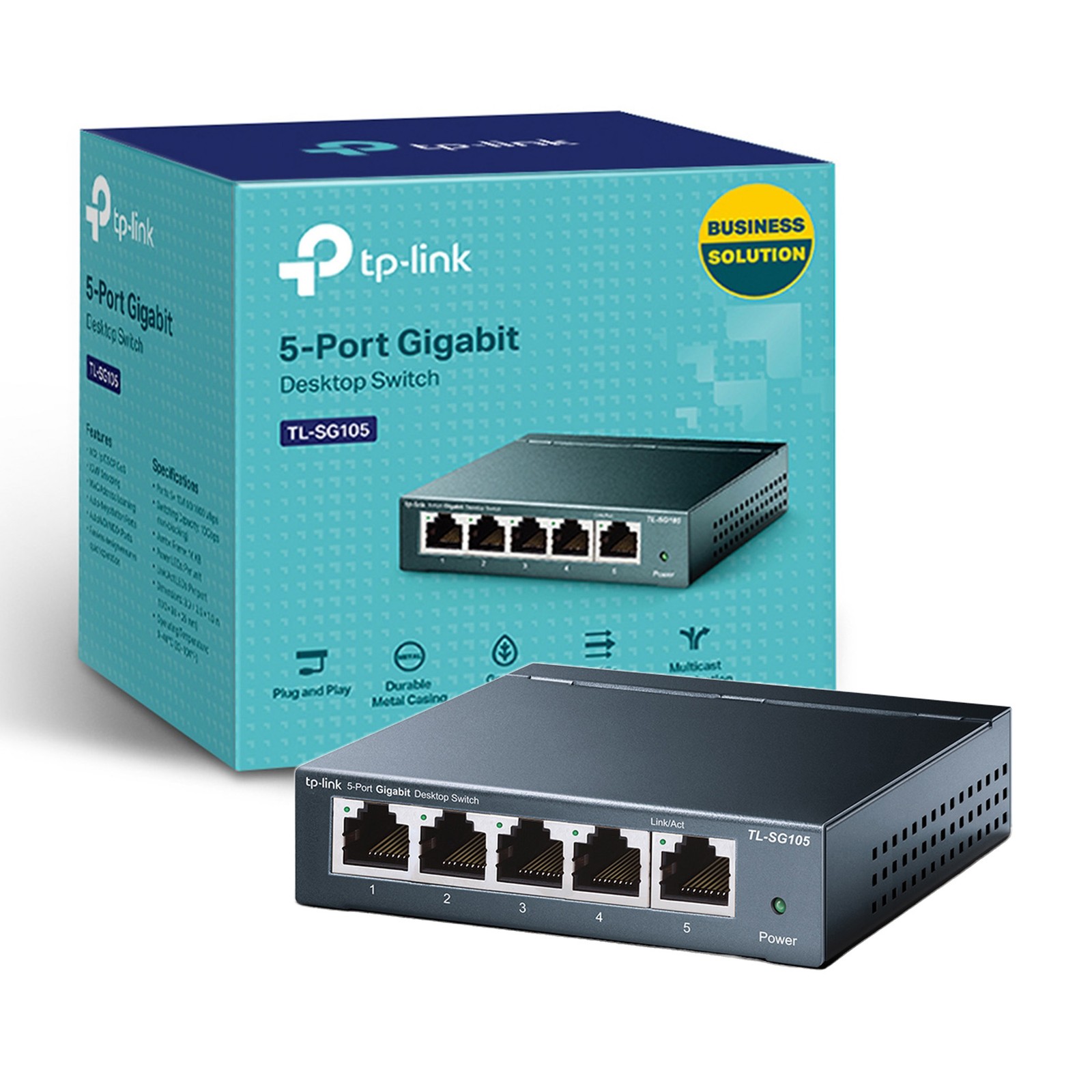

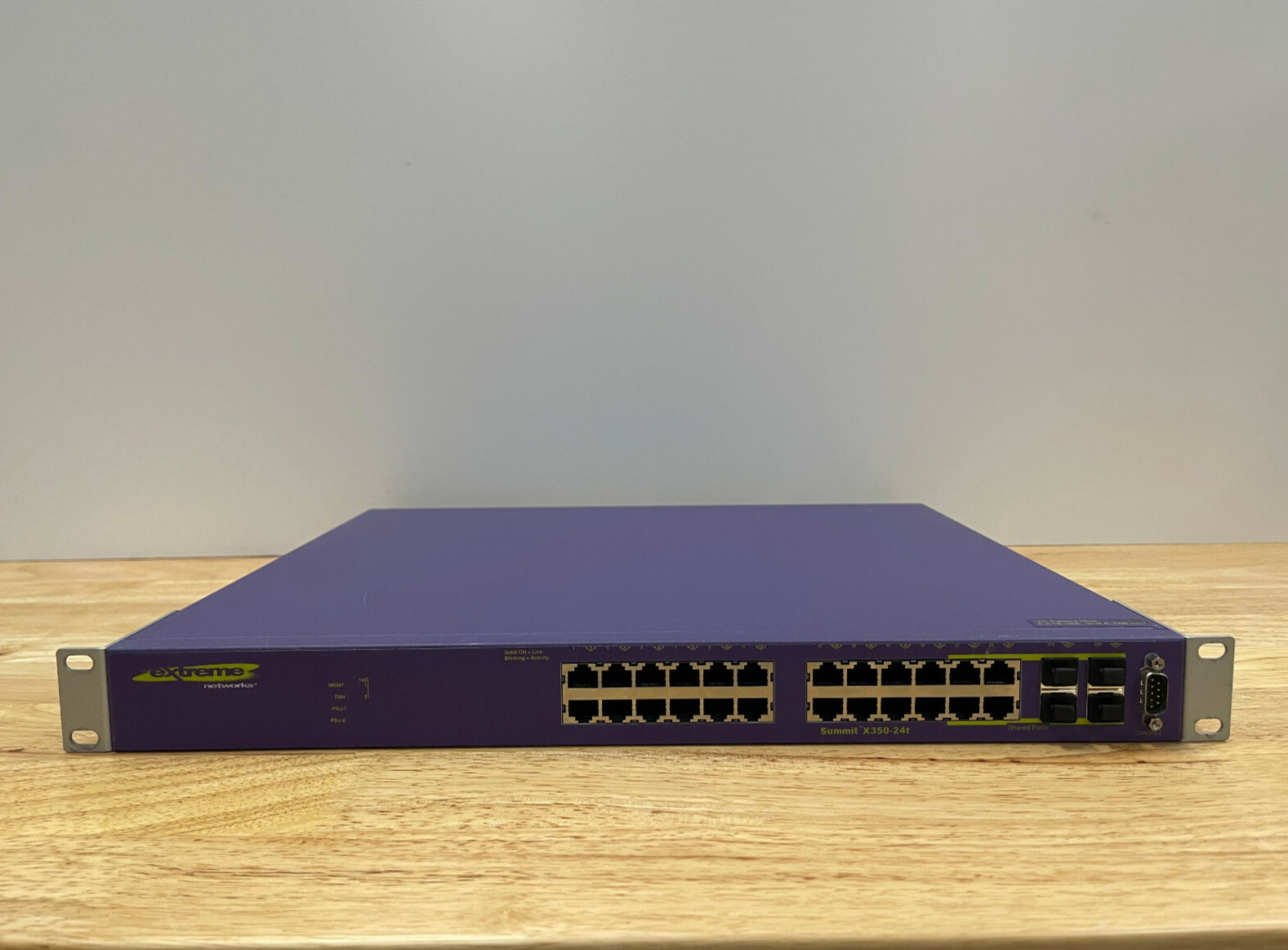
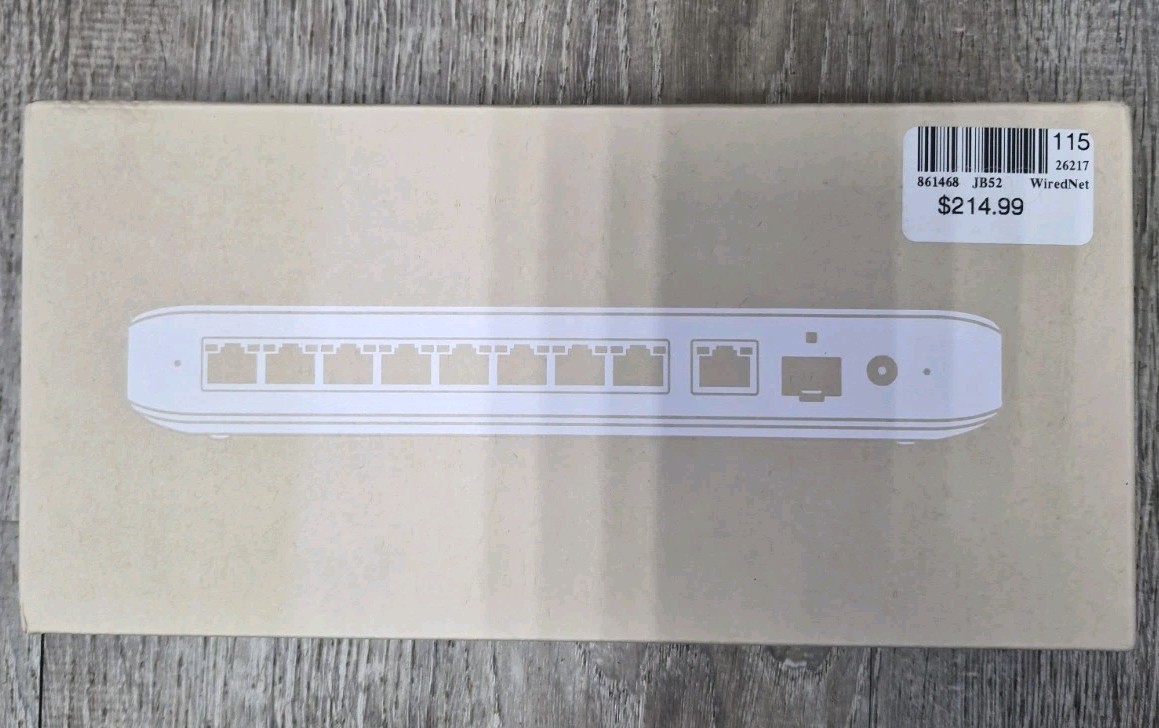
Photos from current listings. Actual item, color, and included accessories may vary.
Network Switch Buying Guide
A network switch is the central wired connectivity component that moves Ethernet frames between devices at Layer 2, and optionally routes at Layer 3. The primary trade-off is port speed and PoE budget versus management depth and thermal/noise behavior, with unmanaged metal desktop units at one end and managed rack switches at the other. Choose unmanaged if you only need more ports; choose managed with explicit VLAN and PoE budget if you need segmentation, power delivery, or monitoring.
Median $49.00
Key takeaways
- Unmanaged switches forward frames with no configuration; managed switches add VLANs, link aggregation, QoS, and often Layer 3 static routing or full management.
- Port speed tiers are 100 Mbps Fast Ethernet, 1 Gbps Gigabit, and 2.5/5/10 Gbps Multi-Gig; 2.5G is the current baseline for Wi-Fi 6/6E/7 access points and NAS.
- PoE standards are 802.3af (15.4 W per port), 802.3at (30 W), and 802.3bt (60/90 W); the switch's total PoE budget, not per-port wattage, determines how many devices run.
At a glance
- Category
- Network Switches, Routers & Firewalls
- Last updated
- Nov 25, 2026
Current offers
Highlights
- Unmanaged switches forward frames with no configuration; managed switches add VLANs, link aggregation, QoS, and often Layer 3 static routing or full management.
- Port speed tiers are 100 Mbps Fast Ethernet, 1 Gbps Gigabit, and 2.5/5/10 Gbps Multi-Gig; 2.5G is the current baseline for Wi-Fi 6/6E/7 access points and NAS.
- PoE standards are 802.3af (15.4 W per port), 802.3at (30 W), and 802.3bt (60/90 W); the switch's total PoE budget, not per-port wattage, determines how many devices run.
- Metal fanless housings suit desktops and closets; rack switches with fans need 1U clearance and airflow, and SFP/SFP+ uplinks are needed for fiber runs beyond 100 m.
Best use cases
- Home or small office adding ports: pick a fanless unmanaged 5- or 8-port Gigabit metal switch; skip managed models unless you need VLANs or PoE.
- Wi-Fi 6/7 access points or PoE cameras: pick a managed or unmanaged switch with 802.3at/bt and a total budget covering all ports (e.g., 4 cameras at 15 W needs 60 W+ headroom); skip 802.3af-only units.
- Multi-room or multi-building wiring: pick a switch with SFP/SFP+ uplinks and VLAN support; skip desktop unmanaged units if runs exceed 100 m or you need segmentation.
- Business core or aggregation: pick a 24/48-port managed Layer 2+/Layer 3 rack switch with dual power and redundant uplinks; skip 100 Mbps units if any endpoint is Gigabit or faster.
Buying tips
- Count ports including uplinks, then add 20-30% headroom; an 8-port switch yields 7 usable ports if one uplink is used.
- Match PoE standard to device class: 802.3af for phones and basic APs, 802.3at for Wi-Fi 6 APs and PTZ cameras, 802.3bt for high-power APs and heated domes.
- For runs over 100 m or between buildings, require SFP/SFP+ slots and use fiber; copper Ethernet is limited to 100 m per segment.
- If you need VLANs, link aggregation, or port mirroring, buy a managed switch; unmanaged units cannot be upgraded to management.
Specs
| Port Speed | 100 Mbps / 1G / 2.5G / 10G |
|---|---|
| Management | Unmanaged vs Managed L2/L3 |
| PoE Standard | 802.3af / at / bt (budget W) |
| Form Factor | Desktop fanless vs 1U rack |
Related searches
What to check before buying
- Measure your rack or shelf: rack switches need 1U (44.45 mm) height and 19-inch width; desktop units need clearance for cables and airflow.
- Confirm power: PoE switches need a grounded outlet and total budget headroom; check voltage (100-240 V AC) and plug type for your region.
- Verify cabling: Cat5e supports 1G to 100 m, Cat6/6a needed for 2.5G/5G/10G; fiber uplinks require matching SFP modules and connector types.
- Check noise and heat: fanless units are silent but warm; fan-cooled rack switches need ventilation and may be unsuitable for bedrooms or small closets.
FAQ
Data sources: eBay / Amazon listings and product attribute feeds. Updated Nov 25, 2026.
Some links on this page are affiliate links. If you buy after clicking one, we may earn a commission at no extra cost to you. This does not change which products appear here or their order. Affiliate disclosure.