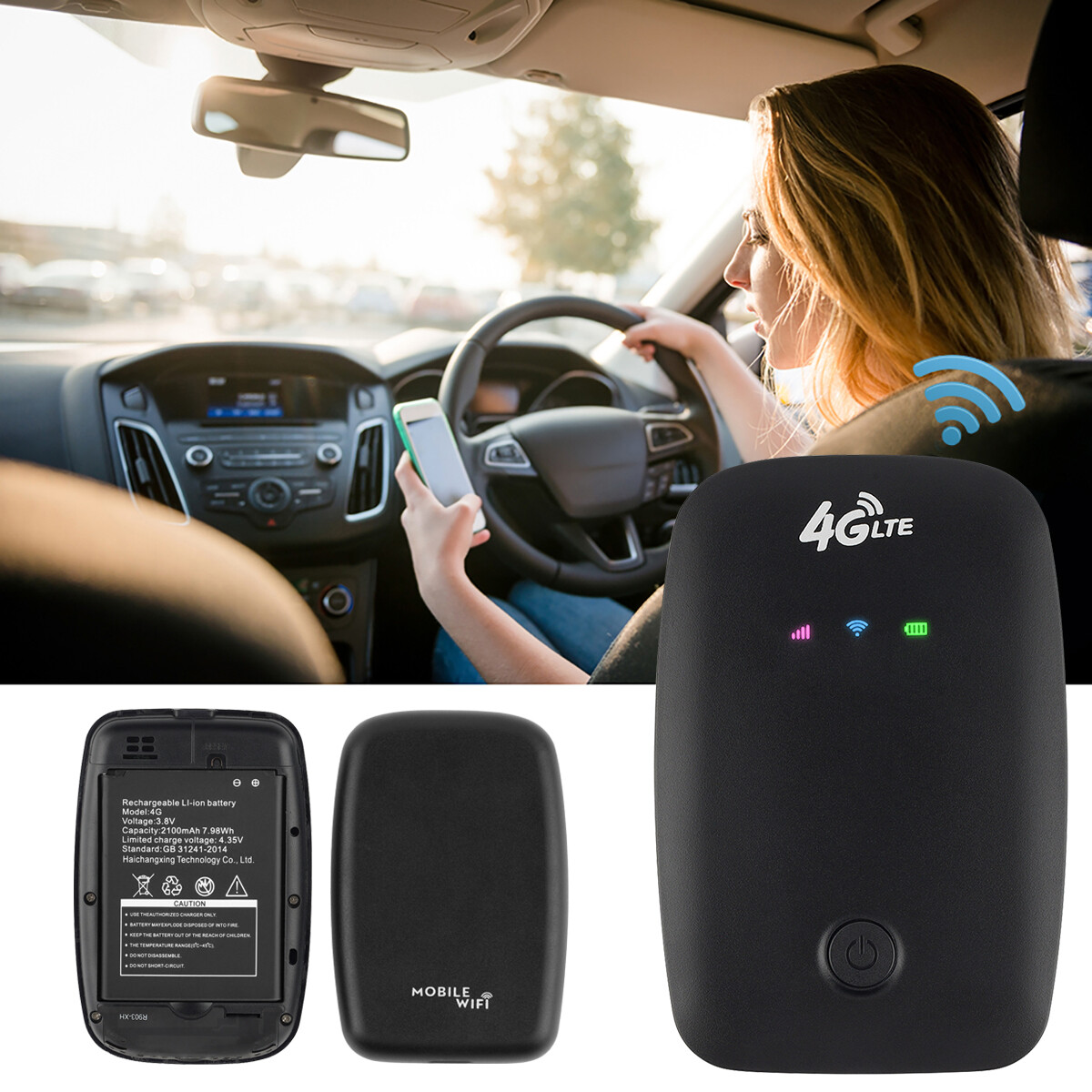

Photos from current listings. Actual item, color, and included accessories may vary.
WiFi Router Buying Guide
A WiFi router is the central hub that directs traffic between your modem and every device on your network, and the primary trade-off is between raw throughput and real-world coverage reliability. Buyers must choose between current-gen WiFi 7 / WiFi 6E tri-band mesh systems and older WiFi 5 or WiFi 6 dual-band units that may lack the antenna chains and backhaul for multi-room homes. The clear decision rule: pick a router rated for at least your square footage with a dedicated backhaul or wired Ethernet port for mesh, and skip plastic single-unit extenders if you need more than two rooms of coverage.
Key takeaways
- WiFi generation tiers: WiFi 7 (802.11be) adds 6 GHz and MLO for multi-gig; WiFi 6E adds 6 GHz only; WiFi 6 is dual-band and lacks 6 GHz.
- Antenna configuration matters more than marketing speed: 4x4 MIMO on 5 GHz gives far better long-range throughput than 2x2, even at the same top-line rating.
- Plastic housings are standard, but internal heatsinks and venting determine stability under sustained load; avoid sealed fanless enclosures for multi-gig routing.
At a glance
- Category
- Network Switches, Routers & Firewalls
- Last updated
- Nov 28, 2026
Current offers
Highlights
- WiFi generation tiers: WiFi 7 (802.11be) adds 6 GHz and MLO for multi-gig; WiFi 6E adds 6 GHz only; WiFi 6 is dual-band and lacks 6 GHz.
- Antenna configuration matters more than marketing speed: 4x4 MIMO on 5 GHz gives far better long-range throughput than 2x2, even at the same top-line rating.
- Plastic housings are standard, but internal heatsinks and venting determine stability under sustained load; avoid sealed fanless enclosures for multi-gig routing.
- Wired backhaul via Ethernet or MoCA beats wireless mesh backhaul every time for latency and sustained throughput, so prioritize routers with at least one 2.5GbE LAN port.
Best use cases
- Best fit for a 2,500–4,000 sq ft home with many devices: a tri-band WiFi 6E or WiFi 7 mesh system with a dedicated 6 GHz backhaul; skip single-unit dual-band routers.
- Best fit for gaming and low-latency: a WiFi 6 or WiFi 7 router with 2.5GbE WAN/LAN ports and wired console/PC connections; skip WiFi 5 units and wireless-only extenders.
- Best fit for long-range single-story or yard coverage: a 4x4 MIMO router with external antennas or an outdoor-rated access point; skip compact 2x2 travel routers for primary home use.
- Wrong fit: a 4G LTE portable hotspot or a 1200Mbps range extender as your primary router — these are secondary devices, not replacements for a wired modem-to-router setup.
Buying tips
- Match router square-footage rating to your home: a single unit typically covers 1,500–2,500 sq ft; add a mesh node for every additional 1,000–1,500 sq ft or for each floor.
- For multi-gig internet (above 1 Gbps), choose a router with a 2.5GbE or 10GbE WAN port; a 1GbE port caps your throughput regardless of WiFi rating.
- Prioritize WiFi 6E or WiFi 7 if you have many 6 GHz-capable devices or live in a dense apartment; 6 GHz avoids congestion, but its range is shorter than 5 GHz.
- Check the router's DOCSIS or modem compatibility: a DOCSIS 3.1 cable modem router like the ARRIS G54 replaces a separate modem, while standard routers need an existing modem.
Specs
| WiFi Standard | WiFi 7 / 6E / 6 / 5 |
|---|---|
| Frequency Bands | Tri-band (6+5+2.4 GHz) vs Dual-band |
| WAN/LAN Ports | 2.5GbE / 1GbE / Gigabit |
| Antenna Config | 4x4 MIMO vs 2x2 MIMO |
Related searches
What to check before buying
- Measure your home's square footage and count floors; a single router covers one floor well, but two or more floors need a mesh node or wired access point.
- Confirm your internet plan speed and modem output: if you pay for 1 Gbps or more, the router's WAN port must be 2.5GbE or faster to avoid a bottleneck.
- Verify you have an available Ethernet jack near the router for wired backhaul or modem connection; coaxial-only homes need MoCA adapters or a DOCSIS router.
- Check device WiFi generations: if most of your phones and laptops are WiFi 6 or older, a WiFi 6E router still helps via 6 GHz backhaul but won't upgrade client speeds.
FAQ
Data sources: eBay / Amazon listings and product attribute feeds. Updated Nov 28, 2026.
Some links on this page are affiliate links. If you buy after clicking one, we may earn a commission at no extra cost to you. This does not change which products appear here or their order. Affiliate disclosure.