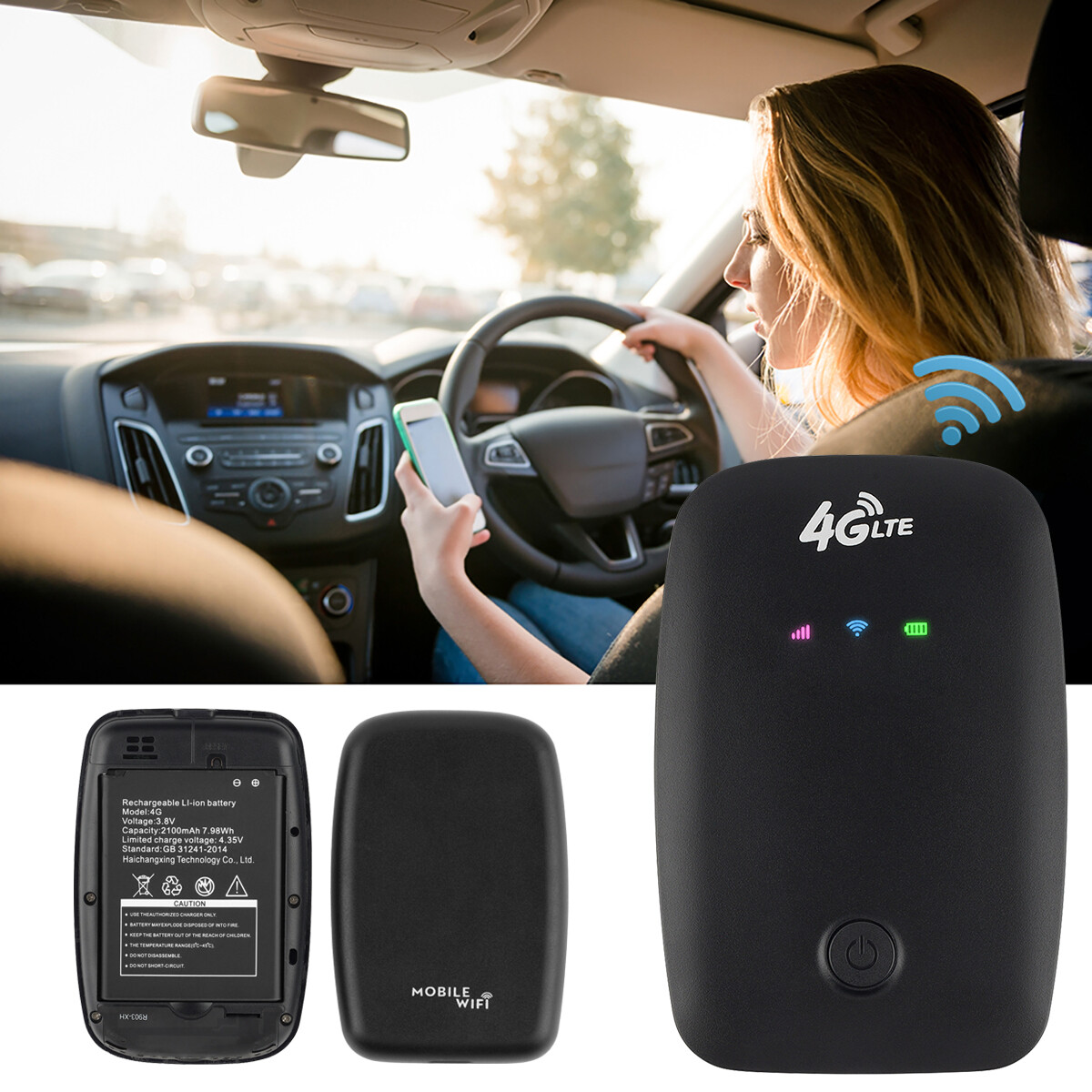

Photos from current listings. Actual item, color, and included accessories may vary.
WiFi Modem Router Buying Guide
A WiFi modem router is an all-in-one device that combines a broadband modem (cable, DSL, or 4G/5G cellular) with a WiFi router and often a built-in switch, simplifying home networks into a single box. The core trade-off is integrated convenience versus modular flexibility: combo units save space but lock you into one modem standard and often weaker WiFi components, while separate modem and router setups cost more and take two outlets. The clear decision rule is to buy a combo only when your ISP technology matches the modem type exactly (DOCSIS 3.1 for cable, VDSL for DSL, Cat 4/5 for LTE) and the unit explicitly supports the WiFi generation and throughput tier you need; otherwise choose a separate modem and router.
Key takeaways
- Modem generation is the hard ceiling: DOCSIS 3.1 cable modems support multi-gig plans while DOCSIS 3.0 tops out around 1 Gbps down and cannot be upgraded by the router side.
- WiFi tier determines real throughput and device capacity: WiFi 5 (802.11ac) handles up to roughly 1 Gbps aggregate, WiFi 6 (AX) adds OFDMA and 1024-QAM for dense homes, and WiFi 6E/7 adds 6 GHz spectrum.
- Cellular combo routers are classified by LTE category: Cat 4 peaks near 150 Mbps down, Cat 6 near 300 Mbps, and Cat 12+ supports carrier aggregation for faster mobile broadband.
At a glance
- Category
- Network Switches, Routers & Firewalls
- Last updated
- Nov 28, 2026
Current offers
Highlights
- Modem generation is the hard ceiling: DOCSIS 3.1 cable modems support multi-gig plans while DOCSIS 3.0 tops out around 1 Gbps down and cannot be upgraded by the router side.
- WiFi tier determines real throughput and device capacity: WiFi 5 (802.11ac) handles up to roughly 1 Gbps aggregate, WiFi 6 (AX) adds OFDMA and 1024-QAM for dense homes, and WiFi 6E/7 adds 6 GHz spectrum.
- Cellular combo routers are classified by LTE category: Cat 4 peaks near 150 Mbps down, Cat 6 near 300 Mbps, and Cat 12+ supports carrier aggregation for faster mobile broadband.
- Port and antenna counts reveal actual wired capacity: look for Gigabit Ethernet LAN ports (not 10/100) and 4x4 MIMO external antennas for stable multi-room coverage.
Best use cases
- Choose a DOCSIS 3.1 cable modem router combo if your ISP is a cable provider and you want one device for plans up to 1 Gbps; skip it for fiber or DSL service where the modem type is incompatible.
- Choose a 4G LTE Cat 6 or higher unlocked router with SIM slot for temporary or rural internet where wired broadband is unavailable; skip Cat 4 units if you need more than about 100 Mbps sustained.
- Choose a VDSL/ADSL modem router for DSL lines in older homes; skip it if your line is fiber-to-the-home, which requires an ONT and a separate router.
- Choose a separate modem plus a WiFi 6 mesh router when you have a large multi-story home or many devices; skip all-in-one combos if you need advanced VLANs, multi-gig LAN, or frequent firmware updates.
Buying tips
- Match the modem standard to your ISP exactly: DOCSIS 3.1 for cable, VDSL2/ADSL2+ for DSL, and confirm the LTE bands (B2/B4/B5/B12/B13/B66/B71) your carrier uses before buying an unlocked cellular router.
- For homes above roughly 2,000 sq ft or with more than 20 connected devices, prefer WiFi 6 (AX3000+) or a separate router rather than a WiFi 5 combo.
- Verify Gigabit LAN ports: a combo with only 10/100 Ethernet ports caps wired devices near 95 Mbps regardless of WiFi speed.
- Check that the router supports the WAN type your ISP requires (DHCP, PPPoE, static IP) and that the cellular model is truly unlocked, not carrier-locked firmware.
Specs
| Modem Type | DOCSIS 3.1 / VDSL / 4G LTE |
|---|---|
| WiFi Standard | WiFi 5 (AC) / WiFi 6 (AX) |
| LAN Ports | Gigabit Ethernet (10/100/1000) |
| Cellular Category | Cat 4 / Cat 6 / Cat 12+ |
Related searches
What to check before buying
- Confirm your ISP technology and plan speed, then verify the combo's modem standard and maximum downstream rating exceed your plan.
- Measure your home footprint and count devices; combos with 2x2 antennas suit apartments, while 4x4 or mesh is needed above about 2,000 sq ft.
- For cellular models, verify the SIM form factor (nano/micro) and supported LTE bands against your carrier's coverage map.
- Check the power adapter voltage and plug type for your region, and confirm the package includes Ethernet cable and SIM adapter if needed.
FAQ
Data sources: eBay / Amazon listings and product attribute feeds. Updated Nov 28, 2026.
Some links on this page are affiliate links. If you buy after clicking one, we may earn a commission at no extra cost to you. This does not change which products appear here or their order. Affiliate disclosure.