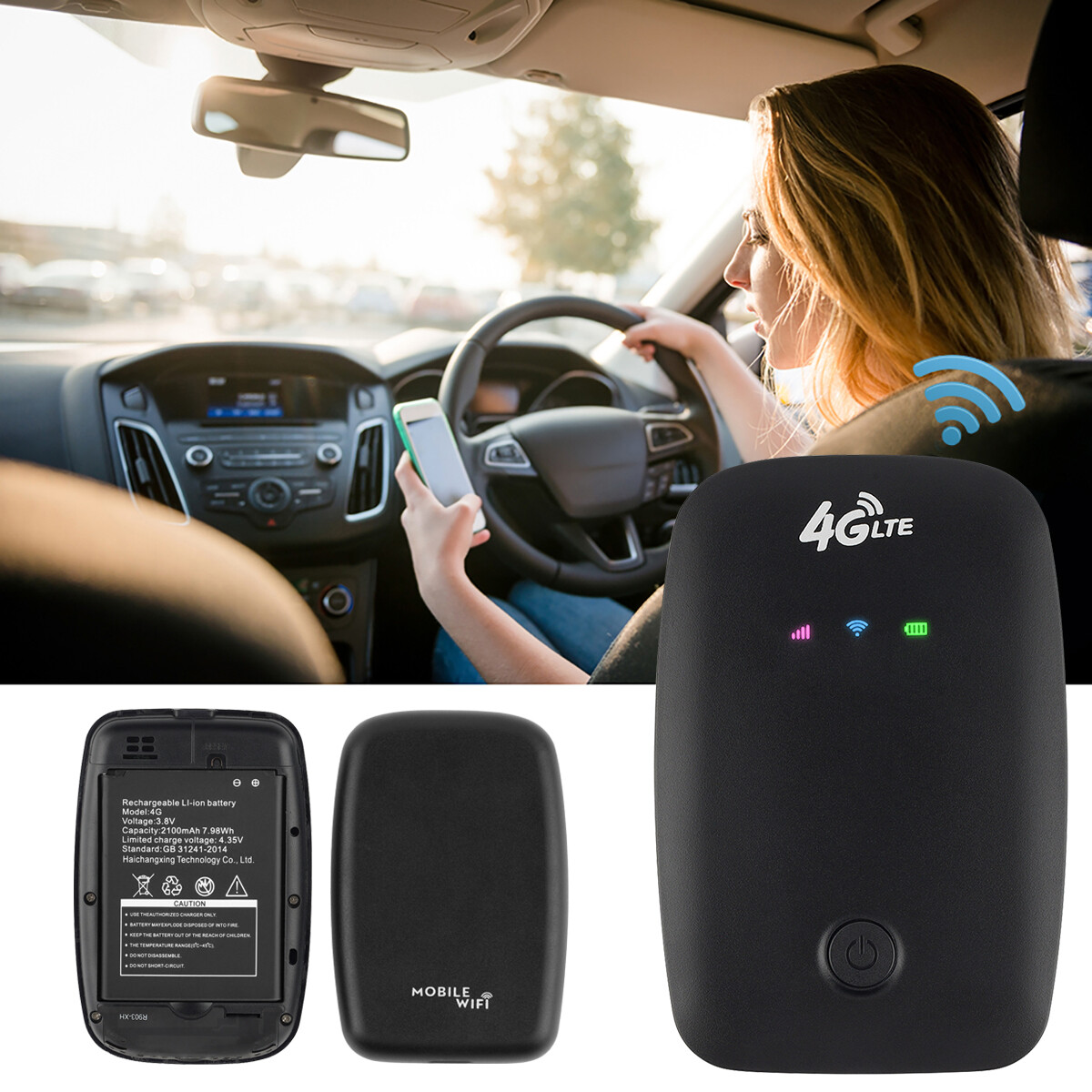

Photos from current listings. Actual item, color, and included accessories may vary.
WiFi 6 Router Buying Guide
WiFi 6 routers (802.11ax) deliver higher throughput, lower latency, and better multi-device handling than WiFi 5, but real-world performance is dictated by antenna configuration, radio stream count, and processor headroom rather than marketing labels. The primary trade-off is between entry-level dual-band models that serve small homes and tri-band models with 6 GHz support (WiFi 6E) that sustain throughput in dense environments. The decision rule: choose a router whose stream count and band configuration match your device count and square footage; skip any model that lacks 160 MHz channel support or WPA3.
Key takeaways
- Stream count is the primary throughput limiter: 2x2 models cap at ~1.2 Gbps real-world; 4x4 and tri-band models sustain 2 Gbps+ across simultaneous clients.
- WiFi 6E adds a 6 GHz band (up to 7×160 MHz channels) for backhaul and clutter-free client traffic; WiFi 6 routers are dual-band only.
- WPA3 encryption and OFDMA are mandatory WiFi 6 features; routers lacking WPA3 support are non-compliant with the standard.
At a glance
- Category
- Network Switches, Routers & Firewalls
- Last updated
- Nov 28, 2026
Current offers
Highlights
- Stream count is the primary throughput limiter: 2x2 models cap at ~1.2 Gbps real-world; 4x4 and tri-band models sustain 2 Gbps+ across simultaneous clients.
- WiFi 6E adds a 6 GHz band (up to 7×160 MHz channels) for backhaul and clutter-free client traffic; WiFi 6 routers are dual-band only.
- WPA3 encryption and OFDMA are mandatory WiFi 6 features; routers lacking WPA3 support are non-compliant with the standard.
- 160 MHz channel support doubles per-stream bandwidth; 80 MHz-only models restrict throughput even when client hardware supports 160 MHz.
Best use cases
- Choose a 2x2 dual-band WiFi 6 router for apartments under 1,200 sq ft with fewer than 15 devices; skip tri-band models unless you need dedicated backhaul.
- Choose a tri-band WiFi 6E router for homes over 2,000 sq ft or 30+ devices; skip if your clients lack 6 GHz radios—dual-band WiFi 6 is sufficient.
- Use a 4x4 router as a wired access point in mesh-capable homes to maximize backhaul; skip mesh kits if Ethernet runs are feasible—wired backhaul beats wireless.
- Skip WiFi 6 routers with only 80 MHz channel support if you stream 4K or run NAS transfers; 160 MHz is required for sustained multi-gigabit LAN-WAN throughput.
Buying tips
- Match total stream count to device load: 2x2 for ≤15 devices, 4x4 for 15–30, and 8x8 or tri-band for 30+; each WiFi 6 stream adds ~600 Mbps PHY rate.
- Ensure 160 MHz channel support on both 5 GHz and 6 GHz (if applicable); 80 MHz-only routers halve peak throughput and bottleneck modern laptops.
- For homes over 2,000 sq ft, select a router with a dedicated backhaul radio or 2.5 GbE WAN/LAN port to avoid LAN-side bottlenecks.
- Prefer models with external antennas and explicit beamforming; internal-antenna ultra-compact routers compromise range and MU-MIMO effectiveness.
Specs
| WiFi Standard | 802.11ax (WiFi 6) / 6E (6 GHz) |
|---|---|
| Stream Configuration | 2x2 / 4x4 / 8x8 (MIMO) |
| Channel Width | 80 MHz / 160 MHz (5 GHz & 6 GHz) |
| WAN/LAN Port Speed | 1 GbE / 2.5 GbE / 10 GbE |
Related searches
What to check before buying
- Measure your home's square footage and count walls between router and far rooms; routers without external antennas or mesh support often fail beyond 1,500 sq ft.
- Confirm your ISP plan speed: 2.5 GbE WAN ports are required to exceed 1 Gbps; 1 GbE ports cap throughput at ~940 Mbps.
- Verify client devices support WiFi 6 (802.11ax) and WPA3; older devices fall back to WiFi 5 speeds and may not benefit from the upgrade.
- Check for a 2.5 GbE LAN port if you use a NAS or wired PC; most entry WiFi 6 routers provide only 1 GbE LAN ports.
FAQ
Data sources: eBay / Amazon listings and product attribute feeds. Updated Nov 28, 2026.
Some links on this page are affiliate links. If you buy after clicking one, we may earn a commission at no extra cost to you. This does not change which products appear here or their order. Affiliate disclosure.