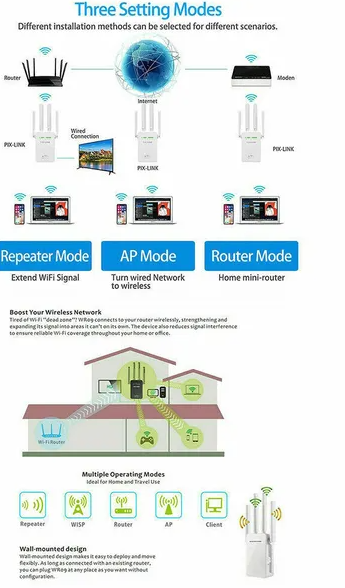

Photos from current listings. Actual item, color, and included accessories may vary.
Router WiFi 6 Buying Guide
WiFi 6 (802.11ax) routers improve real-world throughput and congestion handling over WiFi 5 by adding OFDMA, MU-MIMO, and 1024-QAM, but the biggest variable is antenna design and WAN/LAN port speed. The core trade-off is between older 80 MHz dual-band designs with gigabit ports and newer 160 MHz tri-band models with 2.5GbE; buy tri-band only if you have 160 MHz-capable clients and multi-gig internet. Choose a model with at least 4x4 on 5 GHz and 2.5GbE WAN if you want headroom; skip 2x2 single-band units if you have more than 20 devices.
Median $39.99
Key takeaways
- WiFi 6 uses OFDMA and 1024-QAM; 160 MHz channels double peak 5 GHz throughput but require DFS support and reduce range.
- Tri-band AX routers add a dedicated 5 GHz backhaul or 6 GHz band (WiFi 6E) to separate mesh traffic from client traffic.
- 2.5GbE WAN/LAN ports prevent gigabit-plus internet plans from bottlenecking at the router's 1GbE LAN ports.
At a glance
- Category
- Network Switches, Routers & Firewalls
- Last updated
- Nov 28, 2026
Current offers
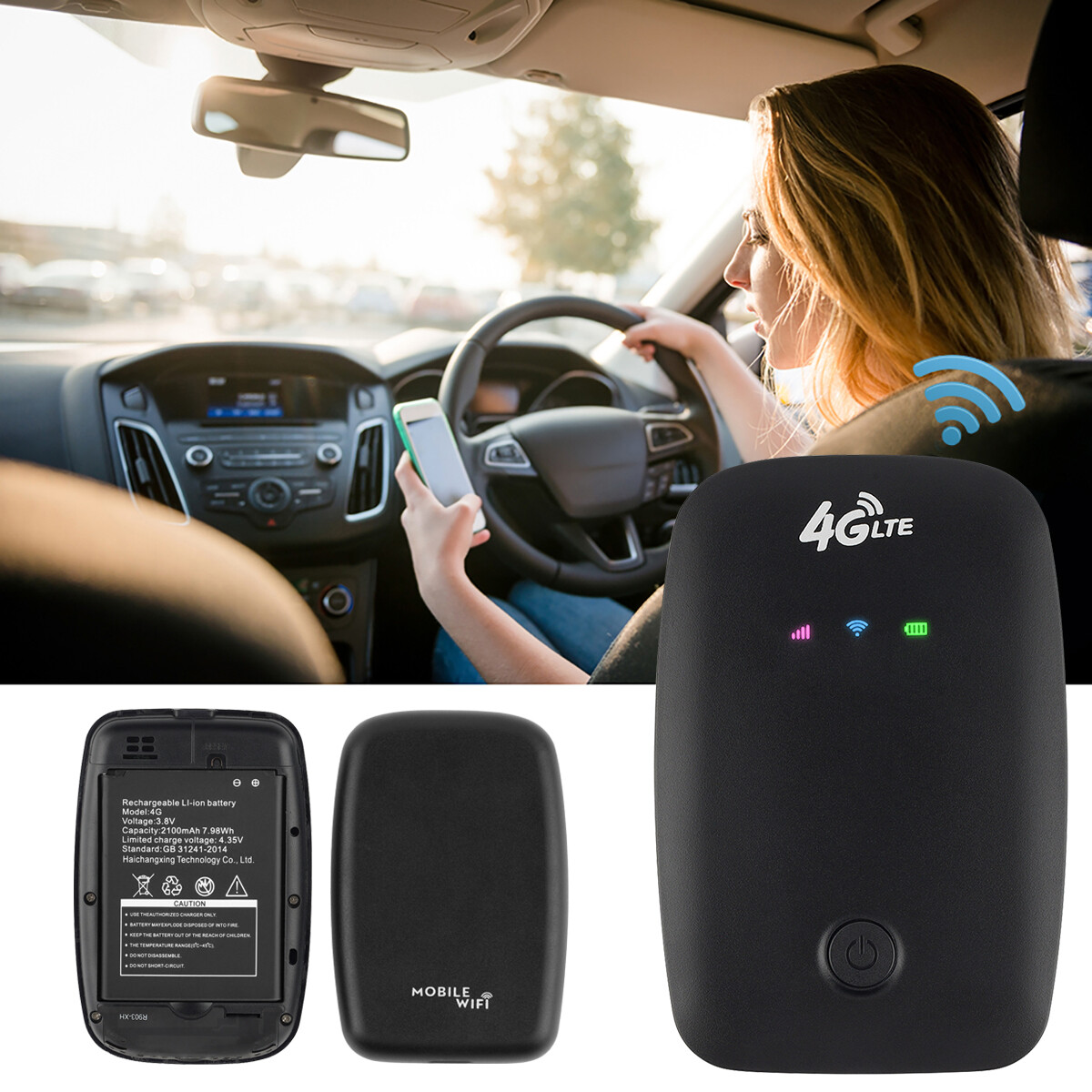
Highlights
- WiFi 6 uses OFDMA and 1024-QAM; 160 MHz channels double peak 5 GHz throughput but require DFS support and reduce range.
- Tri-band AX routers add a dedicated 5 GHz backhaul or 6 GHz band (WiFi 6E) to separate mesh traffic from client traffic.
- 2.5GbE WAN/LAN ports prevent gigabit-plus internet plans from bottlenecking at the router's 1GbE LAN ports.
- 4x4 MU-MIMO on 5 GHz delivers roughly double the spatial streams of 2x2 designs, improving multi-client capacity.
Best use cases
- Best fit: 3+ bedroom homes with 30+ devices and 1 Gbps+ internet — pick a tri-band AX router with 2.5GbE WAN and 4x4 5 GHz.
- Best fit: apartments under 1,200 sq ft with 15–25 devices — a dual-band AX3000-class router with 4x4 5 GHz is sufficient; skip tri-band.
- Wrong fit: Gigabit fiber homes buying an AX1800 2x2 router — the 1GbE LAN ports and 2x2 5 GHz cap real throughput below plan speed.
- Wrong fit: large multi-floor homes relying on a single router — use a mesh system with dedicated backhaul instead of a single high-power unit.
Buying tips
- Match WAN port to your internet plan: 2.5GbE WAN for plans above 1 Gbps; 1GbE WAN is fine for sub-gigabit plans.
- Prioritize 4x4 on 5 GHz over raw AX class numbers; AX3000 with 4x4 5 GHz outperforms AX5400 with 2x2 in dense client environments.
- For mesh, choose tri-band with a dedicated 5 GHz or 6 GHz backhaul; dual-band mesh halve client throughput per hop.
- Confirm 160 MHz support and DFS channels if you want peak 5 GHz throughput; 80 MHz-only models cap at roughly half the PHY rate.
Specs
| WiFi Standard | 802.11ax (WiFi 6) / 6E tri-band |
|---|---|
| 5 GHz Streams | 2x2 or 4x4 MU-MIMO |
| WAN Port | 1GbE or 2.5GbE |
| Channel Width | 80 MHz or 160 MHz (DFS) |
Related searches
What to check before buying
- Measure your home's square footage and wall count; a single router covers roughly 1,500–2,000 sq ft open-plan, less through masonry.
- Verify your ISP's WAN handoff type (DHCP, PPPoE, VLAN tagging) and that the router supports it natively.
- Confirm you have 160 MHz-capable clients (WiFi 6 laptops/phones) before paying for tri-band or 160 MHz features.
- Check physical placement: central, elevated, away from metal and appliances; Ethernet backhaul is required for reliable mesh performance.
FAQ
Data sources: eBay / Amazon listings and product attribute feeds. Updated Nov 28, 2026.
Some links on this page are affiliate links. If you buy after clicking one, we may earn a commission at no extra cost to you. This does not change which products appear here or their order. Affiliate disclosure.