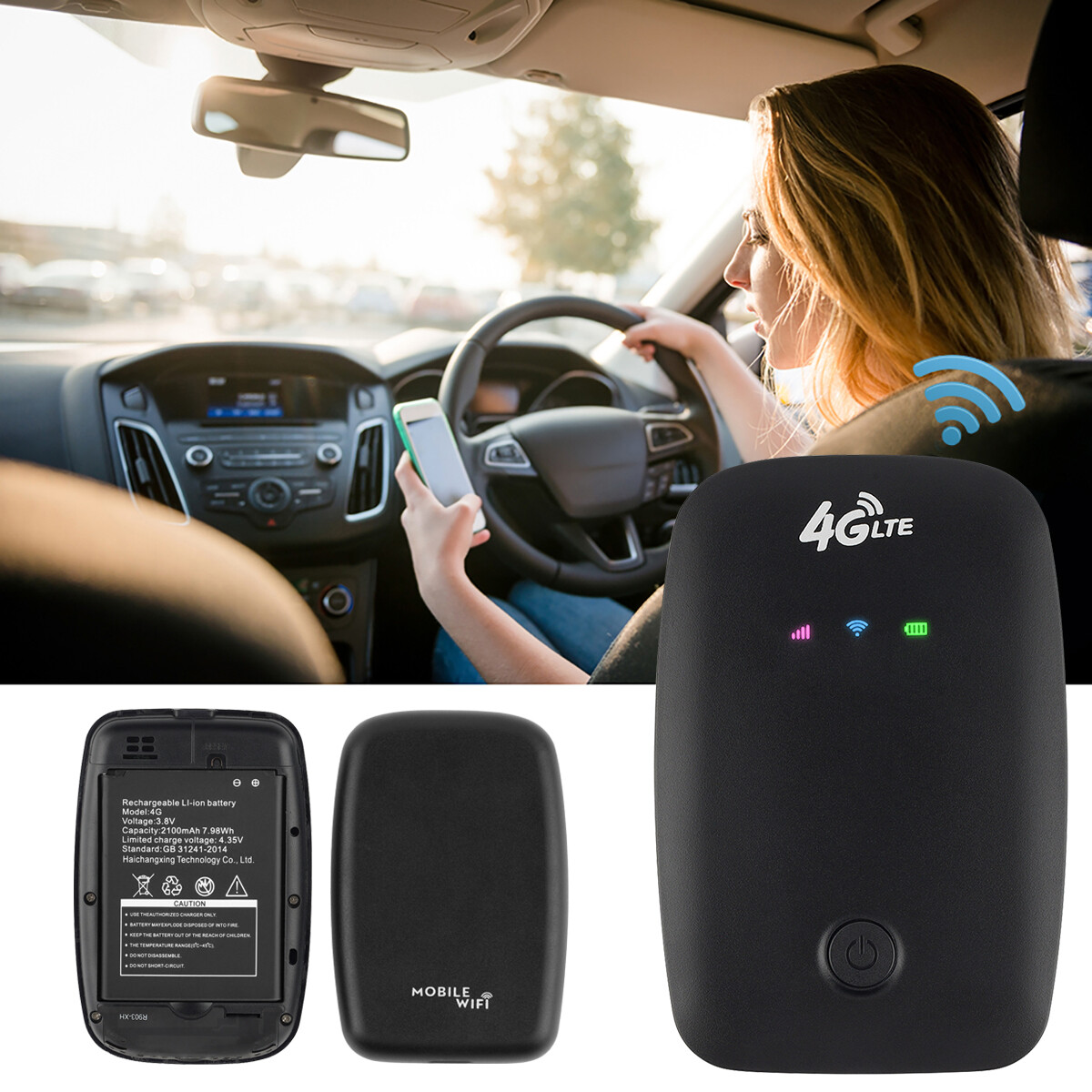

Photos from current listings. Actual item, color, and included accessories may vary.
Router Compatible With Spectrum Buying Guide
A Spectrum-compatible router is any Wi-Fi router that connects to Spectrum's cable modem via Ethernet and authenticates over standard DHCP — no proprietary handshake is required. The real decision is whether to use Spectrum's leased all-in-one gateway or buy a standalone router, which hinges on modem compatibility, WAN port speed for your plan tier, and Wi-Fi generation. Buy a router with a Gigabit or 2.5GbE WAN port and Wi-Fi 6 if you own your modem; skip budget single-band or DOCSIS-built-in units that duplicate Spectrum's modem and cap your plan speed.
Median $115.50
Key takeaways
- Spectrum Internet uses standard DHCP over coaxial cable; any router with an Ethernet WAN port works when paired with a separate DOCSIS 3.1 modem or Spectrum's modem in bridge mode.
- Spectrum's leased Advanced Home WiFi gateway combines modem and router; buying your own router means either using Spectrum's modem in bridge mode or owning a standalone DOCSIS 3.1 modem.
- Plan tiers up to 1 Gbps require a router with Gigabit WAN and LAN ports; multi-gig tiers need 2.5GbE WAN ports to avoid bottlenecking at the router.
At a glance
- Category
- Network Switches, Routers & Firewalls
- Last updated
- Nov 28, 2026
Current offers
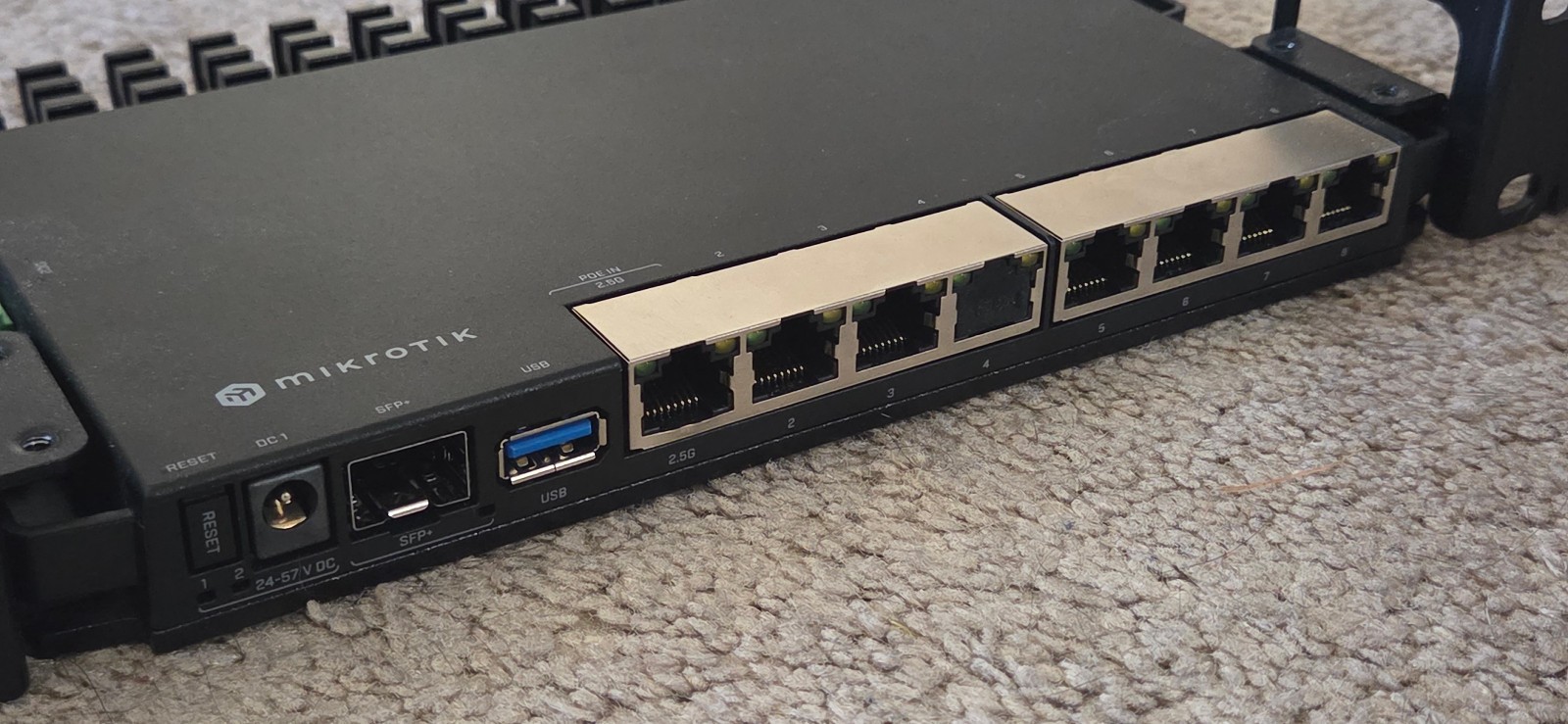
Highlights
- Spectrum Internet uses standard DHCP over coaxial cable; any router with an Ethernet WAN port works when paired with a separate DOCSIS 3.1 modem or Spectrum's modem in bridge mode.
- Spectrum's leased Advanced Home WiFi gateway combines modem and router; buying your own router means either using Spectrum's modem in bridge mode or owning a standalone DOCSIS 3.1 modem.
- Plan tiers up to 1 Gbps require a router with Gigabit WAN and LAN ports; multi-gig tiers need 2.5GbE WAN ports to avoid bottlenecking at the router.
- Wi-Fi 6 (802.11ax) routers handle dense multi-device homes better than Wi-Fi 5; Wi-Fi 7 adds 6GHz throughput but delivers marginal gains on Spectrum plans below 1 Gbps.
Best use cases
- Best fit: households on Spectrum 300–500 Mbps plans wanting better coverage and no lease fee — pick a Wi-Fi 6 router with Gigabit WAN, 4+ LAN ports, and external antennas; skip Wi-Fi 7 unless you have multi-gig service.
- Best fit: 1 Gbps+ Spectrum plans — choose a router with a 2.5GbE WAN port and Wi-Fi 6/6E to match plan speed; skip entry-level routers with 10/100 ports, which cap throughput at 100 Mbps.
- Best fit: renters or users who want zero configuration — keep Spectrum's leased gateway and add a mesh node or access point via Ethernet; skip buying a separate modem and router combo unless you want full control.
- Wrong fit: buying a DSL or fiber ONT router for Spectrum cable service — those WAN interfaces are incompatible; a cable-specific DOCSIS modem plus Ethernet router is the correct architecture.
Buying tips
- Match the WAN port to your plan: Gigabit Ethernet for plans up to 1 Gbps, 2.5GbE for multi-gig Spectrum tiers; a slower WAN port is the hard ceiling on your whole network.
- Use Spectrum's modem in bridge mode with your own router, or buy a DOCSIS 3.1 modem rated for your speed tier — never stack two routers doing NAT, which causes double NAT and breaks port forwarding.
- Choose Wi-Fi 6 (802.11ax) as the value baseline for 2x2 or 4x4 MIMO and OFDMA; Wi-Fi 5 is acceptable only for sub-300 Mbps plans or small apartments.
- For homes over 2,000 sq ft or multi-floor, prefer a mesh system or router with dedicated backhaul over a single high-power router; Ethernet backhaul beats wireless backhaul for stability.
Specs
| WAN Port | Gigabit Ethernet / 2.5GbE |
|---|---|
| Wi-Fi Standard | Wi-Fi 5 / 6 / 6E / 7 (802.11ax) |
| Modem Pairing | DOCSIS 3.1 + bridge mode |
| Coverage Tier | Single router 1,500-2,000 sq ft |
Related searches
What to check before buying
- Confirm your Spectrum plan speed and whether you lease a gateway or own a modem — this determines bridge mode vs standalone modem setup.
- Measure your home's square footage and wall count: one router covers roughly 1,500–2,000 sq ft openly; larger or multi-floor layouts need mesh.
- Verify the router has an Ethernet WAN port (RJ-45) and not only a coaxial or DSL WAN — Spectrum handoff is Ethernet from the modem.
- Check that the router's LAN ports are Gigabit or faster if you have wired devices like consoles or NAS, and confirm the power adapter matches US 120V outlets.
FAQ
Data sources: eBay / Amazon listings and product attribute feeds. Updated Nov 28, 2026.
Some links on this page are affiliate links. If you buy after clicking one, we may earn a commission at no extra cost to you. This does not change which products appear here or their order. Affiliate disclosure.