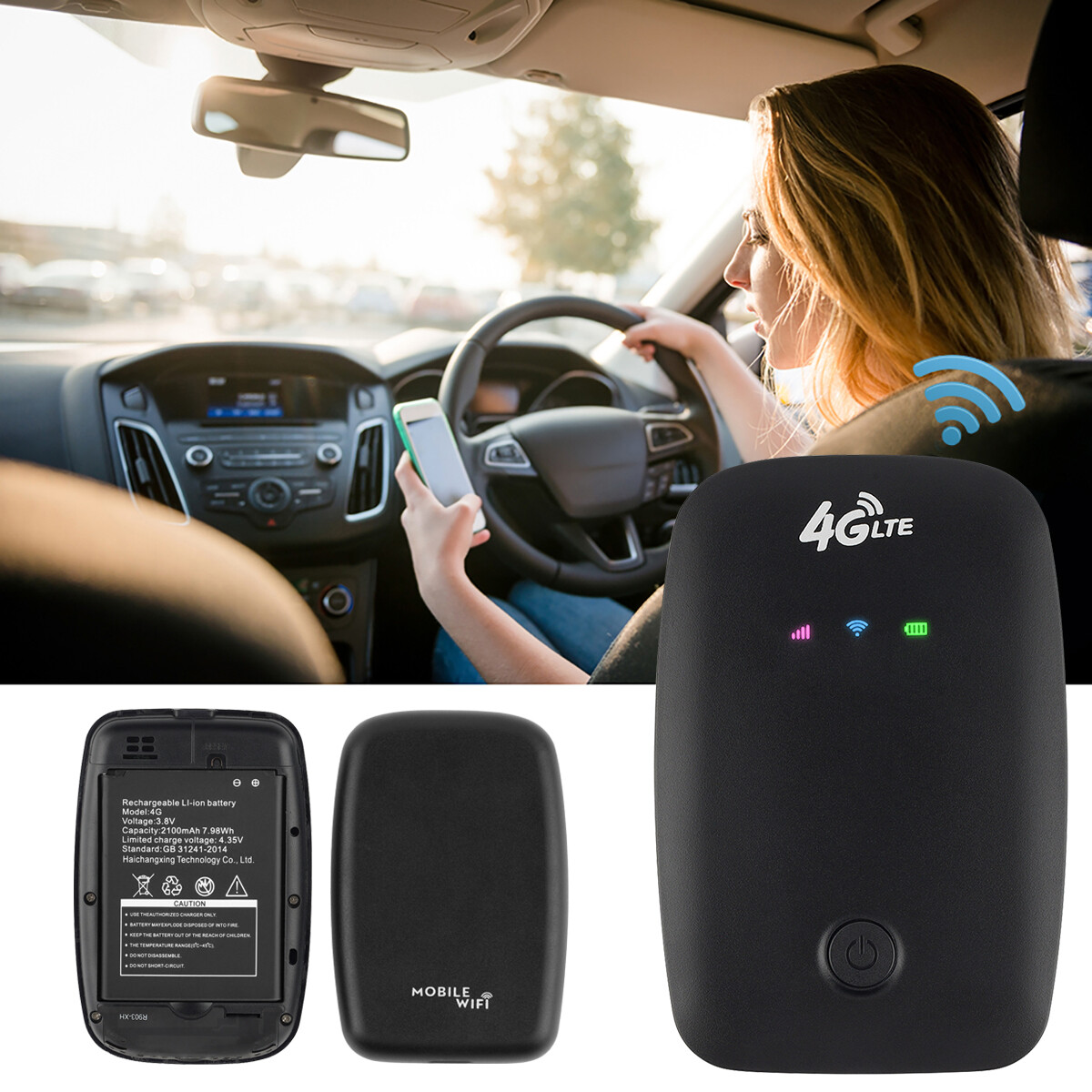

Photos from current listings. Actual item, color, and included accessories may vary.
Router Buying Guide
A router is the gateway device that connects your home or office network to the internet and directs traffic between your devices and the outside world. The primary trade-off is between integrated modem-router combos that simplify cable setups and standalone routers that offer more flexibility, performance, and compatibility with fiber or business-grade connections. The clear decision rule: match the WAN interface to your ISP (coax vs. Ethernet vs. SFP), then choose the wireless standard (Wi-Fi 6 vs. 7) and port speeds that exceed your plan's bandwidth to avoid bottlenecks.
Median $115.50
Key takeaways
- DOCSIS 3.1 cable modem routers support multi-gigabit downstream tiers up to 2.5 Gbps or higher with compatible ISP plans, while DOCSIS 3.0 tops out around 1 Gbps.
- Wi-Fi 6 (802.11ax) routers deliver higher device density and efficiency via OFDMA and 1024-QAM; Wi-Fi 7 (802.11be) adds Multi-Link Operation and 320 MHz channels for multi-gigabit wireless.
- Fiber and business routers require an Ethernet WAN port (RJ45) or SFP/SFP+ slot to accept the ONT handoff; cable modem routers have an F-type coax connector and cannot be used directly on fiber.
At a glance
- Category
- Network Switches, Routers & Firewalls
- Last updated
- Nov 28, 2026
Current offers
Highlights
- DOCSIS 3.1 cable modem routers support multi-gigabit downstream tiers up to 2.5 Gbps or higher with compatible ISP plans, while DOCSIS 3.0 tops out around 1 Gbps.
- Wi-Fi 6 (802.11ax) routers deliver higher device density and efficiency via OFDMA and 1024-QAM; Wi-Fi 7 (802.11be) adds Multi-Link Operation and 320 MHz channels for multi-gigabit wireless.
- Fiber and business routers require an Ethernet WAN port (RJ45) or SFP/SFP+ slot to accept the ONT handoff; cable modem routers have an F-type coax connector and cannot be used directly on fiber.
- Multi-gig wired backhaul and LAN ports (2.5GbE, 10G SFP+) prevent bottlenecks for NAS, homelab, and multi-gig ISP plans that exceed 1 Gbps.
Best use cases
- Best fit for cable internet: choose a DOCSIS 3.1 modem-router combo (e.g., ARRIS SURFboard G20/G34/G54) when your ISP delivers over coax; skip standalone routers that lack a built-in cable modem unless you already own a separate compatible modem.
- Best fit for fiber internet: pick a router with an Ethernet WAN port or SFP slot that matches your ONT output; avoid cable modem routers entirely because they lack the RJ45 WAN needed for fiber handoff.
- Best fit for Spectrum or other cable ISPs: use a DOCSIS 3.1 modem router rated for your speed tier and confirm it is on the ISP's approved equipment list; do not buy a DOCSIS 3.0 modem for plans above 1 Gbps.
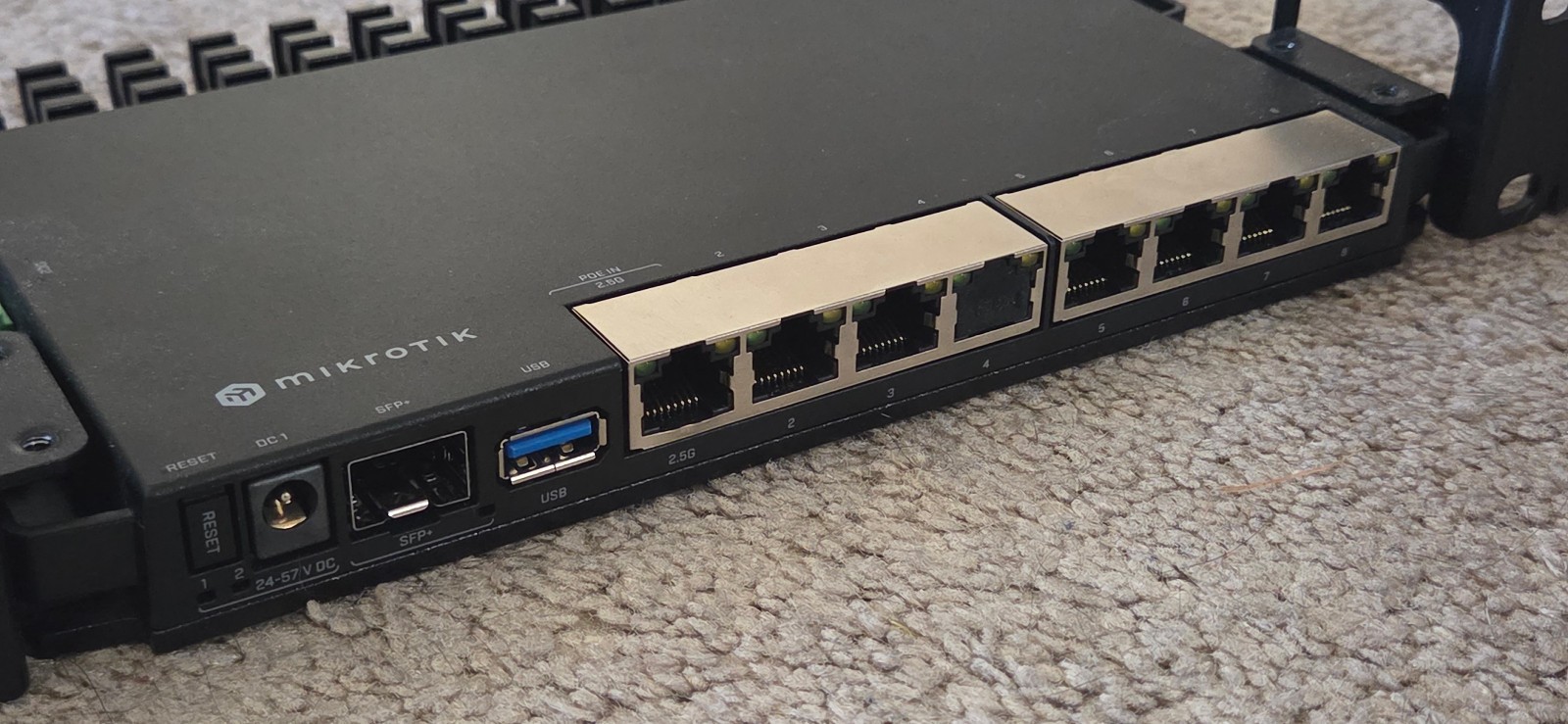
- Best fit for homelab or advanced networking: choose a wired router like MikroTik RB5009 with 2.5GbE and 10G SFP+ for routing performance and VLAN support; skip consumer all-in-one units if you need granular firewall rules and rackmount form factor.
Buying tips
- Match WAN interface to ISP: coax (F-type) for cable, RJ45 Ethernet for fiber/DSL ONT, SFP/SFP+ for direct fiber or multi-gig handoff; buying the wrong interface makes the router unusable without an additional modem or media converter.
- Choose DOCSIS 3.1 over 3.0 for cable plans above 1 Gbps; DOCSIS 3.1 also improves latency and upstream capacity on supported networks.
- For fiber plans above 1 Gbps, ensure the router's WAN and LAN ports are at least 2.5GbE; a 1GbE port caps your throughput regardless of Wi-Fi standard.
- Prefer Wi-Fi 6 or Wi-Fi 7 for dense device environments; Wi-Fi 5 (802.11ac) is sufficient only for lower device counts and plans under 500 Mbps.
Specs
| WAN Interface | Coax (DOCSIS) / RJ45 / SFP+ |
|---|---|
| DOCSIS Standard | 3.0 (1 Gbps) vs 3.1 (multi-gig) |
| Wi-Fi Generation | Wi-Fi 5 / 6 / 7 (802.11ax/be) |
| Wired Port Speed | 1GbE / 2.5GbE / 10G SFP+ |
Related searches
What to check before buying
- Confirm your ISP connection type (coax, fiber ONT, DSL) and the required WAN interface (F-type, RJ45, or SFP) before selecting a router.
- Measure your space and placement: ensure clearance for antennas and ventilation; rackmount routers need a standard 19-inch rack or shelf.
- Verify your internet plan speed tier and choose a router whose WAN and LAN ports exceed that speed to avoid bottlenecks.
- Check that the router's power adapter matches your local voltage and plug standard (e.g., 100-240V, regional plug type).
FAQ
Data sources: eBay / Amazon listings and product attribute feeds. Updated Nov 28, 2026.
Some links on this page are affiliate links. If you buy after clicking one, we may earn a commission at no extra cost to you. This does not change which products appear here or their order. Affiliate disclosure.