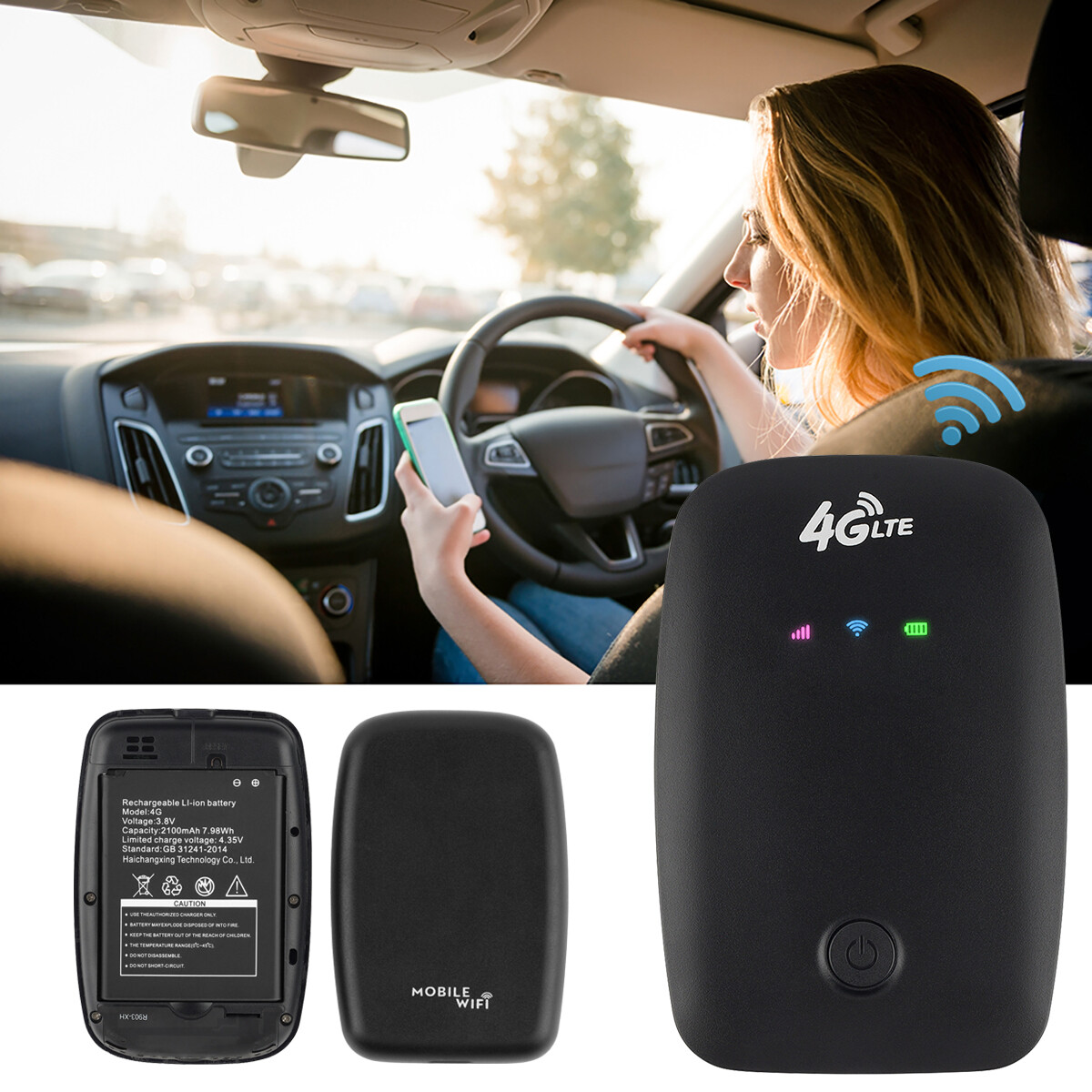

Photos from current listings. Actual item, color, and included accessories may vary.
Modem Router Buying Guide
A modem router is a single device that terminates your ISP's cable or DSL line and broadcasts Wi-Fi, eliminating a separate modem and router. The core trade-off is integration convenience versus upgrade flexibility and thermal headroom. Choose a DOCSIS 3.1 combo only if your ISP supports it and you need an all-in-one; otherwise a separate modem and router delivers better performance and easier replacement.
Median $69.99
Key takeaways
- DOCSIS 3.1 modems support multi-gig downstream tiers and are required for plans above 1 Gbps; DOCSIS 3.0 caps near 1 Gbps and is being phased out by major cable ISPs.
- Wi-Fi generation determines real throughput: Wi-Fi 6 (AX3000) handles 1–2 Gbps plans; Wi-Fi 7 (BE) is needed for multi-gig plans and high device density.
- Combo units pack modem and router into one chassis, so heat buildup is the leading cause of early failure—look for vented enclosures and metal internal shielding.
At a glance
- Category
- Network Switches, Routers & Firewalls
- Last updated
- Nov 25, 2026
Current offers
Highlights
- DOCSIS 3.1 modems support multi-gig downstream tiers and are required for plans above 1 Gbps; DOCSIS 3.0 caps near 1 Gbps and is being phased out by major cable ISPs.
- Wi-Fi generation determines real throughput: Wi-Fi 6 (AX3000) handles 1–2 Gbps plans; Wi-Fi 7 (BE) is needed for multi-gig plans and high device density.
- Combo units pack modem and router into one chassis, so heat buildup is the leading cause of early failure—look for vented enclosures and metal internal shielding.
- Port count and speed matter: 2.5GbE WAN/LAN ports are required to exceed 1 Gbps wired throughput; 4-port gigabit is standard on mid-tier combos.
Best use cases
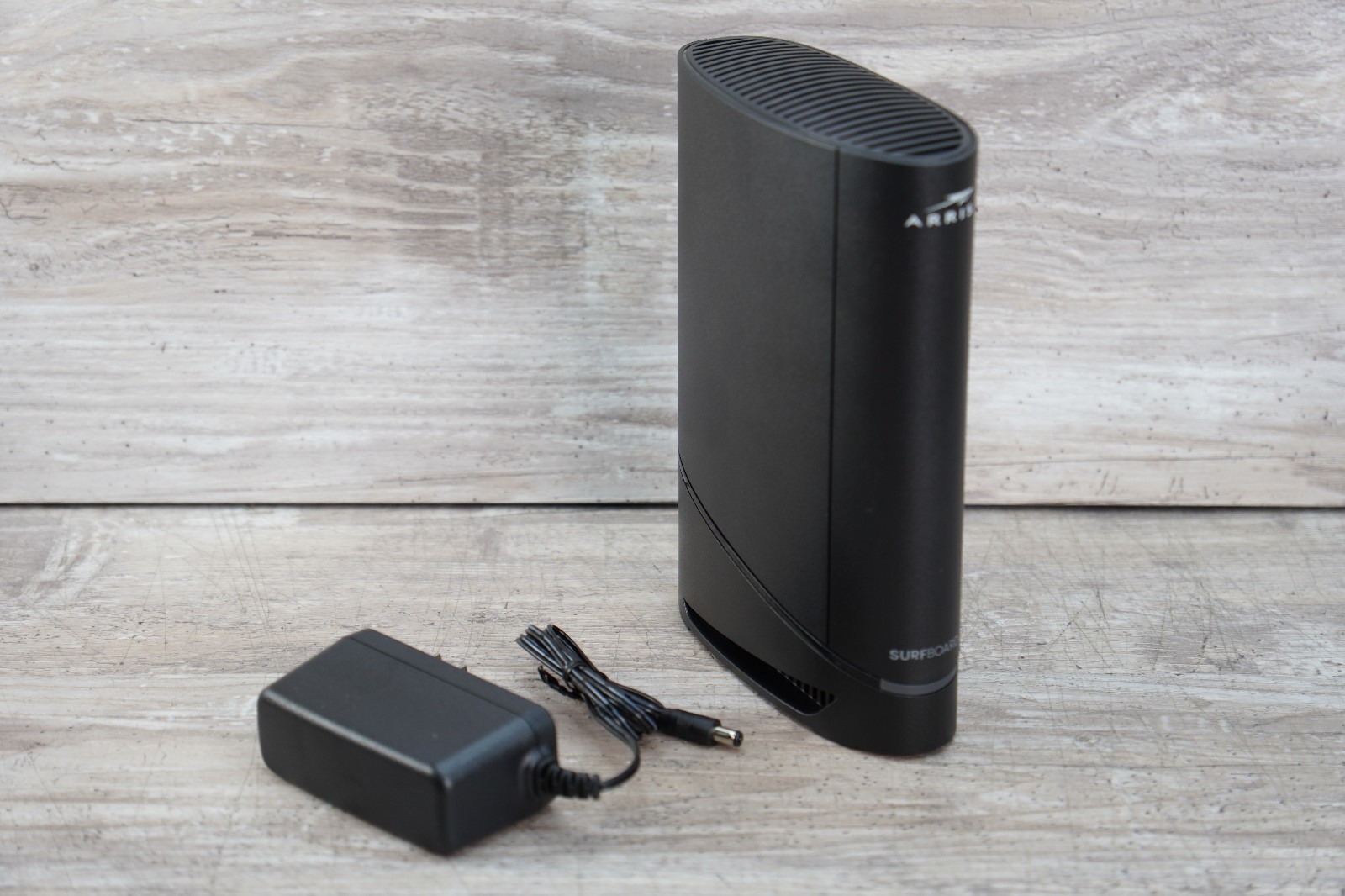
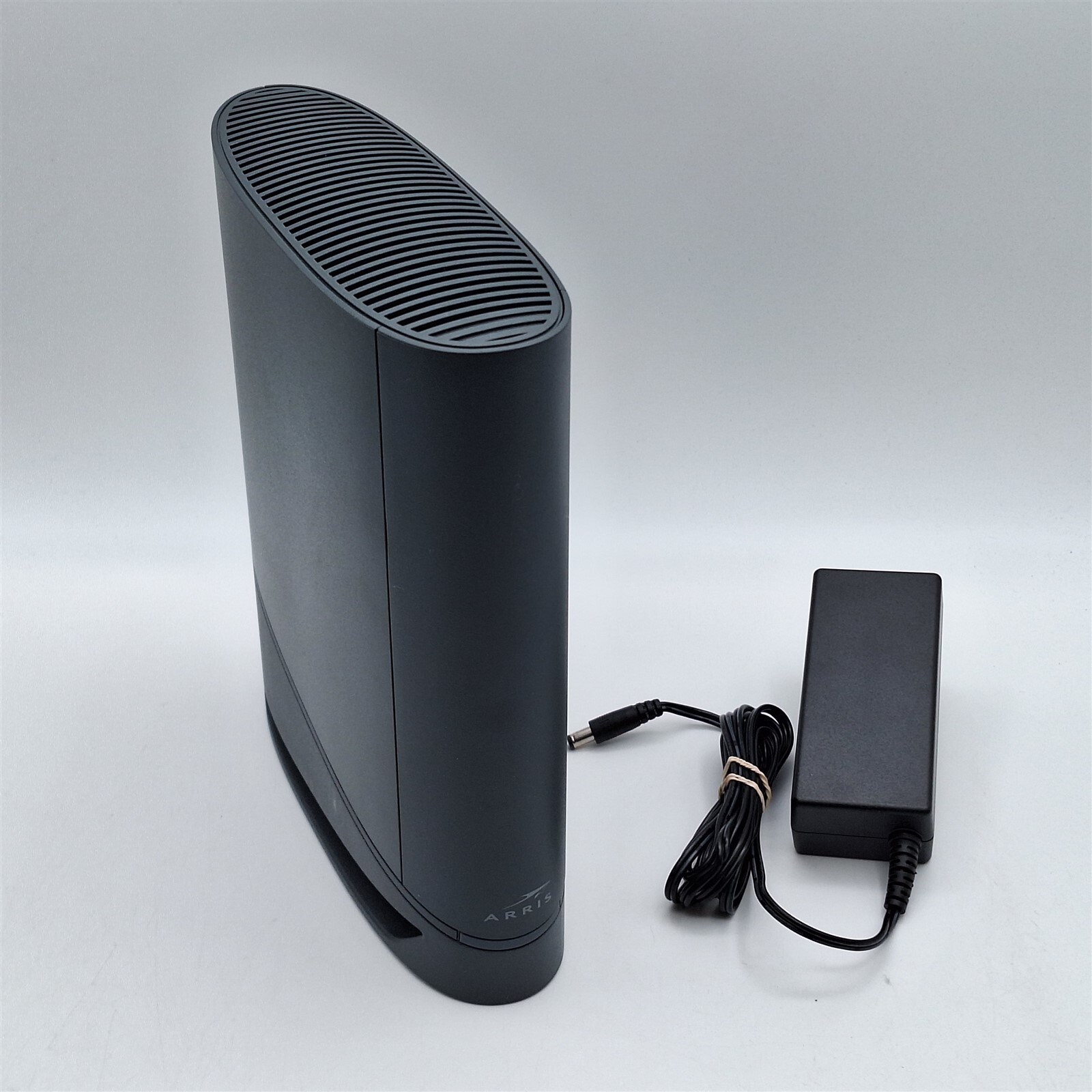
- Best fit: Xfinity or Comcast subscribers on 800 Mbps–1.2 Gbps plans should pick a DOCSIS 3.1 AX3000 combo like the ARRIS G34 for a single-box install.
- Best fit: Multi-gig plans (2 Gbps+) or Wi-Fi 7 device owners need the ARRIS G54 with 2.5GbE ports and Wi-Fi 7 radios; skip AX3000 combos.
- Wrong fit: Fiber, DSL, or fixed-wireless subscribers must not buy a cable modem router—it will not authenticate on those networks; buy a standalone router instead.
- Wrong fit: Users who upgrade routers frequently should skip combos and buy a separate DOCSIS 3.1 modem plus a standalone Wi-Fi router for modular upgrades.
Buying tips
- Match DOCSIS version to your plan: DOCSIS 3.1 for plans above 1 Gbps; DOCSIS 3.0 only for legacy sub-500 Mbps tiers where the ISP still activates it.
- Confirm ISP approval before purchase—Xfinity publishes a certified device list; unapproved modems will not provision regardless of specs.
- For plans above 1 Gbps, require at least one 2.5GbE port; gigabit-only combos bottleneck the connection at the Ethernet layer.
- Pick Wi-Fi 7 only if you own Wi-Fi 7 clients or run 2 Gbps+ service; otherwise AX3000 Wi-Fi 6 combos deliver the same real-world speed for less.
Specs
| DOCSIS Standard | DOCSIS 3.1 vs 3.0 |
|---|---|
| Wi-Fi Generation | Wi-Fi 6 AX3000 / Wi-Fi 7 BE |
| Ethernet Ports | 2.5GbE vs Gigabit, 2-4 ports |
| Device Type | Cable combo / 4G LTE hotspot |
Related searches
What to check before buying
- Verify your ISP certifies the exact model—Xfinity, Spectrum, and Cox each maintain separate approved-device lists.
- Measure your space: combo units need open ventilation; enclosed cabinets cause thermal throttling and dropouts.
- Confirm coax outlet proximity and that a power outlet is within cord reach—most combos ship with a short adapter.
- Check plan speed versus port speed: a 1.2 Gbps plan needs 2.5GbE ports to see full throughput.
FAQ
Data sources: eBay / Amazon listings and product attribute feeds. Updated Nov 25, 2026.
Some links on this page are affiliate links. If you buy after clicking one, we may earn a commission at no extra cost to you. This does not change which products appear here or their order. Affiliate disclosure.