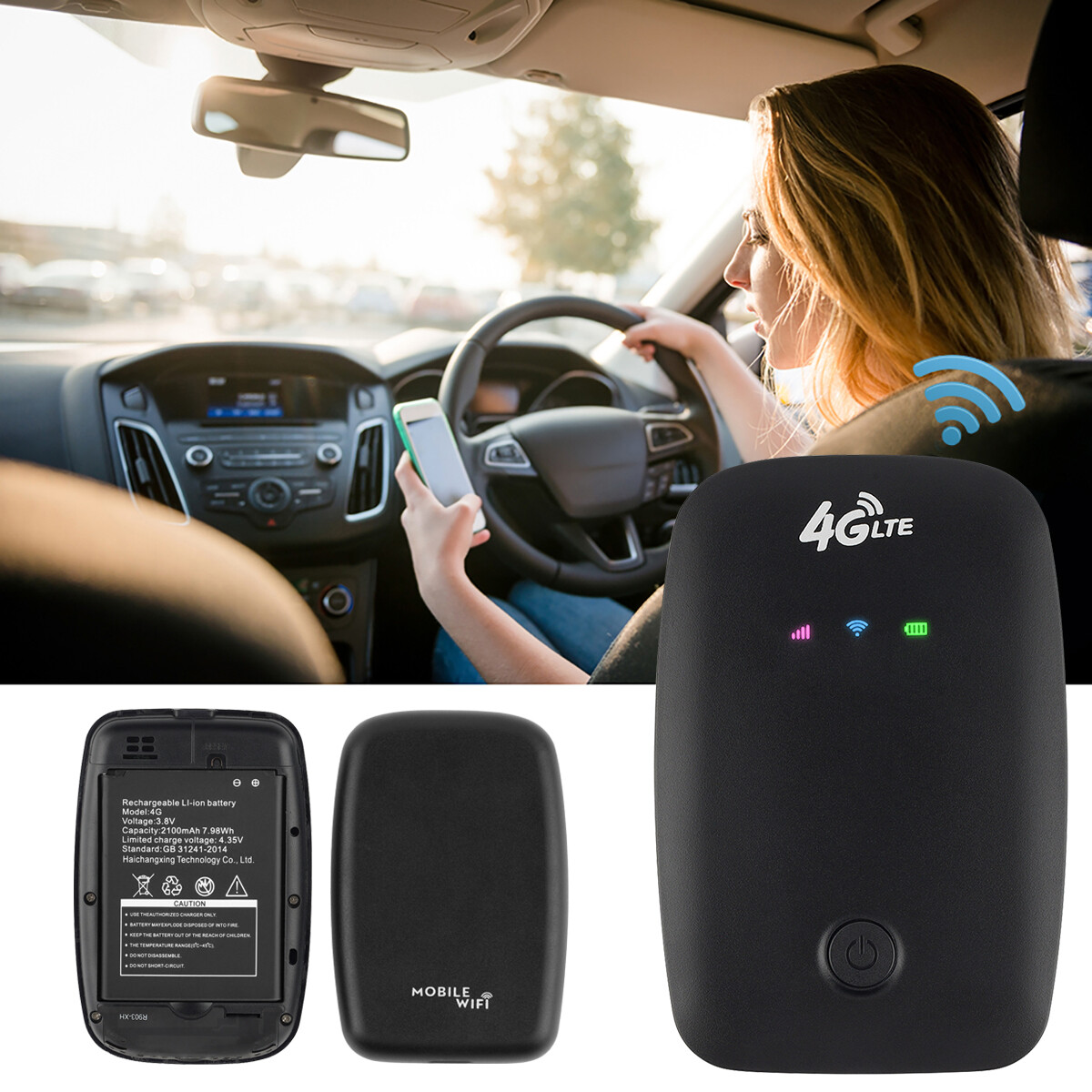

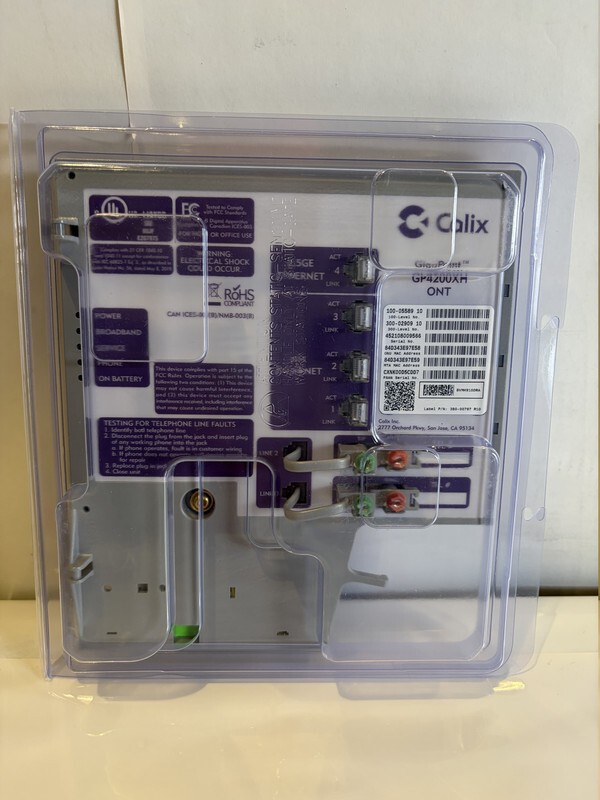
Photos from current listings. Actual item, color, and included accessories may vary.
Modem Compatible With Xfinity Buying Guide
A modem compatible with Xfinity is a DOCSIS device certified for Comcast's network, where the key trade-off is buying a cheaper voice/ISP-rental unit versus a retail DOCSIS 3.1 modem that supports multi-gigabit tiers and avoids rental fees. The clear rule: match the DOCSIS generation and channel bonding to your subscribed speed tier, and only choose retail models on Comcast's certified list with the correct port (Ethernet WAN, coax, or voice).
Median $166.63 · Pre-owned listings
Key takeaways
- DOCSIS 3.1 modems support Xfinity tiers up to 1.2 Gbps and beyond; DOCSIS 3.0 tops out around 300-600 Mbps on Xfinity.
- Retail-certified modems must appear on Comcast's approved device list; uncertified models may sync but lack firmware support and speed provisioning.
- Voice-enabled Xfinity plans require an eMTA modem with RJ-11 phone ports; data-only modems cannot carry Xfinity Voice.
At a glance
- Category
- Network Switches, Routers & Firewalls
- Last updated
- Nov 28, 2026
Current offers
Highlights
- DOCSIS 3.1 modems support Xfinity tiers up to 1.2 Gbps and beyond; DOCSIS 3.0 tops out around 300-600 Mbps on Xfinity.
- Retail-certified modems must appear on Comcast's approved device list; uncertified models may sync but lack firmware support and speed provisioning.
- Voice-enabled Xfinity plans require an eMTA modem with RJ-11 phone ports; data-only modems cannot carry Xfinity Voice.
- Xfinity xFi gateways combine modem, router, and voice; separate retail modems need a downstream router or mesh system for Wi-Fi.
Best use cases
- Best fit: sub-300 Mbps internet-only plans — use a DOCSIS 3.0 24x8 retail modem; skip expensive DOCSIS 3.1 unless you plan to upgrade speed.
- Best fit: 600 Mbps to 1.2 Gbps tiers — pick a DOCSIS 3.1 modem with 2.5GbE WAN port; skip 3.0 modems that bottleneck throughput.
- Wrong fit: Xfinity Voice customers — a data-only modem drops phone service; choose an eMTA-certified modem or keep the Xfinity gateway.
- Best fit: whole-home Wi-Fi — pair a retail modem with a separate mesh router; skip modem-router combos if you want modular upgrades.
Buying tips
- Check Comcast's certified modem list for your exact model; certification ensures firmware pushes and correct speed tier provisioning.
- For gigabit tiers, choose DOCSIS 3.1 with at least 2.5GbE LAN; 1GbE ports cap real-world throughput below advertised speeds.
- Match channel bonding: 32x8 DOCSIS 3.0 handles 600 Mbps; 24x8 is fine for 300 Mbps and below.
- Voice plans need an eMTA with RJ-11 ports and battery backup; data-only modems cannot activate Xfinity Voice.
Specs
| DOCSIS Standard | 3.1 for gigabit; 3.0 for sub-600 Mbps |
|---|---|
| Channel Bonding | 32x8 (3.0) / 2x2 OFDM (3.1) |
| WAN Port | 2.5GbE for multi-gig; 1GbE for basics |
| Voice Support | eMTA with RJ-11 for Xfinity Voice |
Related searches
What to check before buying
- Measure your coax outlet location and confirm a power outlet nearby; modems need ventilation and should not be enclosed.
- Verify your Xfinity speed tier and whether Voice is included before selecting DOCSIS version or eMTA.
- Confirm your router has a WAN port matching the modem's LAN speed (2.5GbE router for 2.5GbE modem).
- Check that the modem is on Comcast's current certified list for your region and supports the latest firmware.
FAQ
Data sources: eBay / Amazon listings and product attribute feeds. Updated Nov 28, 2026.
Some links on this page are affiliate links. If you buy after clicking one, we may earn a commission at no extra cost to you. This does not change which products appear here or their order. Affiliate disclosure.