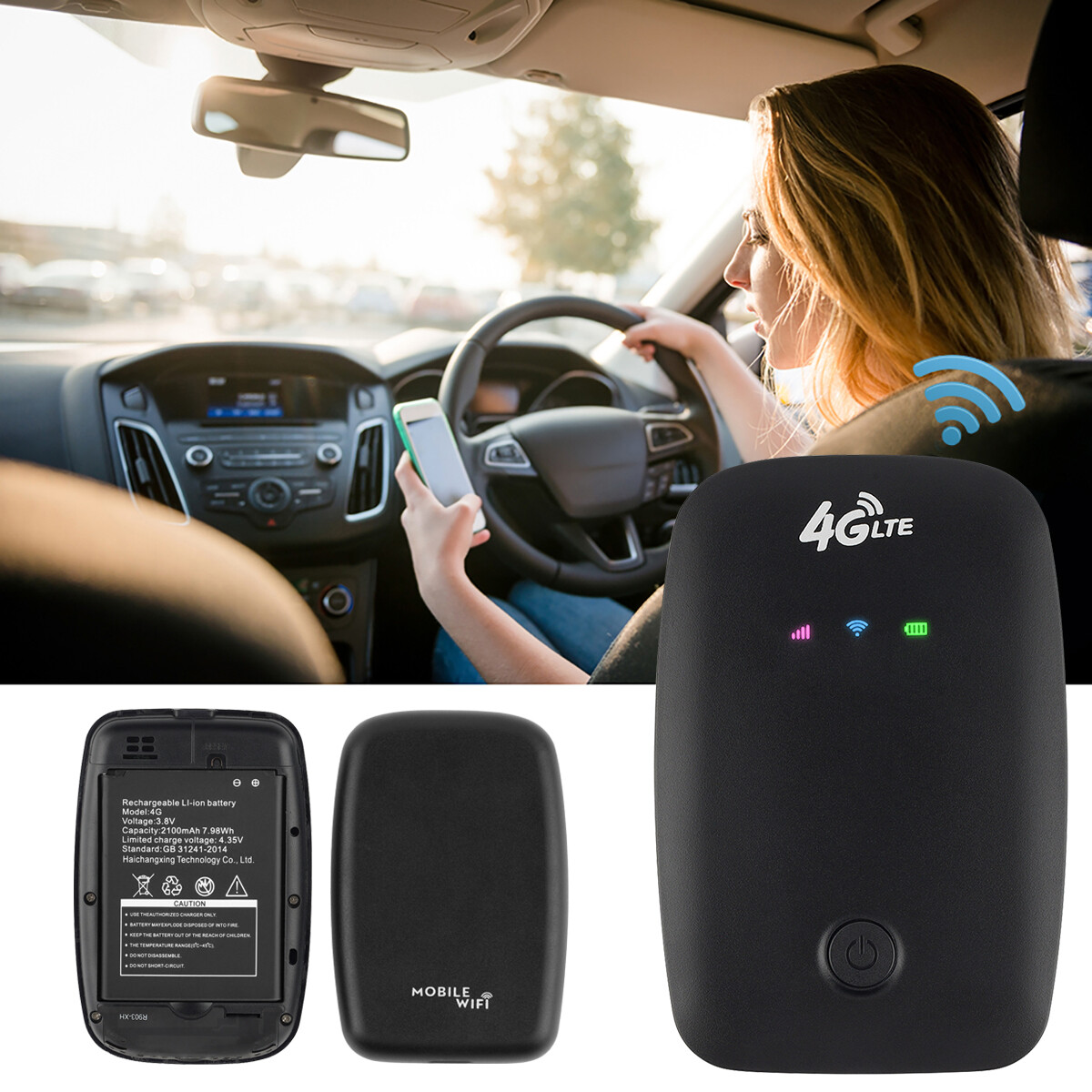

Photos from current listings. Actual item, color, and included accessories may vary.
LTE Wireless Router Buying Guide
An LTE wireless router uses a cellular SIM to create a local Wi-Fi network where wired broadband is unavailable, slow to install, or needs a failover path. The core trade-off is modem category and carrier-band support versus Wi-Fi generation and Ethernet port speed; weak Cat-4 modems with 2.4 GHz-only radios cap real throughput far below the advertised LTE peak. Choose a Cat-6 or higher modem with stated band coverage and gigabit LAN for primary internet, and reserve Cat-4 portable hotspots for travel or backup duty.
Key takeaways
- LTE modem category sets the ceiling: Cat-4 tops out near 150 Mbps down, Cat-6 near 300 Mbps, Cat-12 and above aggregate multiple bands for 600 Mbps-plus real-world speeds.
- Carrier band support is the make-or-break spec: a router must list the exact FDD/TDD bands your tower uses, including low-band (700/800/900 MHz) for range and mid-band for capacity.
- Wi-Fi generation and Ethernet ports often bottleneck the modem: 2.4 GHz-only N radios and 10/100 LAN cap throughput near 90 Mbps, so pair Cat-6 modems with 5 GHz AC/AX Wi-Fi and gigabit ports.
At a glance
- Category
- Network Switches, Routers & Firewalls
- Last updated
- Nov 28, 2026
Current offers
Highlights
- LTE modem category sets the ceiling: Cat-4 tops out near 150 Mbps down, Cat-6 near 300 Mbps, Cat-12 and above aggregate multiple bands for 600 Mbps-plus real-world speeds.
- Carrier band support is the make-or-break spec: a router must list the exact FDD/TDD bands your tower uses, including low-band (700/800/900 MHz) for range and mid-band for capacity.
- Wi-Fi generation and Ethernet ports often bottleneck the modem: 2.4 GHz-only N radios and 10/100 LAN cap throughput near 90 Mbps, so pair Cat-6 modems with 5 GHz AC/AX Wi-Fi and gigabit ports.
- Antenna design and port options separate tiers: external SMA antenna connectors and Ethernet WAN/LAN ports enable fixed installations and wired failover; internal-antenna plastic hotspots are travel-only devices.
Best use cases
- Best fit for a home or small office with no fiber/cable: pick a Cat-6 or higher desktop router with gigabit LAN, 5 GHz Wi-Fi, and external antenna ports, then aim the antennas at the nearest tower.
- Best fit for travel or temporary sites: pick an unlocked Cat-4 portable hotspot with battery, USB-C charging, and support for your carrier's bands; skip desktop routers that need mains power.
- Best fit for business continuity: pick a router with Ethernet WAN plus SIM failover and dual-band Wi-Fi so it can sit behind the primary line and switch automatically; skip single-purpose hotspots with no LAN port.
- Wrong fit: buying a cheap Cat-4 2.4 GHz-only unit as primary home internet if you stream or work from home; it will bottleneck at roughly 50-90 Mbps real throughput regardless of the LTE signal.
Buying tips
- Match the modem category to your plan: Cat-4 is fine for 20-50 Mbps backup use, Cat-6 for 100-300 Mbps primary use, and Cat-12+ only if your carrier aggregates the bands and your plan supports the speed.
- Verify band support against your carrier's published LTE bands before buying; a router missing a primary low band will drop to unusable speeds indoors or at cell edge.
- Demand gigabit Ethernet ports and 5 GHz Wi-Fi on any router costing more than a basic hotspot; 10/100 LAN and 2.4 GHz-only radios are the two most common hidden bottlenecks.
- Check that the device is genuinely SIM-unlocked and supports the correct SIM size (often micro or nano via adapter); carrier-locked units cannot be repurposed and locked firmware may block band selection.
Specs
| Modem Category | Cat-4 / Cat-6 / Cat-12+ (150-600 Mbps) |
|---|---|
| Wi-Fi Standard | 2.4 GHz N vs dual-band AC/AX |
| Ethernet Ports | 10/100 vs gigabit LAN/WAN |
| Antenna Design | Internal vs external SMA connectors |
Related searches
What to check before buying
- Confirm your carrier's LTE bands and signal strength at the install spot (use a phone speed test on the same network) before choosing a modem category.
- Measure the placement area: desktop routers need mains power and ventilation; portable hotspots need battery runtime and USB-C charging access.
- Verify Ethernet needs: count wired devices and require gigabit LAN ports if any device needs more than 100 Mbps.
- Check the SIM form factor and unlocking status, and confirm the router's power adapter matches your region's voltage and plug standard.
FAQ
Data sources: eBay / Amazon listings and product attribute feeds. Updated Nov 28, 2026.
Some links on this page are affiliate links. If you buy after clicking one, we may earn a commission at no extra cost to you. This does not change which products appear here or their order. Affiliate disclosure.