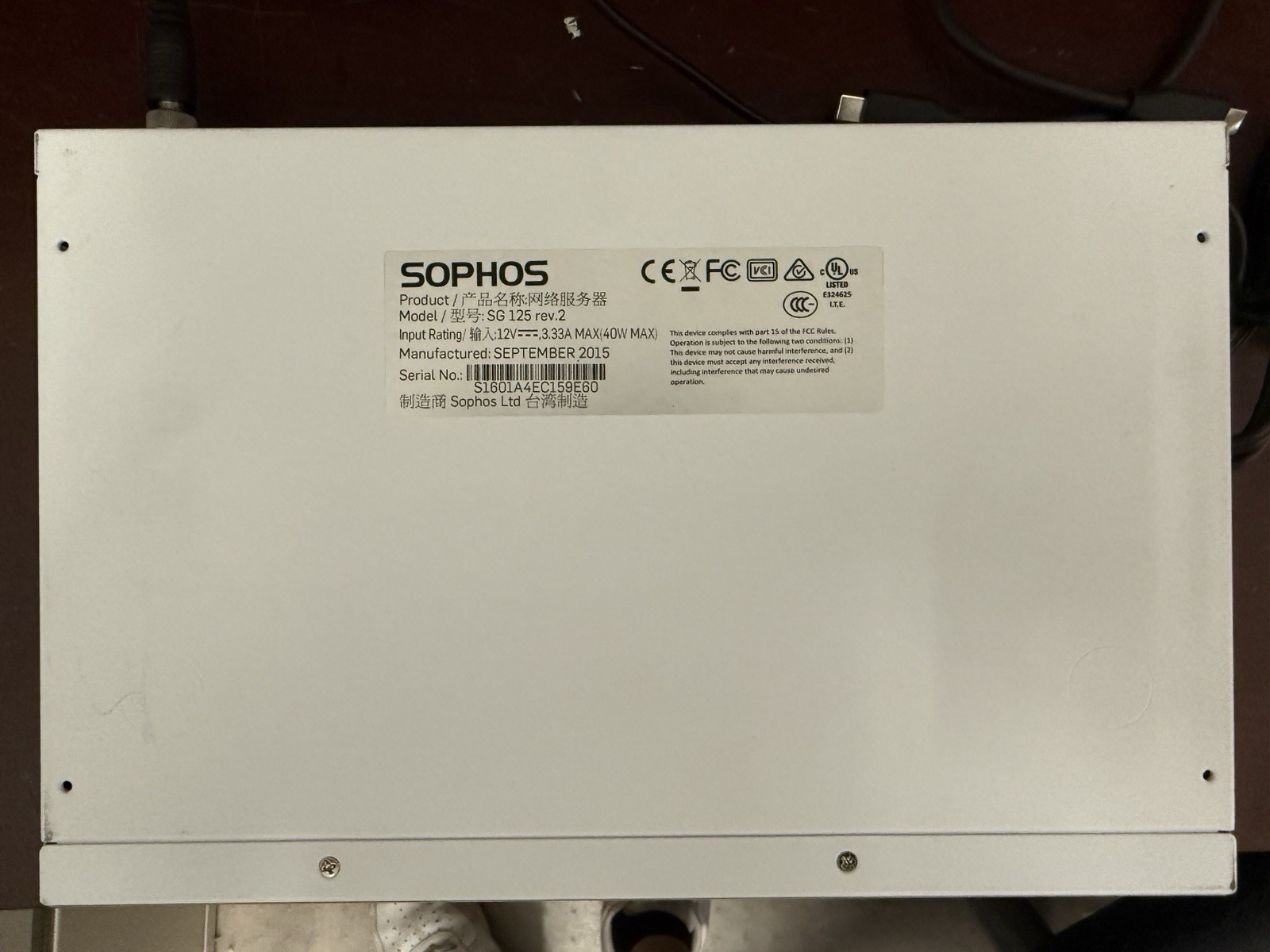

Photos from current listings. Actual item, color, and included accessories may vary.
Firewall Buying Guide
A hardware firewall is a dedicated appliance that inspects and controls traffic at the network edge, distinct from the NAT and basic SPI found in consumer routers. The core trade-off is throughput versus inspection depth: entry units pass raw packets fast but choke when intrusion prevention, TLS decryption, or antivirus scanning is enabled. Buy by rated UTM/threat-protection throughput, not by port count or raw firewall Gbps, and always confirm licensing covers the security subscriptions.
Key takeaways
- Firewall throughput ratings are measured with simple access rules; enabling IPS, antivirus, and TLS inspection typically cuts effective throughput by 50–80%, so size the appliance to its UTM rating, not its raw firewall Gbps.
- Branch and SMB appliances split into two classes: UTMs with built-in Wi-Fi and switch ports (WatchGuard Firebox T-series, Sophos XGS entry models) versus headless 1U rack units (Sophos SG/XG, Fortinet FortiGate 60F/80F, pfSense/OPNsense white-box) that require separate access points and switches.
- Security effectiveness depends on active subscriptions; without an IPS/AV/web-filter license, a hardware firewall operates as a stateful router with NAT, VPN, and VLAN support only, which is fine for segmentation but not threat prevention.
At a glance
- Category
- Network Switches, Routers & Firewalls
- Last updated
- Nov 28, 2026
Current offers
Highlights
- Firewall throughput ratings are measured with simple access rules; enabling IPS, antivirus, and TLS inspection typically cuts effective throughput by 50–80%, so size the appliance to its UTM rating, not its raw firewall Gbps.
- Branch and SMB appliances split into two classes: UTMs with built-in Wi-Fi and switch ports (WatchGuard Firebox T-series, Sophos XGS entry models) versus headless 1U rack units (Sophos SG/XG, Fortinet FortiGate 60F/80F, pfSense/OPNsense white-box) that require separate access points and switches.
- Security effectiveness depends on active subscriptions; without an IPS/AV/web-filter license, a hardware firewall operates as a stateful router with NAT, VPN, and VLAN support only, which is fine for segmentation but not threat prevention.
- Port and interface tiers matter more than CPU marketing: SMB units commonly offer 5–10 GbE copper ports plus 1–2 SFP uplinks, while entry home units may only have 4 LAN ports and no SFP, limiting VLAN trunking and ISP handoff options.
Best use cases
- Best fit for home network with ISP speeds up to 1 Gbps and a handful of VLANs: a fanless desktop appliance (Firebox T-series, Sophos XGS 1xx, or a small FortiGate) with a UTM rating at or above your WAN speed and an active subscription.
- Wrong fit for home: a used 1U enterprise chassis like the Sophos SG 125 rev.2 without a current license; it runs as a stateful router with VPN but delivers no IPS/AV protection, and its fan noise and rack depth suit a wiring closet, not a living space.
- Best fit for small business with 10–50 users: a rackmount or desktop UTM with dual WAN, SFP uplink, and a UTM throughput rating at least 1.5× the subscribed internet speed, plus separate PoE access points and a managed switch for VLAN segmentation.
- Wrong fit for small business: a consumer all-in-one router marketed as a firewall; it lacks granular application control, per-rule logging, and site-to-site IPsec interoperability with branch offices, and its NAT throughput collapses under many concurrent sessions.
Buying tips
- Size on UTM/threat-protection throughput: pick a model whose published UTM rating exceeds your WAN speed by 1.5–2× so IPS, AV, and TLS inspection can stay enabled at full line rate.
- Check the license bundle: hardware is cheap, subscriptions are not; confirm the appliance includes or can renew IPS, antivirus, web filtering, and firmware support for the intended service life before committing.
- Match port architecture to topology: require at least one SFP/SFP+ uplink for fiber ISP handoff and enough GbE ports for WAN, LAN, and a DMZ without daisy-chaining unmanaged switches.
- Separate VPN math from firewall math: count site-to-site tunnels and remote users, then compare against the IPsec/SSL VPN throughput spec, which is typically far lower than the firewall rating.
Specs
| Form Factor | Desktop fanless / 1U rackmount |
|---|---|
| Throughput Rating | Raw firewall Gbps vs UTM Gbps |
| Port Mix | GbE copper + SFP/SFP+ uplink |
| License Model | Subscription IPS/AV vs license-free routing |
Related searches
What to check before buying
- Measure available rack depth and clearance: 1U appliances are commonly 250–400 mm deep and need rear ventilation; desktop fanless units need 50 mm side clearance.
- Confirm the WAN handoff: fiber ONT or modem delivers Ethernet, SFP, or PPPoE; verify the firewall WAN port type and that it supports PPPoE/VLAN tagging if the ISP requires it.
- Audit power and noise: 12V DC external adapters are common on desktop units, while 1U chassis use internal AC with fan noise unsuitable for bedrooms or open offices.
- Inventory companion parts: standalone firewalls need a managed switch for VLANs and separate Wi-Fi access points, plus a UPS to survive brief outages without losing VPN sessions.
FAQ
Data sources: eBay / Amazon listings and product attribute feeds. Updated Nov 28, 2026.
Some links on this page are affiliate links. If you buy after clicking one, we may earn a commission at no extra cost to you. This does not change which products appear here or their order. Affiliate disclosure.