
Photos from current listings. Actual item, color, and included accessories may vary.
Ethernet Switch Buying Guide
An Ethernet switch is the central traffic cop of a wired LAN, and the primary trade-off is between port speed (1G vs 2.5G vs 10G) and management depth (unmanaged vs smart vs fully managed). The clear decision rule: buy an unmanaged switch only when you need plug-and-play port expansion at 1G or 2.5G, and step up to a managed or smart switch the moment you need VLANs, link aggregation, or per-port diagnostics.
Median $39.50
Key takeaways
- Unmanaged switches (e.g., TP-Link TL-SG105) deliver zero-config plug-and-play at 1G or 2.5G and are the correct choice for simple port-count expansion.
- Smart/managed switches add 802.1Q VLANs, LACP link aggregation, QoS, and SNMP monitoring, which require a one-time web or CLI setup but unlock traffic segmentation.
- 2.5G switches typically offer 2.5Gbps per RJ45 port and need Cat6 or better cabling to hit full speed, while 10G switches need Cat6a or fiber for runs beyond 55m.
At a glance
- Category
- Network Switches, Routers & Firewalls
- Last updated
- Nov 25, 2026
Current offers
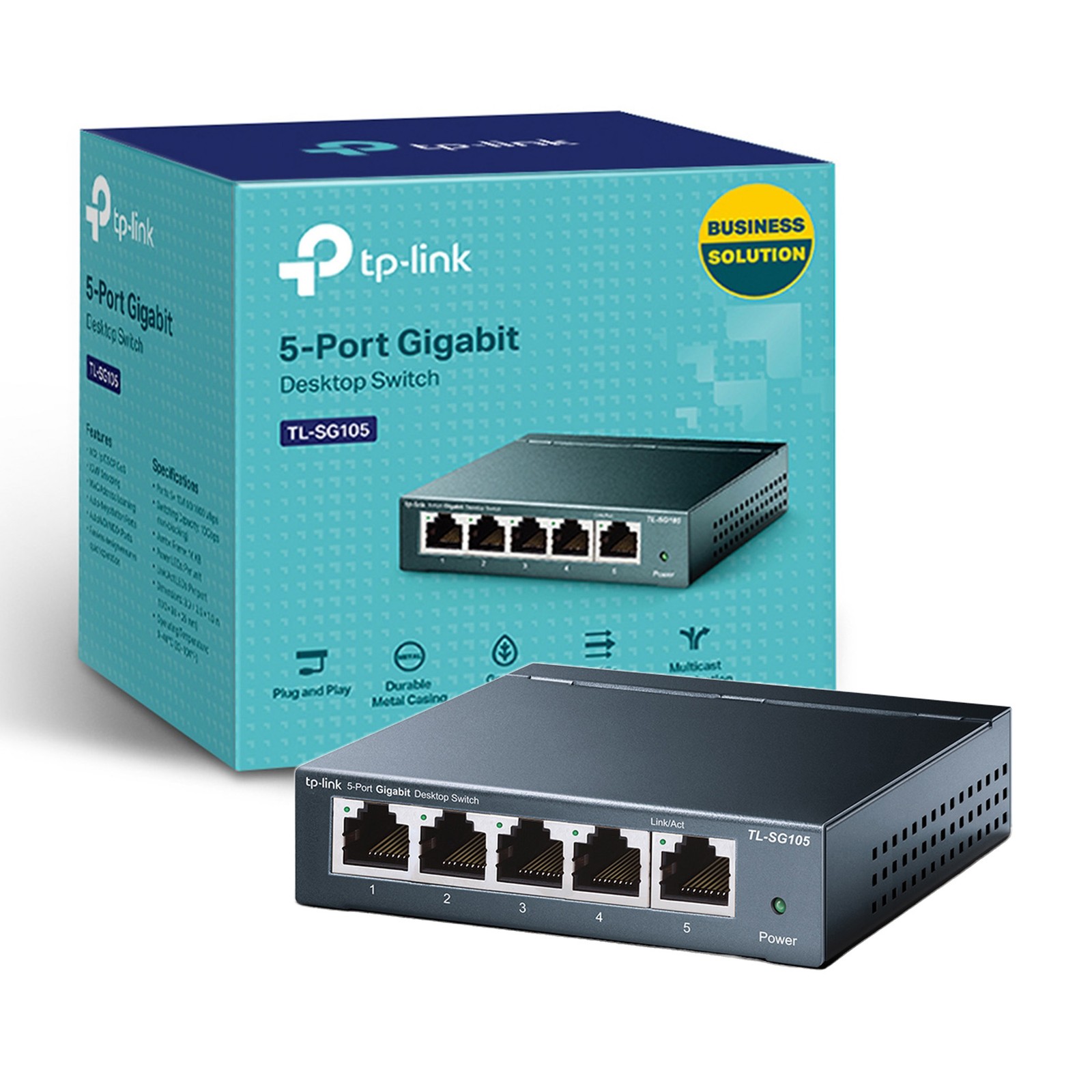 TP-Link TL-SG105 5-Port Gigabit Ethernet Unmanaged Metal Desktop Network Switch$29.99View on eBay
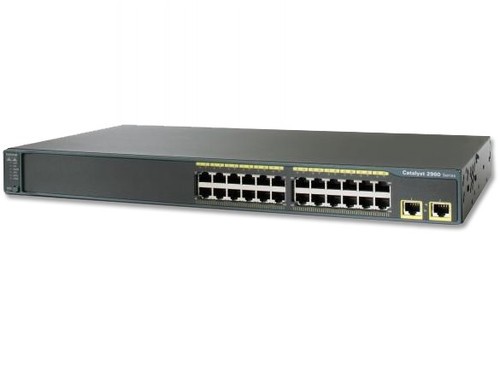 Cisco Catalyst 2960-24TT-L 24-Port Fast Ethernet Managed Switch$29.99View on eBay
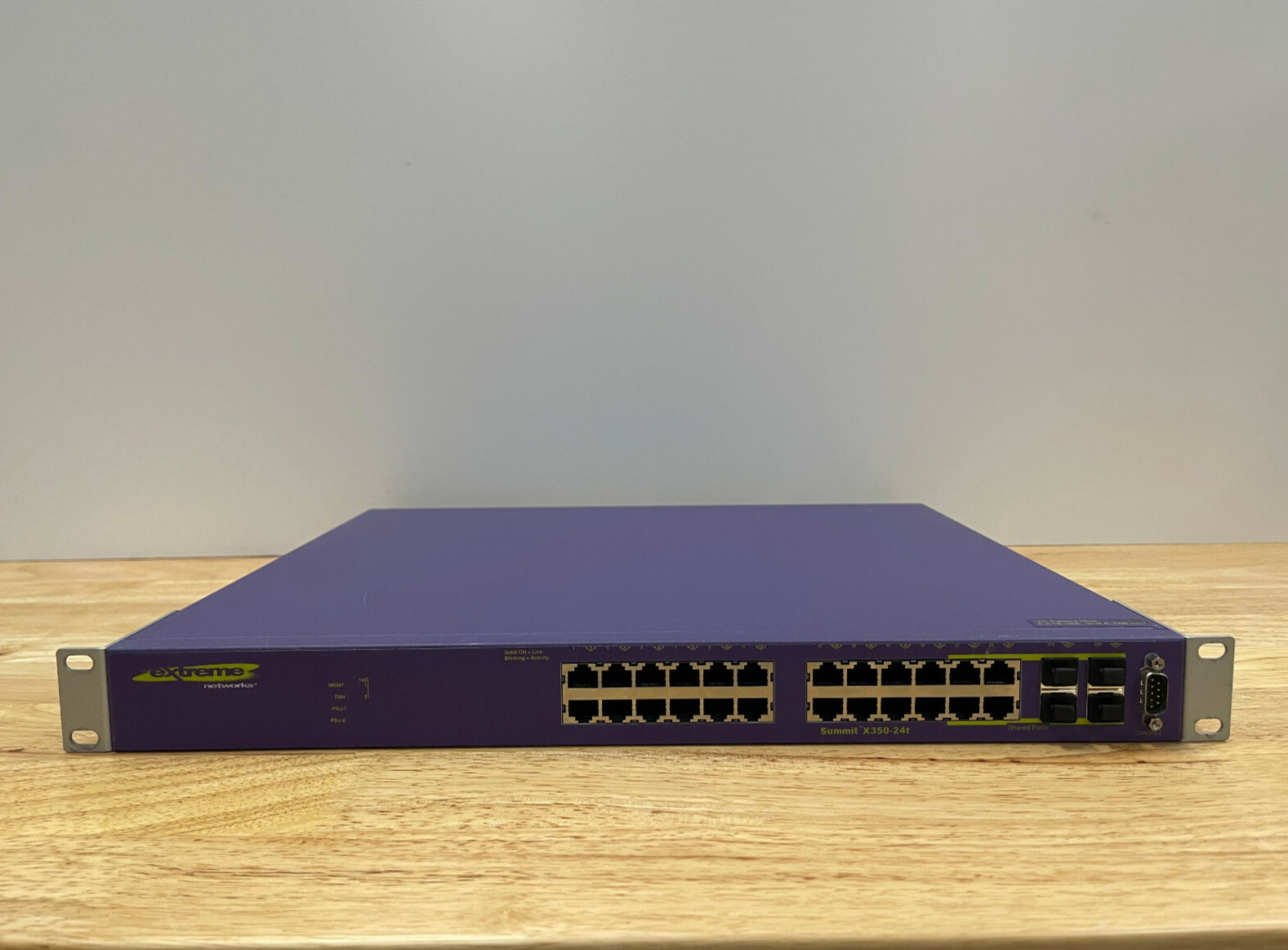 Extreme Networks Summit X350-24T 24-Port SFP 1Gbps RJ45 Ethernet Network Switch$49.00View on eBay
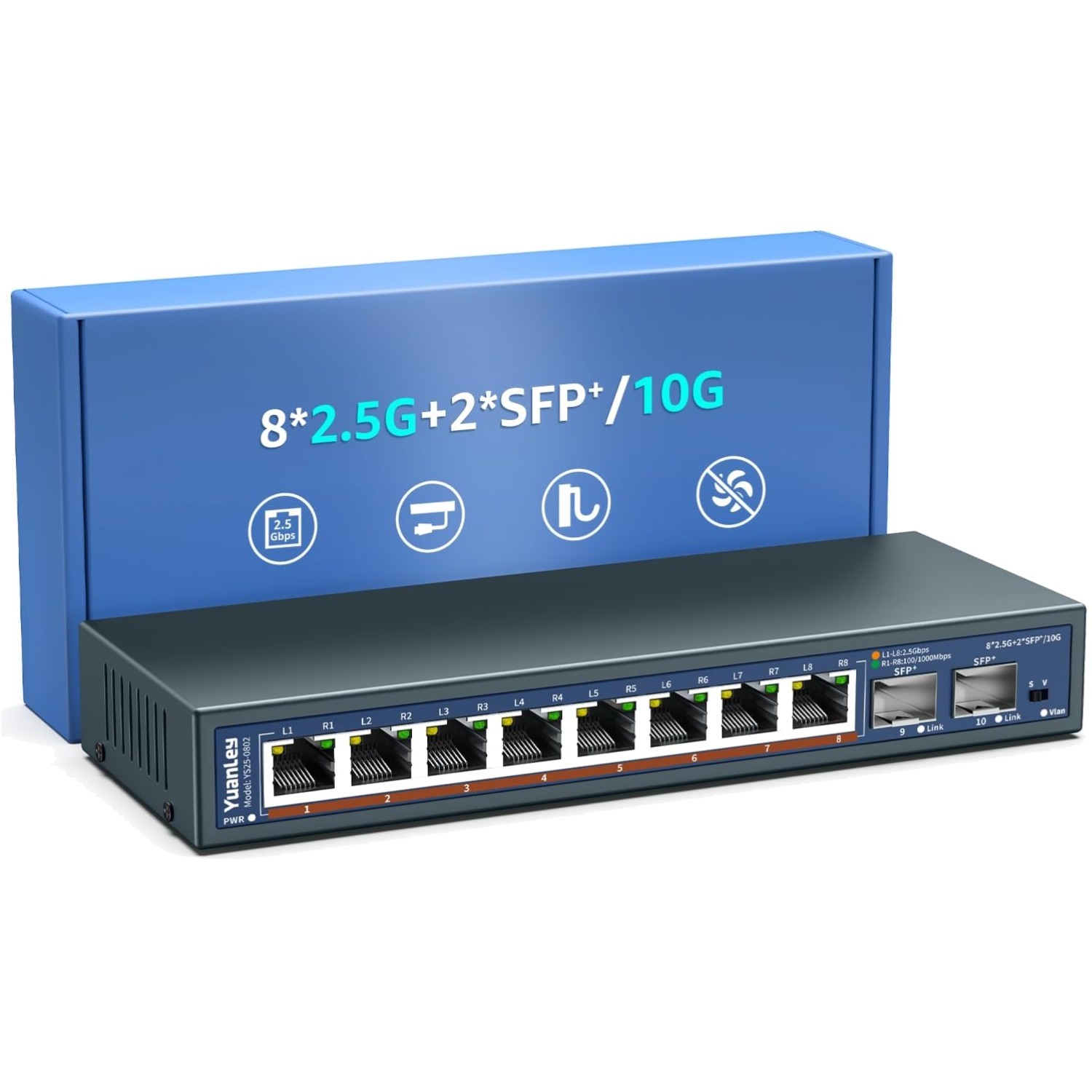 10-Port Fanless 2.5G Ethernet Switch with VLAN & 80Gbps Capacity for Home Office$117.59View on eBay
Highlights
- Unmanaged switches (e.g., TP-Link TL-SG105) deliver zero-config plug-and-play at 1G or 2.5G and are the correct choice for simple port-count expansion.
- Smart/managed switches add 802.1Q VLANs, LACP link aggregation, QoS, and SNMP monitoring, which require a one-time web or CLI setup but unlock traffic segmentation.
- 2.5G switches typically offer 2.5Gbps per RJ45 port and need Cat6 or better cabling to hit full speed, while 10G switches need Cat6a or fiber for runs beyond 55m.
- Fanless metal desktop switches run silent and are ideal for home offices; rackmount 24-port units like Cisco Catalyst 2960 or Extreme Summit X350 are built for closets with airflow.
Best use cases
- Best fit: a home office with a router and 3-4 wired devices—pick a 5-port or 8-port unmanaged 1G switch like the TL-SG105 for silent, zero-config expansion.
- Best fit: a NAS or Wi-Fi 6E/7 access point that exceeds 1G—choose a 2.5G unmanaged or smart switch with at least 2.5G per port and Cat6 cabling.
- Wrong fit: buying a 24-port managed Catalyst or Summit switch for a single-room setup—you pay for VLAN/SNMP features and fan noise you will not use.
- Best fit: a small business needing segmented guest/office VLANs—select a smart managed switch with 802.1Q and LACP rather than a fully unmanaged unit.
Buying tips
- Count devices now and add 2-3 spare ports: 5-port for 2-3 devices, 8-port for 4-6, 16/24-port for racks or many endpoints.
- Match speed to the weakest link: 2.5G ports only help if the router, NAS, and cabling (Cat6+) all support 2.5G; otherwise 1G is sufficient.
- For VLANs or link aggregation, confirm the switch lists 802.1Q VLAN and LACP—unmanaged switches cannot do either.
- Choose fanless metal housings for living spaces; choose rackmount with adequate clearance for 24-port managed units in closets.
Specs
| Port Speed | 1G / 2.5G / 10G per RJ45 port |
|---|---|
| Management | Unmanaged / Smart / Fully managed |
| Port Count | 5 / 8 / 16 / 24 / 48 ports |
| Form Factor | Fanless desktop / Rackmount 1U |
Related searches
What to check before buying
- Measure your rack or shelf: desktop switches are compact, but 24-port rackmount units need 1U of 19-inch rack space and rear clearance for cables.
- Confirm cabling grade: Cat5e supports 1G to 100m, Cat6 supports 2.5G to 100m, and Cat6a supports 10G to 100m.
- Check power: most desktop switches use an included external adapter; rackmount managed switches use standard IEC power cords and may be loud.
- Verify uplink needs: ensure at least one port can connect to your router at the same or higher speed than your internet plan.
FAQ
Data sources: eBay / Amazon listings and product attribute feeds. Updated Nov 25, 2026.
Some links on this page are affiliate links. If you buy after clicking one, we may earn a commission at no extra cost to you. This does not change which products appear here or their order. Affiliate disclosure.