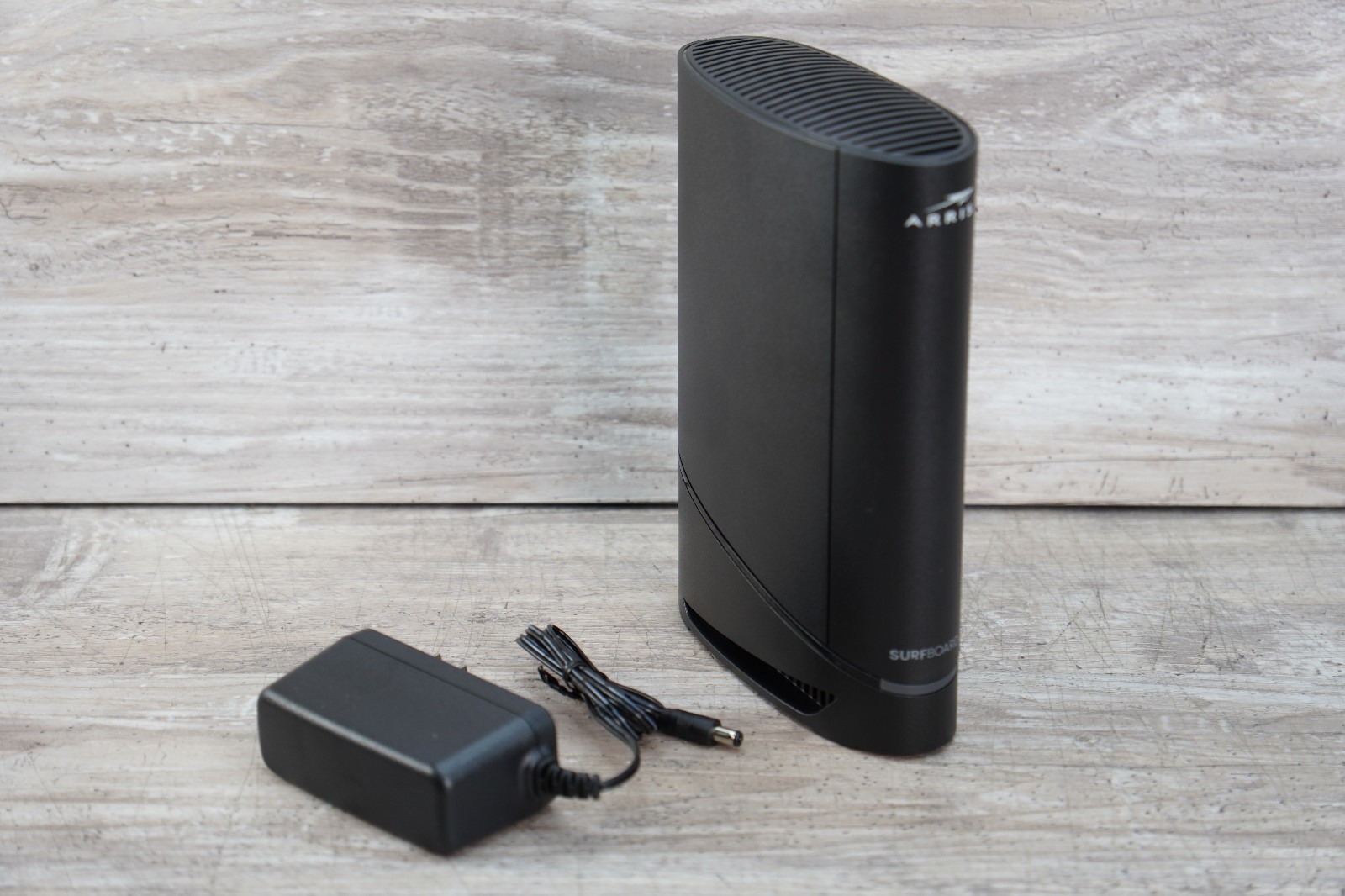

Photos from current listings. Actual item, color, and included accessories may vary.
Cable Modem Router Buying Guide
A cable modem router combines the DOCSIS modem and Wi-Fi router into one chassis, eliminating a separate box and coax-to-Ethernet hop. The core trade-off is integrated convenience versus upgrade flexibility: modem silicon is certified per DOCSIS tier, while Wi-Fi radios age faster, so all-in-ones suit simplicity-first households but lag modular setups for raw wireless longevity. The decision rule: buy an all-in-one only if its DOCSIS tier matches your ISP plan speed and its Wi-Fi generation (6 or 7) already covers your devices; otherwise split into a standalone modem plus router.
Median $77.62
Key takeaways
- DOCSIS 3.1 supports multi-gigabit downstream and is the minimum tier for plans above 1 Gbps; DOCSIS 3.0 caps practical throughput near 1 Gbps and is now a budget-only choice.
- Wi-Fi generation drives real throughput: AX3000 (Wi-Fi 6) delivers 574 Mbps on 2.4 GHz plus 2402 Mbps on 5 GHz, while Wi-Fi 7 tri-band units add a 6 GHz lane and multi-link operation for congested homes.
- Ethernet port count separates tiers: 2-port models serve modem-plus-one-wired-device setups, while 4-port models support NAS, console, and PC without adding a switch.
At a glance
- Category
- Network Switches, Routers & Firewalls
- Last updated
- Nov 28, 2026
Current offers
Highlights
- DOCSIS 3.1 supports multi-gigabit downstream and is the minimum tier for plans above 1 Gbps; DOCSIS 3.0 caps practical throughput near 1 Gbps and is now a budget-only choice.
- Wi-Fi generation drives real throughput: AX3000 (Wi-Fi 6) delivers 574 Mbps on 2.4 GHz plus 2402 Mbps on 5 GHz, while Wi-Fi 7 tri-band units add a 6 GHz lane and multi-link operation for congested homes.
- Ethernet port count separates tiers: 2-port models serve modem-plus-one-wired-device setups, while 4-port models support NAS, console, and PC without adding a switch.
- Integrated units share one power supply and one enclosure, reducing cabling and outlet load versus separate modem and router boxes, but lock Wi-Fi upgrades to full unit replacement.
Best use cases
- Best fit: apartments and small homes on sub-gigabit plans wanting one box, one power brick, and simple coax-to-Wi-Fi setup — pick a DOCSIS 3.1 AX3000 unit.
- Best fit: multi-gig fiber-to-the-home or cable plans above 1 Gbps with many devices — pick a DOCSIS 3.1 Wi-Fi 7 unit with 4 Ethernet ports rather than an AX3000 model.
- Wrong fit: large multi-floor homes or users planning Wi-Fi upgrades every few years — skip all-in-ones and buy a standalone DOCSIS 3.1 modem plus a mesh router system.
- Wrong fit: DSL, fiber ONT, or fixed-wireless internet households — a cable modem router is incompatible; you need a plain router or mesh node instead.
Buying tips
- Match DOCSIS tier to plan speed: DOCSIS 3.1 for plans above 1 Gbps, DOCSIS 3.0 only for sub-500 Mbps budgets, since 3.0 headroom vanishes under load.
- Choose AX3000 Wi-Fi 6 for up to roughly 2 Gbps aggregate wireless; step to Wi-Fi 7 tri-band when you have 6 GHz clients or dense neighboring networks.
- Confirm the unit is a combo (modem plus router) not a modem-only gateway — modem-only SURFboard models require a separate router and are cheaper but not all-in-ones.
Specs
| DOCSIS Tier | 3.1 (multi-gig) vs 3.0 (sub-1 Gbps) |
|---|---|
| Wi-Fi Generation | Wi-Fi 6 AX3000 vs Wi-Fi 7 tri-band |
| Ethernet Ports | 2-port vs 4-port Gigabit LAN |
| Form Factor | Combo modem+router vs modem-only |
Related searches
What to check before buying
- Verify your ISP plan speed and whether it exceeds 1 Gbps — this alone decides DOCSIS 3.1 versus 3.0.
- Measure the coax outlet location and confirm a nearby power outlet, since combo units need both at the same spot.
- Check whether your ISP requires modem registration via MAC address and supports retail-owned modems on your tier.
- Confirm device count and Wi-Fi band needs: 6 GHz clients and 4+ wired devices justify Wi-Fi 7 4-port models over AX3000 2-port units.
FAQ
Data sources: eBay / Amazon listings and product attribute feeds. Updated Nov 28, 2026.
Some links on this page are affiliate links. If you buy after clicking one, we may earn a commission at no extra cost to you. This does not change which products appear here or their order. Affiliate disclosure.