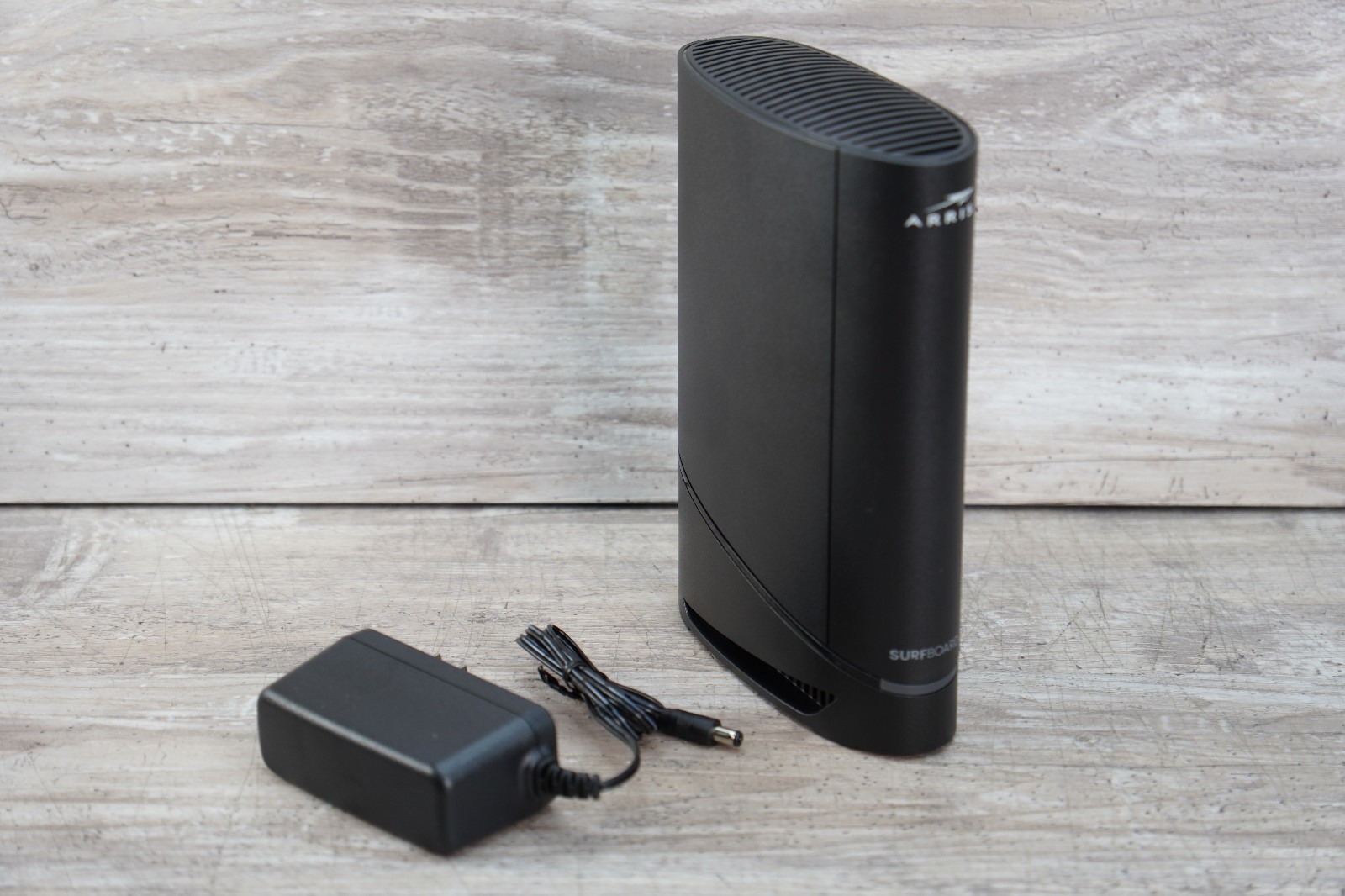

Photos from current listings. Actual item, color, and included accessories may vary.
Cable Modem Buying Guide
A cable modem translates DOCSIS signals from your coaxial ISP line into Ethernet for your router or directly to devices. The core trade-off is DOCSIS generation and Ethernet port speed versus built-in Wi-Fi capability: standalone modems maximize compatibility and placement flexibility, while combo units simplify setup but lock you into their Wi-Fi. Choose a standalone modem with at least 2.5GbE if you have a multi-gig plan and separate router; choose a combo only for simple single-box setups and lower-tier speeds.
Median $77.62
Key takeaways
- DOCSIS 3.1 modems support multi-gig downstream and are required for plans above 1 Gbps; DOCSIS 3.0 caps at 1 Gbps and is being phased out by major ISPs.
- Ethernet port speed determines real-world throughput: 1GbE limits you to ~940 Mbps, 2.5GbE supports plans up to 2.5 Gbps, and combo units often share this port with internal Wi-Fi.
- Combo modem-routers integrate Wi-Fi 6 or Wi-Fi 7, but their Wi-Fi performance and placement are fixed; standalone modems let you pair a dedicated router for better coverage.
At a glance
- Category
- Network Switches, Routers & Firewalls
- Last updated
- Nov 28, 2026
Current offers
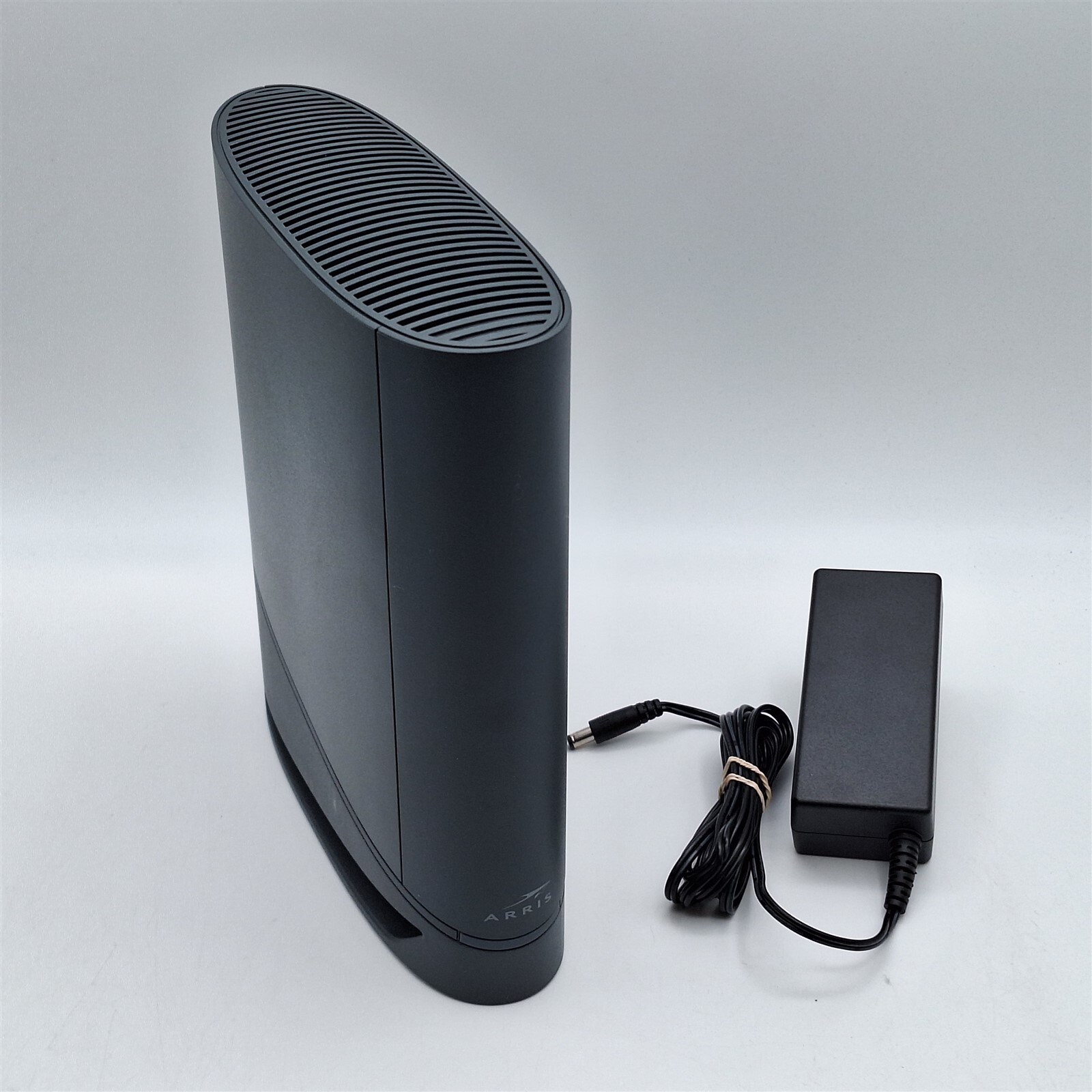
Highlights
- DOCSIS 3.1 modems support multi-gig downstream and are required for plans above 1 Gbps; DOCSIS 3.0 caps at 1 Gbps and is being phased out by major ISPs.
- Ethernet port speed determines real-world throughput: 1GbE limits you to ~940 Mbps, 2.5GbE supports plans up to 2.5 Gbps, and combo units often share this port with internal Wi-Fi.
- Combo modem-routers integrate Wi-Fi 6 or Wi-Fi 7, but their Wi-Fi performance and placement are fixed; standalone modems let you pair a dedicated router for better coverage.
- ISP compatibility varies: Xfinity, Spectrum, and Cox publish approved modem lists; retail modems must match DOCSIS version and firmware certification to activate.
Best use cases
- Best fit: Xfinity or Cox plans above 1 Gbps — pick a DOCSIS 3.1 standalone modem with 2.5GbE (e.g., ARRIS S34) and pair with a Wi-Fi 6/7 router.
- Best fit: Plans up to 1 Gbps in apartments — a DOCSIS 3.1 combo like ARRIS G34 or G20 provides adequate Wi-Fi 6 and simplifies cabling.
- Wrong fit: Gigabit+ plans with a DOCSIS 3.0 modem — you will be capped at 1 Gbps and may face ISP activation refusal.
- Wrong fit: Large multi-story homes using a combo unit alone — built-in Wi-Fi often underperforms; choose a standalone modem plus mesh router.
Buying tips
- Match modem Ethernet port to your plan: 1GbE for plans ≤940 Mbps, 2.5GbE for 1–2.5 Gbps plans; a 2.5GbE port also future-proofs.
- For Xfinity, choose DOCSIS 3.1 modems from their approved list; ARRIS SURFboard S33/S34 and G54 are commonly certified.
- Skip combo units if you already own a high-performance router; standalone modems avoid double NAT and Wi-Fi conflicts.
- Check DOCSIS version: 3.1 is backward-compatible with 3.0 but required for speeds above 1 Gbps; 3.0 modems are end-of-life for upgrades.
Specs
| DOCSIS Version | 3.1 (multi-gig) vs 3.0 (1 Gbps cap) |
|---|---|
| Ethernet Port Speed | 2.5GbE vs 1GbE |
| Form Factor | Standalone modem vs combo router |
| Wi-Fi Standard | Wi-Fi 6 / Wi-Fi 7 (combo only) |
Related searches
What to check before buying
- Confirm your ISP supports retail modems and check their approved list for DOCSIS 3.1 models.
- Measure coax outlet location: standalone modem needs power and Ethernet run to router; combo needs central placement for Wi-Fi.
- Verify your plan speed and router WAN port: a 2.5GbE modem requires a 2.5GbE router port to avoid bottleneck.
- Ensure you have a coaxial cable and Ethernet cable of appropriate length; modems rarely include them.
FAQ
Data sources: eBay / Amazon listings and product attribute feeds. Updated Nov 28, 2026.
Some links on this page are affiliate links. If you buy after clicking one, we may earn a commission at no extra cost to you. This does not change which products appear here or their order. Affiliate disclosure.