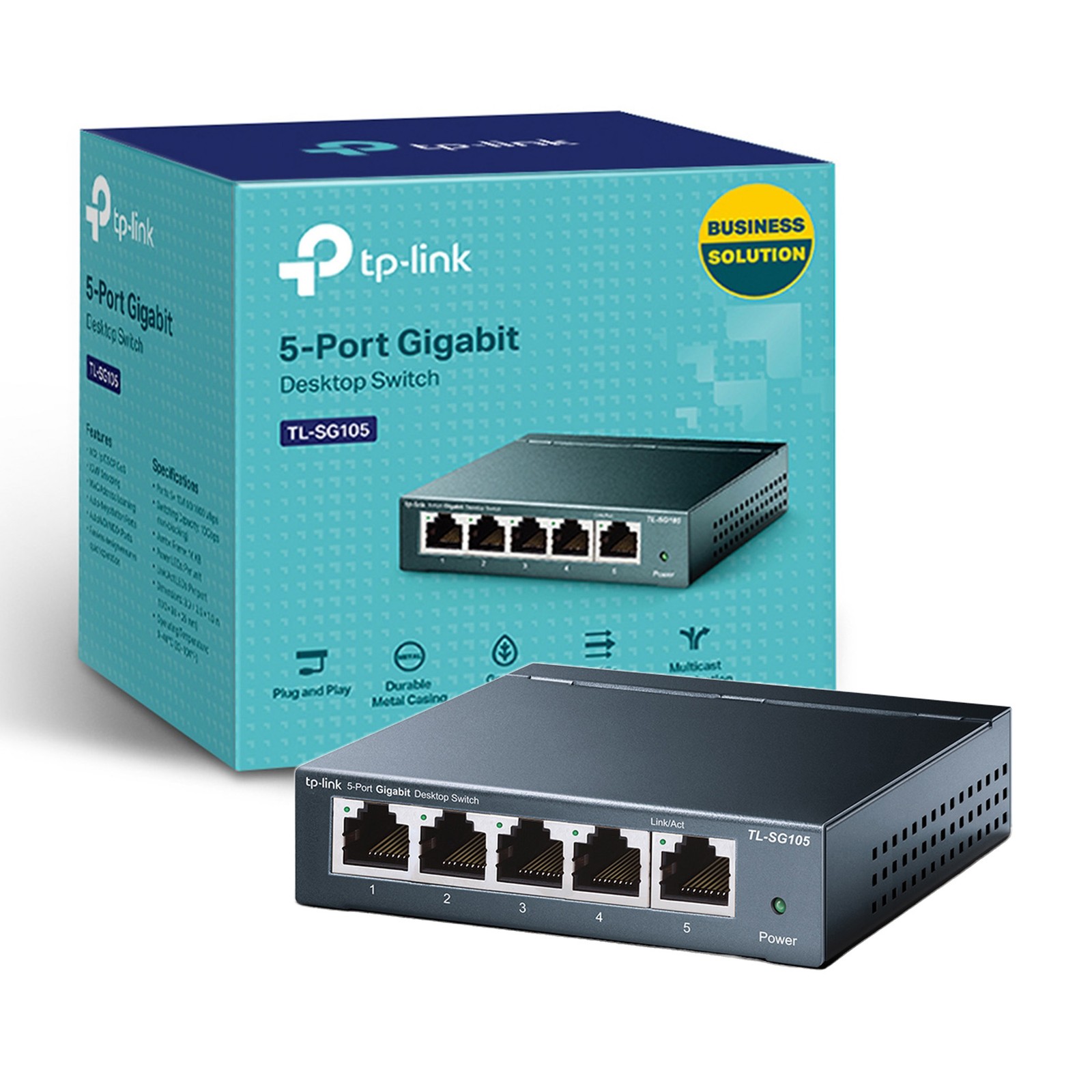

Photos from current listings. Actual item, color, and included accessories may vary.
8 Port Gigabit Switch Buying Guide
An 8-port gigabit switch is the compact backbone of a small wired LAN, adding seven usable Gigabit Ethernet ports to a router or modem. The core trade-off is power budget and management: unmanaged plastic units are cheapest but offer no PoE or VLANs, while metal PoE+ switches with a real power budget cost more but run access points, cameras, and VoIP phones without extra injectors. Choose an unmanaged switch only for plain client expansion; choose a PoE+ or smart-managed model the moment you plan to power devices or segment traffic.
Median $39.99
Key takeaways
- Port count math: 8 ports yields 7 usable ports, since one port is consumed by the router or uplink. Buy a 16-port model if you need 8 free ports.
- PoE tiers: 802.3af delivers 15.4W per port, 802.3at (PoE+) delivers 30W per port; total switch budget (e.g., 60W vs 120W) often limits how many devices you can actually power.
- Switching capacity: an 8-port gigabit switch needs 16 Gbps full-duplex capacity to run all ports non-blocking; any lower figure means contention or a non-gigabit backplane.
At a glance
- Category
- Network Switches, Routers & Firewalls
- Last updated
- Nov 28, 2026
Current offers
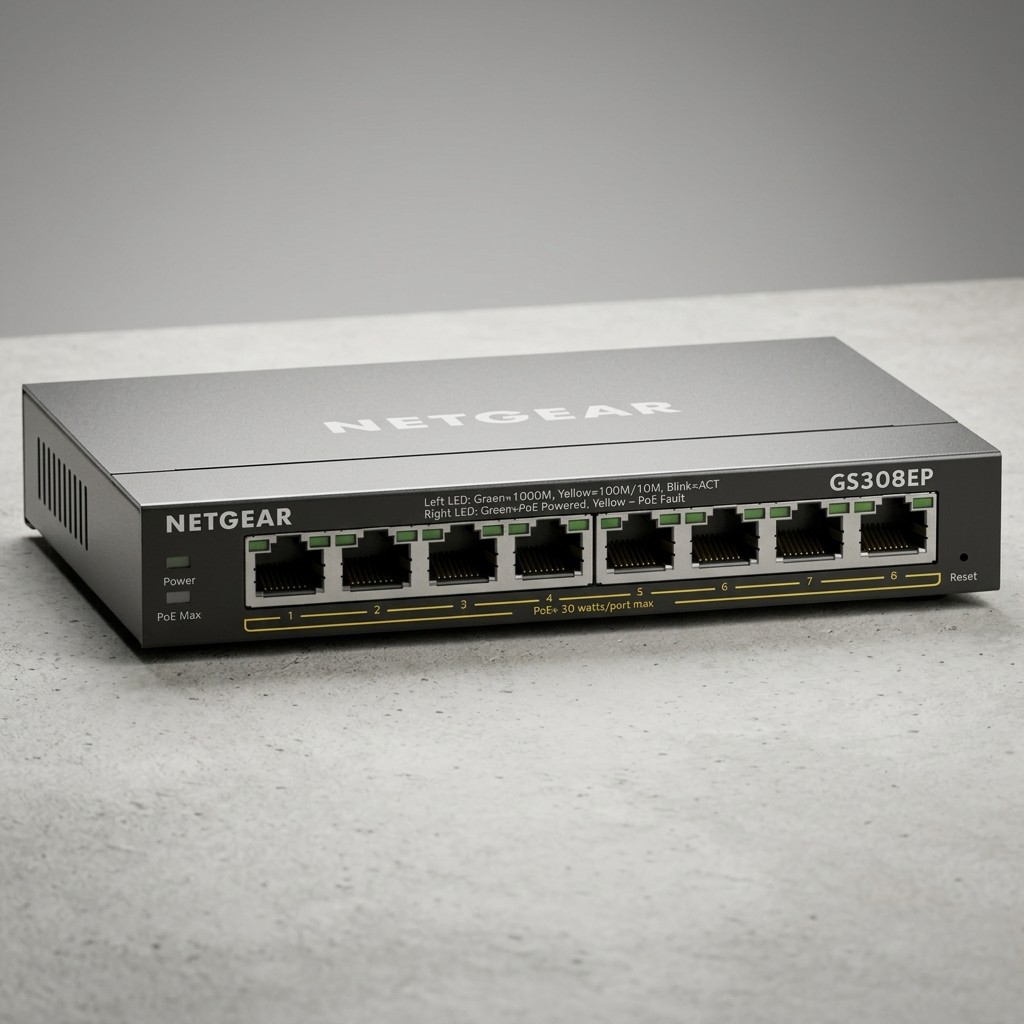
Highlights
- Port count math: 8 ports yields 7 usable ports, since one port is consumed by the router or uplink. Buy a 16-port model if you need 8 free ports.
- PoE tiers: 802.3af delivers 15.4W per port, 802.3at (PoE+) delivers 30W per port; total switch budget (e.g., 60W vs 120W) often limits how many devices you can actually power.
- Switching capacity: an 8-port gigabit switch needs 16 Gbps full-duplex capacity to run all ports non-blocking; any lower figure means contention or a non-gigabit backplane.
- Construction: metal fanless chassis dissipate heat without noise and suit closets and shelves; plastic cases are lighter and cheaper but trap heat and feel less durable.
Best use cases
- Home or small-office wired expansion: pick an unmanaged 8-port Gigabit switch with a metal case and fanless design; skip PoE unless you already own PoE access points or cameras.
- IP camera or Wi-Fi access point deployment: choose an 8-port PoE+ switch with 802.3at and at least a 60W total budget; skip unmanaged non-PoE units and budget injectors.
- Small business VLAN segmentation: choose a smart-managed 8-port switch with 802.1Q VLANs and QoS; skip unmanaged switches when you need guest network isolation.
- Daisy-chaining multiple switches: choose a model with store-and-forward and 9KB jumbo frames; skip hubs or fast-Ethernet units that bottleneck inter-switch links.
Buying tips
- Count devices first: 8 ports minus one uplink leaves 7 usable. If you have 7 or more wired devices plus a router, step up to a 16-port switch.
- Match PoE class to the load: 802.3af (15.4W) for basic phones and APs, 802.3at (30W) for PTZ cameras and Wi-Fi 6 APs; total budget must exceed the sum of device draw.
- Prefer fanless metal for noise-sensitive rooms; plastic cases are fine only in ventilated, low-load setups with few PoE devices.
- For VLANs, QoS, or link aggregation, buy a smart-managed or L2-managed model; unmanaged switches cannot be configured beyond auto-negotiation.
Specs
| Port Count | 8 ports (7 usable + 1 uplink) |
|---|---|
| Speed | Gigabit 10/100/1000 Mbps |
| PoE Standard | 802.3af / 802.3at PoE+ |
| Management | Unmanaged vs Smart/Web-managed |
Related searches
What to check before buying
- Measure your rack or shelf: 8-port metal switches are typically 6–10 inches wide; confirm clearance for Ethernet bend radius and power adapter.
- Check power: confirm the switch’s PoE budget and whether it ships with an external power brick; a 120W PoE budget requires a beefier adapter than a 60W unit.
- Confirm cabling: Cat5e supports Gigabit to 100m; Cat6 is preferable for new runs and future 2.5G upgrades.
- Verify uplink: ensure at least one port connects to your router LAN port, and plan a second uplink if you want link aggregation or redundancy.
FAQ
Data sources: eBay / Amazon listings and product attribute feeds. Updated Nov 28, 2026.
Some links on this page are affiliate links. If you buy after clicking one, we may earn a commission at no extra cost to you. This does not change which products appear here or their order. Affiliate disclosure.