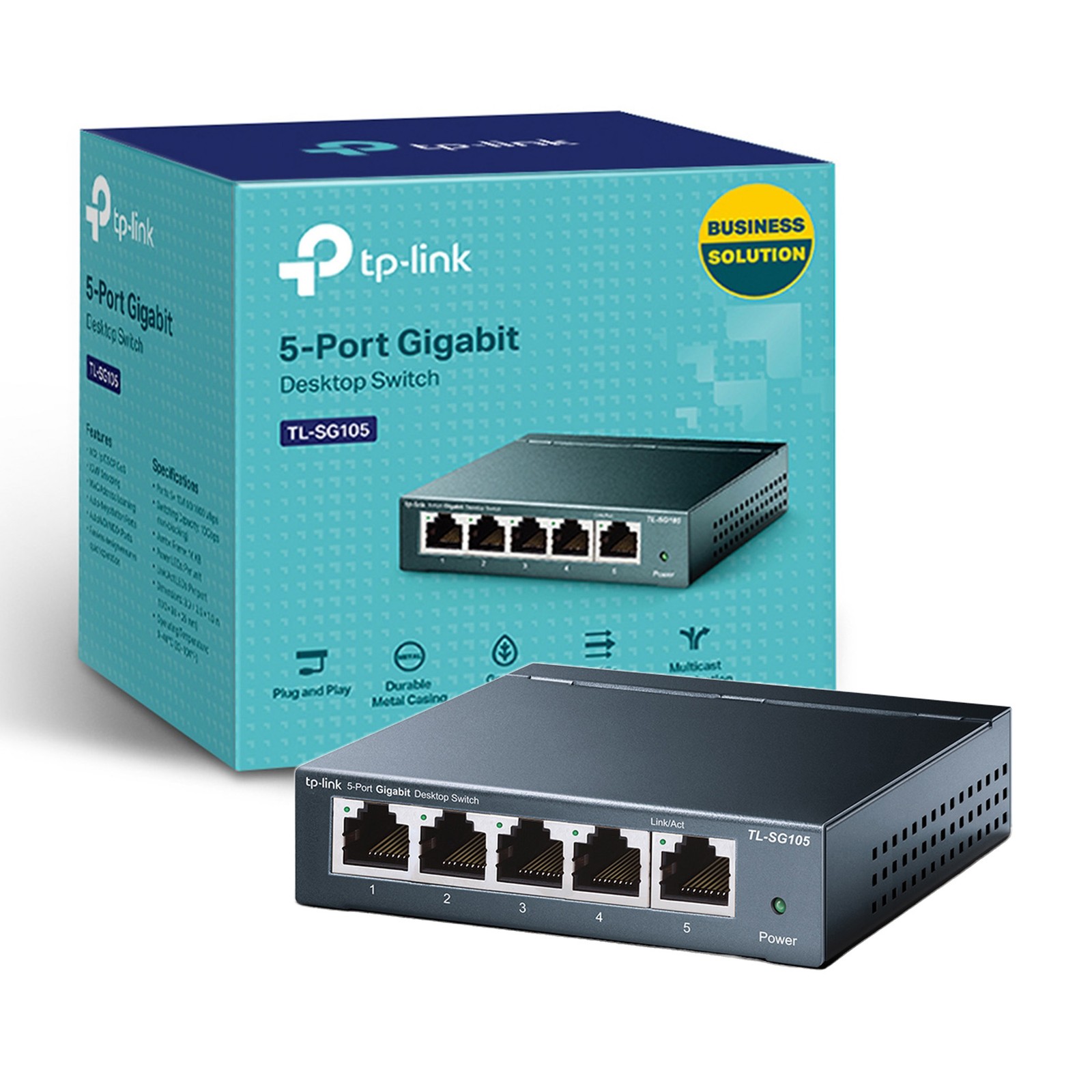

Photos from current listings. Actual item, color, and included accessories may vary.
8 Port Gigabit Desktop Switch Buying Guide
An 8-port Gigabit desktop switch is the simplest way to expand a wired LAN: it adds seven usable RJ45 ports to a router or wall jack at full 1 Gbps per port. The core trade-off is unmanaged plug-and-play vs. managed/smart features, and metal vs. plastic chassis with real vs. shared backplane bandwidth. Buy unmanaged metal for pure port expansion; step to a smart/managed model only if you need VLANs, QoS, or link aggregation.
Key takeaways
- Unmanaged models need zero configuration: plug in power and cables and all 8 ports auto-negotiate 10/100/1000 Mbps with auto-MDI/MDIX, so uplink and device cables are interchangeable.
- Switch fabric must be at least 16 Gbps non-blocking (full duplex 8 x 1 Gbps x 2) for all ports to run gigabit simultaneously without contention.
- Metal housings dissipate heat passively and survive rack/desk abuse; plastic shells are lighter and cheaper but trap heat in enclosed cabinets.
At a glance
- Category
- Network Switches, Routers & Firewalls
- Last updated
- Nov 28, 2026
Current offers
Highlights
- Unmanaged models need zero configuration: plug in power and cables and all 8 ports auto-negotiate 10/100/1000 Mbps with auto-MDI/MDIX, so uplink and device cables are interchangeable.
- Switch fabric must be at least 16 Gbps non-blocking (full duplex 8 x 1 Gbps x 2) for all ports to run gigabit simultaneously without contention.
- Metal housings dissipate heat passively and survive rack/desk abuse; plastic shells are lighter and cheaper but trap heat in enclosed cabinets.
- Smart/managed tiers add 802.1Q VLANs, port mirroring, QoS, and LACP link aggregation via web UI; unmanaged units do not expose these features at any price.
Best use cases
- Best fit: home or small office expanding one router LAN port into 7 wired devices (PCs, NAS, consoles, printers) — pick an unmanaged 8-port metal gigabit switch with an external power adapter.
- Best fit: small business needing segmented guest/office traffic or a bonded NAS uplink — pick a smart-managed 8-port gigabit switch with VLAN and LACP support.
- Wrong fit: adding Wi-Fi coverage or routing between networks — a switch only extends a single LAN; buy a router or access point instead.
- Wrong fit: powering IP cameras or access points over Ethernet — a standard 8-port switch has no PoE; choose an 8-port PoE switch with a sufficient PoE power budget.
Buying tips
- Count ports carefully: 8 total ports means 7 devices when one port uplinks to the router; buy a 16-port model if you will exceed 7 wired devices.
- Require a non-blocking 16 Gbps switching capacity and a store-and-forward architecture with 9K jumbo frame support for NAS and large-file transfers.
- Match the power adapter to your region (100-240V input, correct plug type) and prefer models with a documented power draw under 10W for silent fanless operation.
- Choose metal, fanless chassis with wall-mount slots for cabinets and desks; plastic cases are acceptable only in open, well-ventilated spaces.
Specs
| Management Type | Unmanaged vs Smart/Managed (VLAN) |
|---|---|
| Switching Capacity | 16 Gbps non-blocking (8 x 1G full duplex) |
| Chassis Material | Metal fanless vs Plastic |
| PoE Support | None (standard) vs 8-port PoE tier |
Related searches
What to check before buying
- Measure your desk, shelf, or wall-mount space: most 8-port desktop switches are roughly 6-8 inches wide and need clearance for the DC jack and cable bend radius.
- Confirm your router or wall jack provides an active DHCP/LAN uplink port — the switch does not create a network on its own.
- Verify outlet voltage and plug standard for your region; most ship with 5V or 12V DC external adapters rated 100-240V input.
- Check cable runs: Cat5e supports gigabit up to 100m; use Cat6 or better for new runs and ensure existing cables are not damaged or CCA (copper-clad aluminum).
FAQ
Data sources: eBay / Amazon listings and product attribute feeds. Updated Nov 28, 2026.
Some links on this page are affiliate links. If you buy after clicking one, we may earn a commission at no extra cost to you. This does not change which products appear here or their order. Affiliate disclosure.