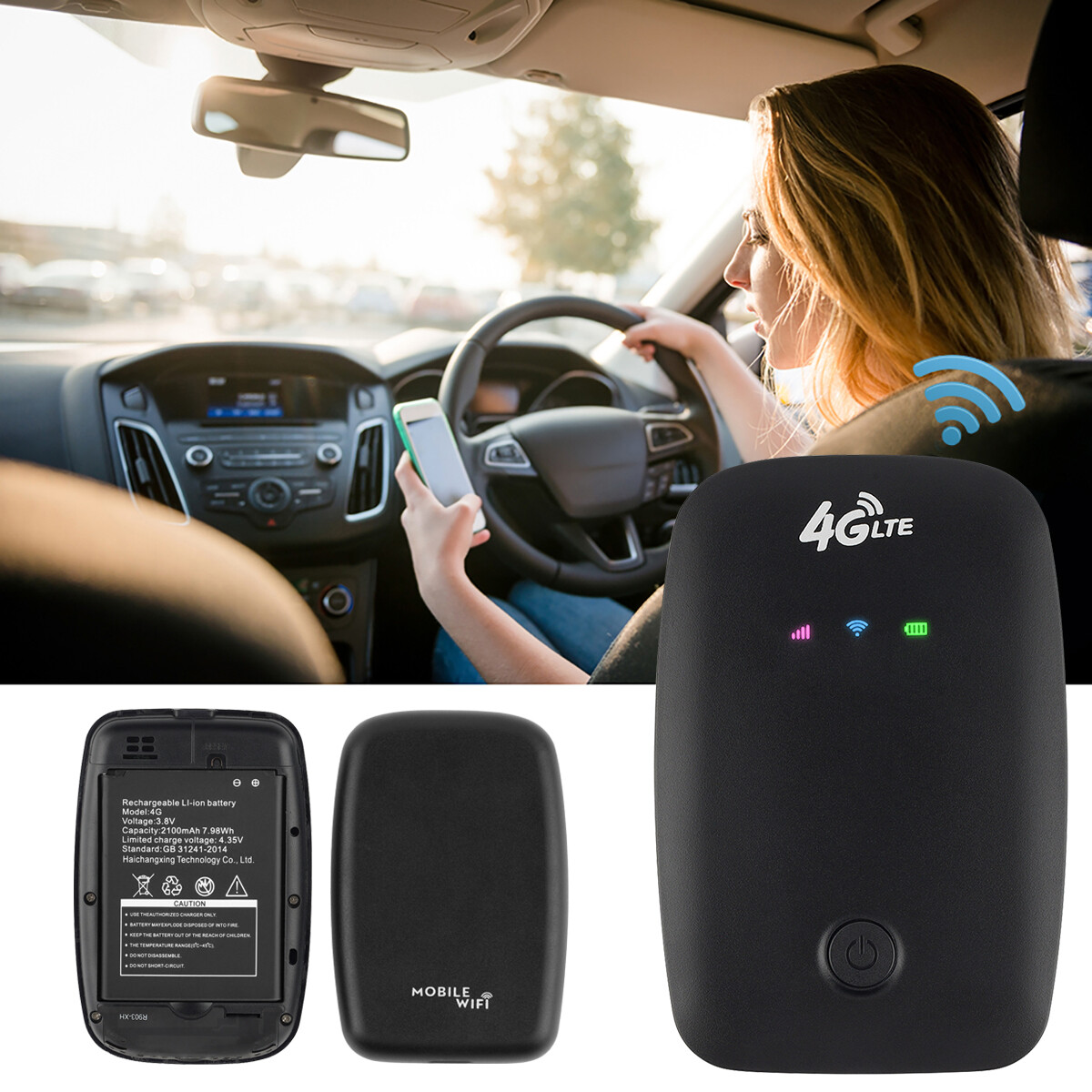

Photos from current listings. Actual item, color, and included accessories may vary.
4G WiFi Router Buying Guide
A 4G WiFi router converts a cellular LTE/5G signal into a local WiFi network, letting you avoid fixed-line broadband entirely. The core trade-off is between Cat4 modems (cheap but limited to ~150 Mbps and usually 2.4 GHz only) and Cat6+ or 5G units with carrier aggregation, Gigabit Ethernet, and dual-band WiFi. The decision rule: buy Cat6 or higher for anything beyond a single-device backup link, and skip Cat4 plastic hotspots if you need stable multi-user throughput or wired backhaul.
Key takeaways
- LTE Cat4 caps at 150 Mbps down / 50 Mbps up and cannot aggregate bands; Cat6 reaches 300 Mbps with 2x carrier aggregation, which is the minimum tier for usable multi-device streaming.
- Most budget plastic hotspots are 2.4 GHz 802.11n only, so real WiFi throughput tops out around 60-90 Mbps even when the cellular link is faster; dual-band 802.11ac is the practical upgrade.
- Unlocked units require band compatibility with your carrier: confirm FDD-LTE B1/B3/B7/B20 (Europe/Asia) or B2/B4/B5/B12/B13/B66 (North America) before purchase.
At a glance
- Category
- Network Switches, Routers & Firewalls
- Last updated
- Nov 28, 2026
Current offers
Highlights
- LTE Cat4 caps at 150 Mbps down / 50 Mbps up and cannot aggregate bands; Cat6 reaches 300 Mbps with 2x carrier aggregation, which is the minimum tier for usable multi-device streaming.
- Most budget plastic hotspots are 2.4 GHz 802.11n only, so real WiFi throughput tops out around 60-90 Mbps even when the cellular link is faster; dual-band 802.11ac is the practical upgrade.
- Unlocked units require band compatibility with your carrier: confirm FDD-LTE B1/B3/B7/B20 (Europe/Asia) or B2/B4/B5/B12/B13/B66 (North America) before purchase.
- Portable hotspots run 2000-5000 mAh batteries for 6-12 hours of use; desktop CPE routers skip the battery and instead need a fixed power adapter plus a SIM slot for 24/7 operation.
Best use cases
- Best fit: rural or temporary locations with no fiber — pick a Cat6+ router with Gigabit LAN and external antenna ports so you can add a directional MIMO antenna aimed at the nearest tower.
- Best fit: travel and mobile backup — a battery-powered Cat4/Cat6 hotspot with USB-C charging and 2.4/5 GHz WiFi covers laptops and phones for a workday.
- Wrong fit: online gaming or low-latency video calls on Cat4 — skip it; the 50-70 ms cellular latency floor persists even with strong signal, so choose 5G or wired broadband instead.
- Wrong fit: whole-home coverage from one plastic hotspot — skip single-unit pocket routers for multi-room use; pair a desktop 4G router with a mesh node or use a router with external antennas.
Buying tips
- Match the LTE category to your need: Cat4 for email/browsing on 1-2 devices, Cat6 for HD streaming and 3-5 devices, Cat12+ or 5G for heavy multi-user households.
- Check the WiFi standard alongside the modem: an 802.11n (WiFi 4) radio bottlenecks any modem faster than ~100 Mbps, so insist on 802.11ac or WiFi 6.
- For fixed installations, choose a unit with at least one Gigabit Ethernet LAN port and SMA external antenna connectors; internal antennas lose 6-10 dB versus a modest outdoor antenna.
- Verify SIM format and unlock status: most 4G routers take a standard or micro SIM and must be carrier-unlocked to accept third-party SIMs; mini-SIM-only slots limit carrier choice.
Specs
| LTE Category | Cat4 / Cat6 / Cat12+ / 5G |
|---|---|
| WiFi Standard | 802.11n / 802.11ac / WiFi 6 |
| Antenna Ports | Internal vs SMA external |
| Power Source | USB battery vs 12V DC adapter |
Related searches
What to check before buying
- Confirm your carrier's LTE bands and whether the router lists them explicitly — a mismatch means no service regardless of signal strength.
- Map the install spot: desktop 4G routers need mains power and a window-facing position; measure for an antenna cable run if the signal is weak indoors.
- Check device count and LAN needs: count wired devices (console, NAS, PC) to decide between a single-LAN hotspot and a 4-port Gigabit router.
- Verify power input: travel hotspots charge over USB-C or micro-USB; fixed routers use 12V DC barrel adapters, so plan for the right outlet and adapter.
FAQ
Data sources: eBay / Amazon listings and product attribute feeds. Updated Nov 28, 2026.
Some links on this page are affiliate links. If you buy after clicking one, we may earn a commission at no extra cost to you. This does not change which products appear here or their order. Affiliate disclosure.