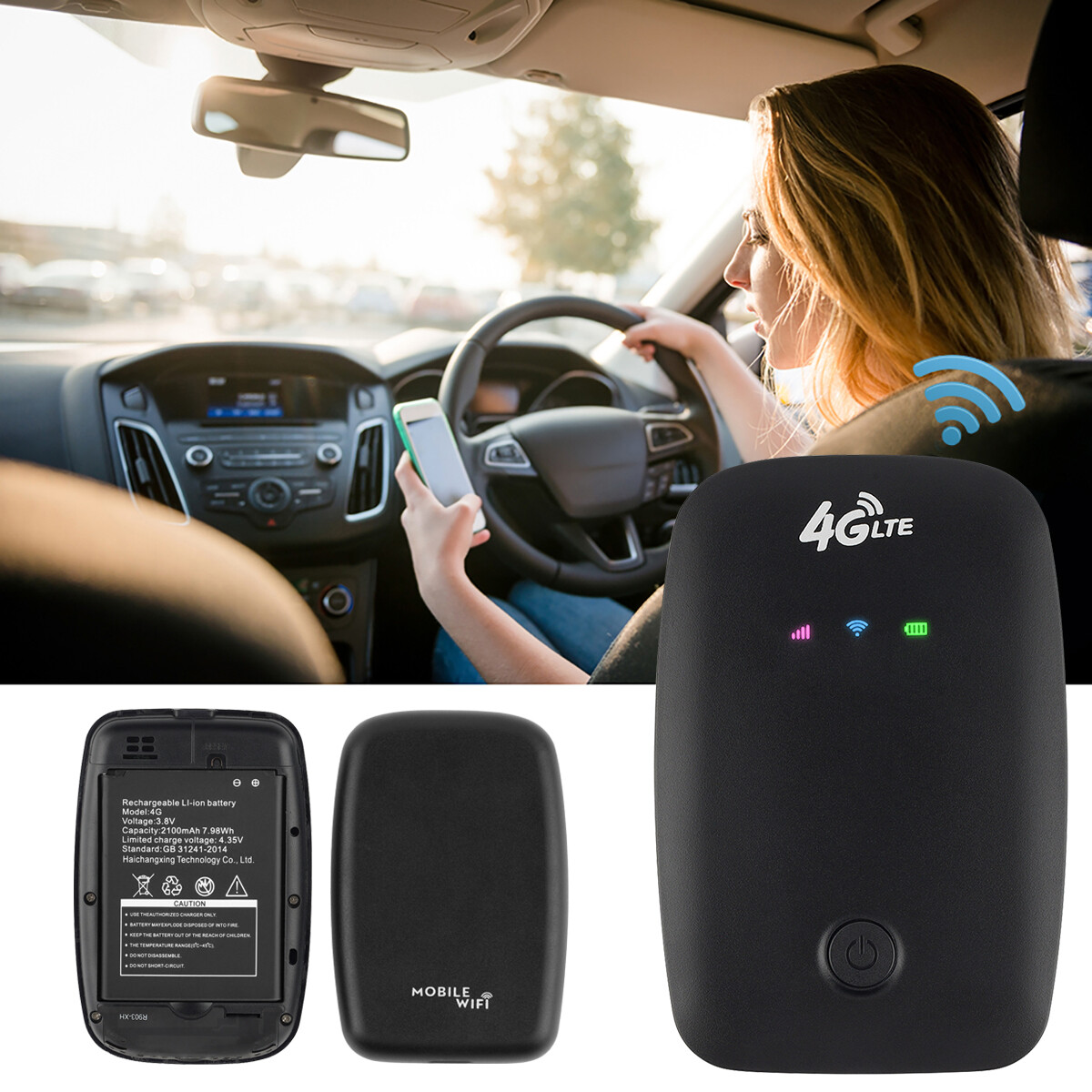

Photos from current listings. Actual item, color, and included accessories may vary.
4G WiFi Modem Buying Guide
A 4G WiFi modem is a router that takes a mobile LTE/4G SIM signal and rebroadcasts it as a local WiFi network, typically with an Ethernet port for wired fallback. The core trade-off is between Cat4 modems (cheap, 150 Mbps ceiling, fine for browsing) and Cat6+ modems (carrier-aggregation, 300 Mbps+, needed for video calls and multi-device households). The decision rule: buy a Cat6+ unit with external antenna ports and band support for your carrier's primary LTE bands; treat any Cat4 plastic hotspot with no Ethernet and no antenna port as a travel stopgap, not a home internet replacement.
Key takeaways
- LTE Cat tier sets the hard speed ceiling: Cat4 tops out at 150 Mbps down / 50 Mbps up with no carrier aggregation; Cat6 reaches 300 Mbps via 2CA; Cat12+ reaches 600 Mbps via 3CA — the modem chip, not the WiFi radio, is the bottleneck.
- Band support must match the carrier: US carriers lean on B2/B4/B5/B12/B13/B66/B71; European/Asian networks use B1/B3/B7/B8/B20/B28 — a modem missing your carrier's primary band will fall back to congested secondary spectrum.
- External antenna ports (TS9 or SMA) are the single biggest real-world throughput upgrade; a plastic-bodied hotspot with internal antennas loses 6-12 dB versus a unit with a paired MIMO antenna, which can halve usable speed at cell edge.
At a glance
- Category
- Network Switches, Routers & Firewalls
- Last updated
- Nov 28, 2026
Current offers
Highlights
- LTE Cat tier sets the hard speed ceiling: Cat4 tops out at 150 Mbps down / 50 Mbps up with no carrier aggregation; Cat6 reaches 300 Mbps via 2CA; Cat12+ reaches 600 Mbps via 3CA — the modem chip, not the WiFi radio, is the bottleneck.
- Band support must match the carrier: US carriers lean on B2/B4/B5/B12/B13/B66/B71; European/Asian networks use B1/B3/B7/B8/B20/B28 — a modem missing your carrier's primary band will fall back to congested secondary spectrum.
- External antenna ports (TS9 or SMA) are the single biggest real-world throughput upgrade; a plastic-bodied hotspot with internal antennas loses 6-12 dB versus a unit with a paired MIMO antenna, which can halve usable speed at cell edge.
- WiFi generation and port count separate home units from travel pucks: dual-band WiFi 5/6 with 1-4 Gigabit LAN ports and 32+ DHCP clients suits a household; single-band 2.4 GHz pucks with 8-10 client limits suit one or two devices on the road.
Best use cases
- Best fit for a home or small office with no fiber: pick a Cat6+ desktop router with 2+ external antenna ports, Gigabit LAN, and dual-band WiFi — skip Cat4 plastic pucks, which cap at 150 Mbps and throttle under multi-device load.
- Best fit for RV, camper, or remote work travel: pick a Cat4/Cat6 portable hotspot with a battery, USB-C charging, and TS9 antenna ports for a roof or window MIMO antenna — skip desktop units that require mains power.
- Best fit for a failover/secondary WAN on an existing router: pick a 4G modem with an Ethernet WAN output or a router with WAN failover — skip WiFi-only hotspots, which cannot feed an existing router without double-NAT.
- Wrong fit: online gaming or 4K streaming households on a Cat4 modem with no carrier aggregation — expect 20-60 ms added latency and buffering; choose Cat12+ or fixed-line instead.
Buying tips
- Match the LTE Cat to your use: Cat4 (150 Mbps) handles email and SD video; Cat6 (300 Mbps) handles 1080p calls for 2-3 users; Cat12+ (600 Mbps) is required for 4K streaming or 5+ heavy devices.
- Verify the modem lists your carrier's primary LTE bands (US: B2/B4/B12/B13/B66/B71; EU/Asia: B1/B3/B7/B8/B20/B28) — band support, not marketing speed, determines real throughput.
- Insist on at least one external antenna connector (TS9 or SMA) and a 2x2 MIMO pair; internal-antenna plastic pucks lose 6-12 dB and halve speed at cell edge.
- For home replacement, require at least one Gigabit LAN port and dual-band WiFi (2.4 + 5 GHz); 2.4 GHz-only units cap at ~100 Mbps real-world and congest in apartments.
Specs
| LTE Category | Cat4 150M / Cat6 300M / Cat12 600M |
|---|---|
| Antenna Ports | None / TS9 / SMA (2x2 MIMO) |
| WiFi & LAN | 2.4G only / Dual-band + Gigabit LAN |
| Power & Form | USB-C battery puck / 12V desktop |
Related searches
What to check before buying
- Measure your room or RV: a desktop router needs 10-15 cm clearance for ventilation and antenna swing; a battery hotspot needs a USB-C charger rated 5V/2A or higher.
- Confirm your carrier's SIM form factor (nano-SIM is standard; some IoT plans use micro-SIM) and that the modem is SIM-unlocked — carrier-locked units reject other SIMs.
- Check the power standard: desktop units use 12V DC barrel jacks with region-specific plugs (US Type A, EU Type C); portable hotspots charge via USB-C or micro-USB.
- Plan antenna placement: TS9/SMA ports need a window or roof MIMO antenna with 2-5 dBi gain in weak-signal areas; indoor-only plastic pucks without ports have no upgrade path.
FAQ
Data sources: eBay / Amazon listings and product attribute feeds. Updated Nov 28, 2026.
Some links on this page are affiliate links. If you buy after clicking one, we may earn a commission at no extra cost to you. This does not change which products appear here or their order. Affiliate disclosure.