
Photos from current listings. Actual item, color, and included accessories may vary.
4 Port Switch Buying Guide
A 4-port switch is the smallest practical Ethernet fan-out device, adding three usable ports to a router or wall jack while keeping traffic on a single wired segment. The core trade-off is managed-grade silicon and metal chassis versus unmanaged plastic commodity builds, and the decision rule is simple: buy an unmanaged metal 4-port for plain expansion, upgrade to a managed or PoE model only when you need VLANs, port isolation, or to power access points and cameras.
Median $49.50
Key takeaways
- Unmanaged switches forward frames at wire speed via a dedicated ASIC with no configuration, while managed models add VLANs, QoS, port mirroring, and loop detection through a web or CLI interface.
- Gigabit (10/100/1000) ports have been the baseline for over a decade; 2.5G models cost a small premium and are the correct pick for multi-gig fiber and Wi-Fi 6E/7 access points.
- Metal housings dissipate heat passively and survive closet and rack life; plastic shells are fine on a desk but trap heat and lack mounting flanges.
At a glance
- Category
- Network Switches, Routers & Firewalls
- Last updated
- Nov 25, 2026
Current offers
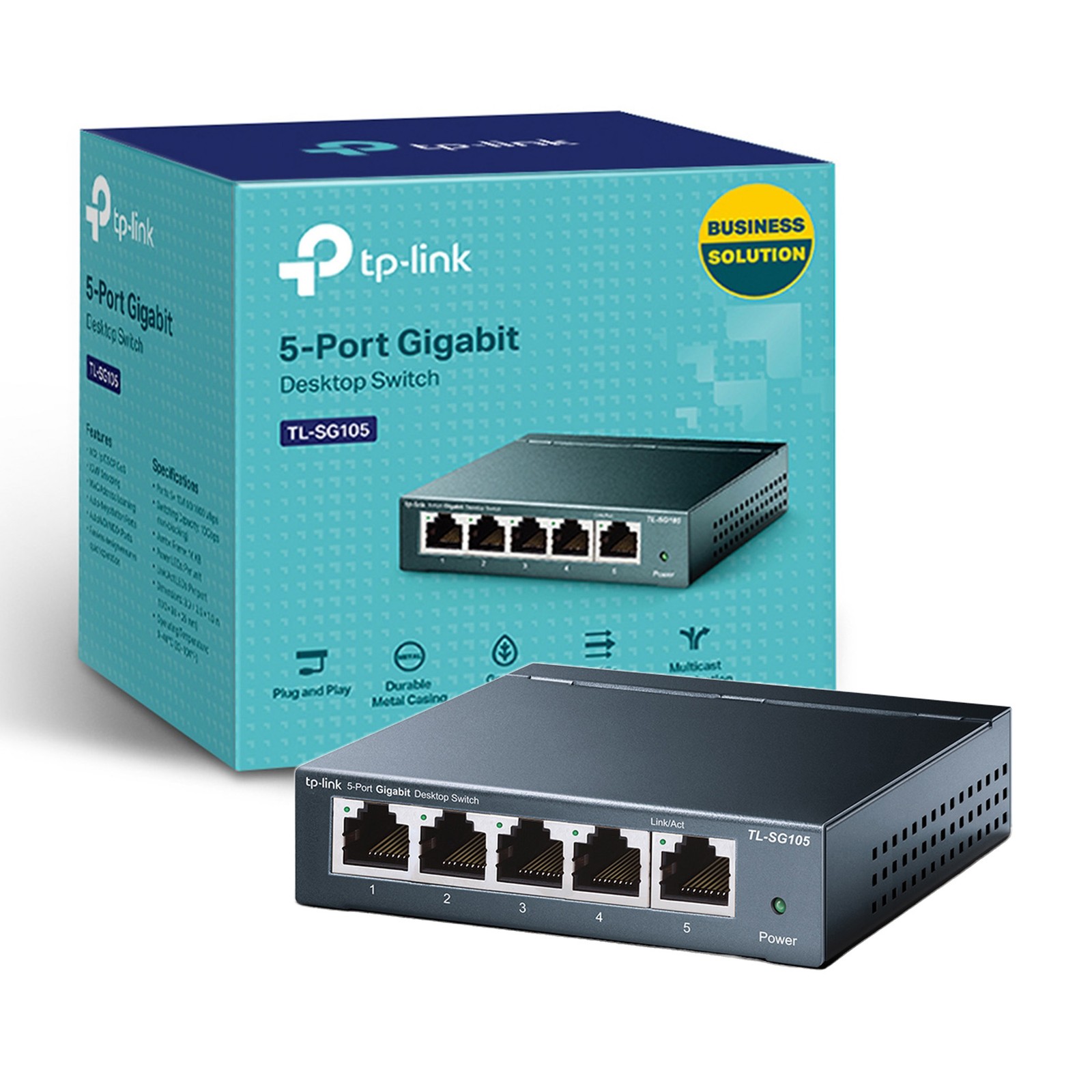 TP-Link TL-SG105 5-Port Gigabit Ethernet Unmanaged Metal Desktop Network Switch$29.99View on eBay
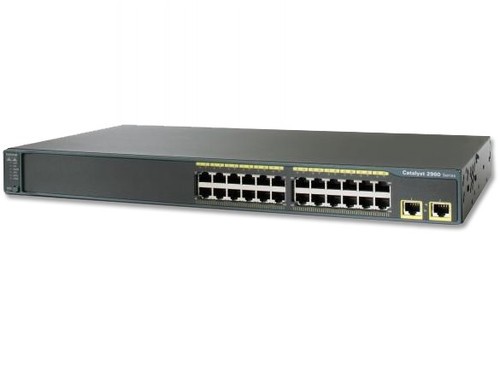 Cisco Catalyst 2960-24TT-L 24-Port Fast Ethernet Managed Switch$29.99View on eBay
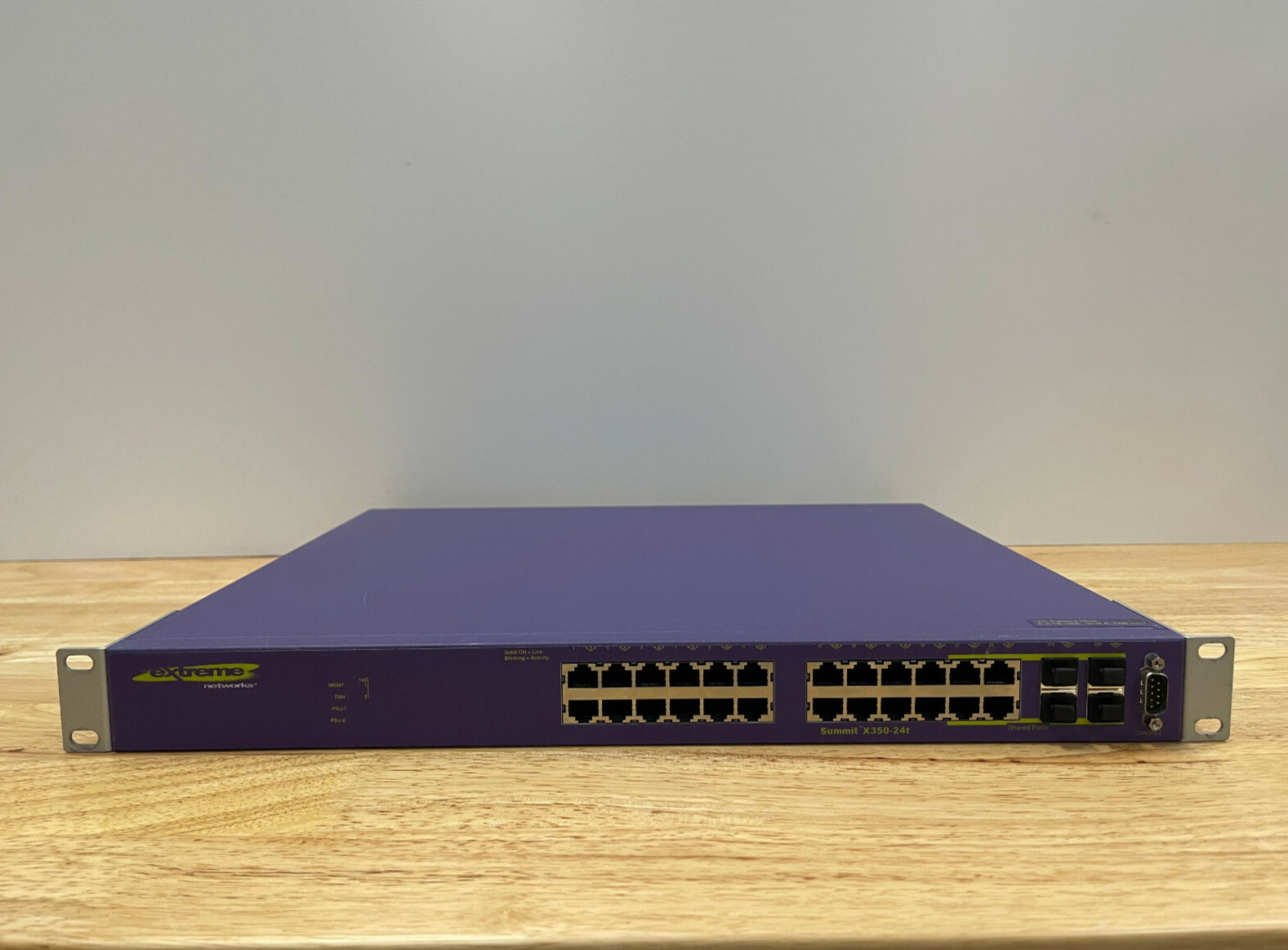 Extreme Networks Summit X350-24T 24-Port SFP 1Gbps RJ45 Ethernet Network Switch$49.00View on eBay
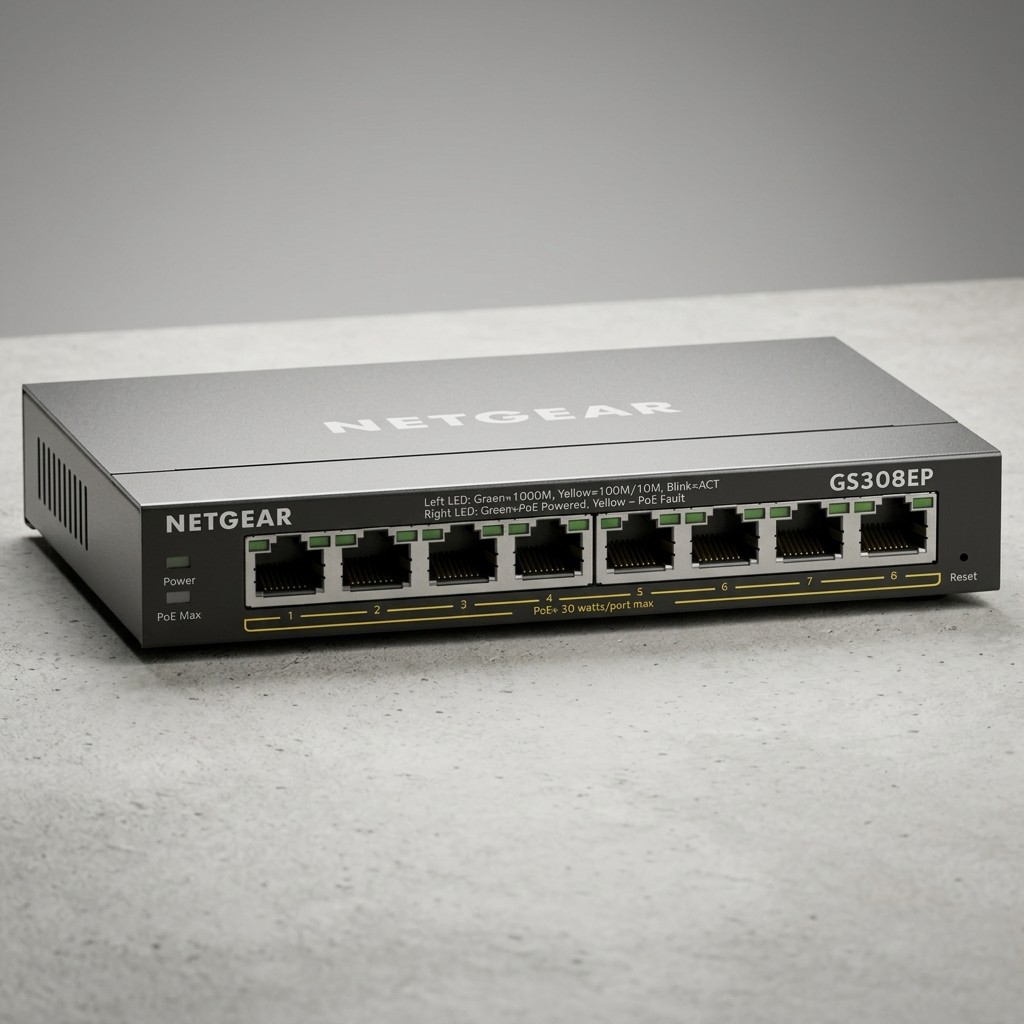 NETGEAR GS308EP Essential Series 8-Port Gigabit PoE+ Unmanaged Switch$49.99View on eBay
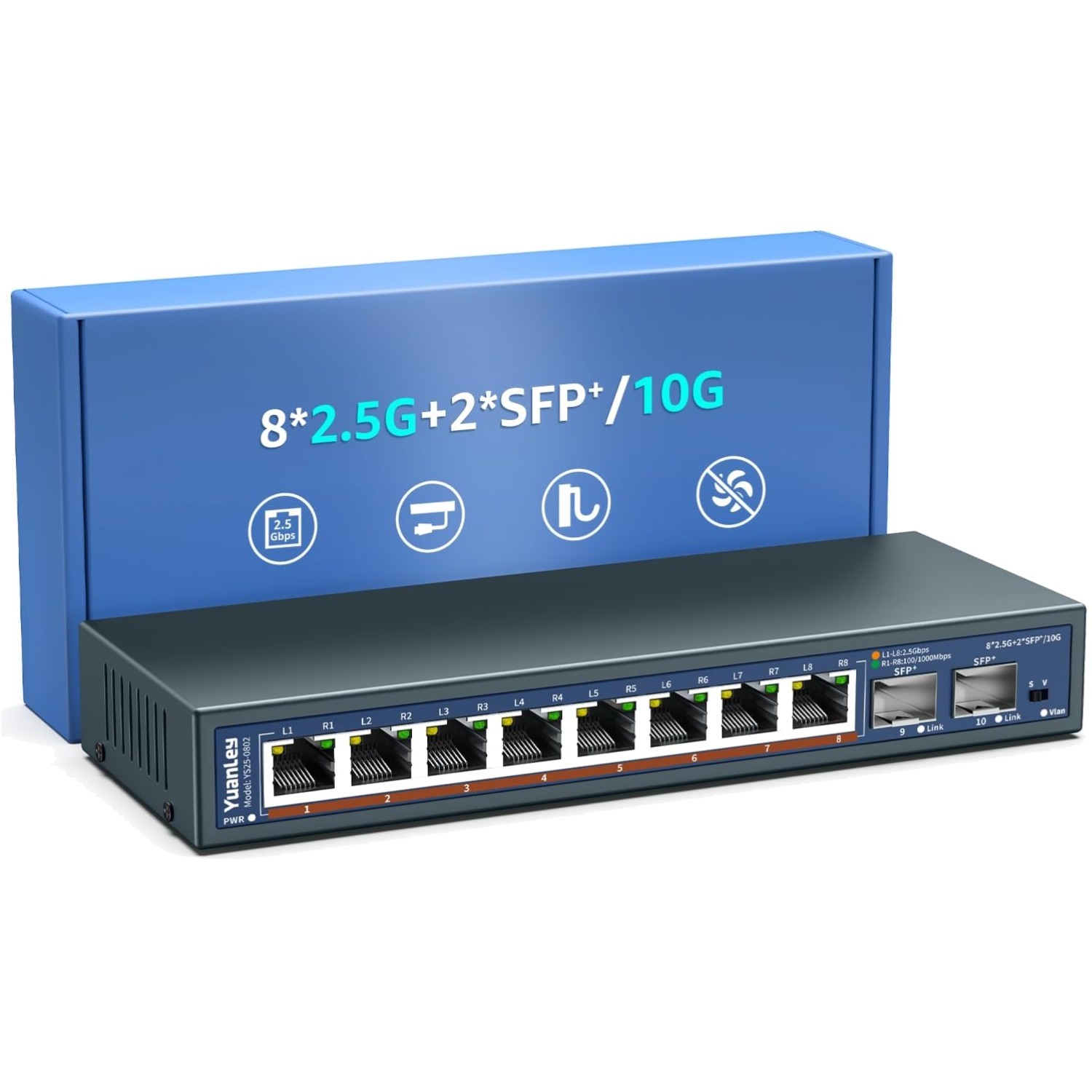 10-Port Fanless 2.5G Ethernet Switch with VLAN & 80Gbps Capacity for Home Office$117.59View on eBay
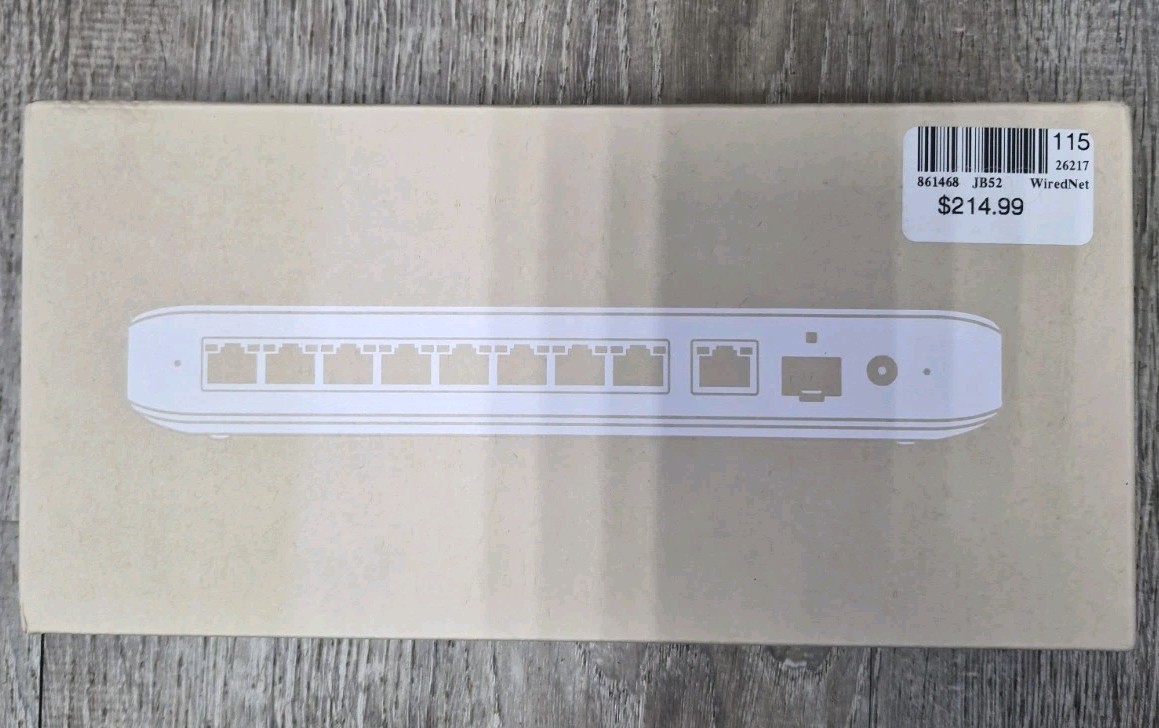 UBIQUITI NETWORKS USW-Flex-2.5G-8-PoE Flex PoE 8-Port Managed Network Switch$188.99View on eBay
Highlights
- Unmanaged switches forward frames at wire speed via a dedicated ASIC with no configuration, while managed models add VLANs, QoS, port mirroring, and loop detection through a web or CLI interface.
- Gigabit (10/100/1000) ports have been the baseline for over a decade; 2.5G models cost a small premium and are the correct pick for multi-gig fiber and Wi-Fi 6E/7 access points.
- Metal housings dissipate heat passively and survive closet and rack life; plastic shells are fine on a desk but trap heat and lack mounting flanges.
- PoE variants matter by standard: 802.3af delivers 15.4W per port, 802.3at delivers 30W, and 802.3bt delivers up to 60W or 90W — match the camera or AP label exactly.
Best use cases
- Best fit: adding three wired devices beside a single router LAN port — pick an unmanaged gigabit metal switch (5-port units cost the same and leave one spare).
- Best fit: one cable to a desk feeding a PC, dock, and printer — a compact fanless gigabit switch with a 5V or 12V wall adapter; skip PoE unless a device needs power.
- Wrong fit: segmenting guest IoT traffic or running VLANs — an unmanaged 4-port cannot do this; buy a managed 5-port or an 8-port smart switch.
- Wrong fit: powering two PoE cameras on a budget — a 4-port switch with a 802.3af budget under 30W total will brown out; choose a PoE switch with a stated total power budget of at least 60W.
Buying tips
- Count ports before buying: a 4-port switch gives only three usable ports after the uplink, so a 5-port costs nearly the same and is the safer pick for growth.
- Match the speed tier to the uplink: 2.5G ports only pay off if the router or NAS side is also 2.5G; otherwise gigabit is the correct, cheaper choice.
- For PoE, add up device draw and require a total power budget at least 20% above the sum — per-port wattage alone does not guarantee the switch can feed all ports at once.
- Choose fanless designs under 8 ports; a fan in a small switch is a failure point and adds noise in a bedroom or office.
Specs
| Port Speed | 10/100/1000 vs 2.5GBASE-T |
|---|---|
| Management | Unmanaged / Smart managed / Fully managed |
| PoE Standard | 802.3af (15.4W) / at (30W) / bt (60-90W) |
| Chassis | Metal fanless vs plastic desktop |
Related searches
What to check before buying
- Measure the install spot: most 4-port switches are roughly 3-5 inches wide and need a free AC outlet or USB power source within cable reach.
- Confirm the router's LAN port speed and whether it supplies PoE — a switch does not add PoE upstream, and a PoE-powered switch needs a PoE injector or PoE router port.
- Check the power adapter plug type and voltage for your region (100-240V input with a regional plug is standard; fixed 5V USB adapters are common on compact models).
- Verify cable: Cat5e supports gigabit to 100m, Cat6 is preferred for 2.5G runs, and existing in-wall cable grade caps the real speed regardless of switch.
FAQ
Data sources: eBay / Amazon listings and product attribute feeds. Updated Nov 25, 2026.
Some links on this page are affiliate links. If you buy after clicking one, we may earn a commission at no extra cost to you. This does not change which products appear here or their order. Affiliate disclosure.