
Photos from current listings. Actual item, color, and included accessories may vary.
24 Port Switch Buying Guide
A 24-port switch is the standard density tier for small-to-midsize LAN edge deployments, and the core trade-off is Layer 2 unmanaged or smart-managed copper versus Layer 3-capable or fiber-uplink managed chassis. The decision rule: buy Gigabit copper ports as the baseline, add SFP/SFP+ uplinks when runs exceed 100 m or aggregate to a core, and accept Fast Ethernet 24-port units only as legacy access drops.
Median $49.50
Key takeaways
- Port speed tiers split into 10/100 Fast Ethernet (legacy access, 100 m max), 10/100/1000 Gigabit (current baseline), and 2.5G/10G multi-gig for Wi-Fi 6E/7 access points.
- Layer depth determines features: Layer 2 handles switching, VLANs, and STP; Layer 2+ adds static routing; Layer 3 adds dynamic routing (OSPF/RIP) and inter-VLAN routing without a router.
- Uplink architecture separates 24-port models: copper-only (24 RJ45), combo (2–4 RJ45/SFP shared), or dedicated SFP/SFP+ cages for fiber trunks at 1G/10G.
At a glance
- Category
- Network Switches, Routers & Firewalls
- Last updated
- Nov 25, 2026
Current offers
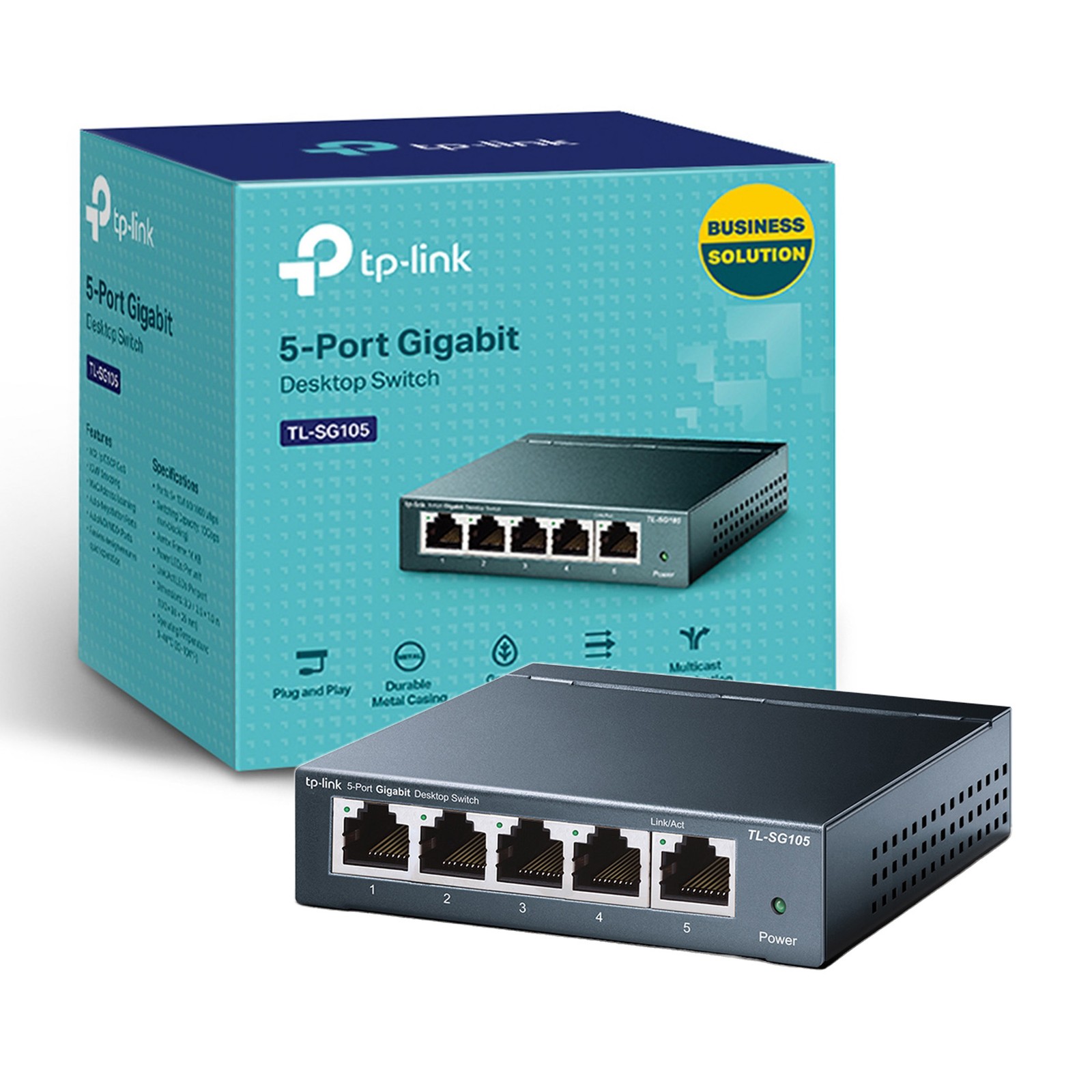 TP-Link TL-SG105 5-Port Gigabit Ethernet Unmanaged Metal Desktop Network Switch$29.99View on eBay
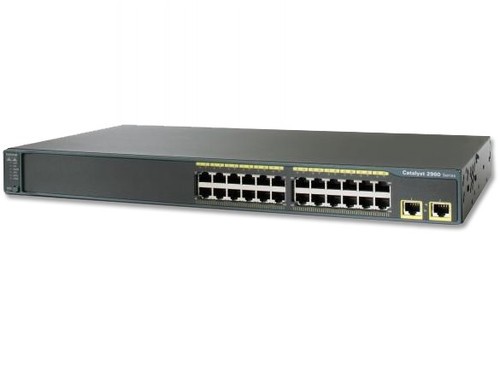 Cisco Catalyst 2960-24TT-L 24-Port Fast Ethernet Managed Switch$29.99View on eBay
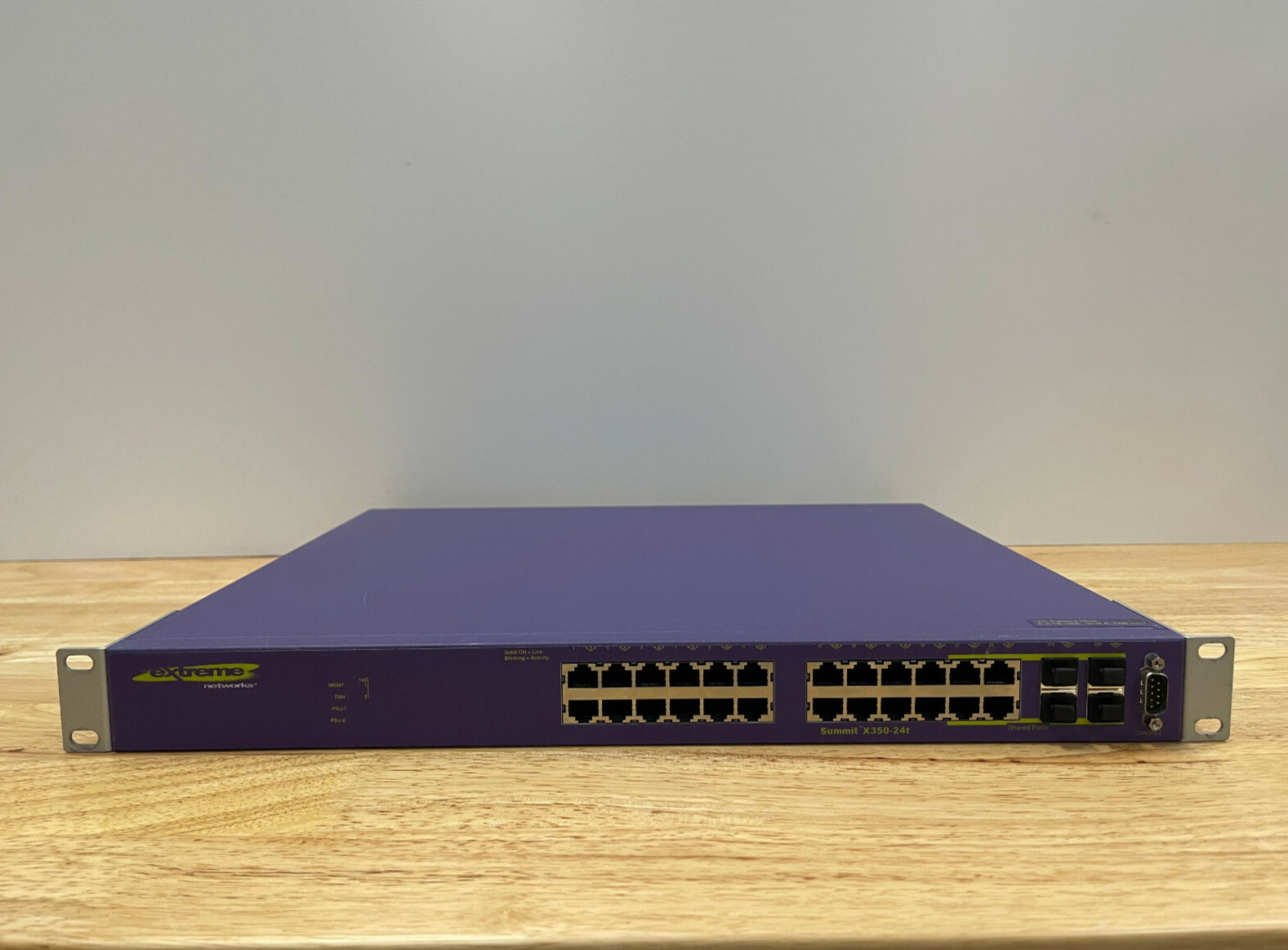 Extreme Networks Summit X350-24T 24-Port SFP 1Gbps RJ45 Ethernet Network Switch$49.00View on eBay
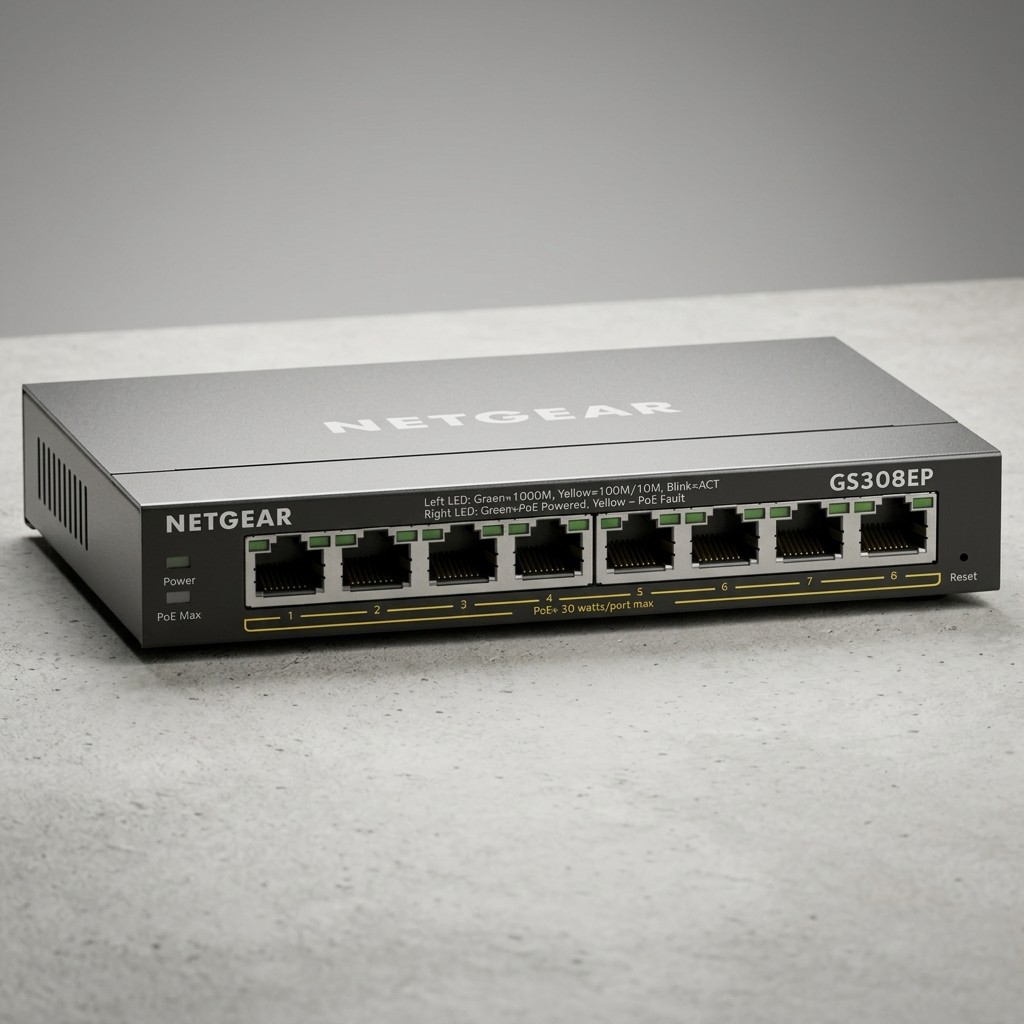 NETGEAR GS308EP Essential Series 8-Port Gigabit PoE+ Unmanaged Switch$49.99View on eBay
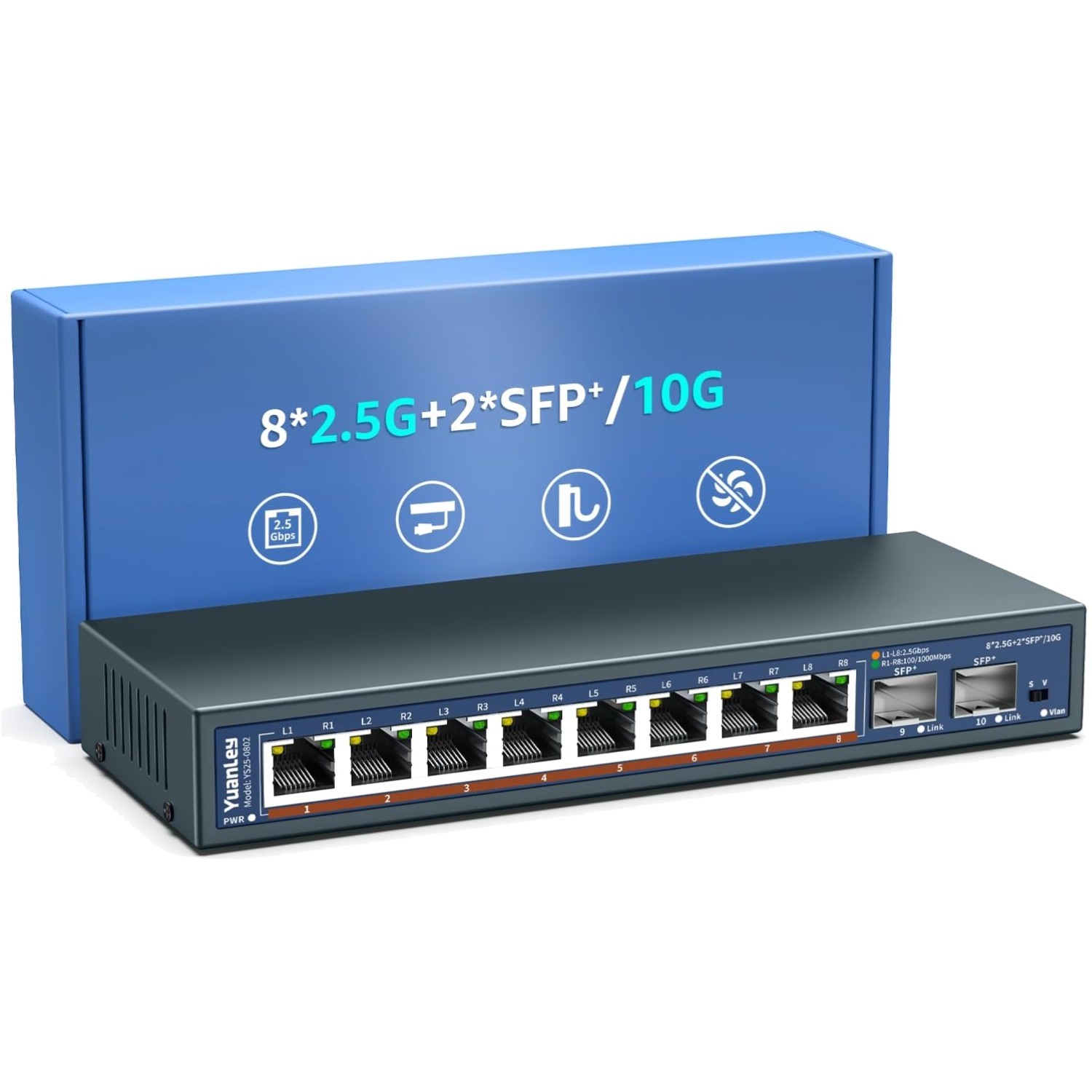 10-Port Fanless 2.5G Ethernet Switch with VLAN & 80Gbps Capacity for Home Office$117.59View on eBay
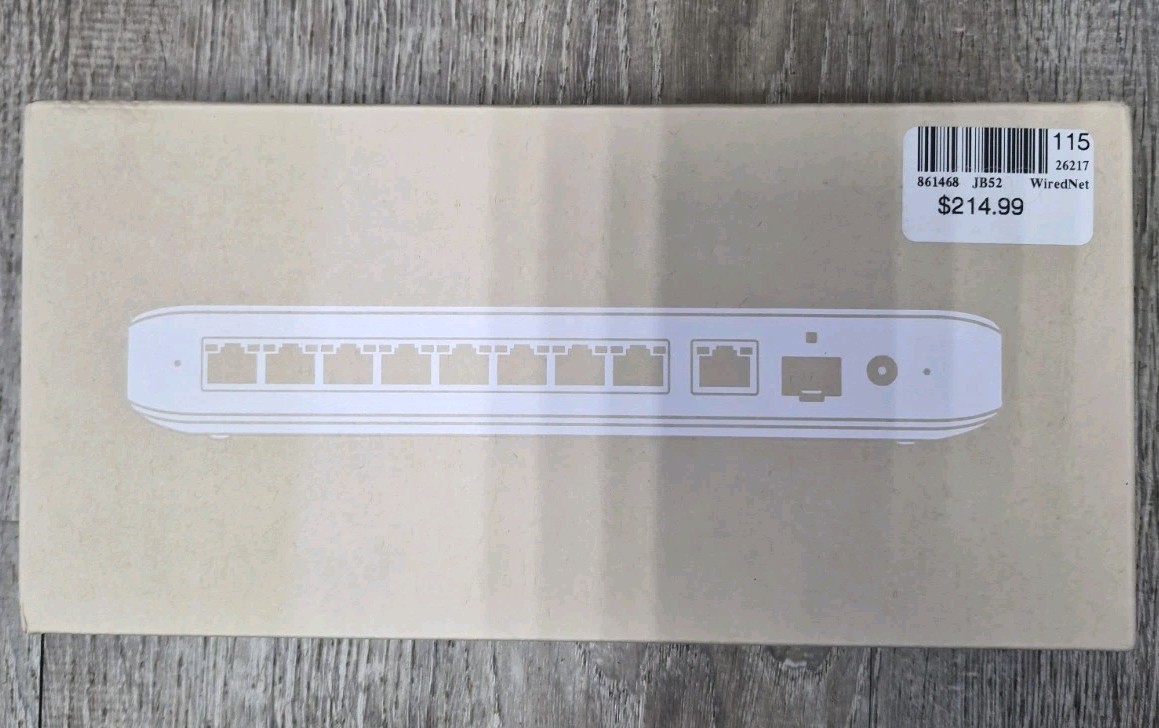 UBIQUITI NETWORKS USW-Flex-2.5G-8-PoE Flex PoE 8-Port Managed Network Switch$188.99View on eBay
Highlights
- Port speed tiers split into 10/100 Fast Ethernet (legacy access, 100 m max), 10/100/1000 Gigabit (current baseline), and 2.5G/10G multi-gig for Wi-Fi 6E/7 access points.
- Layer depth determines features: Layer 2 handles switching, VLANs, and STP; Layer 2+ adds static routing; Layer 3 adds dynamic routing (OSPF/RIP) and inter-VLAN routing without a router.
- Uplink architecture separates 24-port models: copper-only (24 RJ45), combo (2–4 RJ45/SFP shared), or dedicated SFP/SFP+ cages for fiber trunks at 1G/10G.
- Power budget is the hidden spec on PoE models: 24-port PoE switches ship in 190 W, 370 W, and 740 W classes, and total budget—not per-port wattage—limits camera and AP counts.
Best use cases
- Best fit: 24-port unmanaged Gigabit for a small office or home lab needing plug-and-play expansion with zero configuration—skip if you need VLAN segmentation or link aggregation.
- Best fit: 24-port Layer 2+ smart-managed with 2–4 SFP uplinks for SMB access closets trunking to a core switch—skip copper-only uplinks if fiber runs exceed 100 m between floors.
- Best fit: 24-port PoE+ (802.3at, 30 W/port) with 370 W+ budget for IP camera or Wi-Fi 6 AP rollouts—skip 190 W budget models if you plan more than 8–10 powered devices.
- Wrong fit: Fast Ethernet 24-port units for new cabling—buy them only to reuse existing Cat5 voice/data drops or legacy industrial gear capped at 100 Mb/s.
Buying tips
- Count ports including uplinks: a '24-port' switch with 2 shared SFP combo ports gives 24 total, not 26—deduct shared ports from your copper device count.
- Match PoE class to load: 802.3af delivers 15.4 W/port, 802.3at 30 W/port, 802.3bt up to 90 W/port—sum device draw and keep it under 80% of the switch's total power budget.
- For fiber uplinks, confirm transceiver format: SFP cages accept 1G modules, SFP+ accepts 1G/10G, and vendor coding (Cisco vs generic) may require coded optics or CLI unlock commands.
- Check forwarding capacity and MAC table: a 24-port Gigabit switch needs at least 48 Gb/s switching capacity and 8K MAC entries; sub-16 Gb/s backplanes indicate oversubscribed legacy silicon.
Specs
| Port Speed | 10/100 vs Gigabit vs 2.5G/10G |
|---|---|
| Management Layer | Unmanaged / L2 / L2+ / L3 |
| Uplink Type | Copper / Combo SFP / SFP+ |
| PoE Budget | Non-PoE / 190W / 370W / 740W |
Related searches
What to check before buying
- Measure rack or shelf depth and confirm 19-inch rack ears or desktop footprint; 24-port units are typically 1U and 17–19 inches wide.
- Verify power: most 24-port switches are internal PSU with IEC C14 inlet at 100–240 V; PoE models draw more and may need a dedicated 15 A circuit.
- Confirm cabling plant: Cat5e supports Gigabit to 100 m, Cat6/6a needed for 2.5G/10G runs—Fast Ethernet switches waste Cat6 investment.
- Inventory companion parts: SFP/SFP+ transceivers, DAC cables for short 10G links, and rack screws or rubber feet are rarely included.
FAQ
Data sources: eBay / Amazon listings and product attribute feeds. Updated Nov 25, 2026.
Some links on this page are affiliate links. If you buy after clicking one, we may earn a commission at no extra cost to you. This does not change which products appear here or their order. Affiliate disclosure.