
Photos from current listings. Actual item, color, and included accessories may vary.
16 Port Switch Buying Guide
A 16-port switch is the workgroup backbone that connects up to 15 devices to one uplink, and the decisive trade-off is managed vs. unmanaged plus Fast Ethernet vs. Gigabit. Buy a Gigabit unmanaged switch for plug-and-play LAN expansion; step up to a managed or smart model only when you need VLANs, link aggregation, or PoE. Anything still selling 10/100-only ports in a 16-port chassis is a compromise—skip it unless your endpoints are legacy.
Median $49.50
Key takeaways
- Port count math: 16 ports means 15 usable device ports plus one uplink, or 16 devices with a router uplink—plan one spare port for diagnostics or future expansion.
- Speed tier: Gigabit (1000BASE-T) is the baseline; 10/100 Fast Ethernet caps every transfer at ~12.5 MB/s and bottlenecks NAS, backups, and Wi-Fi 6 access points.
- Management layer: unmanaged = zero config; smart/web-managed adds VLANs, QoS, port mirroring, and LACP at lower cost than full L2+/L3 managed with CLI and SNMP.
At a glance
- Category
- Network Switches, Routers & Firewalls
- Last updated
- Nov 25, 2026
Current offers
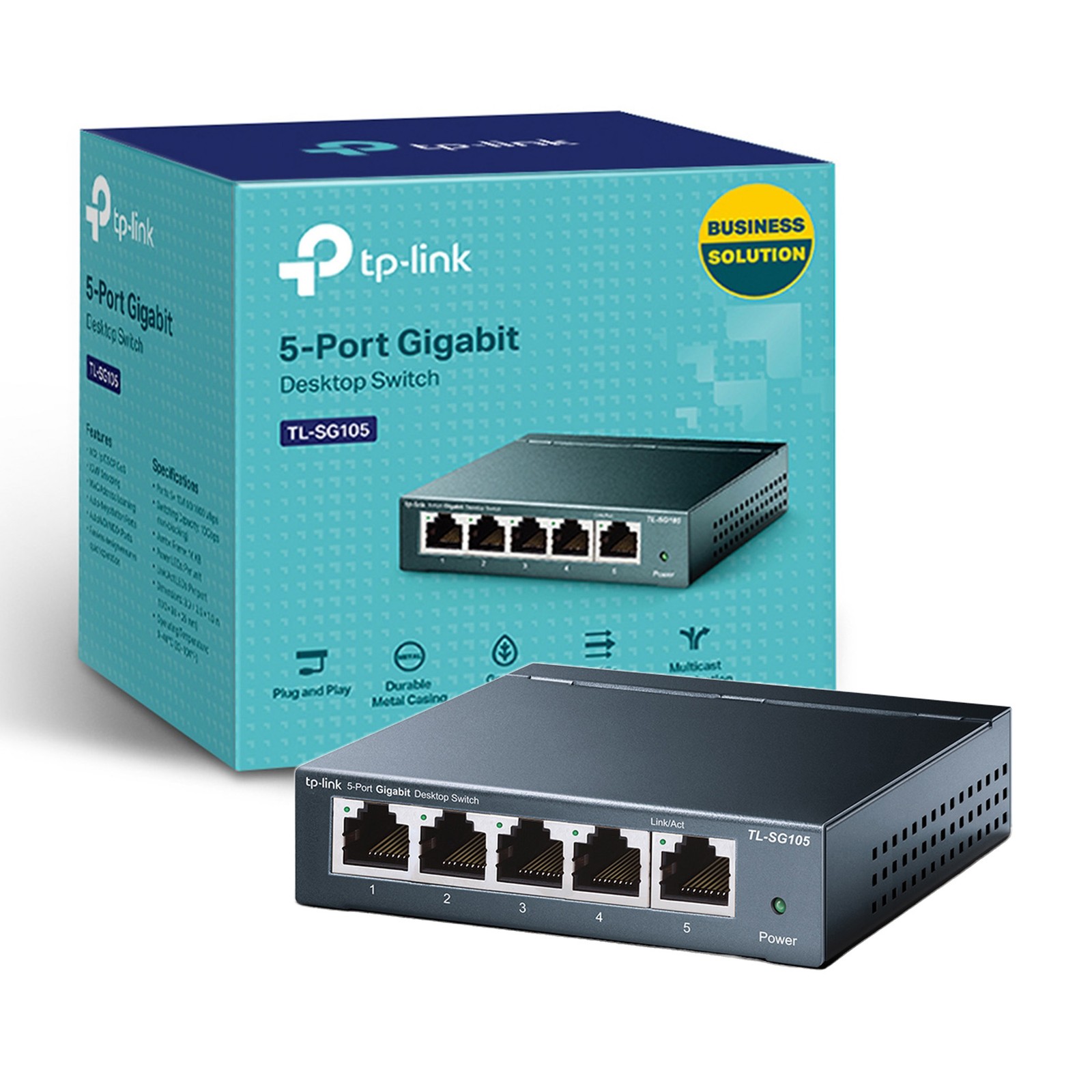 TP-Link TL-SG105 5-Port Gigabit Ethernet Unmanaged Metal Desktop Network Switch$29.99View on eBay
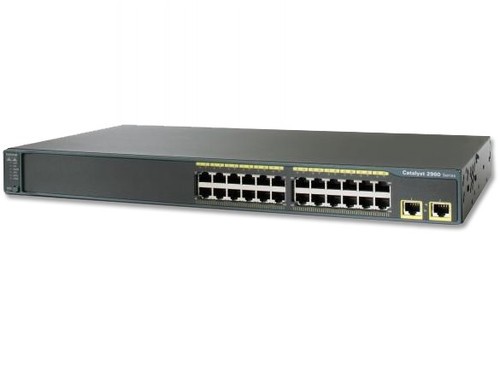 Cisco Catalyst 2960-24TT-L 24-Port Fast Ethernet Managed Switch$29.99View on eBay
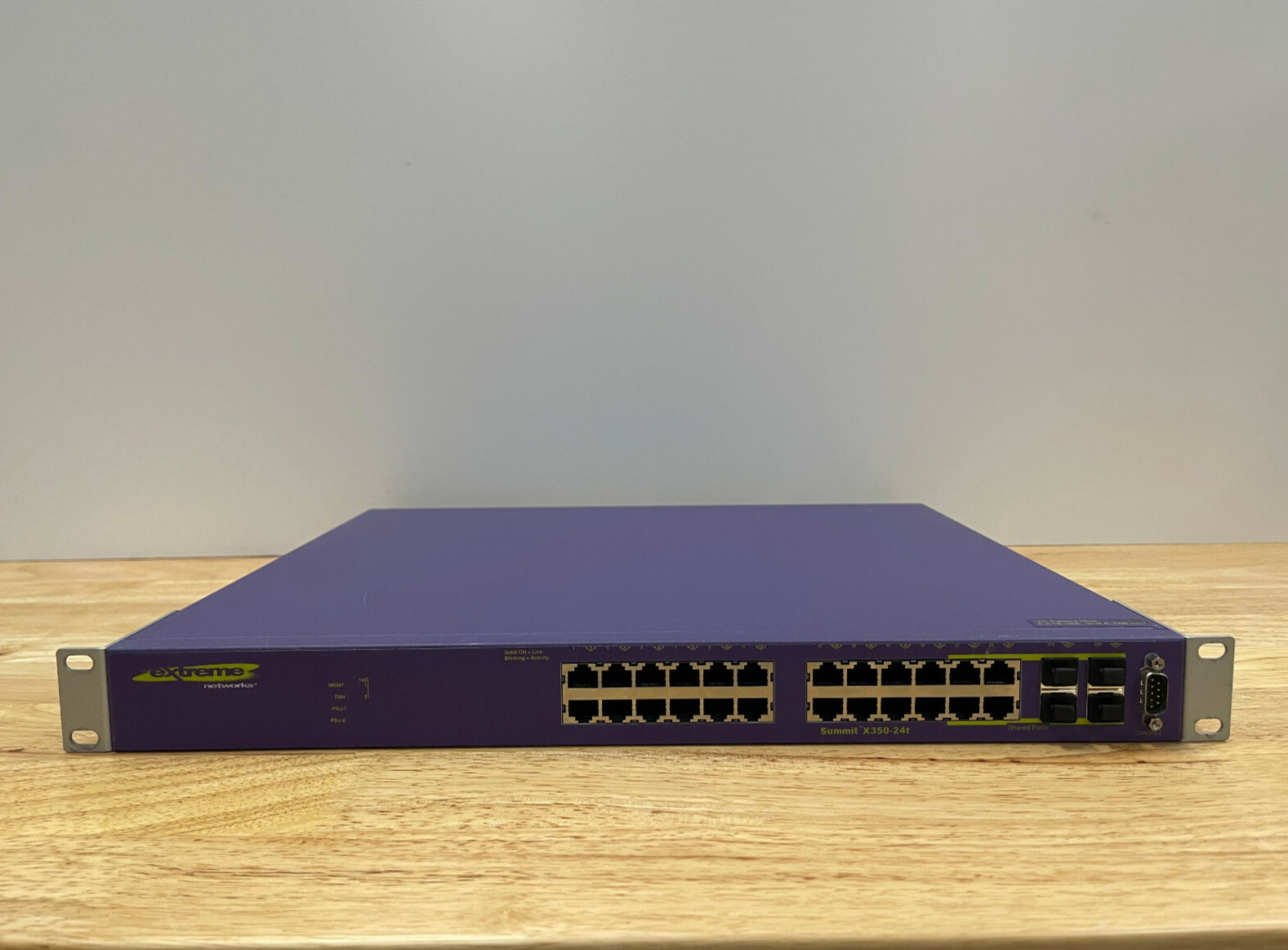 Extreme Networks Summit X350-24T 24-Port SFP 1Gbps RJ45 Ethernet Network Switch$49.00View on eBay
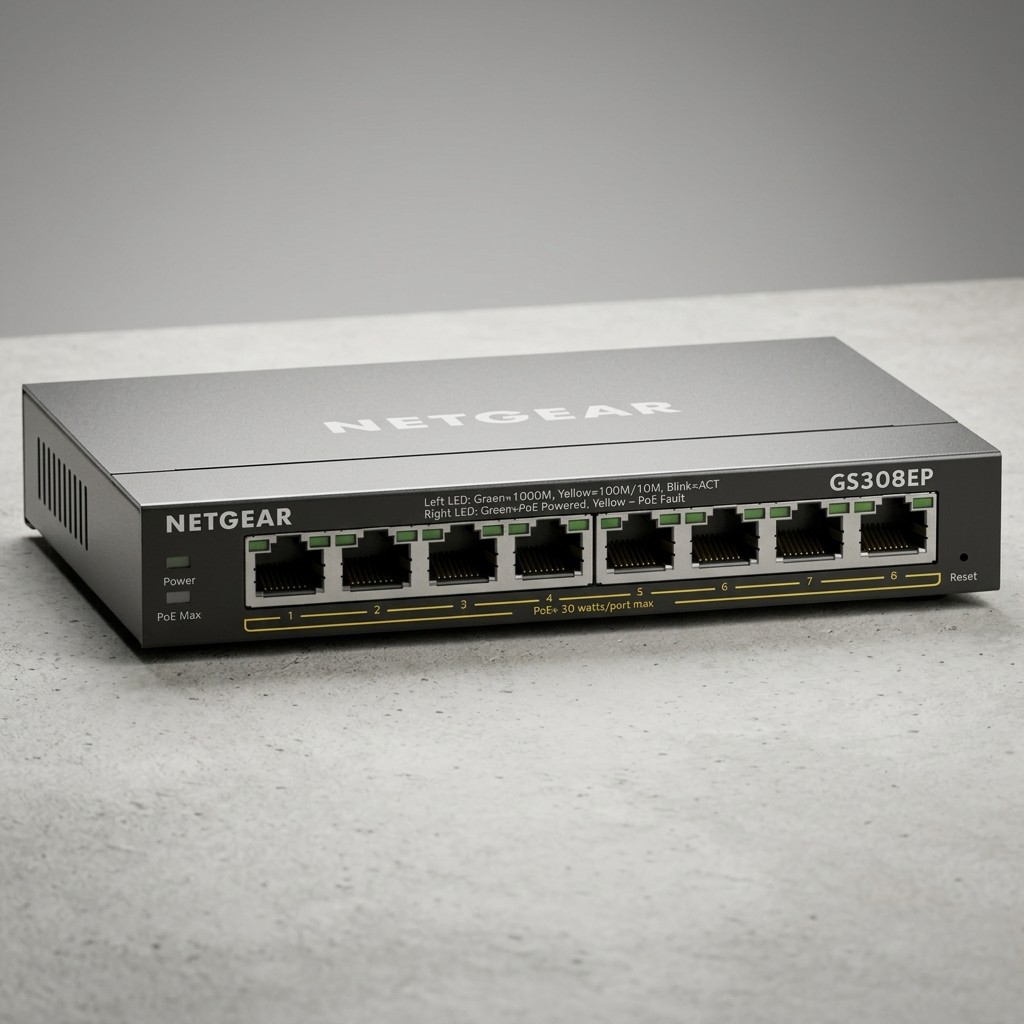 NETGEAR GS308EP Essential Series 8-Port Gigabit PoE+ Unmanaged Switch$49.99View on eBay
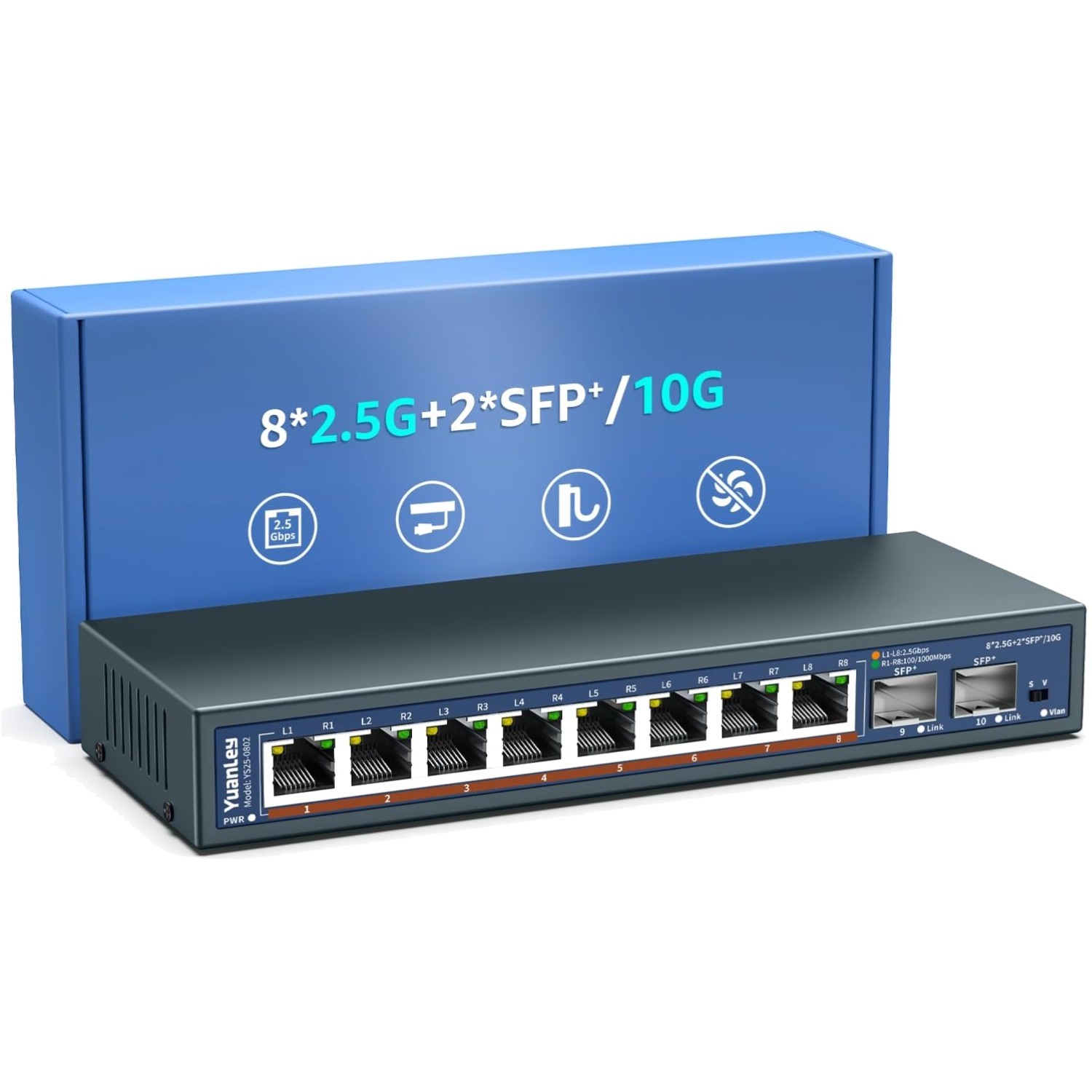 10-Port Fanless 2.5G Ethernet Switch with VLAN & 80Gbps Capacity for Home Office$117.59View on eBay
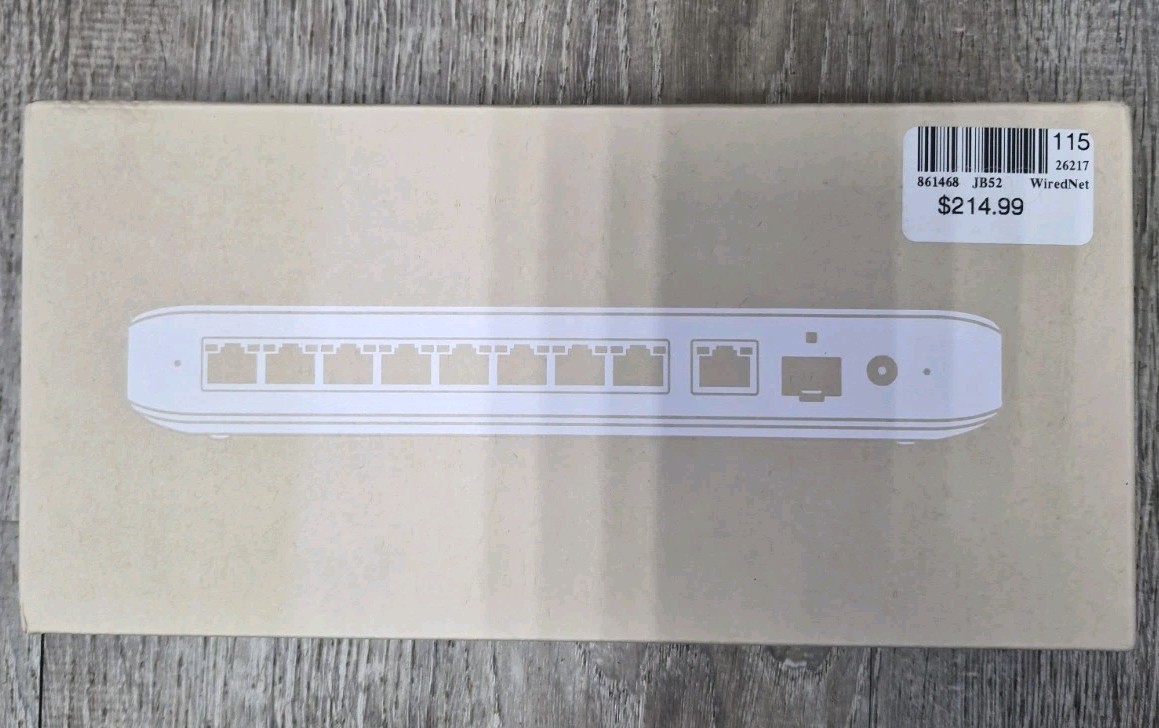 UBIQUITI NETWORKS USW-Flex-2.5G-8-PoE Flex PoE 8-Port Managed Network Switch$188.99View on eBay
Highlights
- Port count math: 16 ports means 15 usable device ports plus one uplink, or 16 devices with a router uplink—plan one spare port for diagnostics or future expansion.
- Speed tier: Gigabit (1000BASE-T) is the baseline; 10/100 Fast Ethernet caps every transfer at ~12.5 MB/s and bottlenecks NAS, backups, and Wi-Fi 6 access points.
- Management layer: unmanaged = zero config; smart/web-managed adds VLANs, QoS, port mirroring, and LACP at lower cost than full L2+/L3 managed with CLI and SNMP.
- PoE budget: 802.3af (15.4W/port) vs 802.3at (30W/port) vs 802.3bt (60-90W/port)—the total watt budget, not per-port max, determines how many cameras or APs you can power.
Best use cases
- Home or small office with a router and many wired devices: pick a fanless Gigabit unmanaged 16-port switch—silent, no config, lowest cost per port.
- IP camera or Wi-Fi AP deployment: choose a PoE+ (802.3at) 16-port switch with a budget covering all powered ports simultaneously, not just per-port peak.
- Multi-VLAN office or lab needing segmentation and trunking: buy a smart/web-managed Gigabit 16-port with 802.1Q VLAN and LACP—skip unmanaged units entirely.
- Wrong fit: a 10/100-only 16-port switch for a Gigabit ISP or NAS setup; also wrong is a full managed L3 switch for a flat home LAN where its CLI and licensing add no value.
Buying tips
- Match speed to your WAN and endpoints: if the router or NAS is Gigabit, a 10/100 16-port switch halves throughput—buy 1000BASE-T across all ports.
- Size PoE by total budget: sum camera/AP draw (e.g., 8 × 12W = 96W) and pick a switch whose PoE budget exceeds that with 20% headroom.
- Check uplink: prefer a model with at least one SFP or 2.5G uplink if you will aggregate to a core switch; plain 16-port unmanaged units often lack dedicated uplinks.
- For management, confirm 802.1Q VLAN, LACP, and SNMP v2c/v3 support in the spec sheet—'smart' switches vary widely and some omit SNMP.
Specs
| Port Speed | Gigabit 1000BASE-T vs 10/100 |
|---|---|
| Management | Unmanaged / Smart / L2+ Managed |
| PoE Standard | 802.3af / at / bt, budget in watts |
| Form Factor | 1U rackmount or fanless desktop |
Related searches
What to check before buying
- Rack or shelf: 16-port switches are commonly 1U 19-inch rackmount or compact desktop; measure your rack depth and confirm included rack ears.
- Power and cooling: fanless models suit quiet rooms; rack units with fans need clearance—verify the power supply is internal or the adapter is included.
- Cabling: confirm Cat5e or Cat6 runs for Gigabit at your distances; PoE over long runs needs Cat5e minimum and careful budget calculation.
- Environment: check operating temperature for garages or closets and whether the switch is wall-mountable if no rack exists.
FAQ
Data sources: eBay / Amazon listings and product attribute feeds. Updated Nov 25, 2026.
Some links on this page are affiliate links. If you buy after clicking one, we may earn a commission at no extra cost to you. This does not change which products appear here or their order. Affiliate disclosure.