
Photos from current listings. Actual item, color, and included accessories may vary.
12 Port Switch Buying Guide
A 12-port switch is a fixed-configuration Ethernet switch used to expand a wired LAN beyond the 4-5 ports on a typical router. The core buy decision is port mix and switching fabric: 12-port units exist as 8+4 uplink hybrids, true 12-port managed/unmanaged, or PoE/PoE+ variants, and the trade-off is unmanaged plug-and-play simplicity versus managed VLAN/QoS capability at the same port count. Buy unmanaged only for flat home/small-office expansion; buy managed or smart-managed with Gigabit on all ports and SFP uplinks if you need segmentation, monitoring, or fiber runs.
Median $49.50
Key takeaways
- Port architecture splits into 8+4 hybrid (8 Gigabit access + 4 uplink) and true 12-port all-Gigabit; hybrids share the uplink budget, so full 12-port non-blocking throughput favors all-Gigabit models.
- Switching capacity scales with port count: 12-port Gigabit switches are typically 24 Gbps non-blocking (full duplex), while 12-port Fast Ethernet units cap at 2.4 Gbps and bottleneck modern WAN and NAS traffic.
- PoE budget is the second spec that matters: PoE+ (802.3at, 30W/port) 12-port switches commonly ship 60-120W total budgets, so count powered devices against the total, not the per-port maximum.
At a glance
- Category
- Network Switches, Routers & Firewalls
- Last updated
- Nov 25, 2026
Current offers
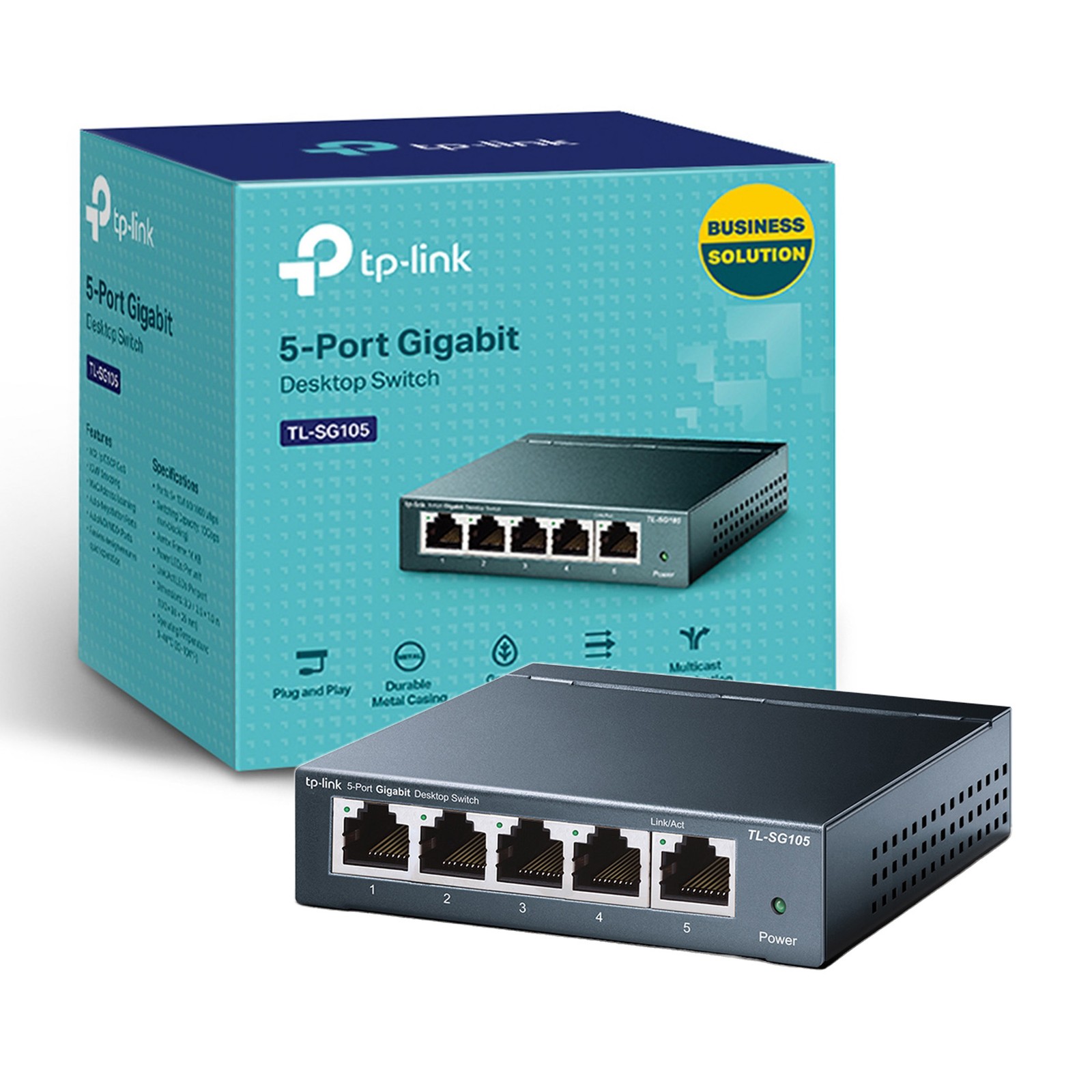 TP-Link TL-SG105 5-Port Gigabit Ethernet Unmanaged Metal Desktop Network Switch$29.99View on eBay
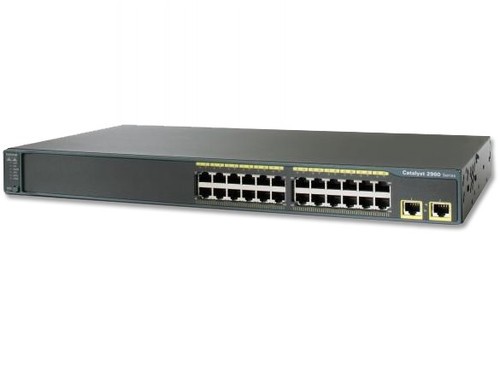 Cisco Catalyst 2960-24TT-L 24-Port Fast Ethernet Managed Switch$29.99View on eBay
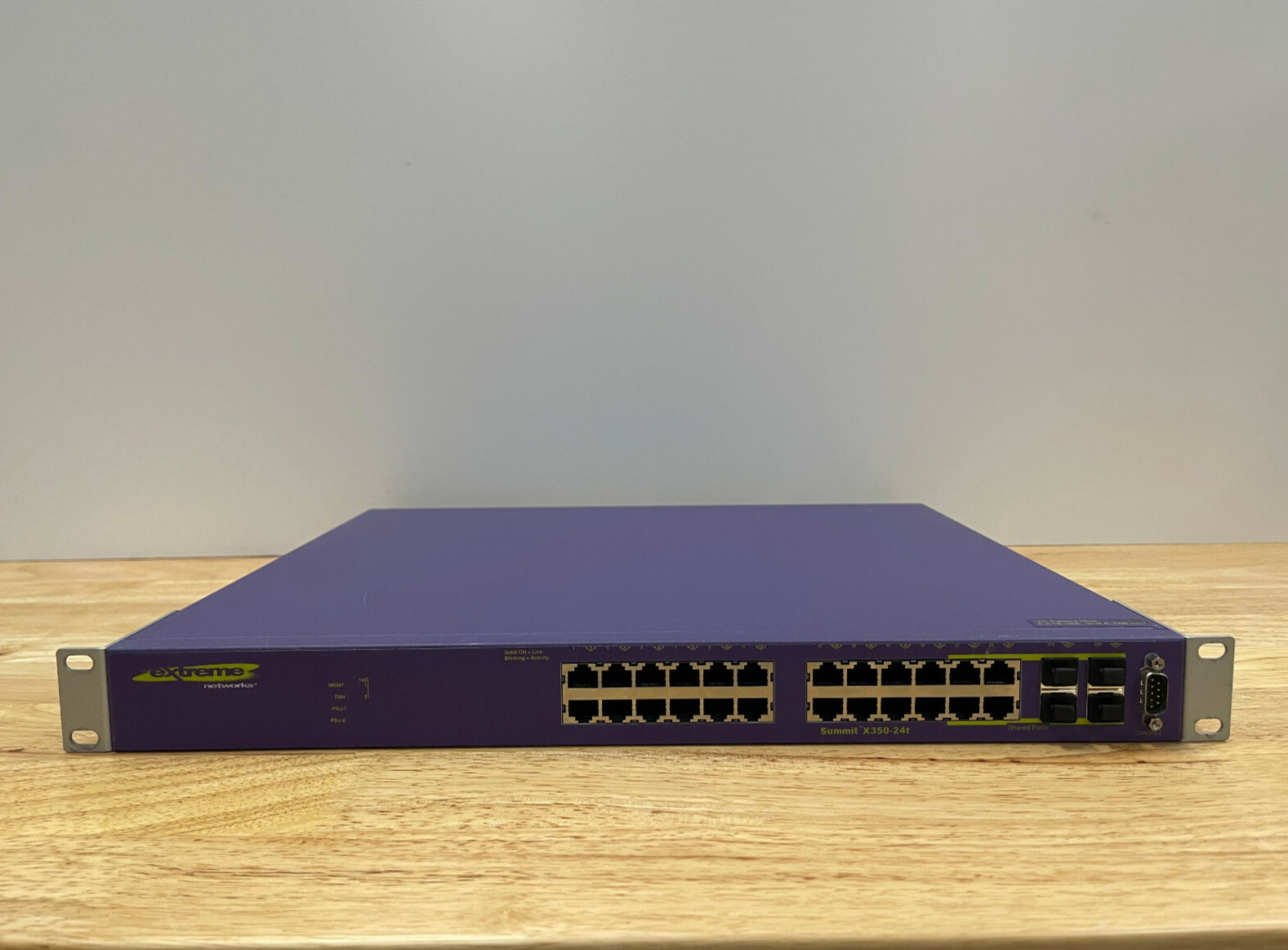 Extreme Networks Summit X350-24T 24-Port SFP 1Gbps RJ45 Ethernet Network Switch$49.00View on eBay
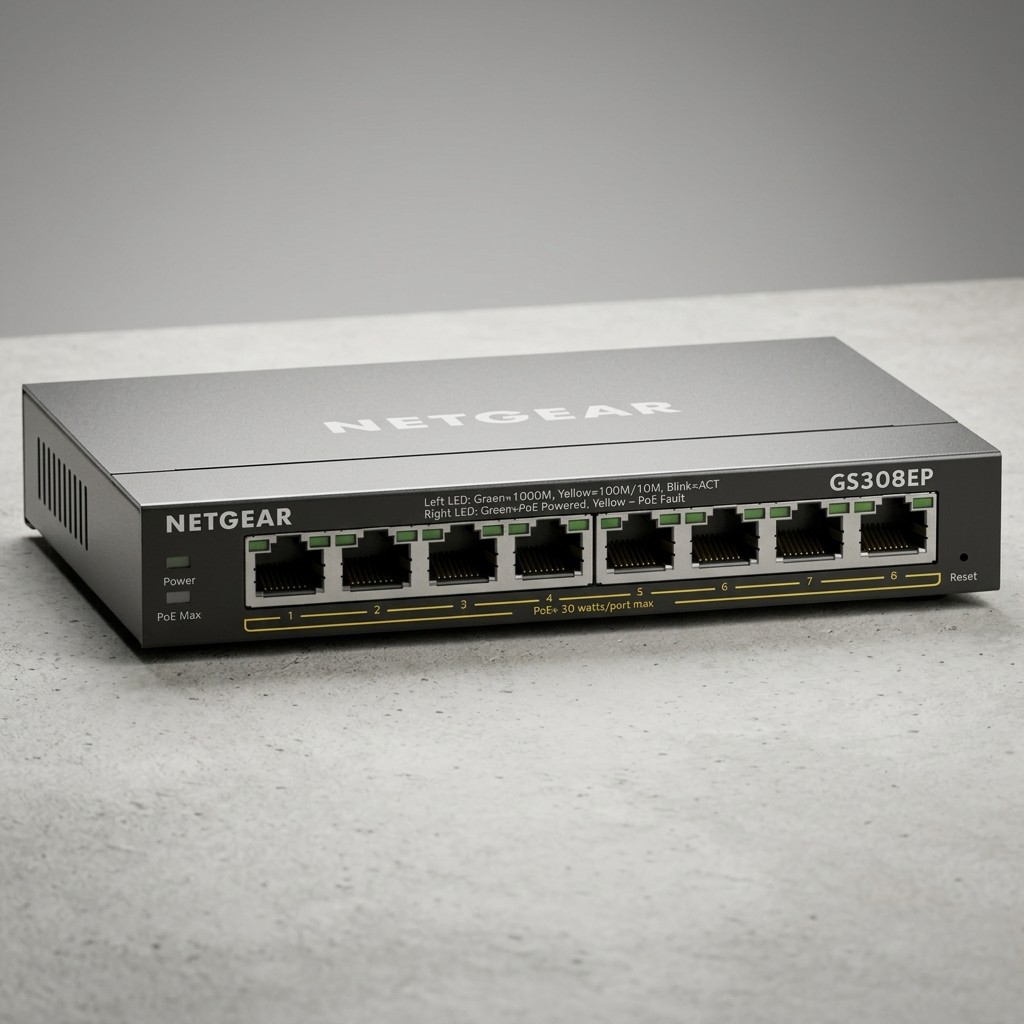 NETGEAR GS308EP Essential Series 8-Port Gigabit PoE+ Unmanaged Switch$49.99View on eBay
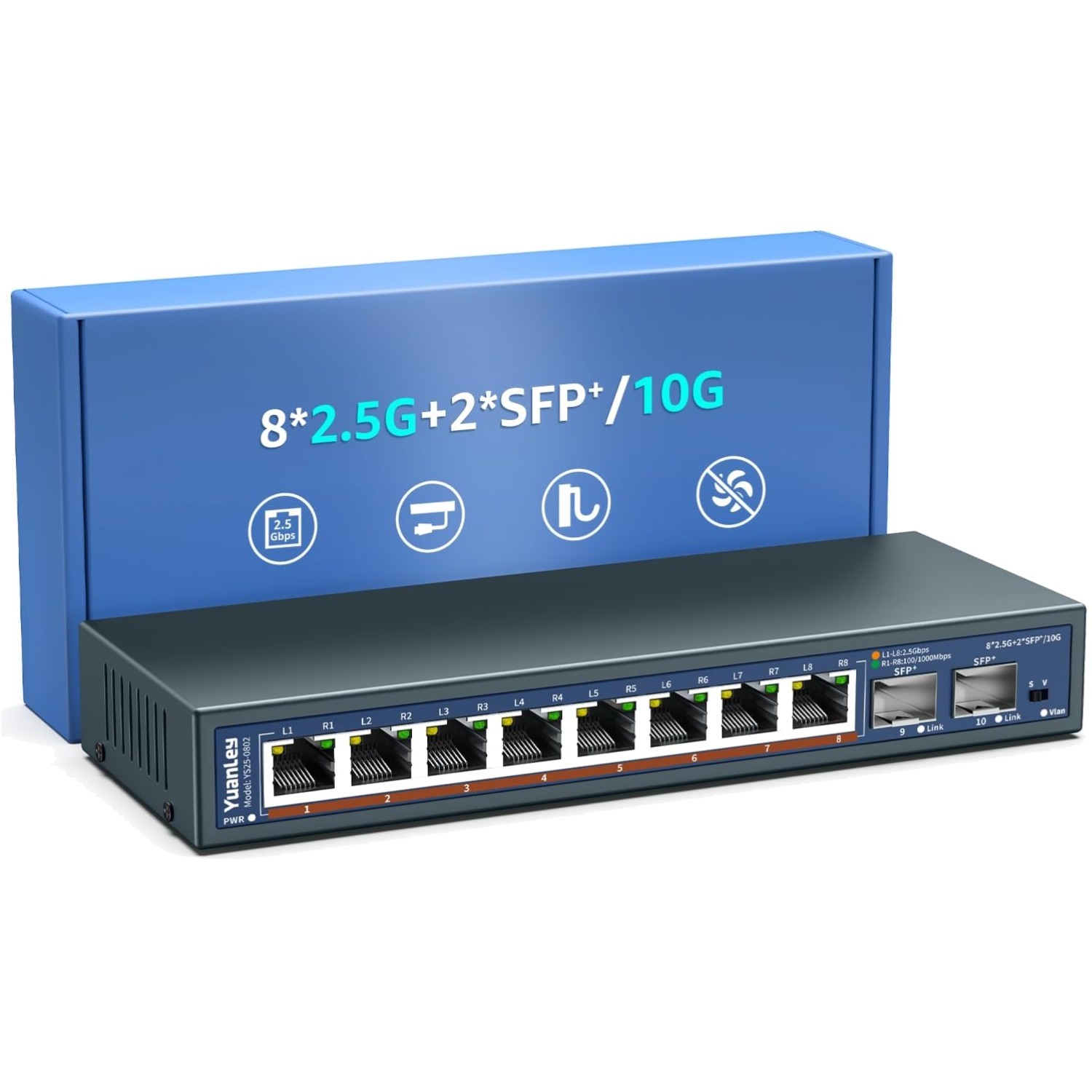 10-Port Fanless 2.5G Ethernet Switch with VLAN & 80Gbps Capacity for Home Office$117.59View on eBay
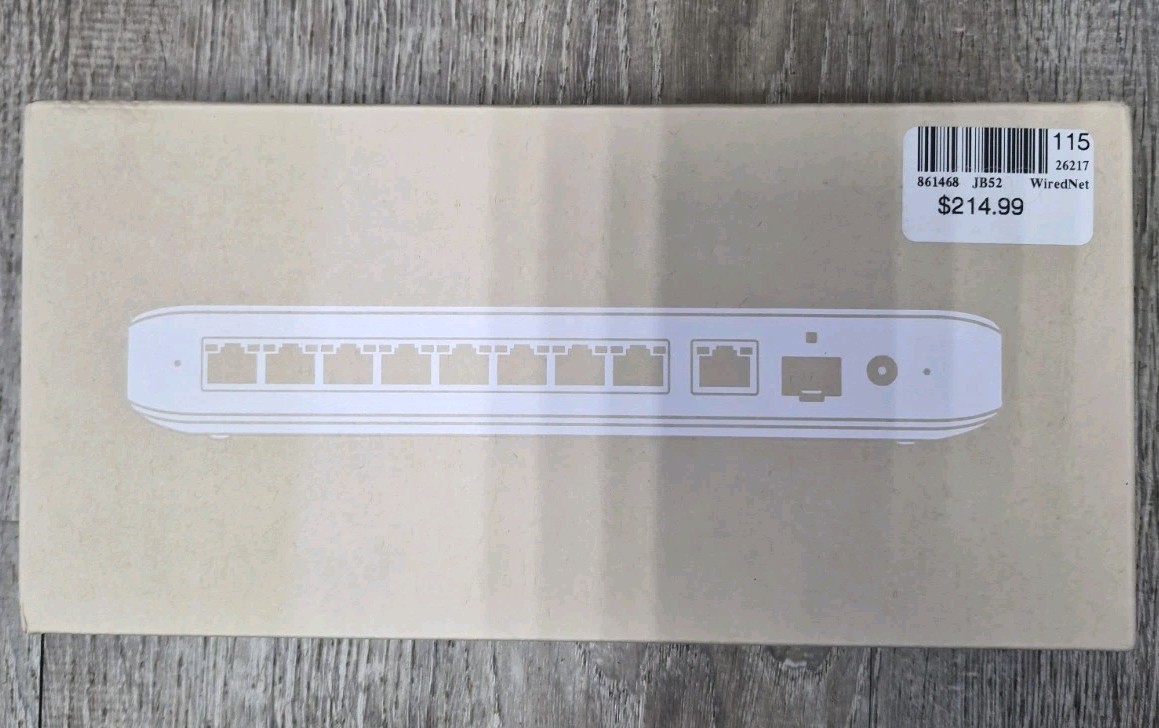 UBIQUITI NETWORKS USW-Flex-2.5G-8-PoE Flex PoE 8-Port Managed Network Switch$188.99View on eBay
Highlights
- Port architecture splits into 8+4 hybrid (8 Gigabit access + 4 uplink) and true 12-port all-Gigabit; hybrids share the uplink budget, so full 12-port non-blocking throughput favors all-Gigabit models.
- Switching capacity scales with port count: 12-port Gigabit switches are typically 24 Gbps non-blocking (full duplex), while 12-port Fast Ethernet units cap at 2.4 Gbps and bottleneck modern WAN and NAS traffic.
- PoE budget is the second spec that matters: PoE+ (802.3at, 30W/port) 12-port switches commonly ship 60-120W total budgets, so count powered devices against the total, not the per-port maximum.
- Management tier dictates features: unmanaged = zero config; smart-managed/web-managed adds VLANs, port mirroring, LACP, and QoS; fully managed L2/L3 adds CLI, SNMP, and static routing for multi-subnet networks.
Best use cases
- Best fit: home or small office with 8-12 wired devices (PCs, NAS, APs, printers) and no VLAN need — choose an unmanaged 12-port all-Gigabit switch with metal housing and fanless design.
- Best fit: SMB with IP cameras or VoIP phones — choose a 12-port PoE+ switch whose total PoE budget covers the sum of camera/phone class wattages plus 20% headroom, and confirm 802.3at on the ports you will power.
- Best fit: network segmentation, guest Wi-Fi isolation, or link aggregation to a NAS — choose a smart-managed 12-port Gigabit switch with 802.1Q VLANs and LACP, plus SFP uplinks for fiber backbone.
- Wrong fit: 12-port Fast Ethernet (10/100) units for any modern gigabit WAN or NAS — they cap inter-device throughput at 100 Mbps and waste the port count; skip unless purely for legacy voice or IoT endpoints.
Buying tips
- Count ports by device type, not by cable: 12 ports minus one uplink to the router leaves 11 usable; add a second uplink for redundancy or LACP and plan 10 usable access ports.
- Match speed end-to-end: all Gigabit ports plus at least 1-2 SFP/SFP+ uplinks future-proofs fiber or 2.5G/10G backbone upgrades without replacing the switch.
- Size PoE by total budget: sum device wattage (typical PoE camera 6-10W, PoE+ PTZ 15-25W, VoIP phone 5-7W) and pick a switch rated at least 20-30% above that sum; per-port 30W ratings do not mean every port can run 30W simultaneously.
- Prefer metal chassis, fanless (or temperature-controlled fan) designs, and internal PSUs for 24/7 duty; wall-mount ears and 1U rack options matter for closets and racks.
Specs
| Port Configuration | 12-port all-Gigabit or 8+4 hybrid |
|---|---|
| Switching Capacity | 24 Gbps non-blocking (Gigabit) / 2.4 Gbps FE |
| PoE Standard & Budget | 802.3af/at, 60-120W total typical |
| Management Tier | Unmanaged / Smart-managed / L2 managed |
Related searches
What to check before buying
- Measure your space and mounting: 12-port desktop switches are roughly 8-11 inches wide; confirm shelf, wall, or 1U rack space and that vent clearance is at least 2 inches on all sides for fanless models.
- Confirm power and plug standard: internal PSU units take a standard IEC C14 cord and auto-switch 100-240V; external-adapter models need the correct regional plug and a free outlet near the switch.
- Verify cabling and uplink media: Cat5e handles Gigabit to 100m; for SFP uplinks you need the matching transceiver type (1000BASE-SX/LX or DAC), and the switch must accept third-party or vendor-coded modules.
- Check management access and firmware: managed models need a browser or app plus a known default IP or DHCP discovery; confirm the vendor still publishes firmware updates for the model line before committing.
FAQ
Data sources: eBay / Amazon listings and product attribute feeds. Updated Nov 25, 2026.
Some links on this page are affiliate links. If you buy after clicking one, we may earn a commission at no extra cost to you. This does not change which products appear here or their order. Affiliate disclosure.