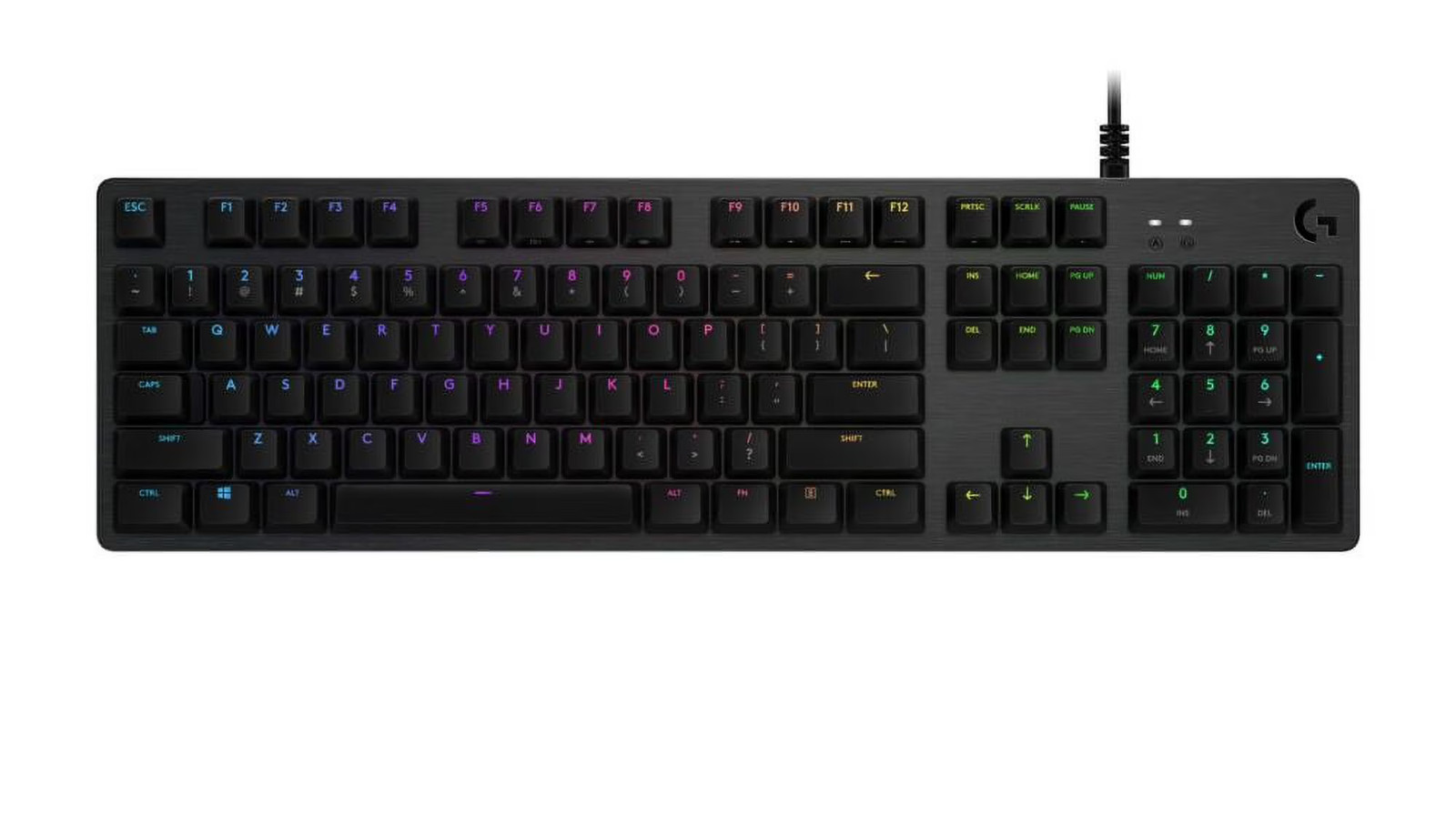

Photos from current listings. Actual item, color, and included accessories may vary.
Logitech G512 Buying Guide
The Logitech G512 is a full-size wired mechanical gaming keyboard built around a 5052 aluminum-alloy top plate and USB pass-through, available only in Logitech's own GX switch types. The core trade-off is switch feel versus ecosystem lock-in: you get genuine Cherry MX compatibility on the G512 Carbon, but the later G512 X and G513 models move to hot-swappable GX or Romer-G sockets. Buy the G512 if you want a rigid, spill-resistant full-size board with dedicated media keys and Cherry MX switches; skip it if you need wireless, hot-swap, or a compact layout.
Key takeaways
- G512 Carbon uses genuine Cherry MX Brown, Red, or Blue switches mounted to a 5052 aluminum alloy top case for torsional rigidity and spill drainage.
- Logitech GX Blue is a clicky shunt-style switch with a 1.9 mm actuation point, while GX Red and GX Brown are linear and tactile respectively; GX switches are not cross-compatible with Cherry MX keycaps.
- LIGHTSYNC RGB is per-key addressable at 16.8 million colors and requires Logitech G HUB software for lighting, game-mode key remapping, and macro programming.
At a glance
- Category
- Mechanical Keyboards
- Status
- Listings available
- Last updated
- Nov 24, 2026
Current offers
Highlights
- G512 Carbon uses genuine Cherry MX Brown, Red, or Blue switches mounted to a 5052 aluminum alloy top case for torsional rigidity and spill drainage.
- Logitech GX Blue is a clicky shunt-style switch with a 1.9 mm actuation point, while GX Red and GX Brown are linear and tactile respectively; GX switches are not cross-compatible with Cherry MX keycaps.
- LIGHTSYNC RGB is per-key addressable at 16.8 million colors and requires Logitech G HUB software for lighting, game-mode key remapping, and macro programming.
- The USB 2.0 pass-through port is unpowered and only rated for low-draw peripherals such as a mouse or headset dongle, not bus-powered hard drives.
Best use cases
- Best fit: full-size desk setups that need a numpad, dedicated media keys, and a rigid aluminum plate for heavy daily typing or MMO/RTS play — pick Cherry MX Brown for tactile feedback without click noise.
- Best fit: competitive FPS players who want linear speed — choose the Cherry MX Red G512 Carbon and enable game mode in G HUB to disable the Windows key.
- Wrong fit: shared bedrooms or open offices — the Cherry MX Blue and GX Blue variants are audible clicky switches; choose Red or Brown instead, or skip the G512 line entirely for a silent linear board.
- Wrong fit: laptop-toting or couch gamers — the G512 is wired-only, weighs roughly 1.1 kg, and has no Bluetooth or 2.4 GHz receiver; pick a wireless compact board instead.
Buying tips
- Confirm the switch type before buying: G512 Carbon listings ship with Cherry MX Red, Brown, or Blue, while G512 X uses hot-swappable GX switches — the two keycap and switch ecosystems are not interchangeable.
- Budget for a wrist rest: the G512's front edge sits at roughly 2 cm with no included palm rest, so add a 10-15 mm thick rest if you type for hours.
- The 1.8 m fixed USB cable terminates in two USB-A plugs (keyboard plus pass-through power) — confirm your PC or dock has two free USB-A ports within reach.
- Keycap replacement requires standard Cherry MX cross-stem caps for the Carbon; GX-switch G512 variants use different stems and will not accept standard MX keycap sets.
Specs
| Switch Type | Cherry MX Red/Brown/Blue or GX |
|---|---|
| Layout | Full-size 104-key + media keys |
| Top Plate | 5052 aluminum alloy |
| Connectivity | Wired USB-A, 2-plug pass-through |
Alternatives to compare
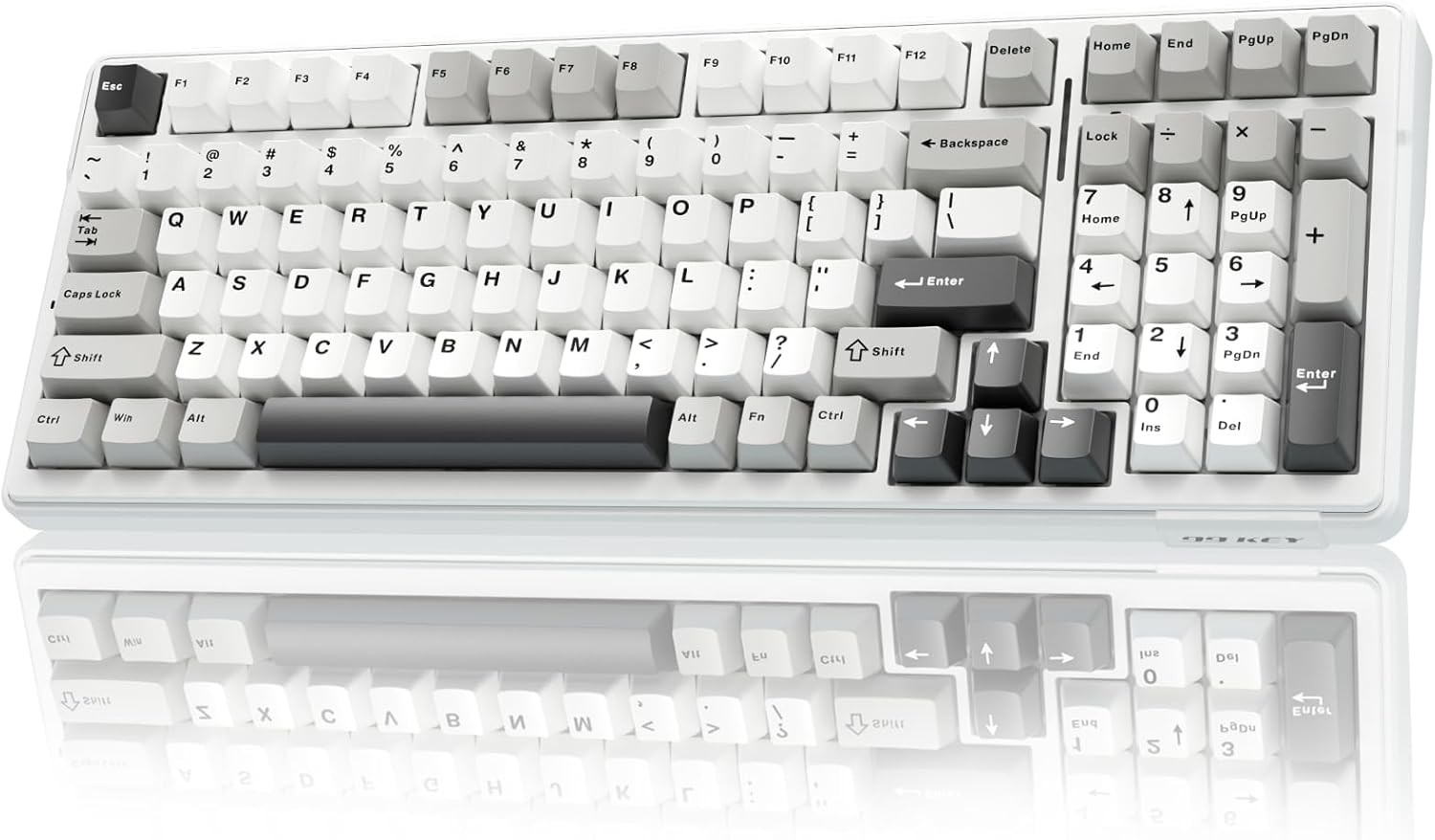
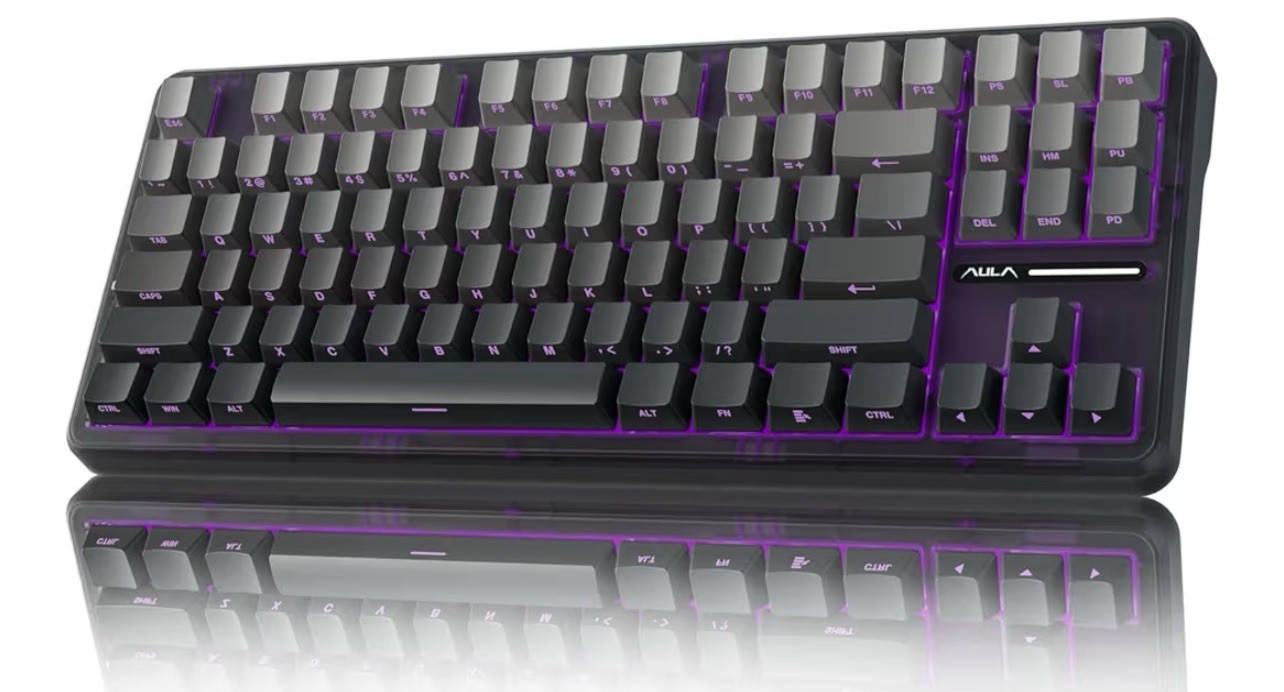
Related searches
What to check before buying
- Measure your desk: the full-size G512 footprint is approximately 45.5 x 15.2 cm, so confirm at least 50 cm of clear width plus cable clearance at the rear.
- Confirm two free USB-A ports on your PC or powered hub — the pass-through port will not function from a single port or an unpowered hub.
- Check your OS: G HUB supports Windows 10/11 and macOS 10.14+, but full lighting and macro configuration is Windows-first.
- Verify the listing specifies the exact switch color (Red, Brown, or Blue) — G512 SKUs differ only by switch, and the box label or listing title should name it explicitly.
FAQ
Data sources: eBay / Amazon listings and product attribute feeds. Updated Nov 24, 2026.
Some links on this page are affiliate links. If you buy after clicking one, we may earn a commission at no extra cost to you. This does not change which products appear here or their order. Affiliate disclosure.