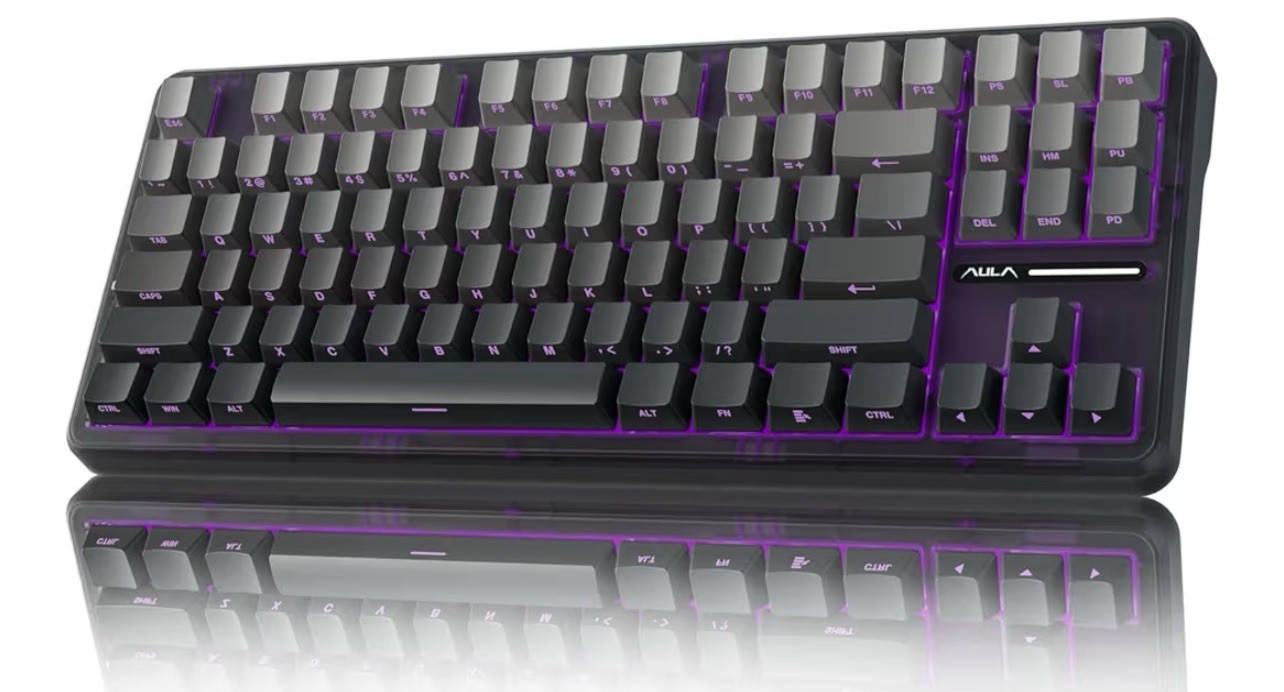

Photos from current listings. Actual item, color, and included accessories may vary.
Aula F87 Buying Guide
The Aula F87 Pro is a compact tenkeyless mechanical keyboard that combines tri-mode wireless connectivity (2.4 GHz, Bluetooth, USB-C) with a hot-swappable PCB and gasket-mounted construction. The primary trade-off is between its budget-friendly feature set and long-term durability of the plate and stabilizers, so buyers should prioritize verified switch type and plate material over cosmetic extras. The clear decision rule: choose the F87 Pro if you need hot-swap flexibility and wireless convenience at an entry price; skip it if you require a metal chassis or per-key RGB with advanced firmware.
Key takeaways
- Tri-mode connection: 2.4 GHz USB receiver, Bluetooth 5.0 (3 devices), and wired USB-C for zero-latency gaming or multi-device switching.
- Hot-swappable PCB supports 3-pin and 5-pin MX-style switches, enabling switch swaps without soldering—verify socket type before buying aftermarket sets.
- Gasket-mounted design with sound-dampening foam reduces typing resonance versus tray-mount budget boards, but the plastic case limits rigidity.
At a glance
- Category
- Mechanical Keyboards
- Status
- Listings available
- Last updated
- Nov 24, 2026
Current offers
Highlights
- Tri-mode connection: 2.4 GHz USB receiver, Bluetooth 5.0 (3 devices), and wired USB-C for zero-latency gaming or multi-device switching.
- Hot-swappable PCB supports 3-pin and 5-pin MX-style switches, enabling switch swaps without soldering—verify socket type before buying aftermarket sets.
- Gasket-mounted design with sound-dampening foam reduces typing resonance versus tray-mount budget boards, but the plastic case limits rigidity.
- 87-key TKL layout omits numpad for wider mouse space; compatible with standard 1.25u bottom-row keycaps for aftermarket customization.
Best use cases
- Best fit: competitive gamers needing 2.4 GHz low-latency wireless and TKL desk space—pick the 2.4 GHz mode and linear switches for fast actuation.
- Best fit: office or dorm users who switch between laptop and desktop—use Bluetooth for up to 3 paired devices and USB-C for charging.
- Wrong fit: buyers wanting a heavy aluminum chassis or per-key RGB with QMK/VIA firmware—skip this and look for a metal-case board with open-source firmware.
- Wrong fit: heavy typists who prefer a rigid, muted typing feel—the plastic gasket mount produces a softer, higher-pitched sound than stiff tray-mount boards.
Buying tips
- Verify switch type before purchase: linear (red) for gaming, tactile (brown) for typing, clicky (blue) only if you don't share space—hot-swap lets you change later.
- Check keycap material: PBT keycaps resist shine and wear far better than ABS; confirm PBT doubleshot or dye-sub legends on the listing.
- Confirm the 2.4 GHz dongle is included—some tri-mode boards ship Bluetooth-only in certain SKUs, and a missing receiver kills low-latency gaming.
- Match your device: Bluetooth 5.0 works with Windows, macOS, iOS, and Android; 2.4 GHz requires a free USB-A port or a USB-C hub adapter.
Specs
| Layout | 87-key TKL (no numpad) |
|---|---|
| Connectivity | 2.4 GHz + Bluetooth 5.0 + USB-C |
| Hot-Swap | 3-pin / 5-pin MX-style sockets |
| Mount Type | Gasket mount, plastic case |
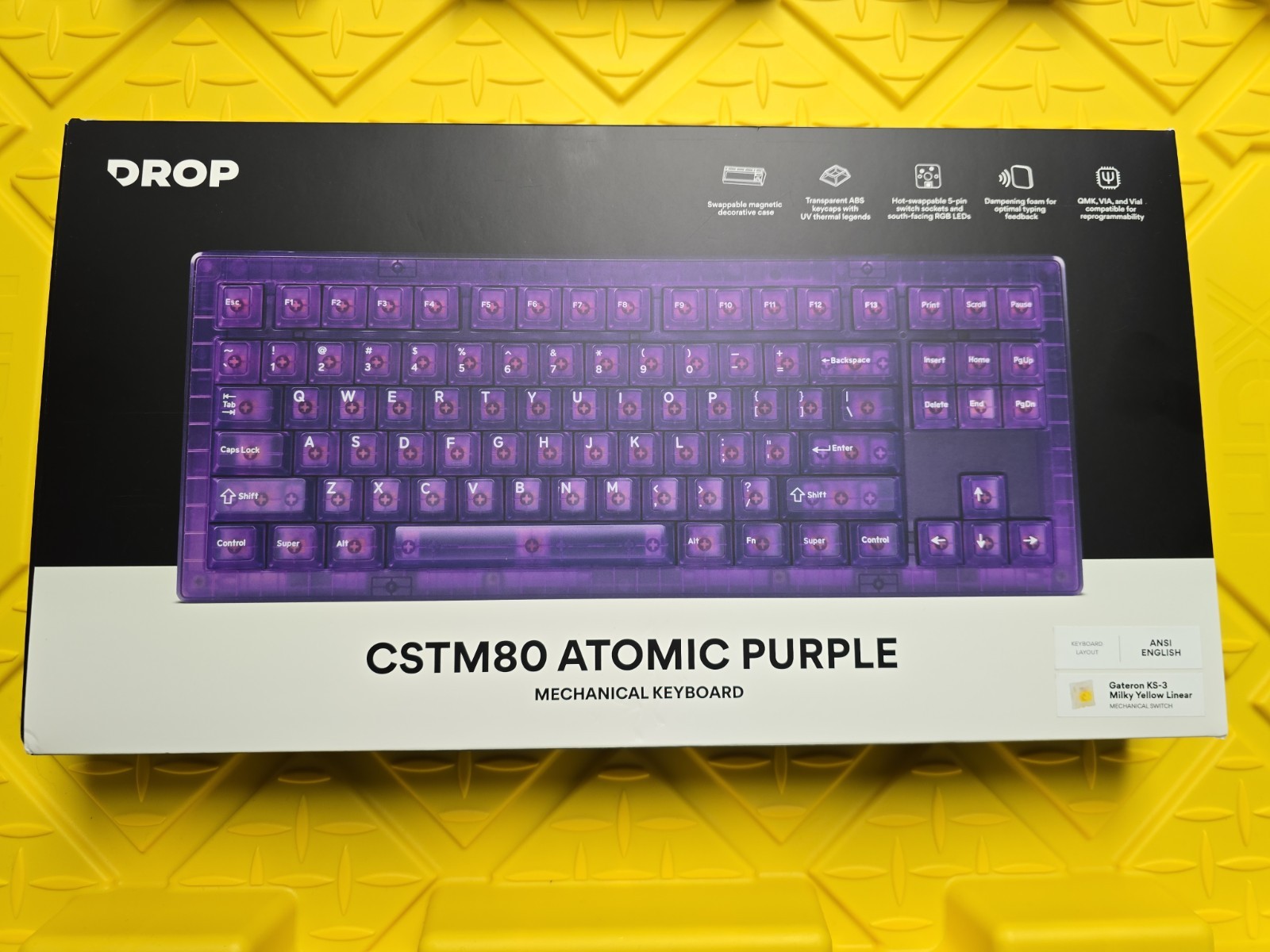
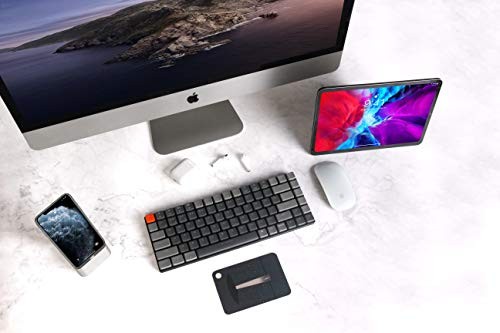
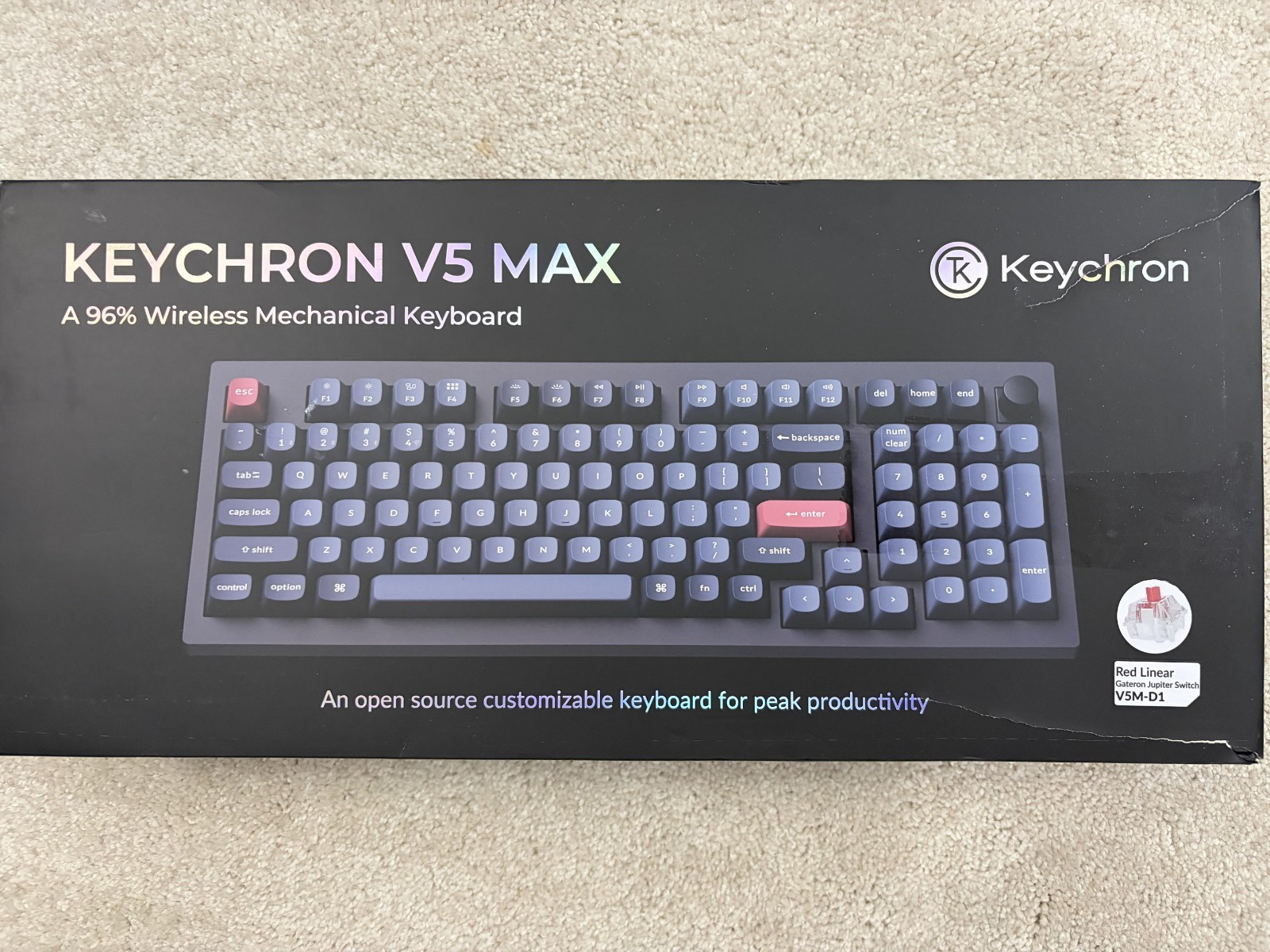
Alternatives to compare
Related searches
What to check before buying
- Measure your desk: TKL is about 14–15 inches wide—ensure room for a mouse within comfortable reach and no conflict with a monitor stand.
- Check your USB ports: confirm at least one free USB-A for the 2.4 GHz receiver, or have a USB-C hub ready for wired mode and charging.
- Verify your OS supports Bluetooth 5.0 for multi-device pairing; older Bluetooth 4.x adapters may work but with reduced stability.
- Decide on switch feel before ordering: hot-swap saves you only if you budget for a separate switch set—otherwise pick the right stock switch upfront.
FAQ
Data sources: eBay / Amazon listings and product attribute feeds. Updated Nov 24, 2026.
Some links on this page are affiliate links. If you buy after clicking one, we may earn a commission at no extra cost to you. This does not change which products appear here or their order. Affiliate disclosure.