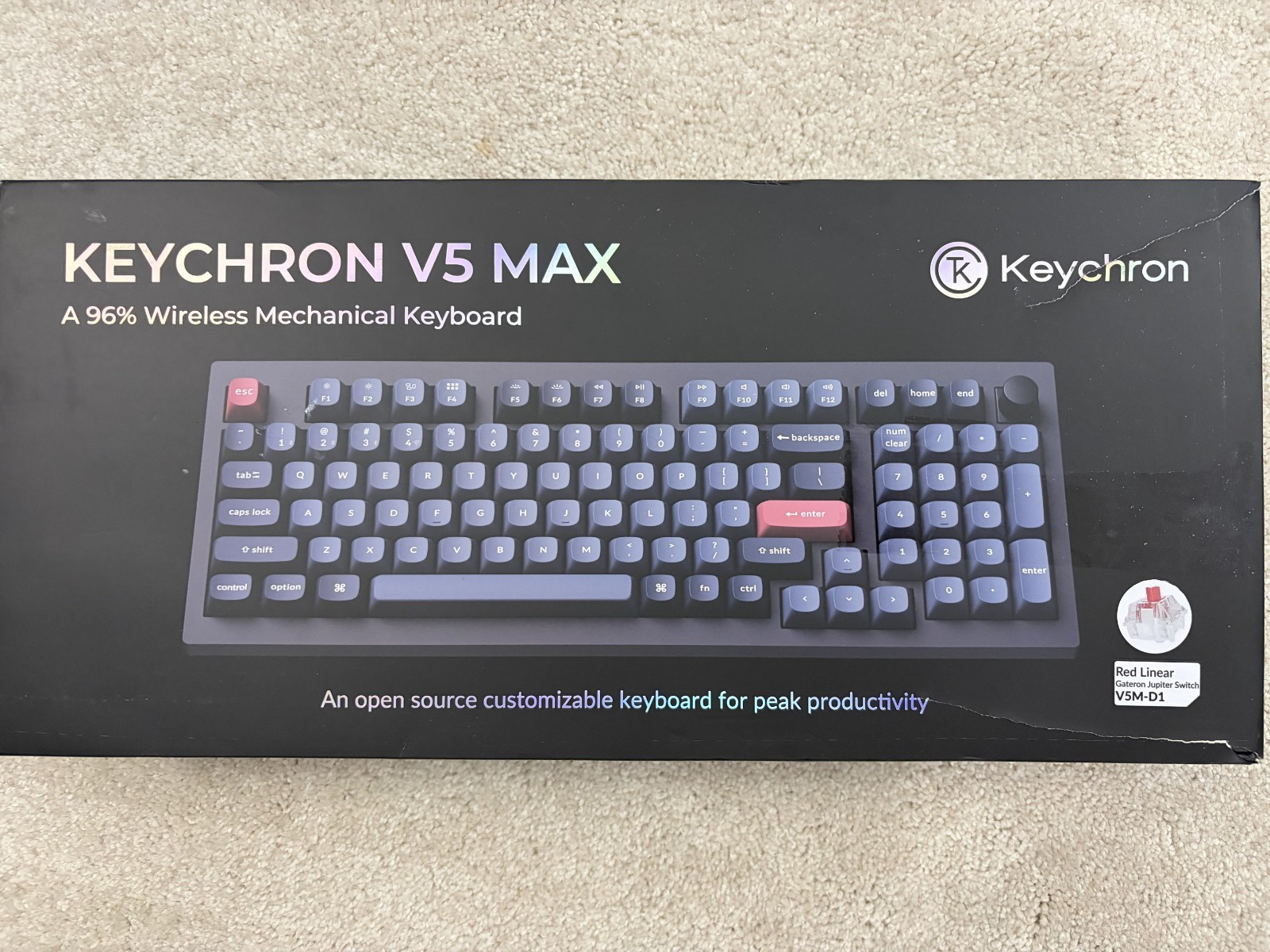

Photos from current listings. Actual item, color, and included accessories may vary.
Keychron V5 Buying Guide
The Keychron V5 is a 96% (1800-compact) mechanical keyboard series with a full number pad and a gasket-mounted, tray-style chassis. The core trade-off is between the wired-only V5 (USB-C, no wireless) and the V5 Max, which adds tri-mode connectivity (Bluetooth 5.1, 2.4 GHz, USB-C), a 4000 mAh battery, and QMK/VIA support. Choose the Max if you need wireless and programmability; choose the standard V5 only if you will never move the board and want the lowest-cost entry into this layout.
Key takeaways
- 96% 1800-compact layout fits a numpad, arrows, and function row in a footprint roughly 15% narrower than a full-size board, preserving desk space.
- Gasket-mounted plate on foam and silicone dampeners delivers a softer, quieter typing feel than traditional tray-mount or top-mount budget boards.
- V5 Max uses tri-mode wireless (Bluetooth 5.1 + 2.4 GHz dongle + USB-C) with a 4000 mAh battery; standard V5 is wired USB-C only.
At a glance
- Category
- Mechanical Keyboards
- Status
- Listings available
- Last updated
- Nov 24, 2026
Current offers
Highlights
- 96% 1800-compact layout fits a numpad, arrows, and function row in a footprint roughly 15% narrower than a full-size board, preserving desk space.
- Gasket-mounted plate on foam and silicone dampeners delivers a softer, quieter typing feel than traditional tray-mount or top-mount budget boards.
- V5 Max uses tri-mode wireless (Bluetooth 5.1 + 2.4 GHz dongle + USB-C) with a 4000 mAh battery; standard V5 is wired USB-C only.
- Max version is QMK/VIA compatible with hot-swappable 3-pin and 5-pin switches (south-facing RGB), allowing full key remapping and switch swaps without soldering.
Best use cases
- Best fit: accountants, data-entry users, and programmers who want a numpad without a full-size footprint and need to switch between a desktop and laptop — pick the V5 Max and use Bluetooth 5.1 for the laptop and 2.4 GHz for the desktop.
- Wrong fit: competitive FPS players needing sub-1 ms polling and tournament-grade latency — skip the V5 Max wireless and run it wired via USB-C, or choose a smaller wired TKL instead.
- Best fit: buyers new to custom keyboards who want to try different switch types — choose the hot-swap V5 Max and buy a set of 5-pin linear or tactile switches; skip the soldered-only budget boards.
- Wrong fit: users who need dedicated macro columns or per-key LCD — this is a standard 96% layout with no extra macro pad; look at a 75% with knob or a separate macro deck instead.
Buying tips
- Pick the V5 Max if you need wireless: the standard V5 has no battery and no Bluetooth, so upgrading later means buying a new board, not an add-on module.
- Verify switch hot-swap support: V5 Max accepts both 3-pin and 5-pin switches, but always check that your replacement switches are plate-mount (not PCB-mount only) for correct fit.
- Plan for keycap compatibility: the 96% 1800-compact layout uses non-standard right-shift and bottom-row sizes, so buy keycap sets explicitly labeled for 1800/96% layouts.
- Budget for a wrist rest: the 96% board is taller at the front edge than a low-profile keyboard, and a 10–15 mm rest keeps wrists neutral during long numpad sessions.
Specs
| Layout | 96% (1800-compact) with numpad |
|---|---|
| Connectivity | USB-C wired / BT 5.1 / 2.4 GHz |
| Mount Style | Gasket-mounted plate |
| Switch Support | Hot-swap 3-pin & 5-pin |
Alternatives to compare
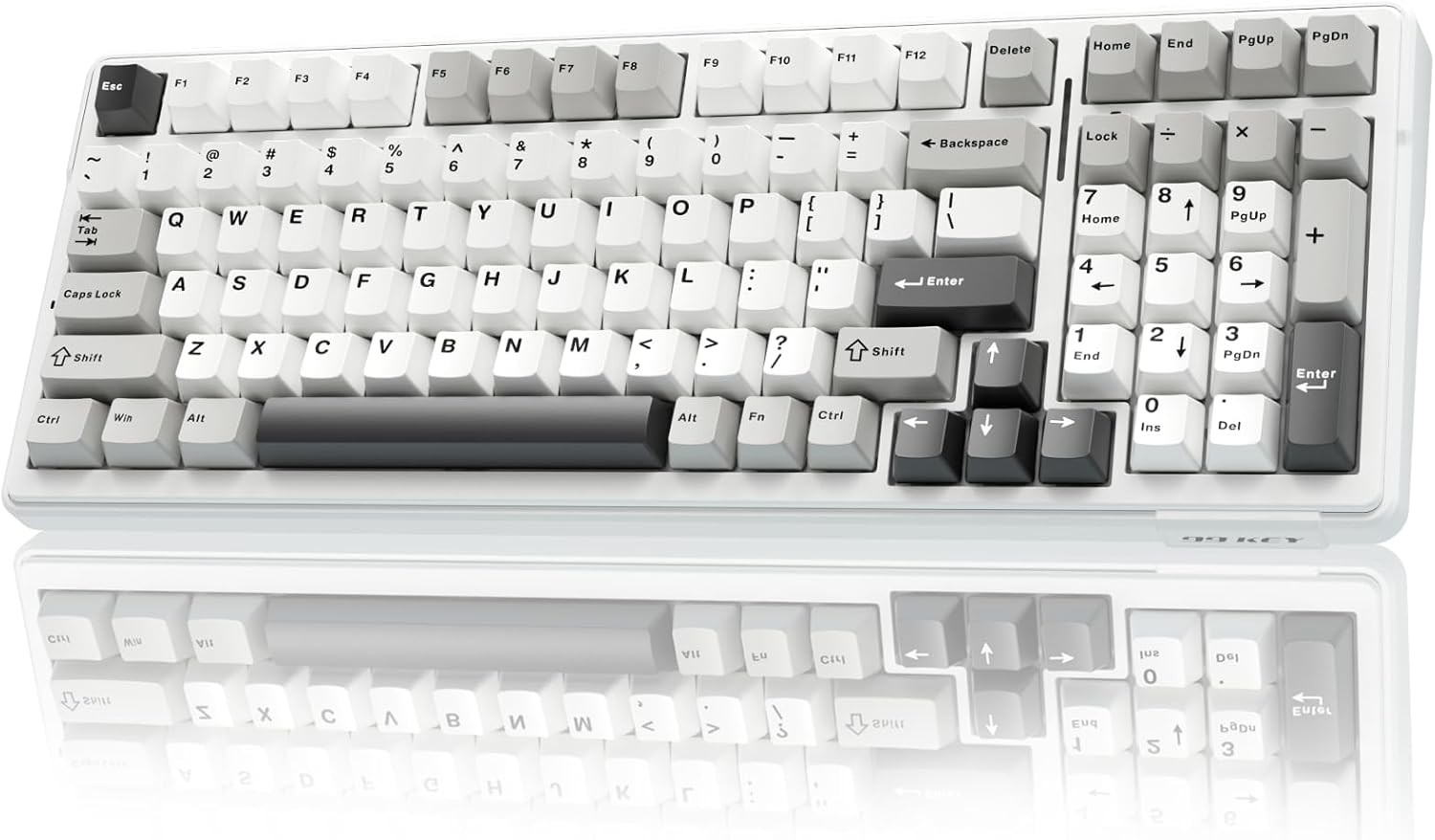
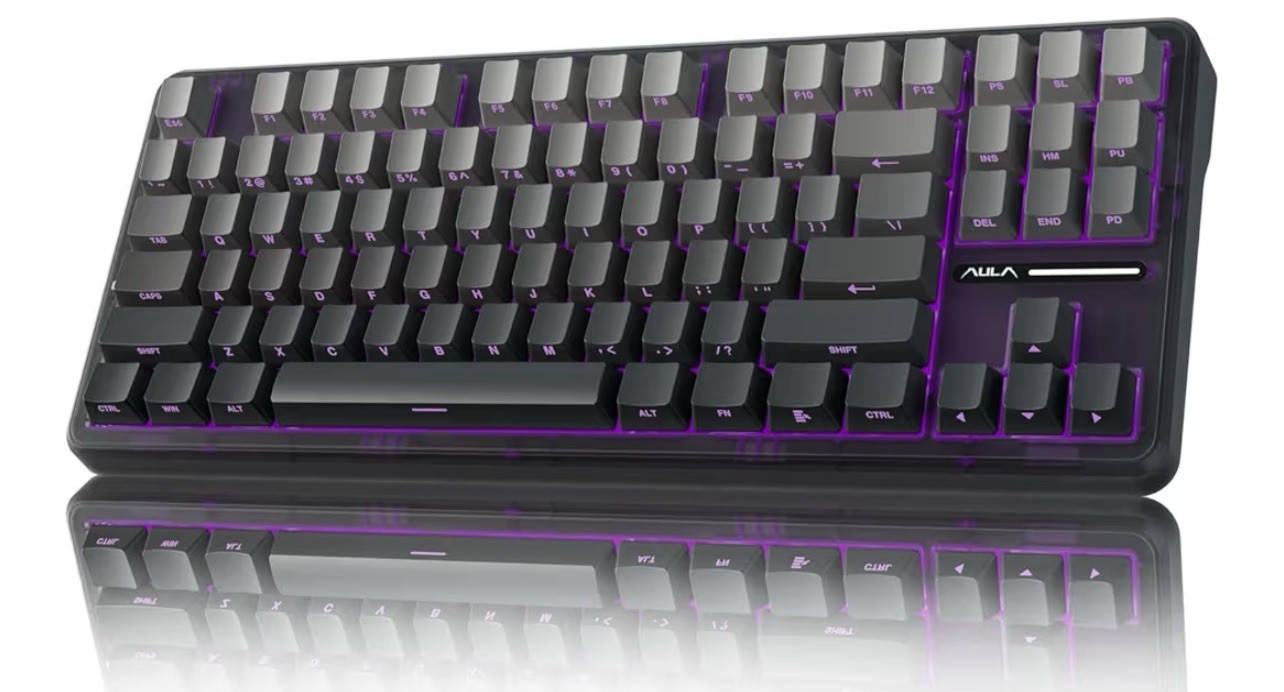
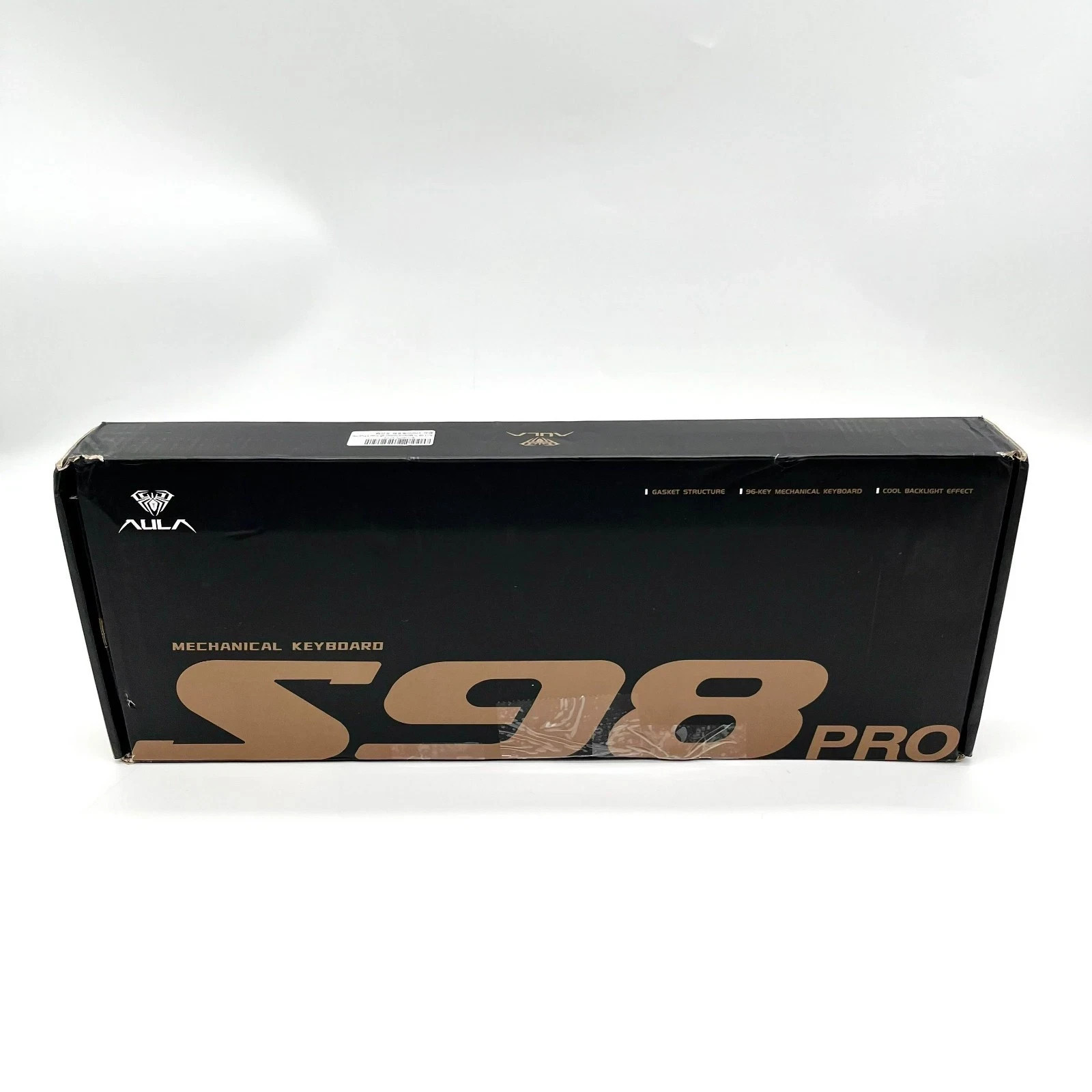
Related searches
What to check before buying
- Measure your desk depth: the 96% layout is about 38 cm wide, so confirm at least 45 cm of clear width for the board plus a wrist rest.
- Confirm your computer's Bluetooth version: Bluetooth 5.1 on the V5 Max works with Bluetooth 4.0+ hosts, but older dongles may need a USB extension to avoid 2.4 GHz interference.
- Check your switch preference before ordering: the board ships with a pre-installed switch type (usually linear or tactile), and hot-swap lets you change later, but the initial feel is set at purchase.
- Verify your operating system: QMK/VIA configuration works on Windows, macOS, and Linux, but macOS users should confirm the correct keycap modifier set is included for Command/Option keys.
FAQ
Data sources: eBay / Amazon listings and product attribute feeds. Updated Nov 24, 2026.
Some links on this page are affiliate links. If you buy after clicking one, we may earn a commission at no extra cost to you. This does not change which products appear here or their order. Affiliate disclosure.