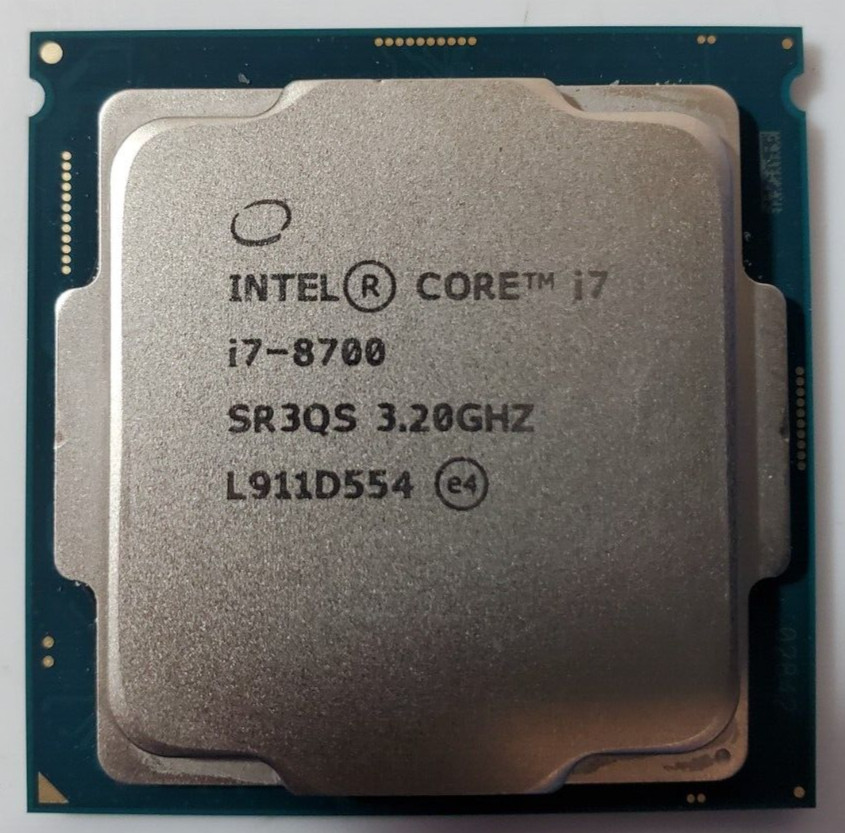

Photos from current listings. Actual item, color, and included accessories may vary.
Lga 1700 CPU Buying Guide
LGA 1700 is Intel's desktop CPU socket used by 12th, 13th, and 14th Gen Core processors, where the motherboard chipset tier (H610/B660/B760/Z690/Z790) and DDR4 vs DDR5 memory support determine actual performance and upgrade headroom. The core trade-off is paying for unlocked overclocking and PCIe 5.0 on Z-series boards versus accepting locked power limits and PCIe 4.0 on B/H boards. The decision rule: if you run a 'K' CPU or need memory tuning, buy Z690/Z790; if you run a locked 'non-K' CPU, a B760 or H610 board delivers the same stock performance for less.
Key takeaways
- LGA 1700 supports 12th, 13th, and 14th Gen Core CPUs but not 15th Gen (LGA 1851), so the socket is a dead-end upgrade path beyond 14th Gen.
- Only Z690/Z790 chipsets allow CPU core overclocking and full memory overclocking; B660/B760 allow RAM overclocking but lock CPU multiplier and Vcore.
- 12th/13th/14th Gen use a larger rectangular ILM; contact frame upgrades reduce CPU bending and improve contact on high-power 13th/14th Gen parts.
At a glance
- Category
- CPUs, Motherboards & Memory
- Last updated
- Nov 23, 2026
Current offers
Highlights
- LGA 1700 supports 12th, 13th, and 14th Gen Core CPUs but not 15th Gen (LGA 1851), so the socket is a dead-end upgrade path beyond 14th Gen.
- Only Z690/Z790 chipsets allow CPU core overclocking and full memory overclocking; B660/B760 allow RAM overclocking but lock CPU multiplier and Vcore.
- 12th/13th/14th Gen use a larger rectangular ILM; contact frame upgrades reduce CPU bending and improve contact on high-power 13th/14th Gen parts.
- DDR4 and DDR5 boards share the socket but are not interchangeable—choose the memory standard at board purchase because it cannot be changed later.
Best use cases
- Best fit: pair a locked i5-12400F/i5-13400F/i5-14400F with a B760 DDR4 board for budget gaming—skip Z790 and DDR5, which add cost without unlocking CPU performance.
- Best fit: pair an i7-13700K/i9-14900K with a Z790 DDR5 board and a 360mm AIO for overclocking and memory tuning—skip H610 boards, which throttle power delivery and lock memory.
- Wrong fit: buying LGA 1700 planning to upgrade to Intel Core Ultra 200 series later—skip it and choose LGA 1851, since 14th Gen is the final LGA 1700 release.
Buying tips
- Match chipset to CPU suffix: 'K' CPUs need Z690/Z790 for overclocking; 'F'/'non-K' CPUs run at full stock speed on B760/H610 and save board cost.
- For 13th/14th Gen i7/i9, pick boards with at least 12+1+1 DrMOS power stages and dual 8-pin EPS; entry H610 boards throttle these chips under sustained load.
- Choose DDR4 for lowest total cost (2x16GB DDR4-3600 CL18) or DDR5-6000 CL30 for gaming headroom—DDR5-7200+ only pays off on Z790 with a 'K' CPU.
- LGA 1700 coolers require the same mounting as LGA 1200/115x in most cases; verify the cooler lists LGA 1700 support or includes the updated backplate bracket.
Specs
| Socket | LGA 1700 (12th-14th Gen only) |
|---|---|
| Chipset Tier | H610/B660/B760 vs Z690/Z790 |
| Memory Support | DDR4-3200+ or DDR5-4800+ |
| CPU Overclocking | Z-series only ('K' CPUs) |
Related searches
What to check before buying
- Confirm case clearance for the CPU cooler: 360mm AIOs need 360mm top/front radiator space and 55-60mm total thickness with fans.
- Check motherboard form factor against case: ATX boards need 7 expansion slots; micro-ATX needs 4; mini-ITX builds require ITX-specific LGA 1700 boards.
- Verify PSU headroom: i9-14900K peaks near 253W CPU power plus GPU load—use a 750W-850W ATX 3.0 unit with 2x EPS 8-pin CPU cables.
- Confirm BIOS support: 14th Gen CPUs may need a BIOS update on older Z690/B660 boards; choose boards with USB BIOS Flashback for update without a CPU.
FAQ
Data sources: eBay / Amazon listings and product attribute feeds. Updated Nov 23, 2026.
Some links on this page are affiliate links. If you buy after clicking one, we may earn a commission at no extra cost to you. This does not change which products appear here or their order. Affiliate disclosure.