
Photos from current listings. Actual item, color, and included accessories may vary.
Motherboard Buying Guide
A motherboard is the printed circuit board that anchors your CPU, memory, storage, and expansion cards and determines which generations of each you can install. The core trade-off is chipset and socket tier versus build quality: budget boards cut VRM phases, PCIe lane counts, and M.2 slots, while mid-range and premium boards add robust power delivery, faster networking, and more I/O. The decision rule is simple: match the board's socket and chipset to your exact CPU generation, then choose the VRM and feature tier that supports your upgrade path and peripheral load.
Median $134.99
Key takeaways
- AMD AM5 boards split across B650/B650E, B850, and X670E/X870E chipsets; X-series adds more PCIe 5.0 lanes and USB4, while B-series covers most gaming builds.
- Intel LGA1700 spans H610, B660/B760, and Z690/Z790 chipsets; only Z-series allows CPU overclocking and full PCIe 5.0 split for high-end 13th/14th Gen chips.
- VRM phase count and heatsink mass determine sustained performance; 12+2+1 phase with heatsinked MOSFETs is the practical floor for 105W+ CPUs.
At a glance
- Category
- CPUs, Motherboards & Memory
- Last updated
- Nov 23, 2026
Current offers
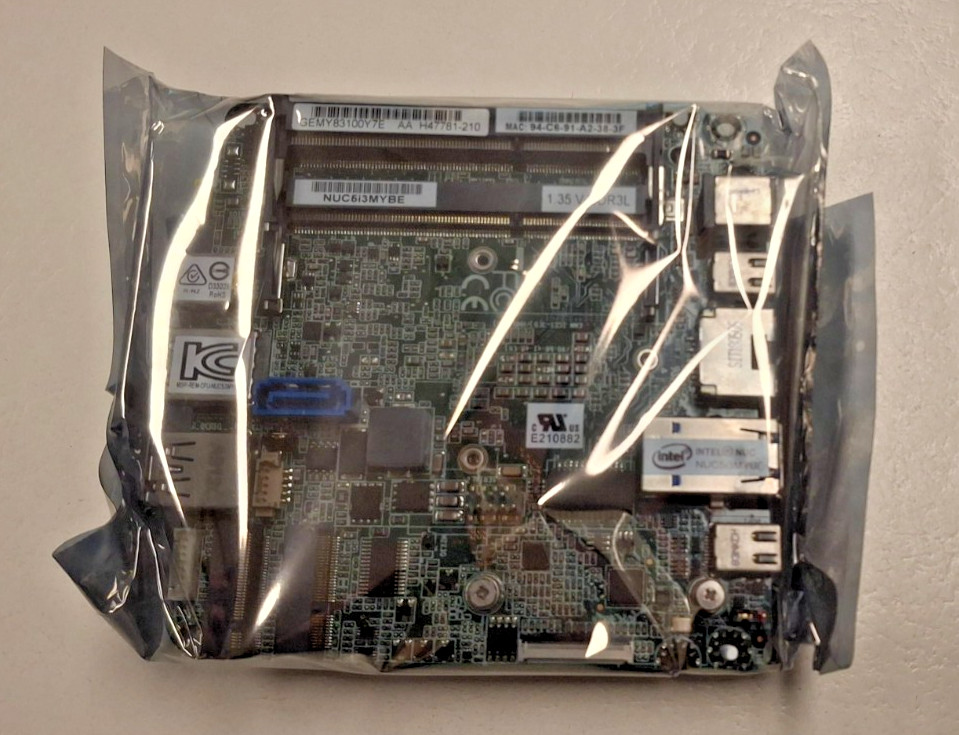 Intel 5th Gen NUC Mini Computer BLKNUC5i3MYBE Motherboard ONLY - NEW OLD STOCK$30.00View on eBay
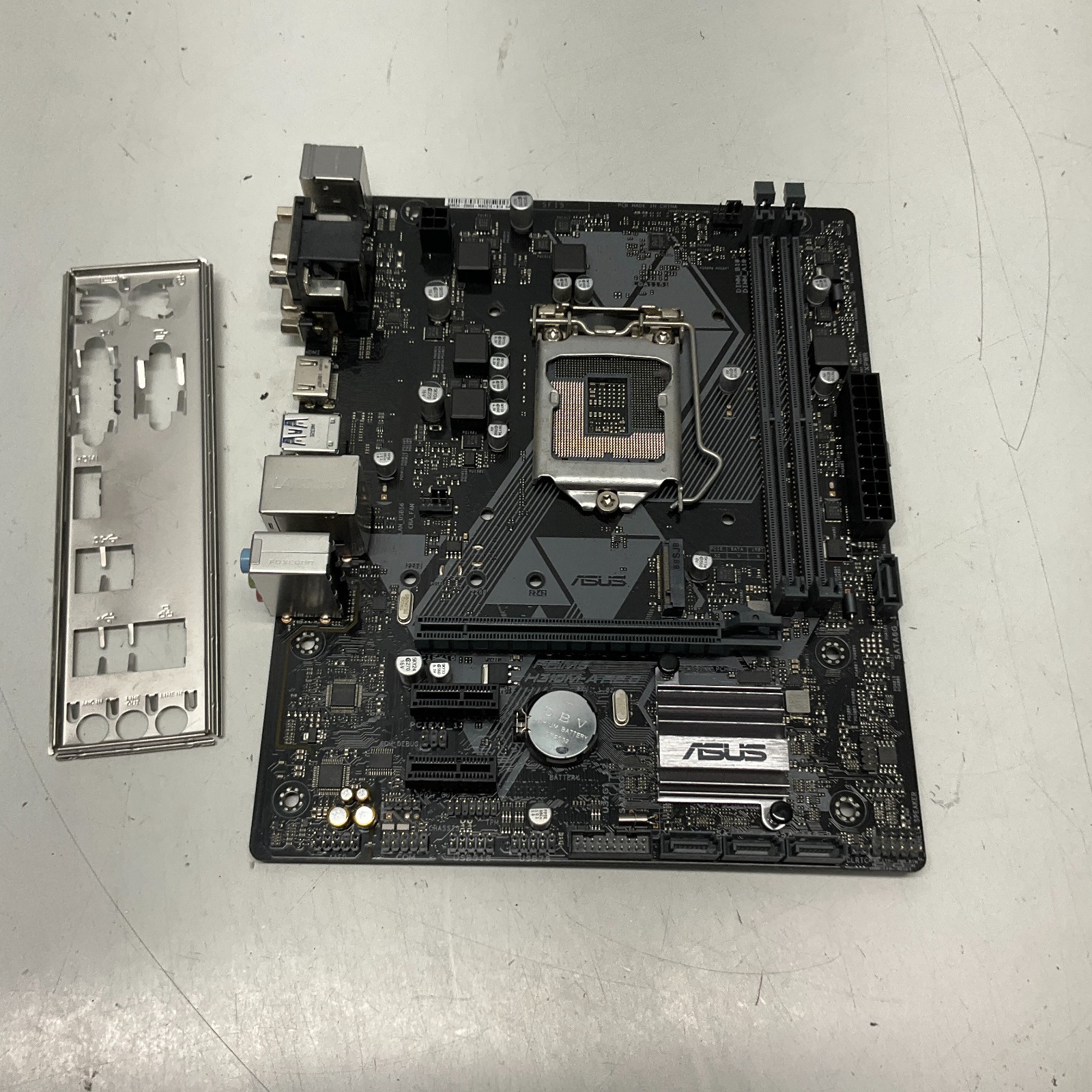 ASUS Intel PRIME H310M-A R2.0 LGA1151 DDR4 mATX Motherboard + I/O Plate$43.96View on eBay
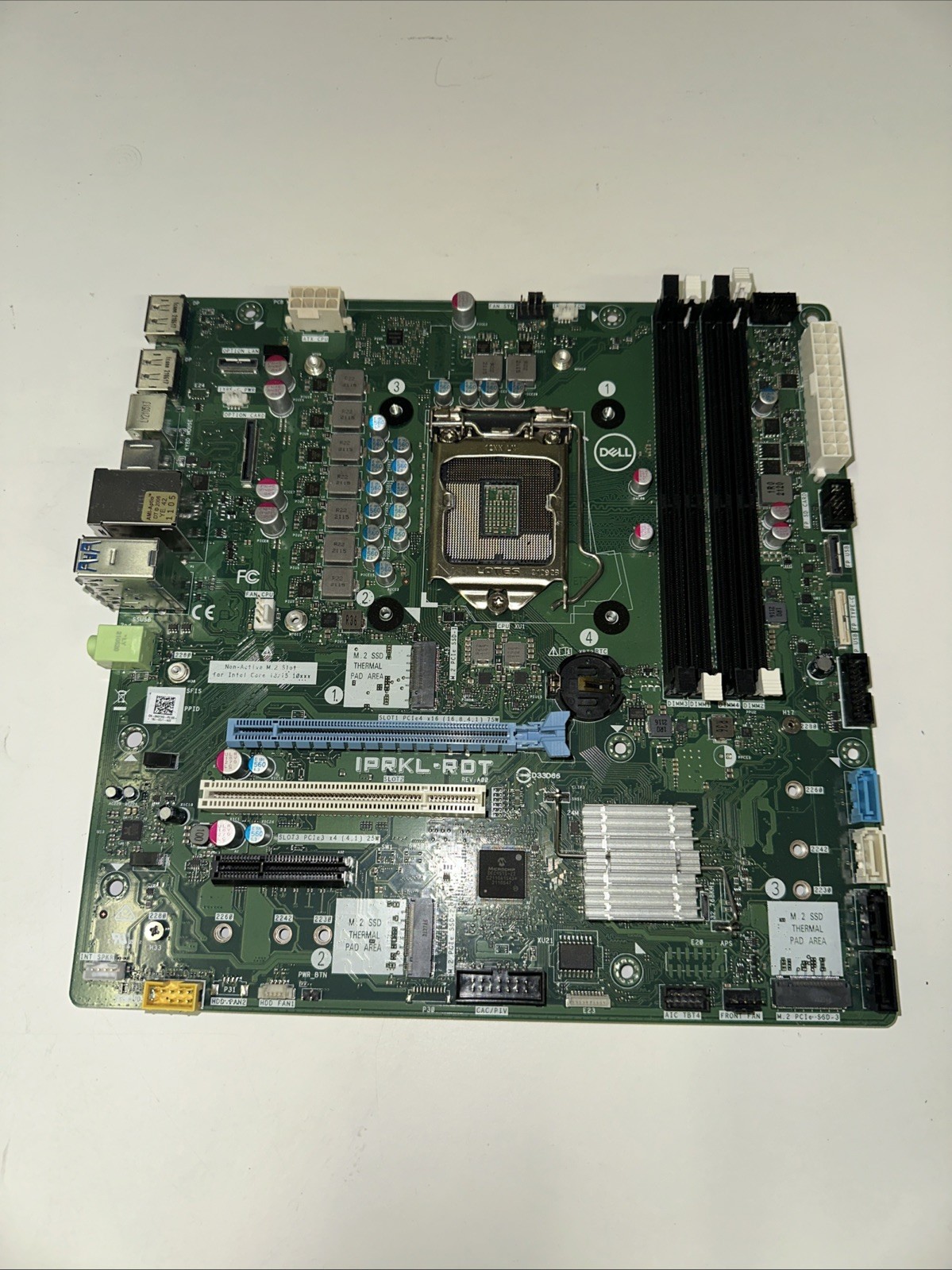 Dell Precision 3650 Tower Intel W580 Socket LGA1200 Motherboard NDYHG 0NDYHG$89.99View on eBay
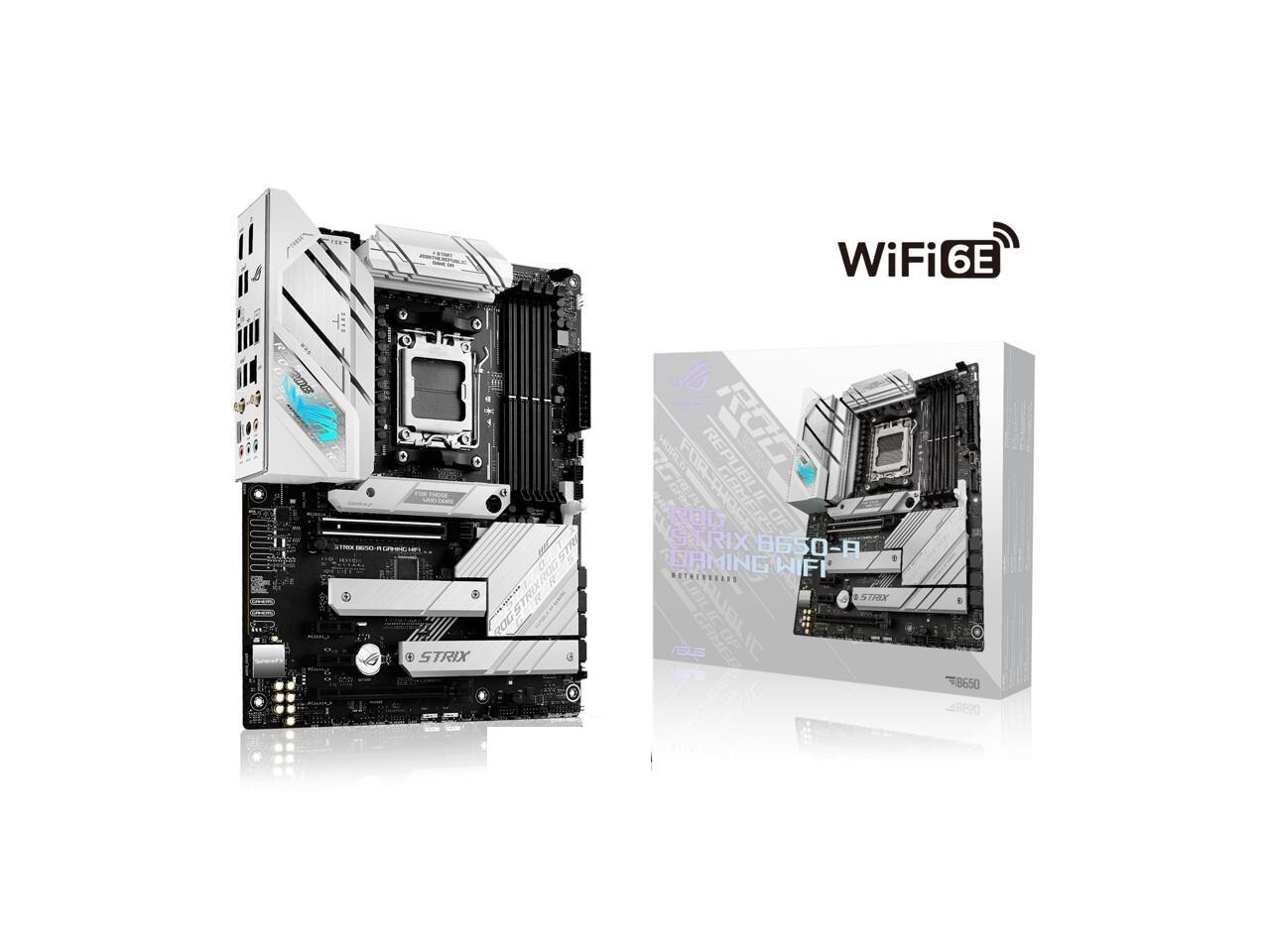 (Factory Refurbished) ASUS ROG STRIX B650-A GAMING WIFI AMD AM5 ATX Motherboard$124.99View on eBay
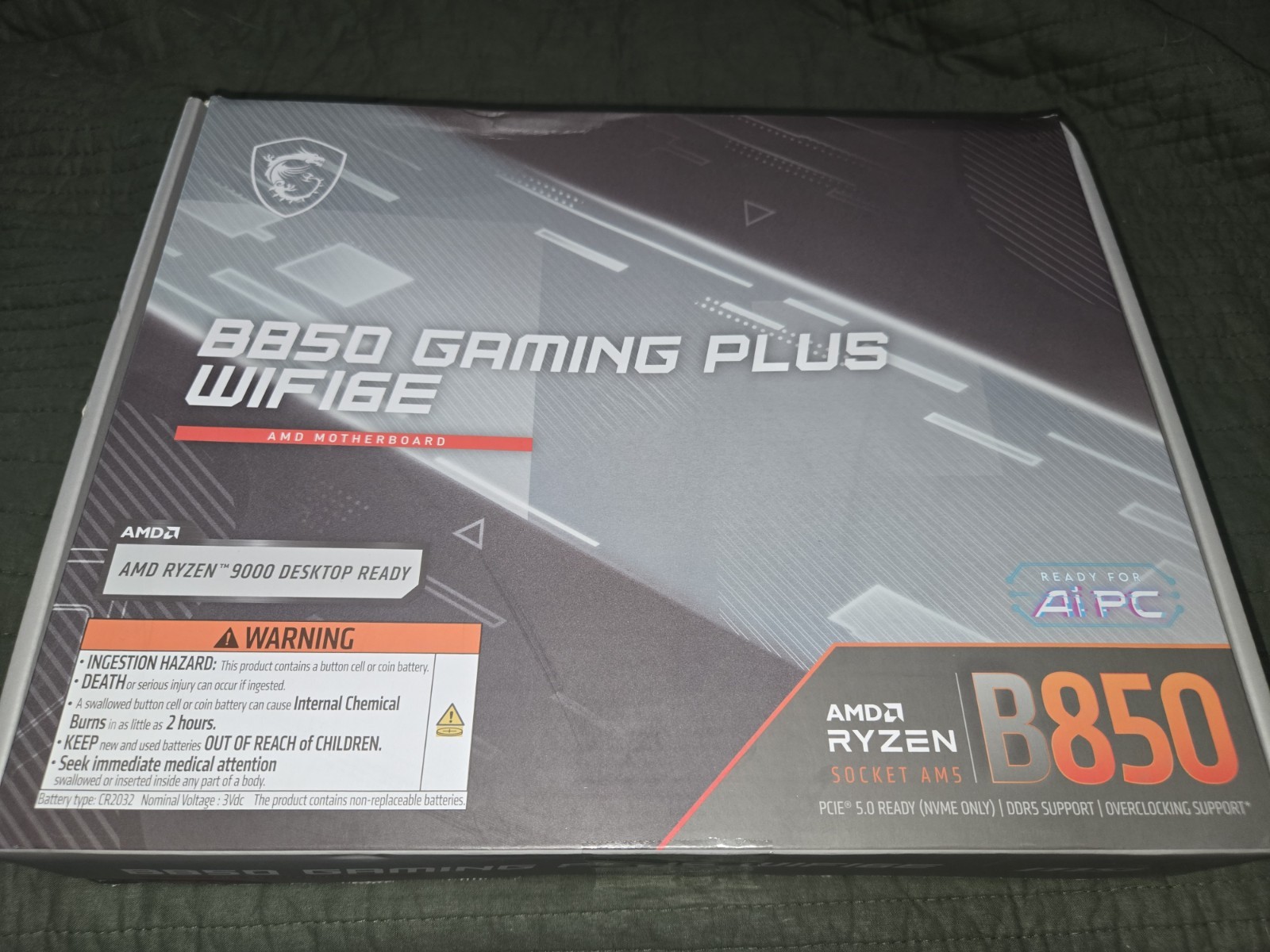 MSI B850 GAMING PLUS WIFI6E AM5 AMD B850 SATA DDR5 Motherboard$134.99View on eBay
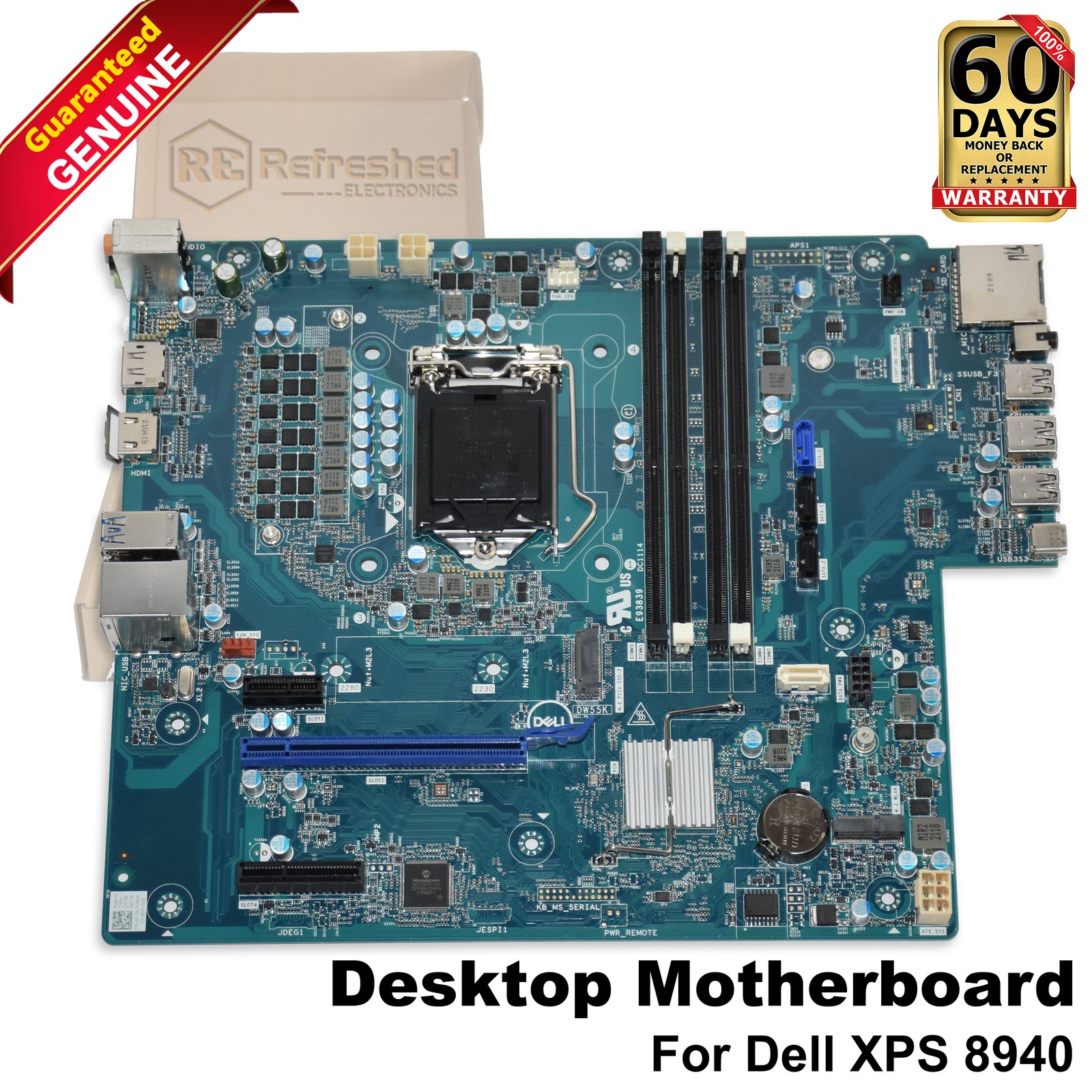 Dell XPS 8940 Desktop Motherboard Intel 10th 11th Gen LGA1200 DDR4 K3CM7 427JK$161.58View on eBay
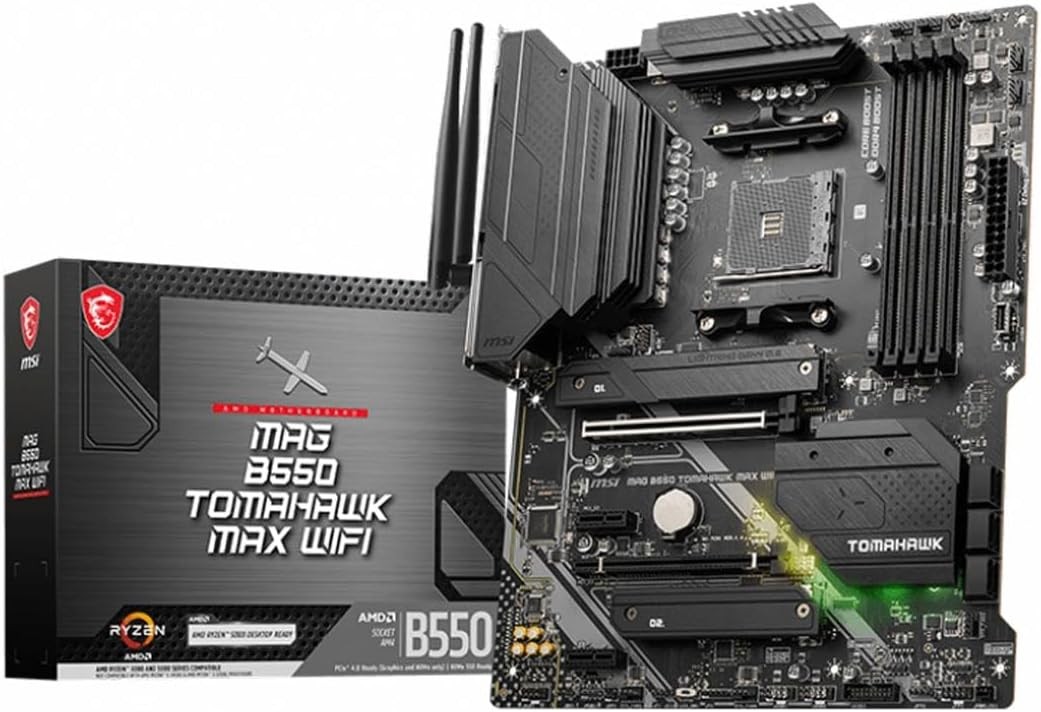 MSI MAG B550 Tomahawk MAX WiFi Gaming Motherboard AM4 DDR4 ATX$167.99View on eBay
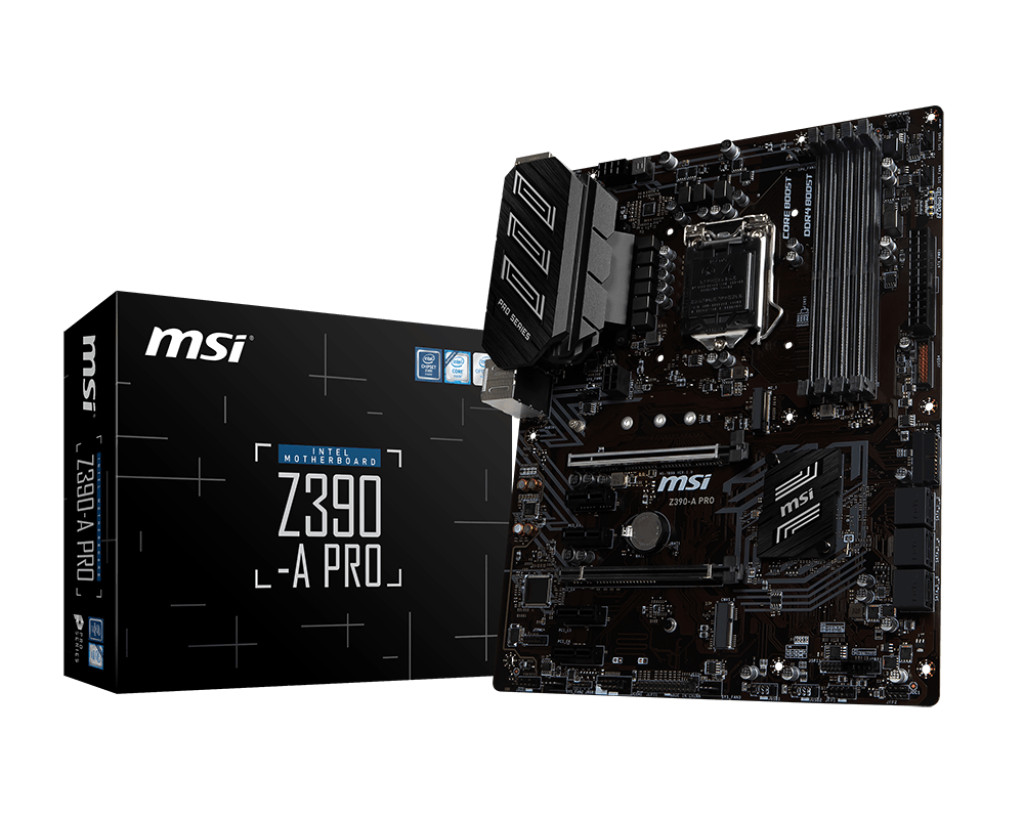 NEW MSI Z390-A PRO Motherboard LGA 1151 for 9th/8th Intel ATX M.2 USB 3.1 DDR4$172.21View on eBay
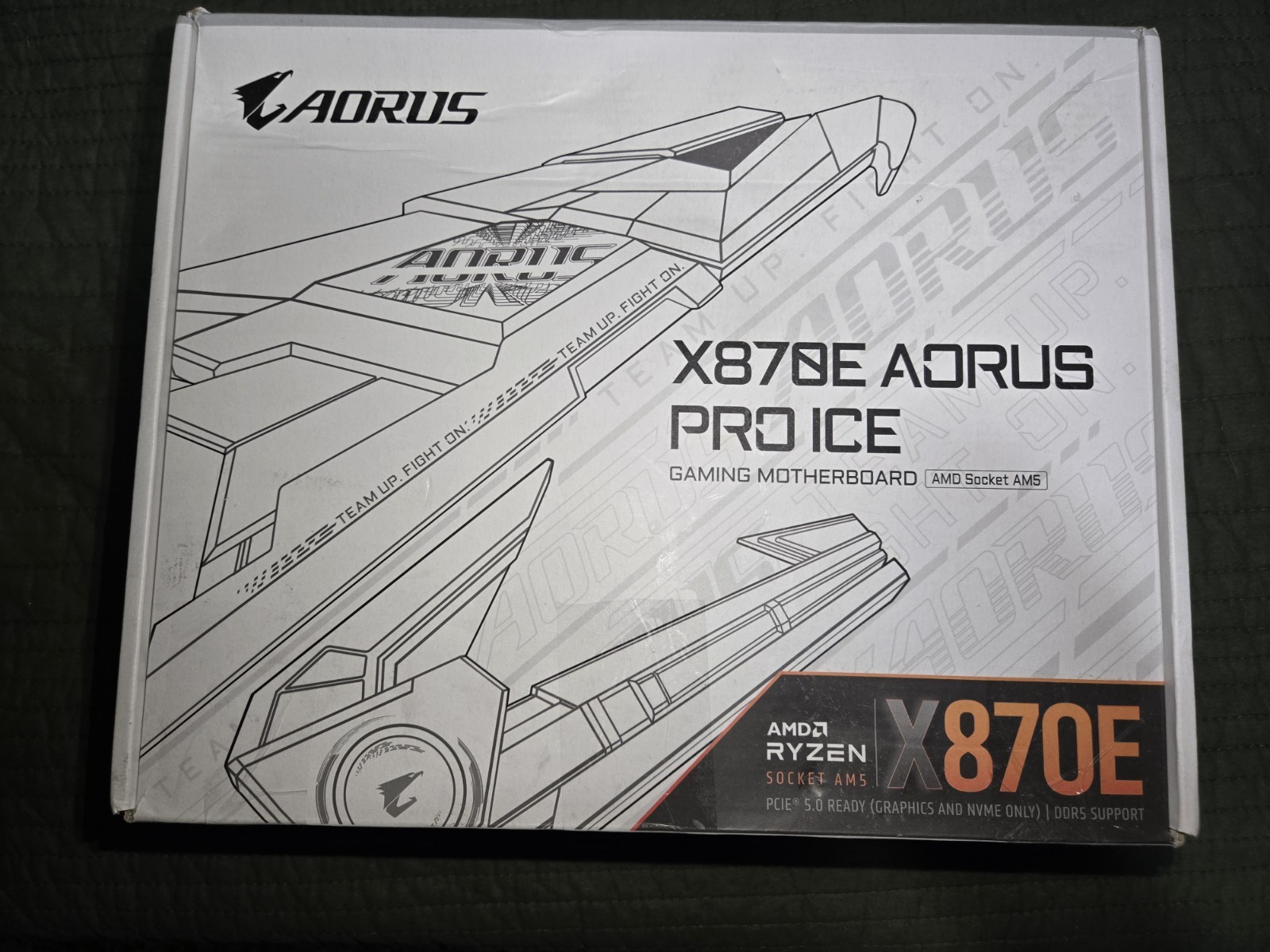 AORUS X870E PRO ICE AM5 ATX DDR5 PCIE WIFI 7 AMD EXPO Gaming Motherboard$199.99View on eBay
Highlights
- AMD AM5 boards split across B650/B650E, B850, and X670E/X870E chipsets; X-series adds more PCIe 5.0 lanes and USB4, while B-series covers most gaming builds.
- Intel LGA1700 spans H610, B660/B760, and Z690/Z790 chipsets; only Z-series allows CPU overclocking and full PCIe 5.0 split for high-end 13th/14th Gen chips.
- VRM phase count and heatsink mass determine sustained performance; 12+2+1 phase with heatsinked MOSFETs is the practical floor for 105W+ CPUs.
- Memory standard is fixed by the board: DDR4 boards top out around 3200-3600 MT/s, while DDR5 boards support 6000+ MT/s EXPO/XMP profiles essential for modern AM5 and LGA1700 builds.
Best use cases
- For a Ryzen 5 5600X build, pick a B550 or X570 AM4 board with DDR4 and PCIe 4.0; skip X670 or AM5 boards, which use a different socket and will not accept the CPU.
- For a new AM5 Ryzen 7000/9000 or Intel 12th-14th Gen gaming build, choose B650/B850 or B760/Z790 depending on overclocking needs, with DDR5 for future-proofing; avoid H610 and entry B660 boards if you plan a high-core CPU.
- For a compact or media build, select an mATX or Mini-ITX board with the fewest PCIe slots you need; skip full ATX boards, which add cost and require a larger case without performance benefit.
- For a Dell or HP prebuilt upgrade, replace only with the exact OEM motherboard part number for your chassis; standard retail boards generally will not fit proprietary front-panel, power, and mounting layouts.
Buying tips
- Confirm socket and chipset generation first: AM4 for Ryzen 1000-5000, AM5 for Ryzen 7000+, LGA1200 for Intel 10th/11th Gen, LGA1700 for 12th-14th Gen, LGA1151 for 8th/9th Gen.
- Check the CPU's TDP and board VRM: a 65W chip runs fine on 6+2 phases, but a 105W+ chip needs 12 or more phases with heatsinked VRMs to avoid throttling.
- Match memory type to the board's slots: DDR4 and DDR5 are keyed differently and are not interchangeable, so buy the correct kit for the board you select.
- Verify form factor against your case: ATX requires 7 expansion slots, mATX 4, and Mini-ITX 1; measure standoff positions and clearance for GPU length and CPU cooler height.
Specs
| Socket | AM4 / AM5 / LGA1700 / LGA1200 |
|---|---|
| Chipset Tier | Entry / Mid (B) / Enthusiast (X/Z) |
| Memory Type | DDR4 or DDR5 (not interchangeable) |
| Form Factor | ATX / mATX / Mini-ITX |
Related searches
What to check before buying
- Measure your case's motherboard support and available standoff pattern before buying an ATX, mATX, or Mini-ITX board.
- Confirm your CPU's exact socket and generation against the board's chipset support list; older chipsets may need a BIOS update for newer CPUs.
- Check that your PSU provides the required 24-pin ATX, 8-pin EPS CPU, and any additional power connectors the board specifies.
- Verify RAM type, slot count, and maximum capacity, plus M.2 slot count and PCIe generation for your planned storage and GPU.
FAQ
Data sources: eBay / Amazon listings and product attribute feeds. Updated Nov 23, 2026.
Some links on this page are affiliate links. If you buy after clicking one, we may earn a commission at no extra cost to you. This does not change which products appear here or their order. Affiliate disclosure.