
Photos from current listings. Actual item, color, and included accessories may vary.
Gaming Motherboard Buying Guide
A gaming motherboard is the foundation that dictates CPU compatibility, memory speed, PCIe bandwidth, and VRM headroom for sustained boost clocks. The core trade-off is chipset tier versus VRM quality: budget boards cut power phases and heatsinks, limiting high-core CPUs. Choose by socket, chipset, and VRM phase count—not RGB or brand tier—to avoid throttle-prone compromises.
Median $151.49
Key takeaways
- AMD AM4 boards (B550) cap at DDR4 and PCIe 4.0, while AM5 boards (B650/B850/X870E) require DDR5 and offer PCIe 5.0 on select slots.
- VRM phase count and heatsink mass determine sustained power delivery: 12+2 phases with finned heatsinks handle 16-core CPUs; 8+2 phases throttle under all-core loads.
- Intel LGA1700 boards split into DDR4 and DDR5 variants; B760 chipsets lock CPU overclocking, while Z790 unlocks multiplier and memory tuning.
At a glance
- Category
- CPUs, Motherboards & Memory
- Last updated
- Nov 23, 2026
Current offers
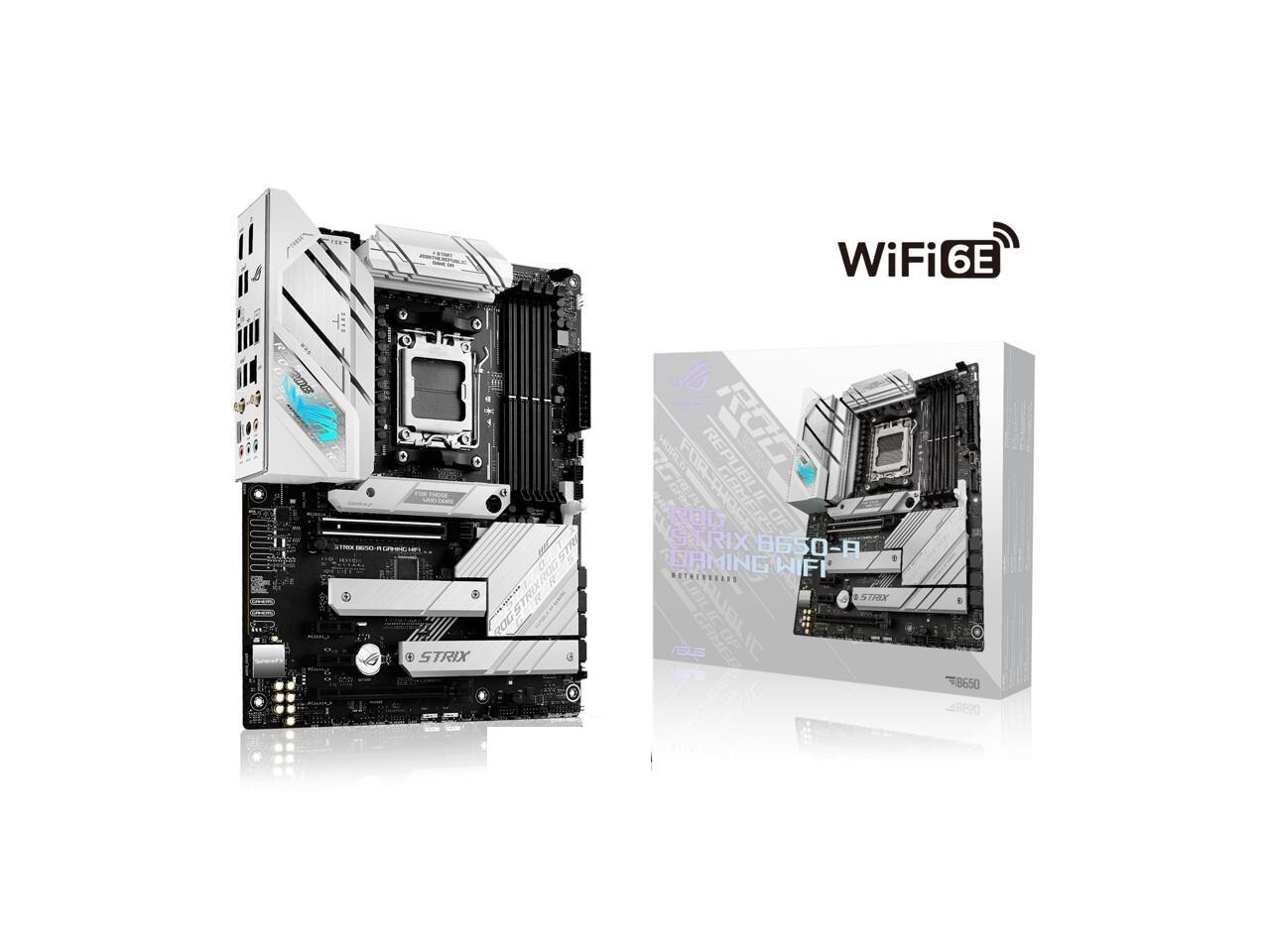 (Factory Refurbished) ASUS ROG STRIX B650-A GAMING WIFI AMD AM5 ATX Motherboard$124.99View on eBay
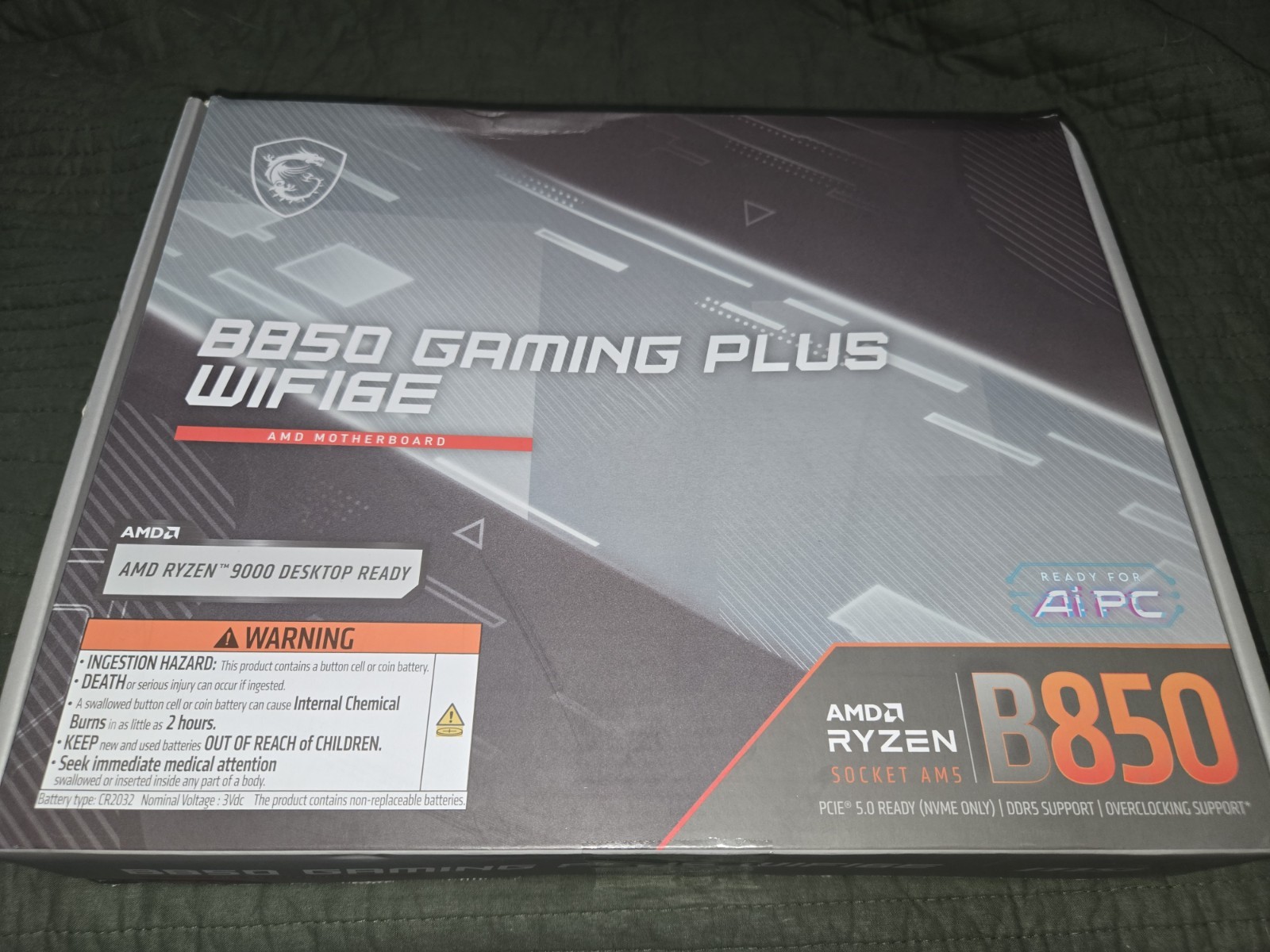 MSI B850 GAMING PLUS WIFI6E AM5 AMD B850 SATA DDR5 Motherboard$134.99View on eBay
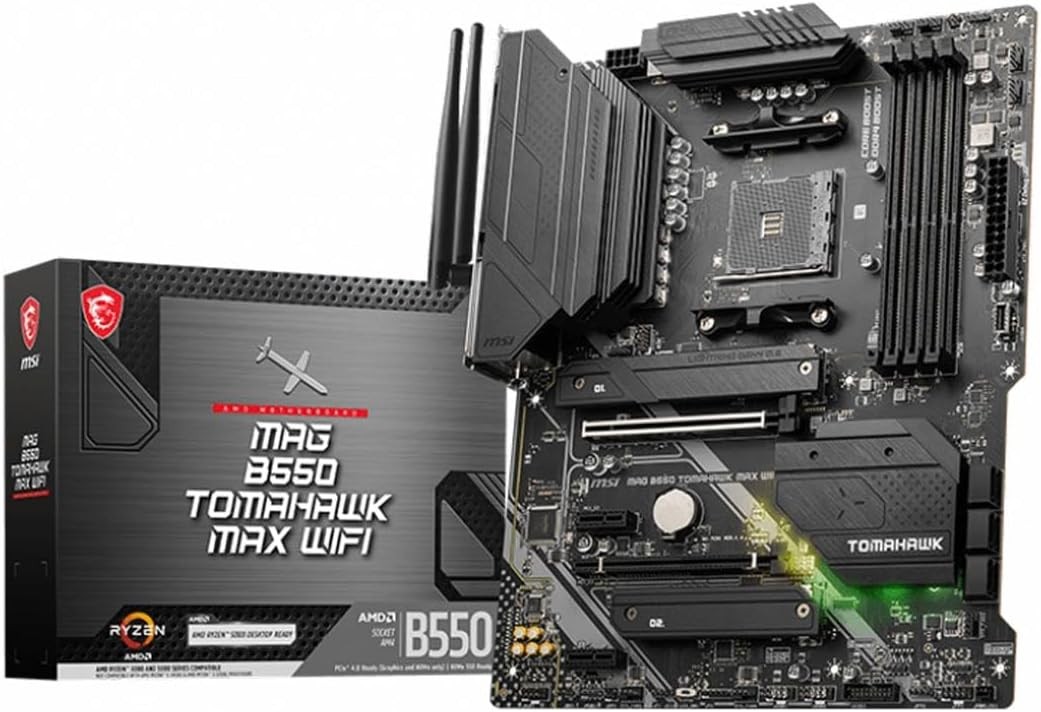 MSI MAG B550 Tomahawk MAX WiFi Gaming Motherboard AM4 DDR4 ATX$167.99View on eBay
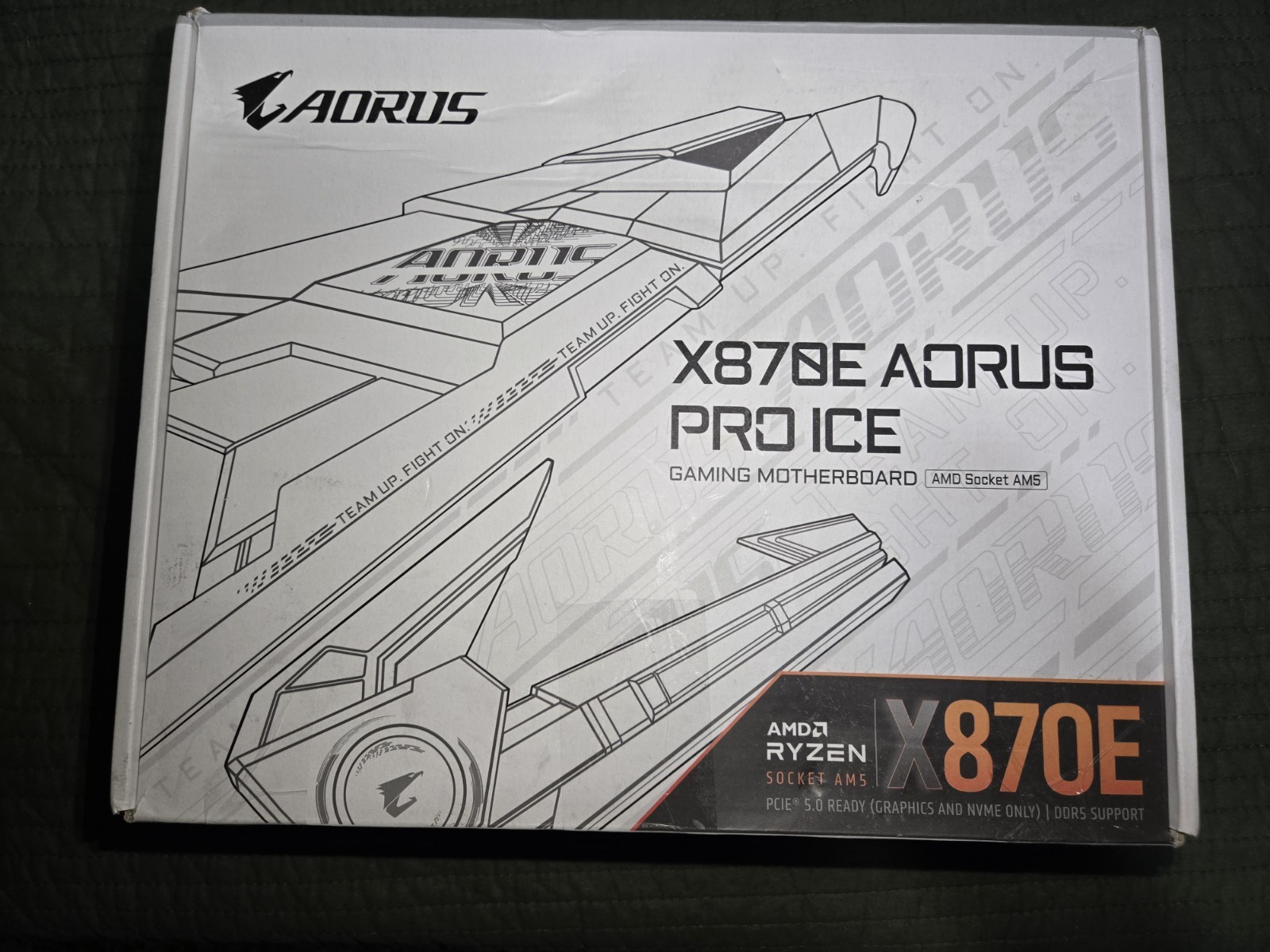 AORUS X870E PRO ICE AM5 ATX DDR5 PCIE WIFI 7 AMD EXPO Gaming Motherboard$199.99View on eBay
Highlights
- AMD AM4 boards (B550) cap at DDR4 and PCIe 4.0, while AM5 boards (B650/B850/X870E) require DDR5 and offer PCIe 5.0 on select slots.
- VRM phase count and heatsink mass determine sustained power delivery: 12+2 phases with finned heatsinks handle 16-core CPUs; 8+2 phases throttle under all-core loads.
- Intel LGA1700 boards split into DDR4 and DDR5 variants; B760 chipsets lock CPU overclocking, while Z790 unlocks multiplier and memory tuning.
- WiFi 7 (X870E) and WiFi 6E (B850) differ in 6GHz channel width and latency—relevant only if the router supports the standard; otherwise 2.5GbE LAN is the stable fallback.
Best use cases
- Pick AM5 B650/B850 with 12+2 VRM phases for a Ryzen 7/9 build—skip X870E unless you need USB4 or dual PCIe 5.0 M.2 slots.
- Choose AM4 B550 only for budget Ryzen 5000 builds with DDR4—avoid for new DDR5 platforms or PCIe 5.0 GPUs.
- For Intel 13th/14th gen, pair a Z790 board with DDR5 for overclocking; skip B760 if you plan CPU overclocking or memory tuning.
- Micro-ATX builds should prioritize board layout with reinforced PCIe slot and at least two M.2 heatsinks—skip full ATX if case clearance is under 15 inches.
Buying tips
- Match socket first: AM4 (Ryzen 5000), AM5 (Ryzen 7000/9000), LGA1700 (Intel 12th-14th gen)—no cross-compatibility.
- Count VRM phases: 12+2 or higher for 12+ core CPUs; 8+2 is acceptable only for 6-8 core chips with airflow over heatsinks.
- Verify M.2 slot PCIe generation: PCIe 5.0 M.2 requires CPU support and adequate heatsink; PCIe 4.0 is sufficient for most gaming loads.
- Check memory QVL: DDR5 EXPO/XMP kits above 6000 MT/s need 2-DIMM slot population and BIOS update on AM5 boards.
Specs
| Socket | AM4 / AM5 / LGA1700 |
|---|---|
| Chipset Tier | B550 / B650 / B850 / X870E / Z790 |
| Memory Type | DDR4 / DDR5 (EXPO / XMP) |
| PCIe Gen | PCIe 4.0 / PCIe 5.0 |
Related searches
What to check before buying
- Measure case clearance: ATX boards need 12 x 9.6 inches; micro-ATX needs 9.6 x 9.6 inches; confirm standoff pattern.
- Confirm PSU connectors: 24-pin ATX, 8-pin CPU (or 8+4), and 12VHPWR for RTX 40-series GPUs.
- Verify BIOS flashback button for CPU-less BIOS updates—critical for AM5 boards paired with newer Ryzen chips.
- Check rear I/O: 2.5GbE LAN, USB-C with DisplayPort alt mode, and at least 4 USB-A ports for peripherals.
FAQ
Data sources: eBay / Amazon listings and product attribute feeds. Updated Nov 23, 2026.
Some links on this page are affiliate links. If you buy after clicking one, we may earn a commission at no extra cost to you. This does not change which products appear here or their order. Affiliate disclosure.