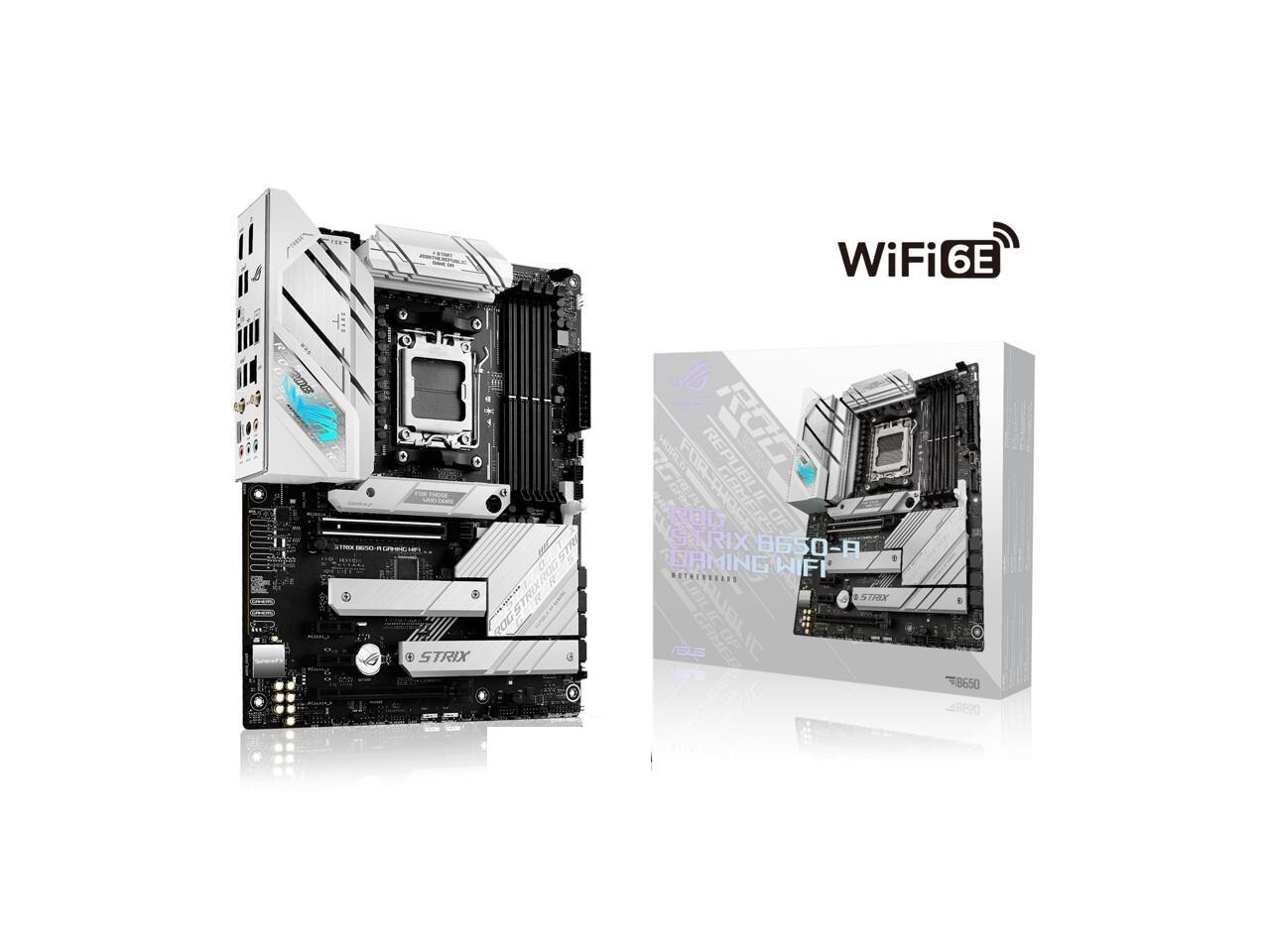

Photos from current listings. Actual item, color, and included accessories may vary.
Asus Rog Motherboard Buying Guide
ASUS ROG motherboards are premium gaming boards spanning AMD AM5/AM4 and Intel LGA1700/LGA1851, with the ROG Strix tier as the mainstream sweet spot and Crosshair/Maximus as the overclocking halo. The core trade-off is chipset tier versus VRM and connectivity: B-series boards cover most gamers, while X/Z chipsets add PCIe lane splitting and extreme power delivery. Buy by socket, chipset, and form factor first—durability follows from VRM phase count and heatsink mass, not branding alone.
Key takeaways
- ROG Strix B650-A uses a 12+2 phase VRM with 8+4-pin EPS and DDR5 support up to 6400+ MT/s via EXPO, sufficient for Ryzen 7 but marginal for 16-core Ryzen 9.
- ROG Crosshair X670E adds PCIe 5.0 x16 and dual PCIe 5.0 M.2, while Strix B650 offers PCIe 4.0 only—the key future-proofing split.
- Intel ROG Strix Z790 boards support CPU overclocking and PCIe 5.0, whereas B760 ROG boards lock memory to 5600 MT/s without XMP and block CPU ratio changes.
At a glance
- Category
- CPUs, Motherboards & Memory
- Last updated
- Nov 23, 2026
Current offers
Highlights
- ROG Strix B650-A uses a 12+2 phase VRM with 8+4-pin EPS and DDR5 support up to 6400+ MT/s via EXPO, sufficient for Ryzen 7 but marginal for 16-core Ryzen 9.
- ROG Crosshair X670E adds PCIe 5.0 x16 and dual PCIe 5.0 M.2, while Strix B650 offers PCIe 4.0 only—the key future-proofing split.
- Intel ROG Strix Z790 boards support CPU overclocking and PCIe 5.0, whereas B760 ROG boards lock memory to 5600 MT/s without XMP and block CPU ratio changes.
- ATX ROG boards use 6-layer PCBs with 2oz copper; Micro-ATX variants often drop to 4-layer with fewer VRM phases, reducing sustained load headroom.
Best use cases
- Pick ROG Strix B650-A for Ryzen 5/7 gaming builds: full ATX, DDR5 EXPO, Wi-Fi 6E, and PCIe 4.0 cover 95% of gamers without X670E cost.
- Choose ROG Crosshair X670E only if you need PCIe 5.0 GPU and dual Gen5 M.2 for 8K video or AI workloads—otherwise skip it.
- For Intel 13th/14th gen, buy ROG Strix Z790 if overclocking or running 7200+ MT/s DDR5; skip B760 ROG if you plan CPU tuning.
- Avoid ROG Micro-ATX boards for 16-core CPUs or triple-slot GPUs; pick full ATX for VRM headroom and clearance.
Buying tips
- Match socket exactly: AM5 (B650/X670) for Ryzen 7000/9000, LGA1700 (B760/Z790) for Intel 12th–14th gen, LGA1851 for Core Ultra 200S.
- For 16-core Ryzen 9 or i9, require at least 14+2 VRM phases and 8+8-pin EPS; B650-A's 12+2 is fine for Ryzen 7 only.
- Check M.2 slot count and lane sharing: X670E boards split PCIe 5.0 x16 to x8 when both Gen5 M.2 slots are populated.
- DDR5 ROG boards run best with EXPO/XMP kits at 6000 MT/s CL30 on AM5; higher speeds need 1:2 mode and may not post on 4-DIMM configs.
Specs
| Socket | AM5 / AM4 / LGA1700 / LGA1851 |
|---|---|
| Chipset Tier | B650 / X670E / B760 / Z790 |
| Form Factor | ATX / Micro-ATX / Mini-ITX |
| Memory Type | DDR5 only (AM5, LGA1700 ROG) |
Related searches
What to check before buying
- Measure case clearance: ATX ROG boards are 305×244mm; confirm 7 expansion slots and 170mm CPU cooler height.
- Verify PSU has 8-pin EPS (4+4) and 24-pin ATX; X670E may require 8+8-pin for CPU.
- Confirm DDR5 only on AM5 and LGA1700 ROG Strix—DDR4 will not fit; check QVL for 2-DIMM 6000+ kits.
- Ensure BIOS version supports your CPU: B650 boards may need flashback for Ryzen 9000; look for BIOS FlashBack button.
FAQ
Data sources: eBay / Amazon listings and product attribute feeds. Updated Nov 23, 2026.
Some links on this page are affiliate links. If you buy after clicking one, we may earn a commission at no extra cost to you. This does not change which products appear here or their order. Affiliate disclosure.