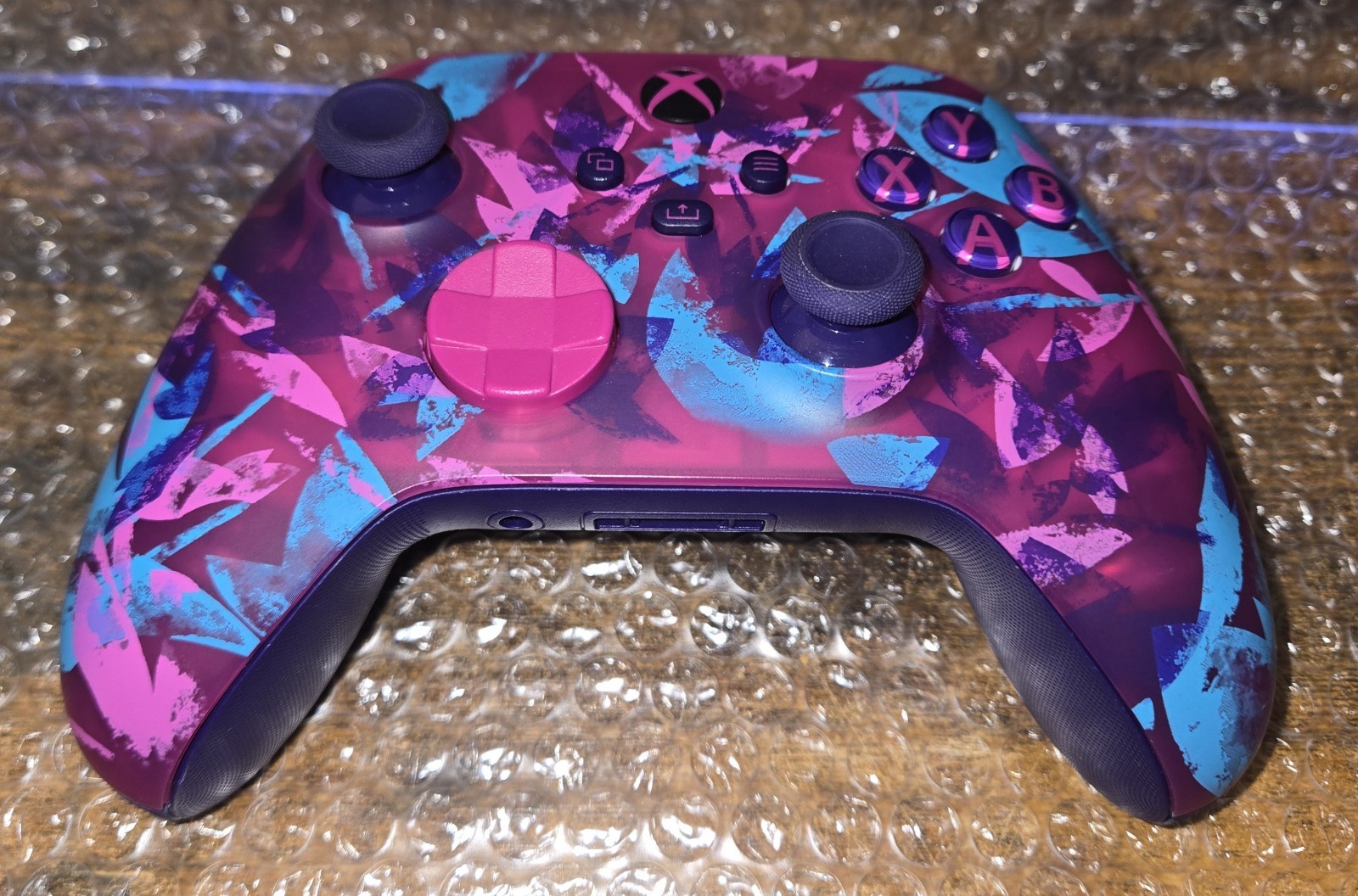

Photos from current listings. Actual item, color, and included accessories may vary.
Xbox X Controller Buying Guide
An Xbox X controller (Xbox Series X|S wireless controller) is the primary gamepad for Microsoft's current-generation consoles and Windows PCs, with the core trade-off being official first-party build quality and wireless protocol support versus third-party wired or budget wireless alternatives that cut corners on latency, stick feel, and durability. The decision rule is simple: buy official Microsoft wireless for guaranteed firmware, share-button, and USB-C compatibility; choose third-party wired or licensed wireless only when a specific feature (paddles, trigger stops, headset bundling) matters more than seamless ecosystem integration.
Median $149.12
Key takeaways
- Official Microsoft Xbox Series X|S controllers use the 1914 model with USB-C, a dedicated Share button, and Bluetooth for PC and mobile, while older Xbox One 1708 models use micro-USB and lack the Share button.
- Third-party wired controllers like PDP and Hyperkin typically use USB-A wired connections with no battery, trading wireless convenience for lower latency and no charging downtime.
- Hall Effect vs standard potentiometer sticks is the key durability divide: Hall Effect sensors resist drift over years, while carbon-film potentiometers wear out and cause stick drift within months of heavy use.
At a glance
- Category
- Controllers & Gaming Accessories
- Last updated
- Nov 28, 2026
Current offers
Highlights
- Official Microsoft Xbox Series X|S controllers use the 1914 model with USB-C, a dedicated Share button, and Bluetooth for PC and mobile, while older Xbox One 1708 models use micro-USB and lack the Share button.
- Third-party wired controllers like PDP and Hyperkin typically use USB-A wired connections with no battery, trading wireless convenience for lower latency and no charging downtime.
- Hall Effect vs standard potentiometer sticks is the key durability divide: Hall Effect sensors resist drift over years, while carbon-film potentiometers wear out and cause stick drift within months of heavy use.
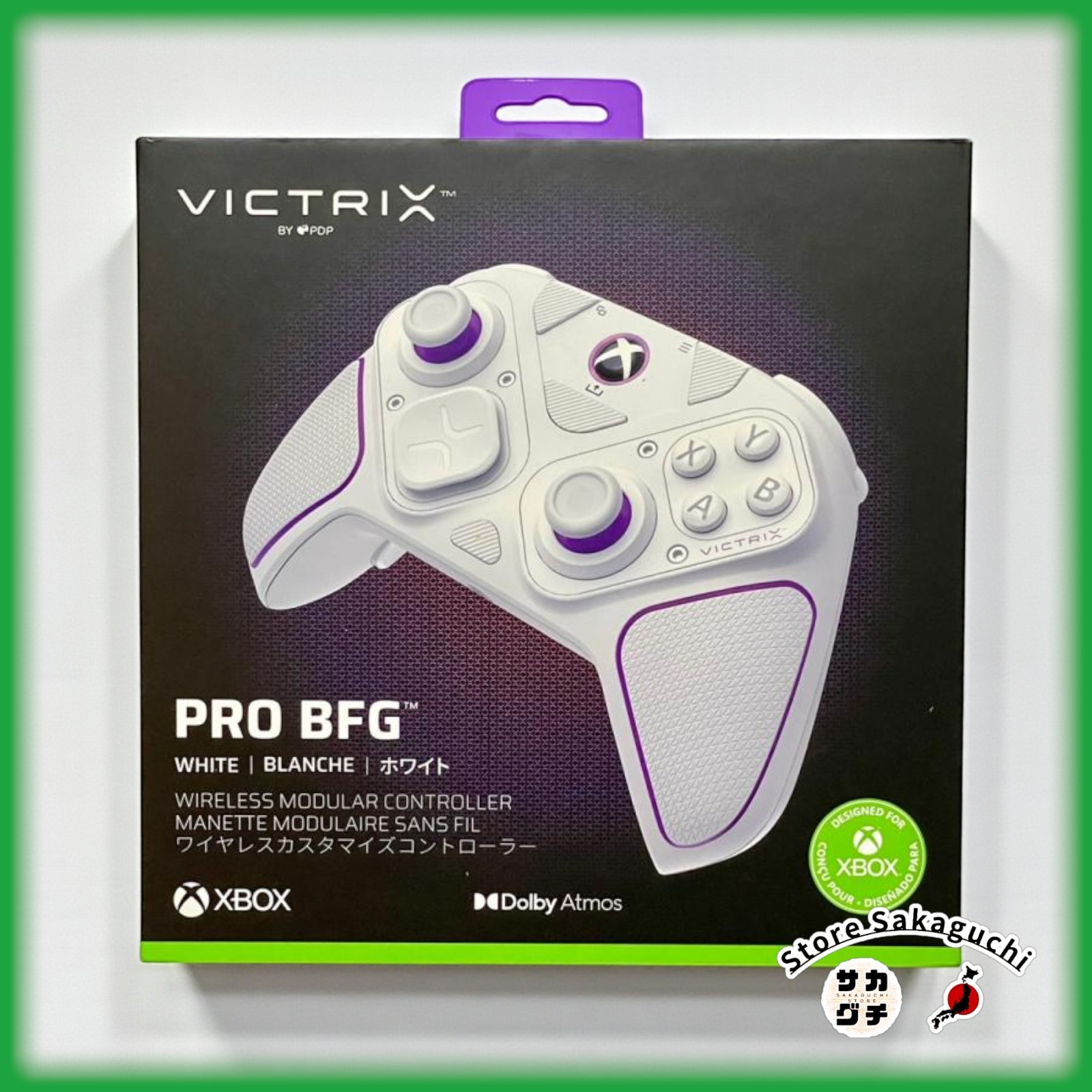
- Licensed third-party wireless models such as the PDP Victrix Pro BFG add swappable stick and D-pad modules and remappable paddles, but rely on dongles or Bluetooth rather than Xbox Wireless Radio for console pairing.
Best use cases
- Pick an official Microsoft Xbox Series X|S wireless controller for primary console play, Game Pass, and PC gaming where firmware updates, Share button, and guaranteed Xbox Wireless pairing matter—skip budget 2.4G dongle clones with no firmware support.
- Pick a wired PDP or Hyperkin controller for competitive shooters and fighting games where wired latency and no battery recharging outweigh cable clutter—skip wireless if you play tournaments or need zero input lag.
- Pick a Victrix Pro BFG or similar pro-style controller with paddles and swappable modules for esports, FPS, and custom button mapping—skip it for casual couch co-op where a standard official controller is cheaper and simpler.
- Pick a headset-bundled wired controller like PDP Rematch for a single-purchase starter kit on a budget—skip bundles if you already own a headset and prefer to invest the difference in stick quality.
Buying tips
- Match the controller model to your console generation: model 1914 for Series X|S with USB-C and Share button, model 1708 for Xbox One with micro-USB—1914 works on Xbox One but 1708 lacks the Share button and USB-C.
- Choose Hall Effect sticks over standard potentiometer sticks if you play more than 10 hours per week; potentiometer drift typically appears within 6-12 months of heavy use.
- For PC use, confirm Bluetooth 4.0+ or the Xbox Wireless Adapter for official controllers, while third-party 2.4G dongles require a free USB-A port and often deliver lower latency than Bluetooth.
- Check paddle and trigger-stop features: remappable back paddles and adjustable trigger stops are the main functional differences between standard and pro-tier controllers and cannot be added later.
Specs
| Connection | Xbox Wireless / Bluetooth / USB-C wired |
|---|---|
| Stick Type | Hall Effect vs potentiometer |
| Model | 1914 (Series X|S) vs 1708 (One) |
| Features | Share button / paddles / trigger stops |
Related searches
What to check before buying
- Confirm your console generation (Xbox Series X|S vs Xbox One) and whether you need USB-C (1914) or micro-USB (1708) charging and connection.
- Measure your play distance for wireless: Xbox Wireless Radio reaches roughly 30 feet in open space, while Bluetooth and 2.4G dongles can drop behind furniture or walls.
- Verify PC operating system support: Windows 10/11 has native Xbox controller drivers, while Windows 7/8 requires third-party drivers or a wired 2.4G dongle controller.
- Check whether you need a headset bundle (3.5mm jack is standard on all official and most third-party controllers) and whether your headset uses 3.5mm or USB.
FAQ
Data sources: eBay / Amazon listings and product attribute feeds. Updated Nov 28, 2026.
Some links on this page are affiliate links. If you buy after clicking one, we may earn a commission at no extra cost to you. This does not change which products appear here or their order. Affiliate disclosure.