
Photos from current listings. Actual item, color, and included accessories may vary.
Gaming Headset Buying Guide
A gaming headset combines stereo or surround audio drivers with a boom mic for voice chat, and the core trade-off is connectivity and build quality: wired 3.5mm sets are cheap and lag-free but tether you, while wireless sets add latency, battery, and cost. The decision rule is simple: buy a wired 3.5mm set for zero-lag competitive play on a budget, and step to a 2.4GHz dongle or Bluetooth set only when cable-free movement is worth the charging and pairing hassle.
Median $15.24
Key takeaways
- Wired 3.5mm headsets use a single TRRS plug carrying stereo audio plus mic; they work on PS4/PS5, Xbox, Switch, and PC without drivers but need a splitter on dual-jack PCs.
- Razer Kraken X uses 40mm drivers and a bendable cardioid mic; the 7.1 surround is a software effect via activation code, not a hardware multi-driver array.
- Logitech G435 LIGHTSPEED pairs a 2.4GHz USB-A dongle for low-latency PC play with Bluetooth for phones, and its built-in mics are beamforming rather than a boom arm.
At a glance
- Category
- Controllers & Gaming Accessories
- Last updated
- Nov 28, 2026
Current offers
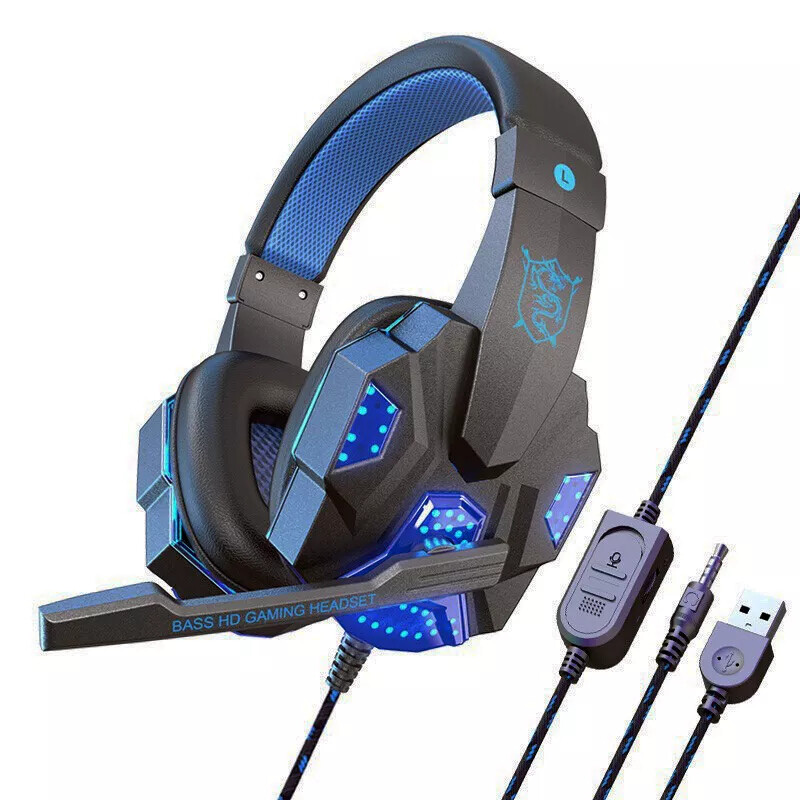 3.5mm Gaming Headset Mic for PS4 PS5 PC Xbox One Mic Stereo Bass Surround Sound$13.89Last checked Nov 28, 2026View on eBay
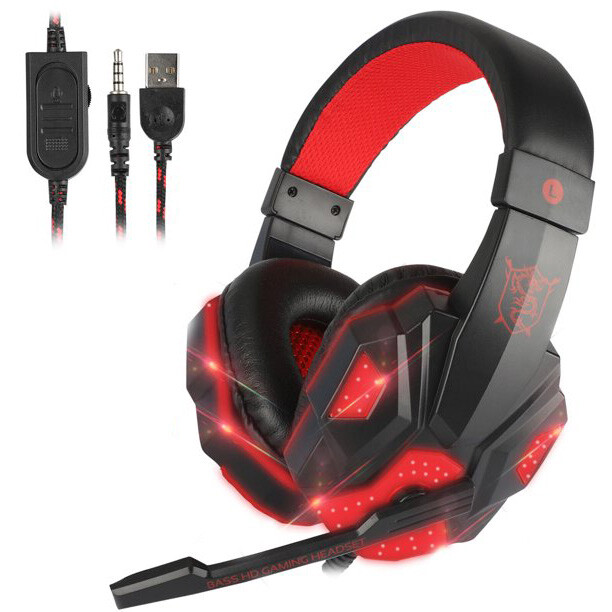 3.5mm Gaming Headset Mic Headphones Stereo Bass Surround For PS5 PS4 PC Xbox One$13.99Last checked Nov 26, 2026View on eBay
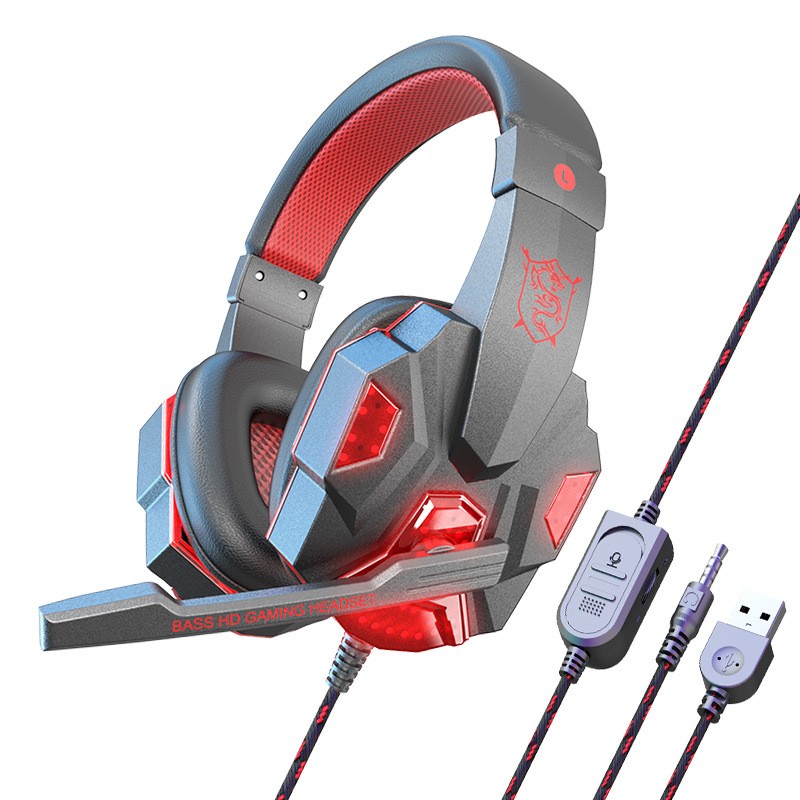 3.5mm Gaming Headset Mic LED Headphones Stereo Bass Surround For PC PS4 Xbox One$14.99Last checked Nov 28, 2026View on eBay
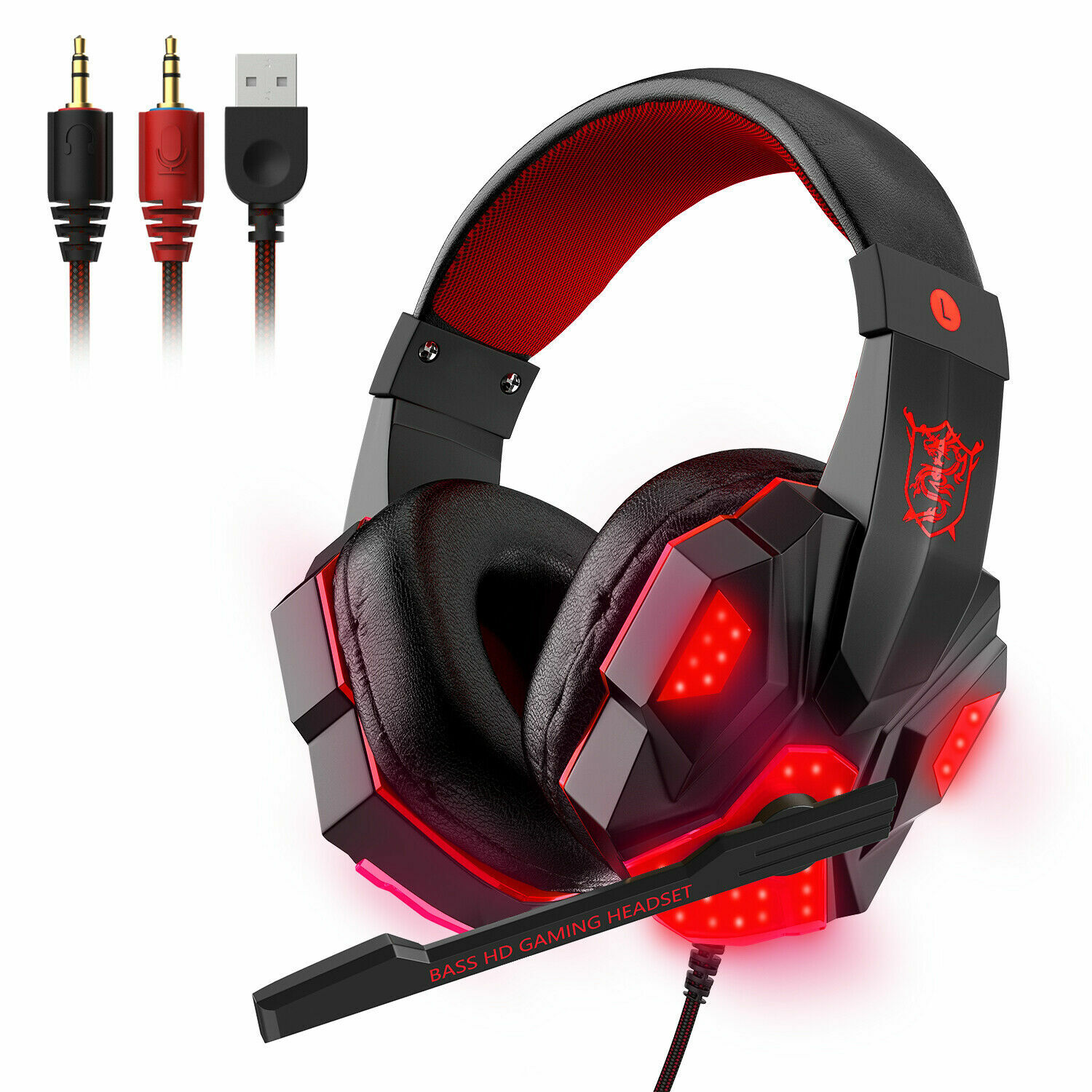 3.5mm Gaming Headset Mic LED Headphones Stereo Bass Surround For PC PS4 Xbox One$15.49View on eBay
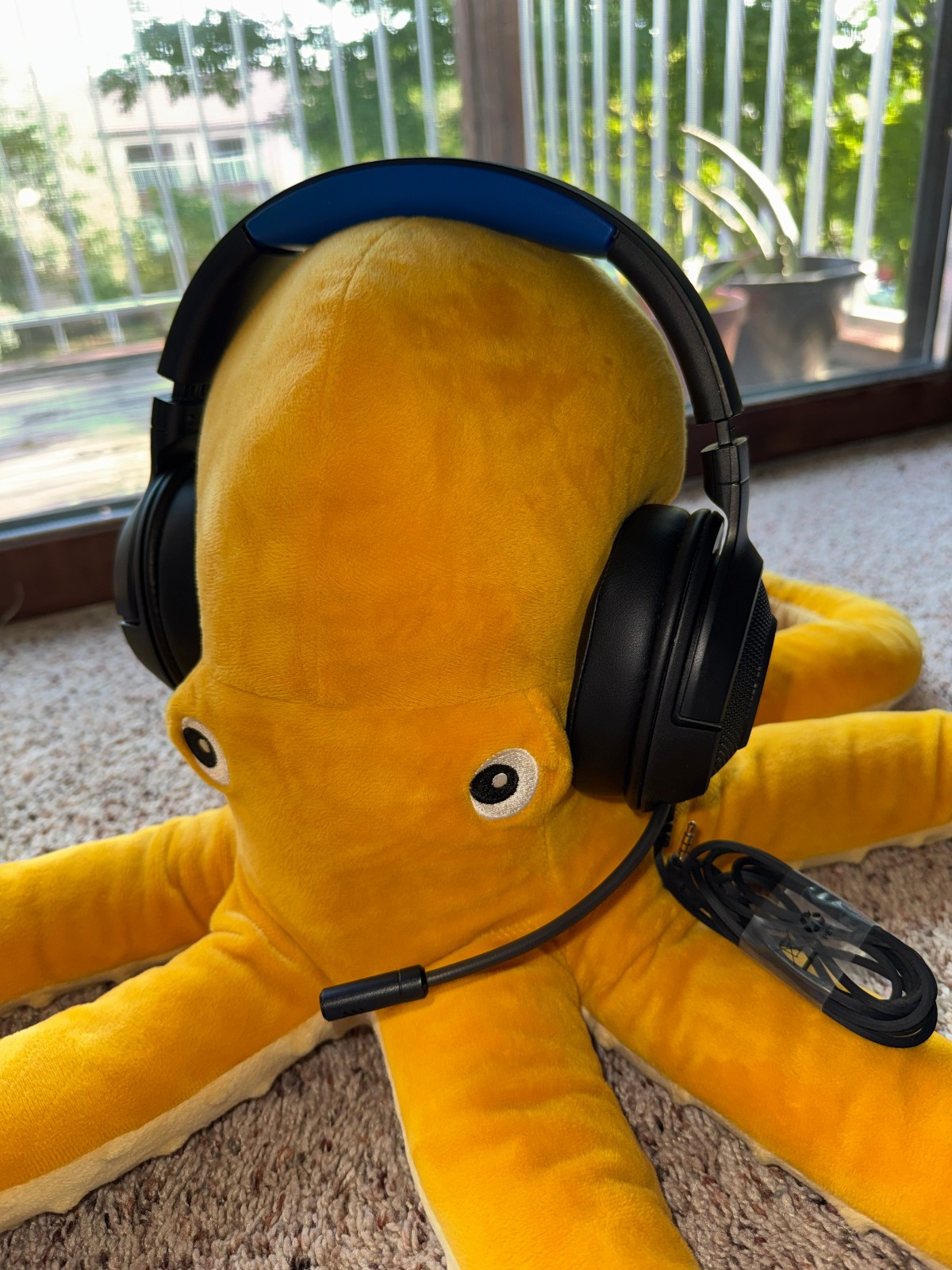 Razer Kraken X Wired Over the Ear Gaming Headset (RZ04-0289) - Black/Blue$18.00View on eBay
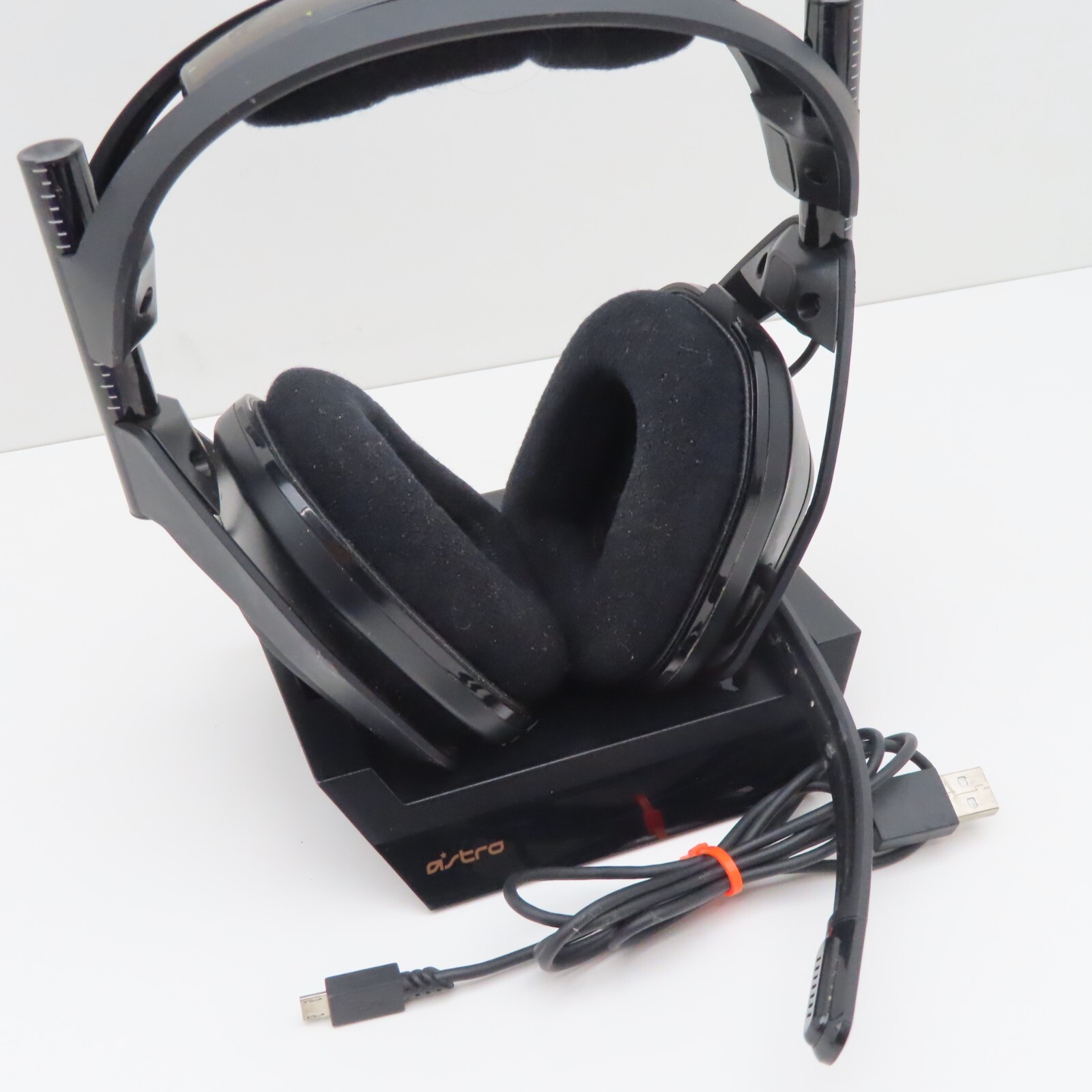 Astro A50 Xbox Series X|S/One PC Wireless Gaming Headset+Base Station Black$89.99View on eBay
Highlights
- Wired 3.5mm headsets use a single TRRS plug carrying stereo audio plus mic; they work on PS4/PS5, Xbox, Switch, and PC without drivers but need a splitter on dual-jack PCs.
- Razer Kraken X uses 40mm drivers and a bendable cardioid mic; the 7.1 surround is a software effect via activation code, not a hardware multi-driver array.
- Logitech G435 LIGHTSPEED pairs a 2.4GHz USB-A dongle for low-latency PC play with Bluetooth for phones, and its built-in mics are beamforming rather than a boom arm.
- Astro A50 uses a 2.4GHz base station that also charges the headset, with Dolby Audio surround on PC and Dolby Atmos on Xbox; it is console-and-PC only, not Bluetooth.
Best use cases
- Competitive FPS on PC with a dual mic/headphone jack: pick a wired 3.5mm headset plus a TRRS-to-dual-3.5mm splitter; skip Bluetooth sets because codec latency hurts positional audio.
- Console play on Xbox Series X|S or PS5: choose a 3.5mm wired set plugged into the controller for zero charging, or an Xbox-licensed wireless set like Astro A50 if you want a charging base station.
- Mixed PC and phone use: a dual-mode set like Logitech G435 covers PC via LIGHTSPEED dongle and mobile via Bluetooth; skip single-mode 2.4GHz-only sets if phone calls matter.
- Budget all-in-one starter kit: a 3.5mm stereo headset with inline mic covers PC, PS4/PS5, and Xbox One at the lowest cost; skip RGB headset stands and mouse bungees unless desk organization is the actual goal.
Buying tips
- Match the plug to your source: a 4-pole TRRS 3.5mm plug works on console controllers and combo-jack laptops, but desktop PCs with separate green/pink jacks need a TRRS-to-dual-3.5mm splitter.
- Choose 2.4GHz USB dongle wireless over Bluetooth for gaming: the dongle avoids Bluetooth codec latency and pairing drops, while Bluetooth is better reserved for phone and tablet listening.
- Check driver size and impedance: 40mm drivers are the mainstream baseline for gaming headsets, and low-impedance sets (around 32 ohms) run loud enough directly from controller and phone jacks.
- Confirm platform licensing: Xbox-licensed headsets guarantee the controller jack and chat protocol work, while generic 3.5mm sets may need firmware or adapter tricks for Xbox chat.
Specs
| Connectivity | 3.5mm wired / 2.4GHz dongle / Bluetooth |
|---|---|
| Driver Size | 40mm typical; 50mm on larger over-ear |
| Mic Type | Boom cardioid vs built-in beamforming |
| Platform Support | PC / PS4 / PS5 / Xbox / Switch / mobile |
Related searches
What to check before buying
- Count your audio jacks: one combo TRRS jack means a single-plug headset works, while separate headphone and mic jacks require a splitter cable.
- Confirm your controller has a 3.5mm jack: Xbox Series X|S and PS5 controllers do, but older PlayStation 4 controllers need a headset with its own USB adapter.
- Check wireless battery and charging: 2.4GHz base-station sets like Astro A50 charge on the dock, while dongle sets like G435 charge over USB-C and last roughly a full day of play.
- Measure ear-cup fit: over-ear cups need roughly 2.5 inches of inner clearance for average ears, and on-ear pads suit shorter sessions but press harder over long ones.
FAQ
Data sources: eBay / Amazon listings and product attribute feeds. Updated Nov 28, 2026.
Some links on this page are affiliate links. If you buy after clicking one, we may earn a commission at no extra cost to you. This does not change which products appear here or their order. Affiliate disclosure.