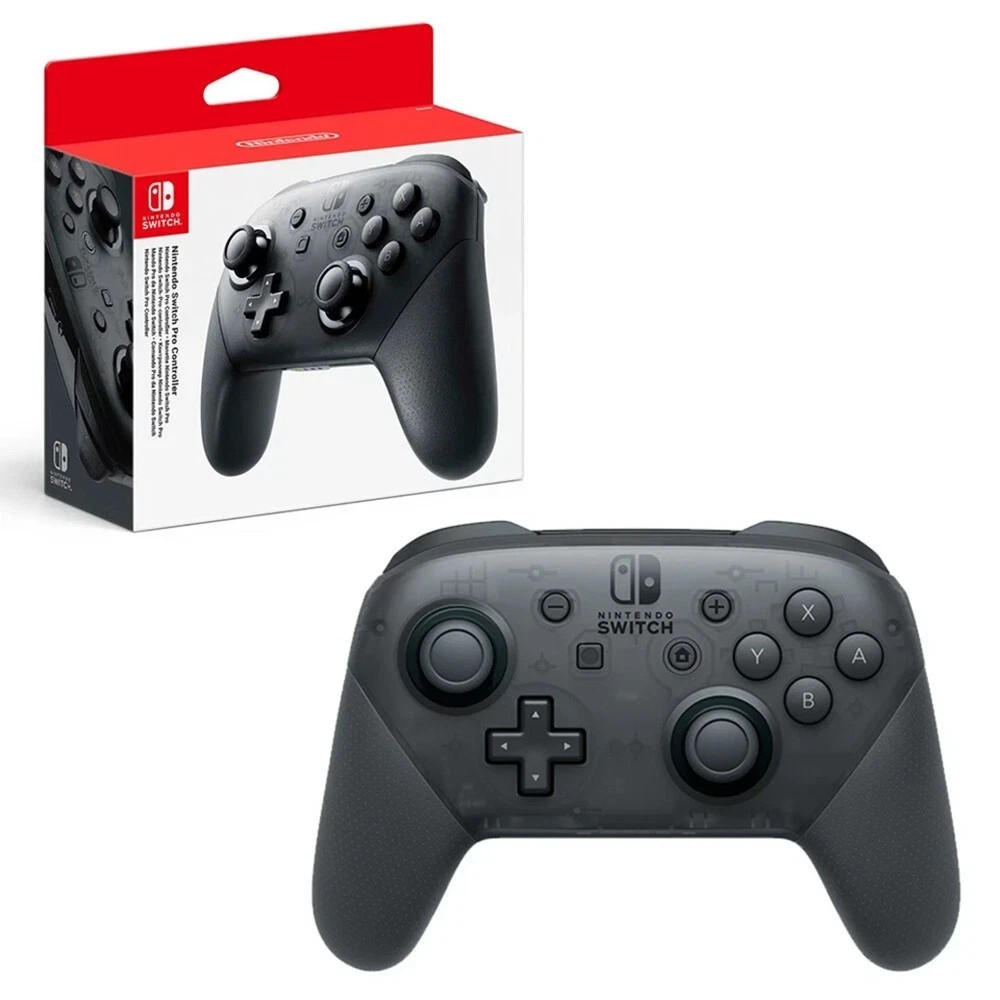

Photos from current listings. Actual item, color, and included accessories may vary.
Nintendo Switch Controller Buying Guide
Nintendo Switch controllers split into two architectures: modular Joy-Con pairs that slide onto the console rails and full-size Pro-style gamepads for docked or tabletop play. The core trade-off is OEM Nintendo reliability and feature parity (HD rumble, NFC, wake) versus third-party price, where cut corners show up in stick drift, rumble quality, and firmware compatibility. The decision rule: buy OEM or officially licensed pads for drift-free sticks and full console integration; choose generic third-party only for budget secondary-player pads or kids' spares.
Median $48.99
Key takeaways
- Joy-Con pairs use a slide-rail connection with independent L/R batteries and are required for handheld mode, local multiplayer, and motion-centric games like Mario Party.
- Pro-style pads use Bluetooth wireless with USB-C charging; OEM Pro Controller includes HD rumble, Amiibo NFC, and console wake, while most budget third-party pads omit NFC and wake.
- Stick durability is the key failure point: OEM and licensed pads use Alps-style analog modules rated for millions of rotations, while unbranded pads commonly develop drift within months.
At a glance
- Category
- Controllers & Gaming Accessories
- Last updated
- Nov 28, 2026
Current offers
Highlights
- Joy-Con pairs use a slide-rail connection with independent L/R batteries and are required for handheld mode, local multiplayer, and motion-centric games like Mario Party.
- Pro-style pads use Bluetooth wireless with USB-C charging; OEM Pro Controller includes HD rumble, Amiibo NFC, and console wake, while most budget third-party pads omit NFC and wake.
- Stick durability is the key failure point: OEM and licensed pads use Alps-style analog modules rated for millions of rotations, while unbranded pads commonly develop drift within months.
- Third-party pads often ship without gyro or with basic rumble; verify six-axis motion support and HD rumble if you play Splatoon, Zelda, or Mario titles that rely on aiming.
Best use cases
- Handheld and local multiplayer: pick an OEM or licensed Joy-Con pair (L+R) for rail fit, independent batteries, and motion controls; skip generic single-shell 'Joy-Con' clones that lack gyro.
- Docked TV play and long sessions: pick a full-size Pro-style pad with USB-C and NFC for comfort and Amiibo support; skip Joy-Con-only setups if you play fighting or racing games.
- Budget secondary player or kids' spare: a generic Pro-style wireless pad is acceptable for casual multiplayer; skip it for competitive play where stick precision and drift-free calibration matter.
Buying tips
- Match the rail: Joy-Con replacements must be the correct L or R side and slide onto the Switch or OLED rail; Pro pads connect via Bluetooth and pair from the console's Change Grip/Order screen.
- Check feature parity before buying third-party: look for six-axis gyro, NFC Amiibo reader, and console wake; budget pads under the Pro tier typically drop NFC and wake first.
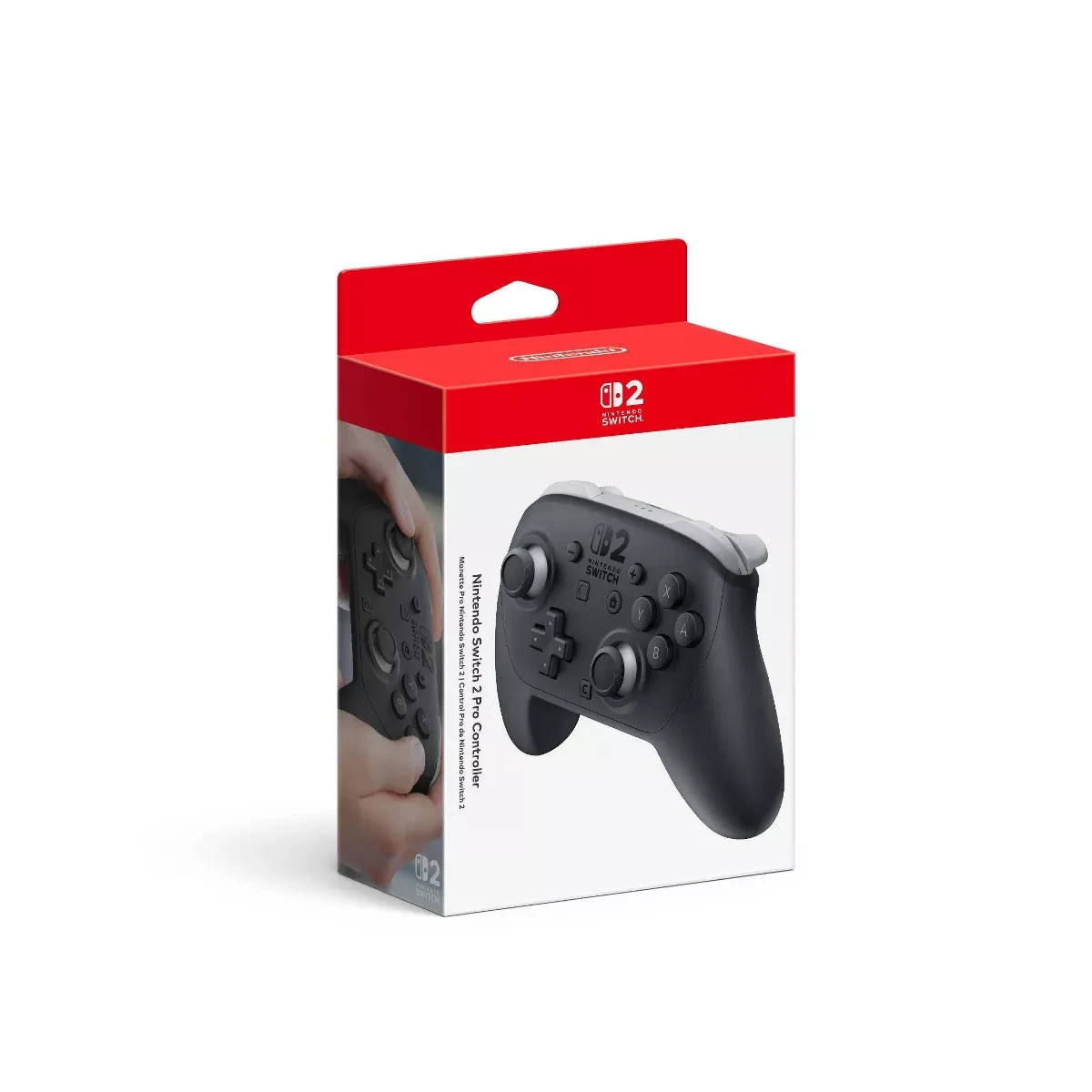
- For Switch OLED and Switch 2 compatibility, confirm the pad lists the current console generation; older third-party Pro pads may pair but lack wake or firmware updates.
- Battery tier: OEM Pro Controller runs roughly 40 hours per charge via USB-C; generic pads range widely, so prefer pads rated for at least 20 hours and USB-C, not micro-USB.
Specs
| Controller Type | Joy-Con pair vs Pro-style pad |
|---|---|
| Connectivity | Bluetooth wireless / rail slide |
| Charging Port | USB-C (avoid micro-USB) |
| Motion & NFC | Six-axis gyro / Amiibo NFC |
Related searches
What to check before buying
- Confirm which Switch model you own (original, Lite, OLED, or Switch 2) and whether you need handheld rail attachment or docked Bluetooth pairing.
- Count players: one Joy-Con pair supports two-player local play; a Pro pad supports one player, so buy per-player for multiplayer nights.
- Verify the pad includes USB-C charging cable or uses a standard USB-C port you already own; avoid micro-USB third-party pads for longevity.
- Check motion requirements: games like Splatoon 3, Zelda, and Mario Party need gyro, so confirm six-axis support on any third-party pad.
FAQ
Data sources: eBay / Amazon listings and product attribute feeds. Updated Nov 28, 2026.
Some links on this page are affiliate links. If you buy after clicking one, we may earn a commission at no extra cost to you. This does not change which products appear here or their order. Affiliate disclosure.