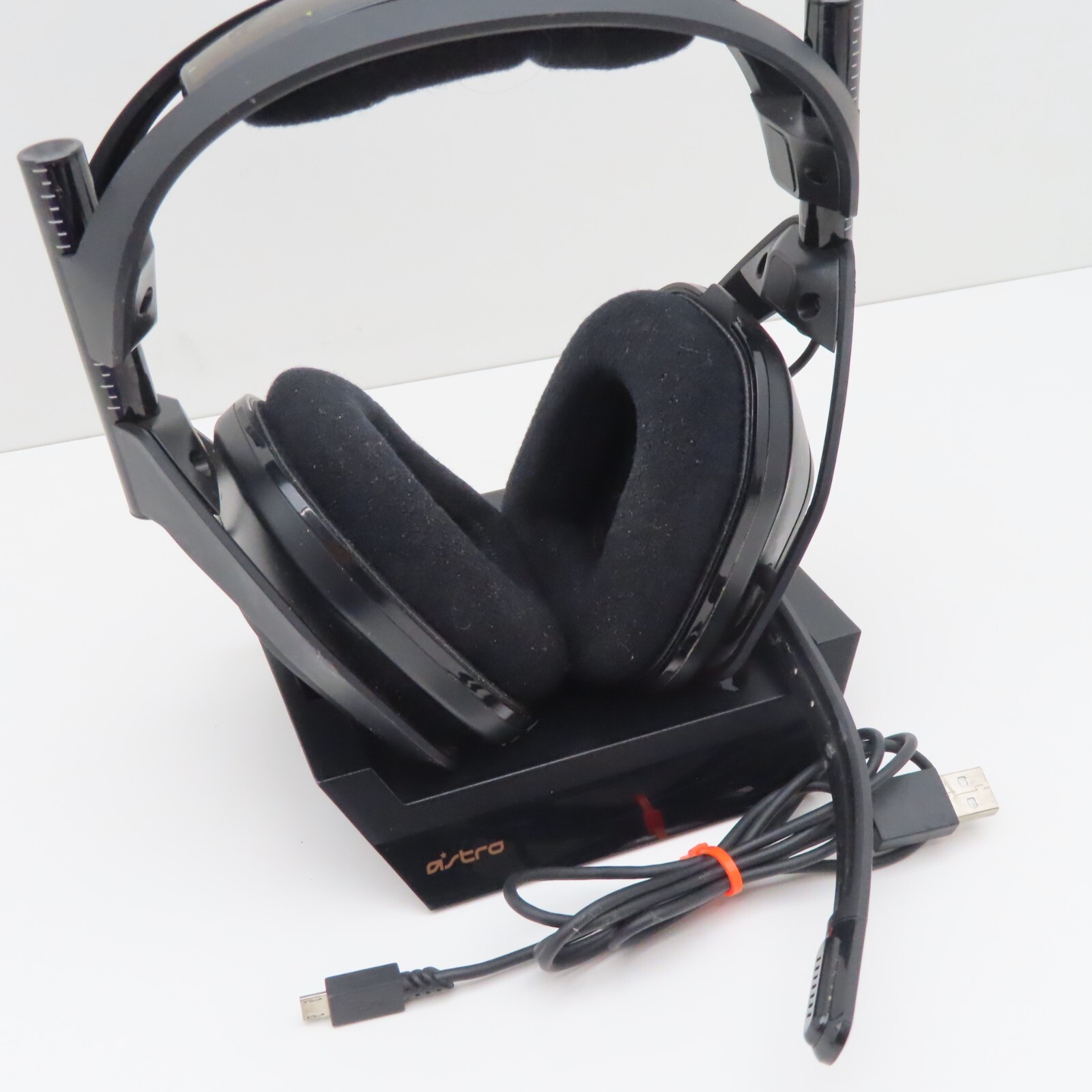

Photos from current listings. Actual item, color, and included accessories may vary.
Wireless Gaming Headset Buying Guide
A wireless gaming headset replaces the cable with either a 2.4GHz USB dongle, Bluetooth, or both, and the core trade-off is latency and mic clarity versus battery life and comfort. The decisive rule: buy a 2.4GHz lossless dongle set with a boom mic for competitive play, and only accept Bluetooth-only sets for casual single-player or mobile use.
Connection:2.4GHz dongle / Bluetooth / dual-modeBattery Life:20-30hr budget / 40-60hr mid / 80hr+ flagshipFit Type:Over-ear closed-back vs on-earMic Type:Detachable boom vs built-in beamforming
Typical price range$89.99
Key takeaways
- 2.4GHz RF dongles deliver sub-30ms latency; Bluetooth SBC/AAC adds 100-200ms lip-sync delay that ruins competitive audio cues.
- Dual-mode sets (2.4GHz + Bluetooth) let you mix game audio with phone calls, a generation-level feature absent on single-mode budget models.
- Battery tiers split cleanly: 20-30hr budget sets, 40-60hr mid-range, and 80hr+ flagships with USB-C fast charge (10min = 3-6hr).
At a glance
- Category
- Controllers & Gaming Accessories
- Last updated
- Nov 28, 2026
Current offers
Highlights
- 2.4GHz RF dongles deliver sub-30ms latency; Bluetooth SBC/AAC adds 100-200ms lip-sync delay that ruins competitive audio cues.
- Dual-mode sets (2.4GHz + Bluetooth) let you mix game audio with phone calls, a generation-level feature absent on single-mode budget models.
- Battery tiers split cleanly: 20-30hr budget sets, 40-60hr mid-range, and 80hr+ flagships with USB-C fast charge (10min = 3-6hr).
- Detachable boom mics with cardioid pickup beat built-in beamforming mics for voice chat; flip-to-mute and sidetone monitoring are tier markers.
Best use cases
- Competitive FPS/console play: pick a 2.4GHz dongle set with a boom mic and 40hr+ battery; skip Bluetooth-only models and on-ear pads that leak sound.
- Cross-device owners (PC + PS5 + Switch + phone): choose a dual 2.4GHz/Bluetooth set with USB-C charging and platform-specific dongle switches.
- Casual single-player and mobile: Bluetooth over-ear with 30hr+ battery is sufficient; skip RF dongles and RGB-heavy flagships that add cost without latency benefit.
Buying tips
- Match the dongle to your platform: Xbox requires licensed 2.4GHz sets, while PS5/PC accept standard USB-A or USB-C dongles; Bluetooth works everywhere but with lag.
- Size the battery to session length: 20-30hr covers weekly casual play, 40-60hr covers daily multi-hour sessions, 80hr+ eliminates charging anxiety for tournament or marathon use.
- Choose over-ear closed-back pads with 40mm+ drivers for isolation and bass; on-ear pads trade comfort and leakage for lighter weight.
- Check codec support: LDAC or aptX Adaptive on Bluetooth improves music quality; AAC is fine for calls, and SBC is the universal fallback.
Specs
| Connection | 2.4GHz dongle / Bluetooth / dual-mode |
|---|---|
| Battery Life | 20-30hr budget / 40-60hr mid / 80hr+ flagship |
| Fit Type | Over-ear closed-back vs on-ear |
| Mic Type | Detachable boom vs built-in beamforming |
Related searches
What to check before buying
- Confirm your console's wireless licensing: Xbox needs a licensed dongle or Xbox Wireless protocol; PS5 and PC accept generic 2.4GHz USB dongles.
- Measure headband clamp and pad depth if you wear glasses or have a large head; on-ear pads cause pressure points within 1-2 hours.
- Verify USB-C charging and pass-through audio on your controller or dock; USB-A dongles need a free port or a USB-C to USB-A adapter.
- Check the mic boom length and mute control placement for your desk or couch setup; flip-to-mute is faster than software mute.
FAQ
Data sources: eBay / Amazon listings and product attribute feeds. Updated Nov 28, 2026.
Some links on this page are affiliate links. If you buy after clicking one, we may earn a commission at no extra cost to you. This does not change which products appear here or their order. Affiliate disclosure.