
Photos from current listings. Actual item, color, and included accessories may vary.
Xbox Controller Buying Guide
An Xbox controller is a gamepad built for Xbox consoles that also works wired or wirelessly on Windows PC, Android, and iOS. The core trade-off is stick technology and power design: ALPS potentiometer sticks drift over time, while Hall-effect sticks resist wear; AA batteries offer swappable runtime, while built-in Li-ion locks you to charging. Buy a current-gen Xbox Wireless controller with Hall-effect sticks for durability, or a standard Series X|S controller for official compatibility at the lowest complexity.
Median $14.99
Key takeaways
- Stick modules split into ALPS potentiometer (cheap, drifts after heavy use) and Hall-effect (magnetic, no physical wear, near-zero drift).
- Official Xbox Wireless controllers use Xbox Wireless + Bluetooth + USB-C; third-party pads often use 2.4GHz dongles or plain Bluetooth with narrower compatibility.
- Console generation is not cross-compatible: Xbox 360 controllers need a PC wireless receiver or wired USB, and do not pair with Xbox One or Series X|S.
At a glance
- Category
- Controllers & Gaming Accessories
- Last updated
- Nov 27, 2026
Current offers
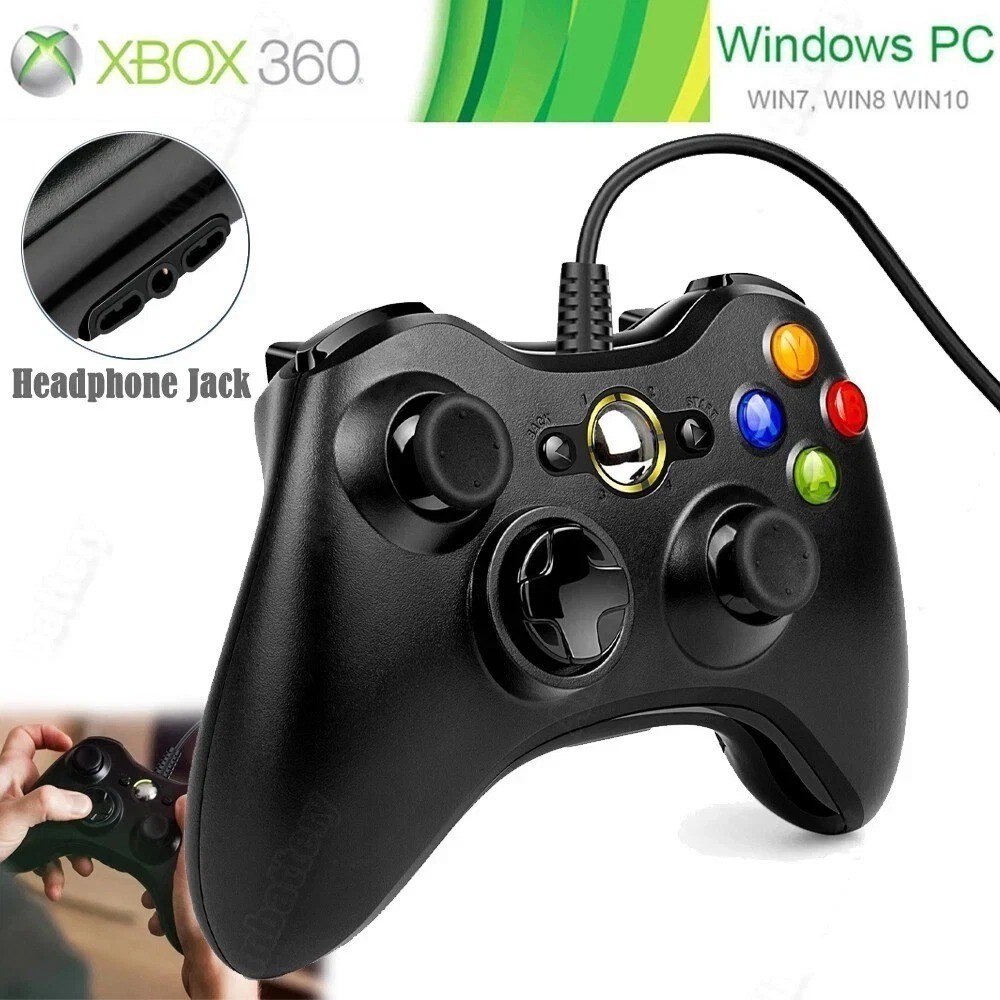 For Microsoft Xbox 360 Wired USB Game Controller PC Windows 11/10/8/7/XP Gamepad$10.80View on eBay
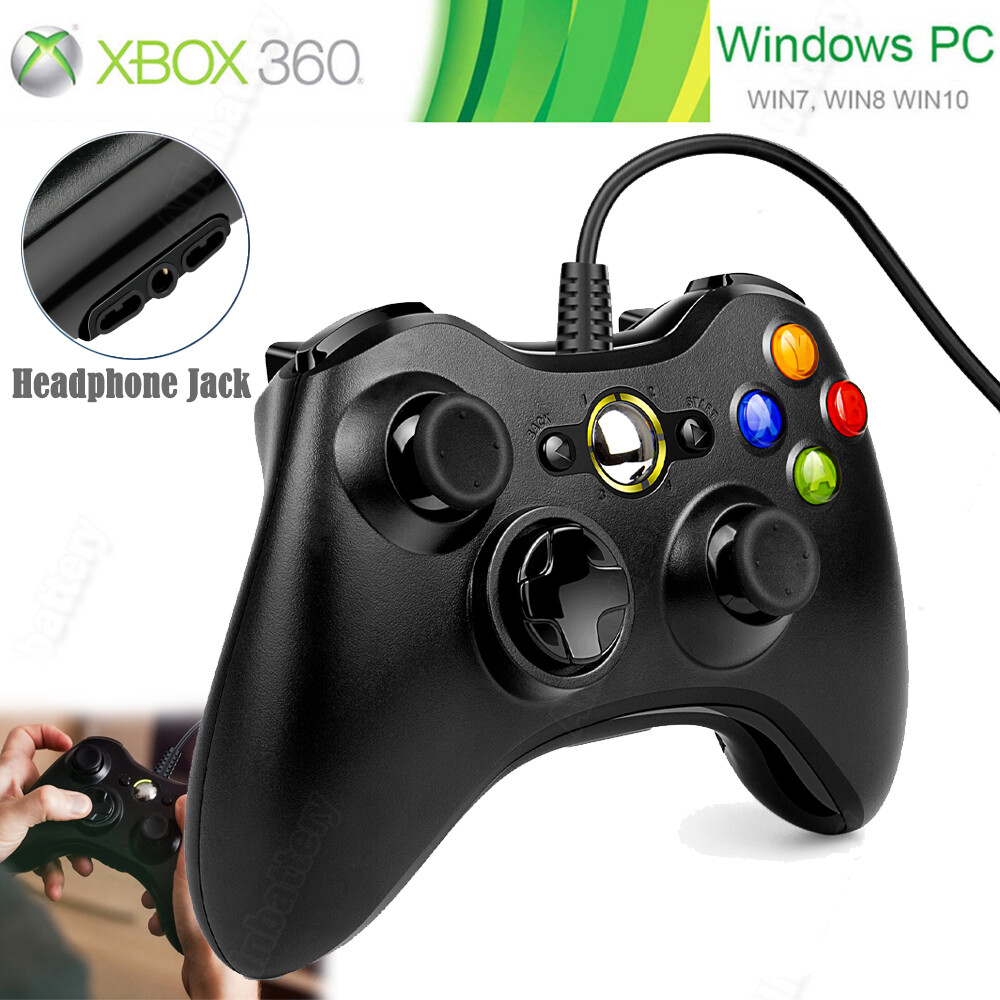 For Microsoft Xbox 360 Wired USB Game Controller PC Windows 11/10/8/7/XP Gamepad$13.38View on eBay
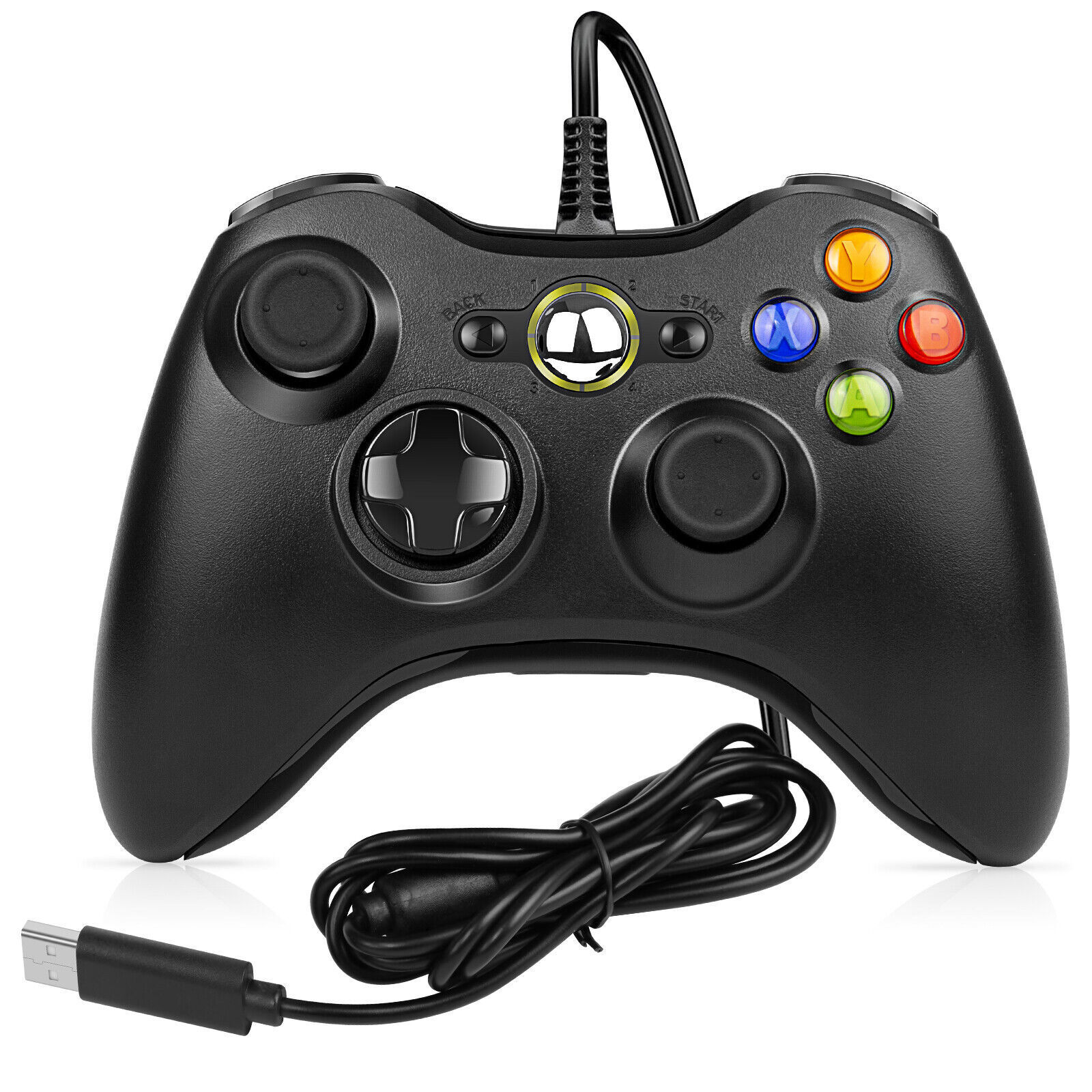 For Microsoft Xbox 360 Wired USB Game Controller PC Windows 11/10/8/7/XP Gamepad$13.75Last checked Nov 27, 2026View on eBay
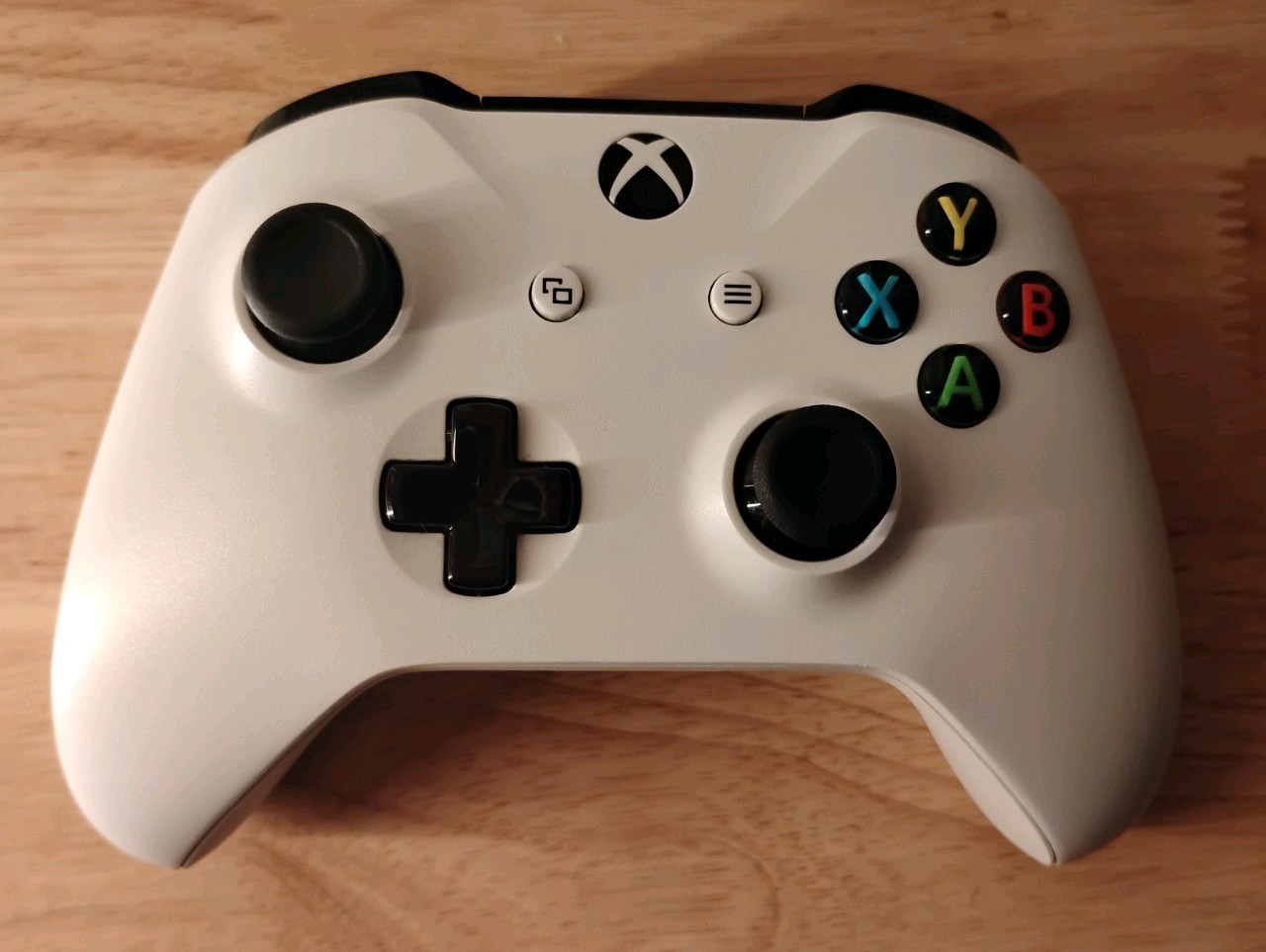 Fully Working Microsoft Xbox One Wireless Controller White/Black Model 1708$14.99View on eBay
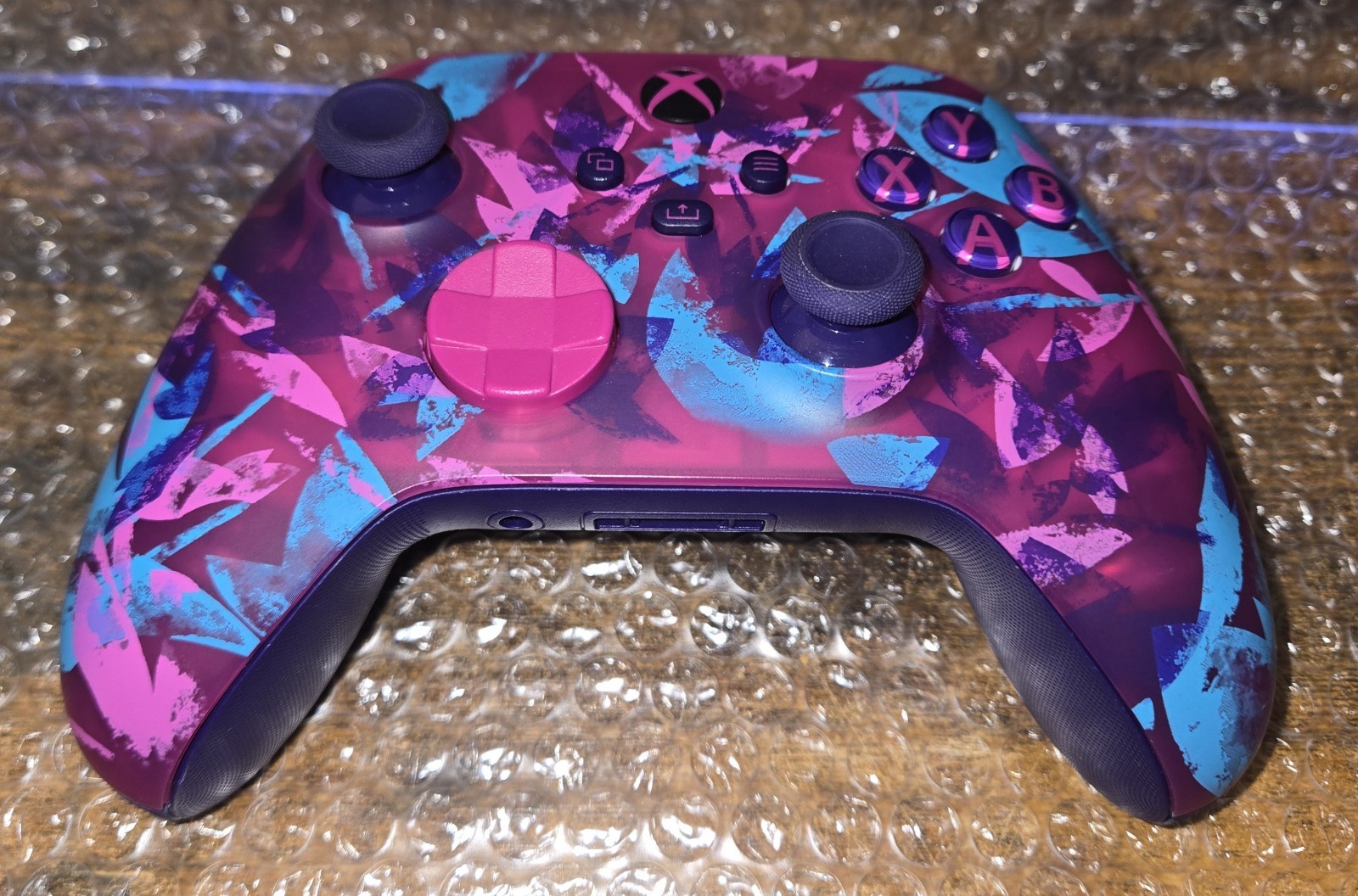 Heart Breaker Wireless Controller Series X|S One(PLEASE READ)$24.99View on eBay
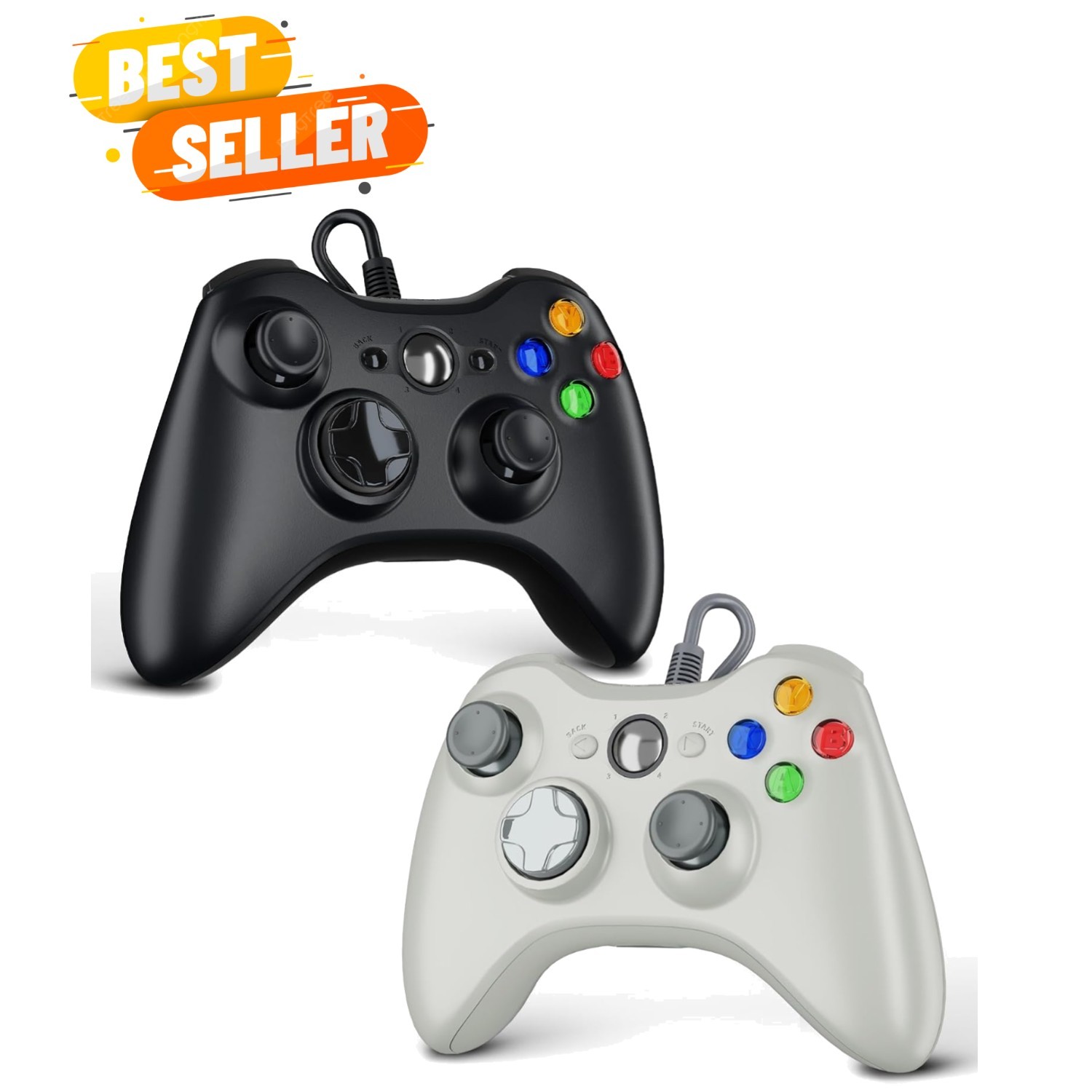 2-Pack Xbox 360 Wired Controllers with Upgraded Joystick & Immersive Feedback$42.29View on eBay
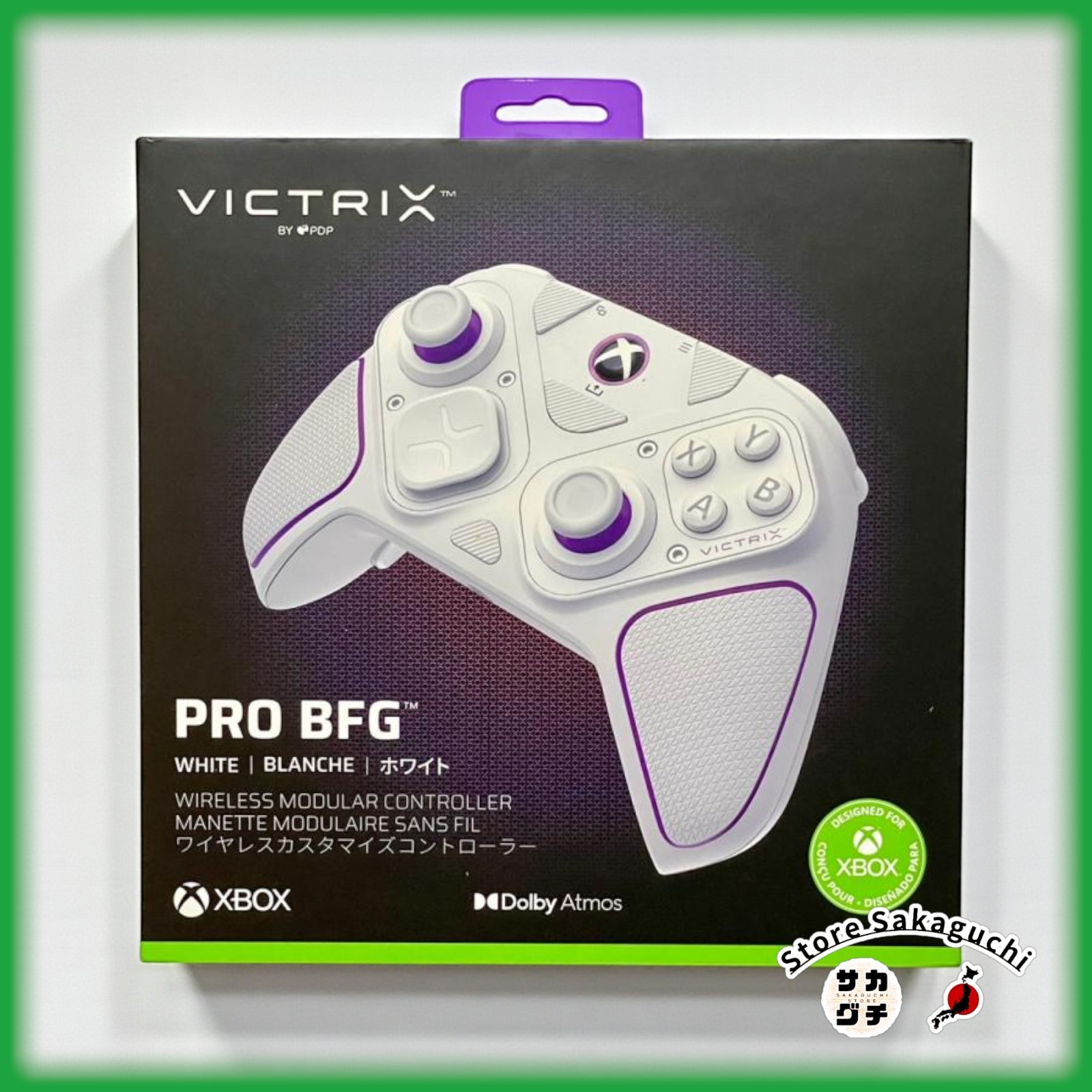 PDP Victrix Pro BFG Wireless Controller Xbox Series X S One PC Dolby Atmos White$273.24Last checked Nov 14, 2026View on eBay
Highlights
- Stick modules split into ALPS potentiometer (cheap, drifts after heavy use) and Hall-effect (magnetic, no physical wear, near-zero drift).
- Official Xbox Wireless controllers use Xbox Wireless + Bluetooth + USB-C; third-party pads often use 2.4GHz dongles or plain Bluetooth with narrower compatibility.
- Console generation is not cross-compatible: Xbox 360 controllers need a PC wireless receiver or wired USB, and do not pair with Xbox One or Series X|S.
- Power options differ by design: 2x AA (swappable, no downtime), Play-and-Charge kit (proprietary battery + cable), or built-in Li-ion (sealed, charge-only).
Best use cases
- Best fit: Xbox Series X|S owner who wants native wireless, share button, and USB-C — pick the official Xbox Wireless Controller; skip 360-era pads.
- Best fit: PC gamer on Windows 10/11 wanting plug-and-play XInput — pick any Xbox Wireless controller over USB-C or the Xbox Wireless Adapter; skip 2.4GHz dongle pads that emulate DirectInput.
- Best fit: heavy competitive player worried about stick drift — pick a Hall-effect third-party pad or user-replaceable stick modules; skip standard ALPS potentiometer sticks.
- Wrong fit: Xbox 360 owner buying a Series X|S pad expecting it to sync — 360 consoles require 360-specific controllers or a wired USB pad.
Buying tips
- Match the controller to the console generation first: Series X|S and Xbox One pads share the same wireless protocol; Xbox 360 pads need their own receiver and never pair with newer consoles.
- Choose Hall-effect sticks if you play more than a few hours daily; ALPS potentiometer sticks are fine for casual play but are the first component to drift.
- Prefer 2x AA or a bundled Play-and-Charge kit over sealed Li-ion if you dislike charging downtime — AA NiMH rechargeables give instant swaps.
- For PC, confirm XInput support (official Xbox pads and most 2.4GHz pads) rather than DirectInput-only pads, which need remapping in many games.
Specs
| Connectivity | Xbox Wireless / Bluetooth / USB-C |
|---|---|
| Console Gen | Series X|S, Xbox One, 360 (separate) |
| Power Source | 2x AA / Play-and-Charge / Li-ion |
| Stick Module | ALPS potentiometer vs Hall-effect |
Related searches
What to check before buying
- Confirm your console generation (Series X|S, Xbox One, or 360) and buy a controller that natively pairs with it — do not assume backward compatibility.
- For PC, check Windows 10/11 and whether you need Bluetooth, the Xbox Wireless Adapter, or a USB-C cable for wired play.
- Decide power preference before buying: 2x AA, Play-and-Charge bundle, or built-in Li-ion — this affects long-term running cost and convenience.
- Check stick type (ALPS vs Hall-effect) and whether the shell has rubberized grips and a 3.5mm headset jack if you use a wired headset.
FAQ
Data sources: eBay / Amazon listings and product attribute feeds. Updated Nov 27, 2026.
Some links on this page are affiliate links. If you buy after clicking one, we may earn a commission at no extra cost to you. This does not change which products appear here or their order. Affiliate disclosure.