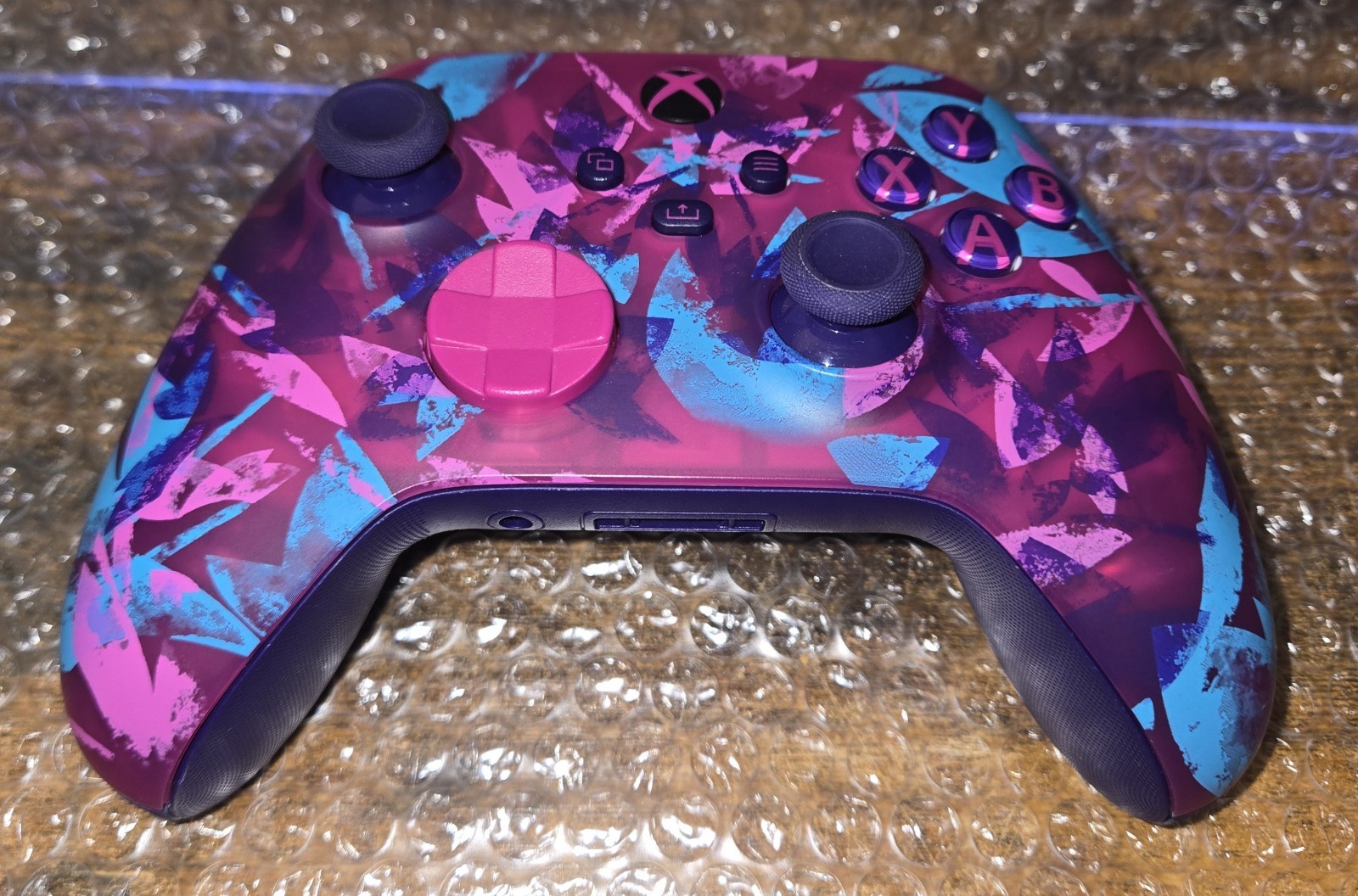

Photos from current listings. Actual item, color, and included accessories may vary.
Xbox Series X Controller Buying Guide
An Xbox Series X controller is the primary input device for Microsoft's current-gen console, and the market splits cleanly between first-party wireless pads and third-party wired or pro-grade alternatives. The core trade-off is between official wireless convenience with proprietary connectivity and third-party durability or customization at the cost of wired tethering or brand-specific software. Buy first-party for seamless Xbox ecosystem integration; buy third-party only when you need back paddles, adjustable triggers, or a budget wired backup with confirmed Xbox Series X|S compatibility.
Median $149.12
Key takeaways
- Official Xbox Wireless Controllers use Xbox Wireless Radio and Bluetooth for console and PC, while third-party pads like PDP and Hyperkin often rely on wired USB or dongle-based 2.4GHz.
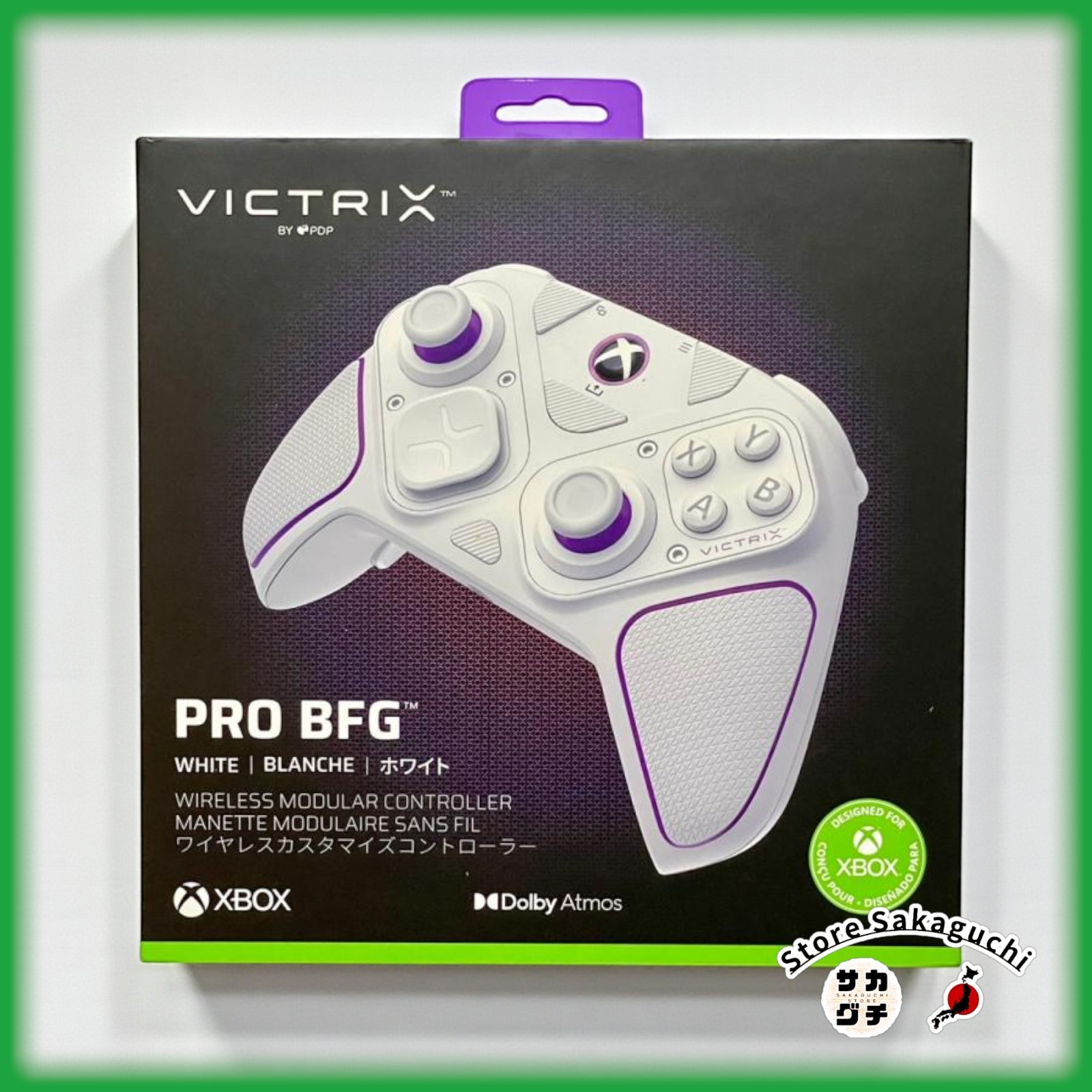
- Pro-tier third-party controllers such as the PDP Victrix Pro BFG add swappable stick and button modules plus back paddles, features absent from the standard first-party pad.
- Build materials matter: hard-shell ABS plastic resists flex and drop damage, while soft-touch coatings wear faster on high-friction grips after heavy use.
At a glance
- Category
- Controllers & Gaming Accessories
- Last updated
- Nov 28, 2026
Current offers
Highlights
- Official Xbox Wireless Controllers use Xbox Wireless Radio and Bluetooth for console and PC, while third-party pads like PDP and Hyperkin often rely on wired USB or dongle-based 2.4GHz.
- Pro-tier third-party controllers such as the PDP Victrix Pro BFG add swappable stick and button modules plus back paddles, features absent from the standard first-party pad.
- Build materials matter: hard-shell ABS plastic resists flex and drop damage, while soft-touch coatings wear faster on high-friction grips after heavy use.
- Wired third-party controllers skip battery and latency concerns but must explicitly list Xbox Series X|S compatibility, as older Xbox One wired pads may lack the updated share button and firmware.
Best use cases
- Pick a first-party Xbox Wireless Controller for mixed console and PC play where instant pairing, rumble triggers, and the share button matter more than custom back buttons.
- Pick a PDP Victrix Pro BFG or similar pro wireless pad for competitive shooters and fighting games where swappable stick gates and remappable paddles justify the higher tier.
- Pick a PDP or Hyperkin wired controller as a low-latency backup or second-player pad, and skip it for couch play if the USB cable run from console to seat exceeds about 3 meters.
Buying tips
- Confirm the controller lists Xbox Series X|S compatibility explicitly; Xbox One-era third-party pads may work but can lack the share button and updated firmware handshake.
- For wireless third-party pads, check whether they use a dedicated 2.4GHz dongle or Bluetooth; dongle-based pads often have lower latency but occupy a USB port.
- Pro controllers with swappable modules add long-term serviceability but require you to track small parts; standard pads are simpler but not user-repairable beyond stick covers.
- Match grip material to your environment: hard-shell plastic suits dry hands and heavy use, while textured rubber grips help in humid climates but can peel over years.
Specs
| Connectivity | Xbox Wireless / Bluetooth / USB-C wired |
|---|---|
| Compatibility | Xbox Series X|S, Xbox One, Windows 10/11 |
| Control Features | Standard vs back paddles / swappable modules |
| Power Source | AA batteries vs internal rechargeable |
Related searches
What to check before buying
- Measure your seating distance to the console: wired controllers need a USB-C or micro-USB cable long enough to reach without tension, typically 3 meters for couch play.
- Verify your console or PC has a free USB-A port for dongle-based wireless pads or a USB-C port for wired connection.
- Check whether you need the 3.5mm headset jack for chat audio, as some budget third-party pads omit it or require a separate adapter.
- Confirm the controller includes or requires AA batteries versus an internal rechargeable pack, and whether a charging dock is needed for your setup.
FAQ
Data sources: eBay / Amazon listings and product attribute feeds. Updated Nov 28, 2026.
Some links on this page are affiliate links. If you buy after clicking one, we may earn a commission at no extra cost to you. This does not change which products appear here or their order. Affiliate disclosure.