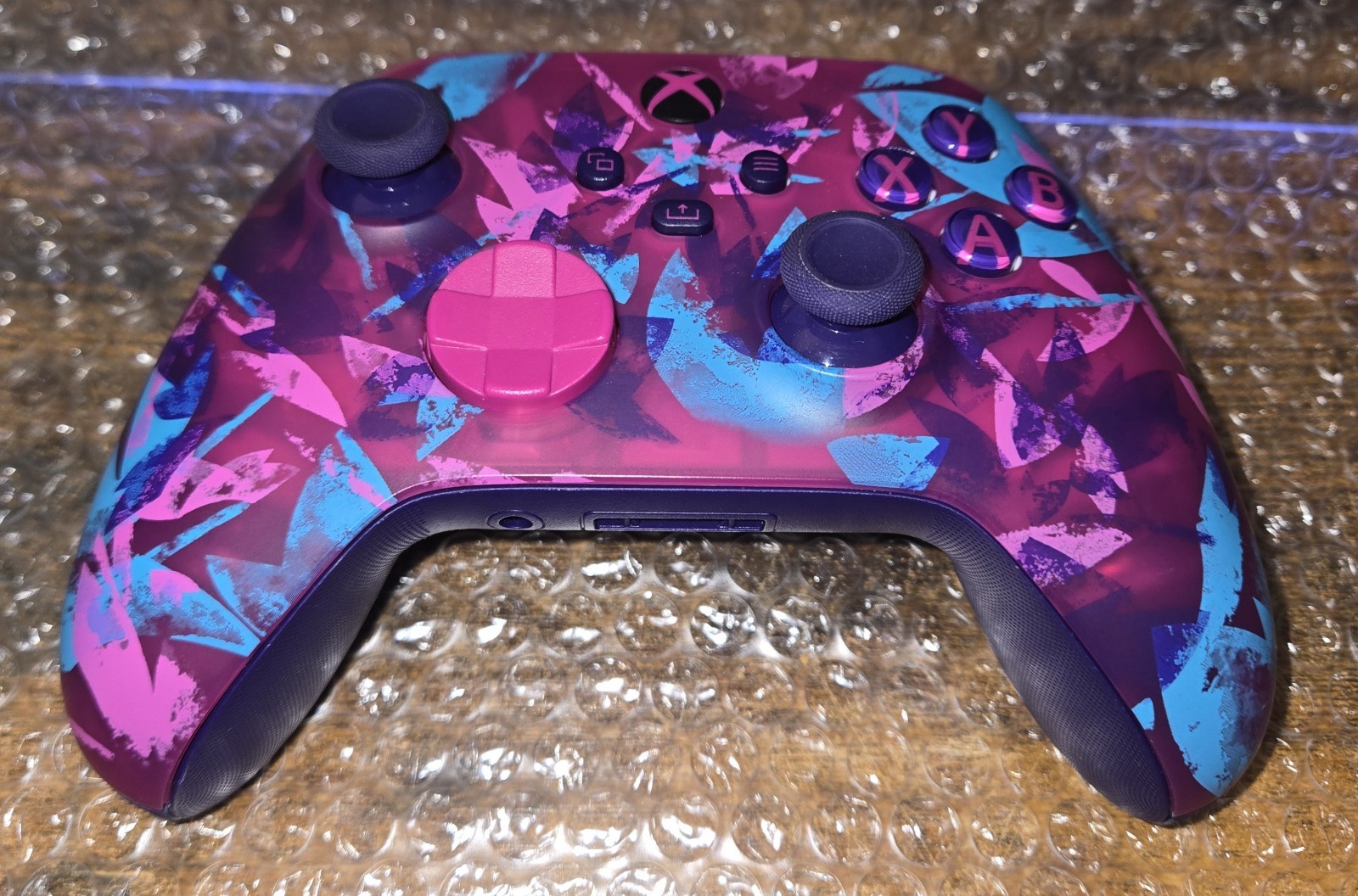

Photos from current listings. Actual item, color, and included accessories may vary.
Xbox Series S Controller Buying Guide
An Xbox Series S controller is any gamepad built for Microsoft's Xbox Series X|S wireless protocol or licensed wired connection, with the official controller serving as the baseline for latency, ergonomics, and compatibility. The core trade-off is between official first-party reliability (robust wireless, guaranteed firmware support) and third-party features (paddles, adjustable tension, swappable sticks) that introduce varying build and QA risks. Decision rule: buy official for guaranteed seamless pairing and durability; buy third-party only from established licensed brands with clear hardware safeguards like Hall Effect sticks or replaceable modules.
Median $149.12
Key takeaways
- Official Xbox Wireless Radio uses a proprietary 2.4 GHz protocol for lower latency than Bluetooth; third-party controllers must license this for wireless, while wired models use USB-C or micro-USB.
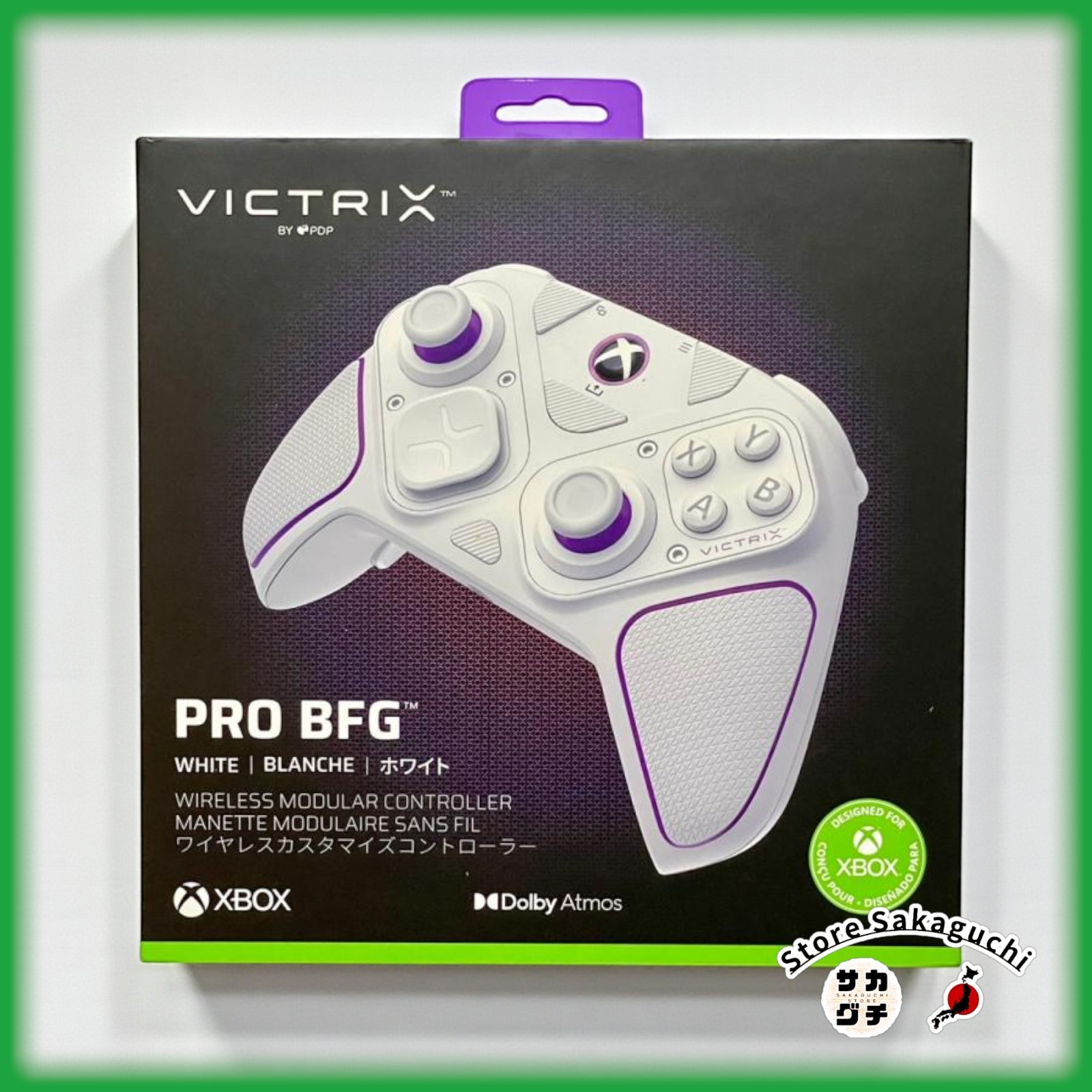
- Hall Effect magnetic thumbsticks eliminate drift by removing physical potentiometers, found on premium third-party models like Victrix Pro BFG; standard ALPS potentiometers wear out over time.
- Trigger stops and swappable stick caps change actuation distance and grip, but only matter if the controller's PCB and shell tolerances are tight enough to avoid flex and button mush.
At a glance
- Category
- Controllers & Gaming Accessories
- Last updated
- Nov 28, 2026
Current offers
Highlights
- Official Xbox Wireless Radio uses a proprietary 2.4 GHz protocol for lower latency than Bluetooth; third-party controllers must license this for wireless, while wired models use USB-C or micro-USB.
- Hall Effect magnetic thumbsticks eliminate drift by removing physical potentiometers, found on premium third-party models like Victrix Pro BFG; standard ALPS potentiometers wear out over time.
- Trigger stops and swappable stick caps change actuation distance and grip, but only matter if the controller's PCB and shell tolerances are tight enough to avoid flex and button mush.
- Licensed third-party controllers (PDP, Hyperkin) carry the Xbox guide button and full compatibility, but their shells often use ABS plastic with varying thickness; official controllers use polycarbonate blends for better impact resistance.
Best use cases
- Competitive shooters and fighting games: choose a licensed wired controller with trigger stops, Hall Effect sticks, and back paddles (e.g., Victrix Pro BFG) to cut latency and extend lifespan; skip basic wired pads with no extra inputs.
- Casual solo and co-op play: the official Xbox Wireless Controller is the right pick for guaranteed pairing, firmware updates, and accessory support (chatpad, stereo headset adapter); skip third-party wireless unless it explicitly supports Xbox Wireless Radio.
- PC gaming across Windows 10/11 and cloud streaming: a wired USB-C controller (PDP, Hyperkin) is plug-and-play with no dongle and works with Xbox app, Steam, and xCloud; skip Bluetooth-only third-party pads that lack XInput mode.
Buying tips
- For wireless, confirm the controller uses Xbox Wireless Radio (not just Bluetooth); only licensed models pair natively to Series S without a dongle, and Bluetooth adds latency and requires pairing each session.
- Prioritize Hall Effect thumbsticks if you play more than 10 hours per week; potentiometer sticks typically develop drift within 12–24 months of heavy use, while Hall Effect modules last indefinitely until mechanical wear.
- Check the wired connection type: USB-C is the current standard for Series X|S era controllers; micro-USB on older or budget models is fragile and requires the correct cable.
- For third-party shells, look for polycarbonate or glass-filled nylon; plain ABS shells flex under grip pressure, causing creaks and premature button failure, especially on triggers.
Specs
| Connection | Xbox Wireless / USB-C wired |
|---|---|
| Stick Type | Hall Effect vs potentiometer |
| Battery | 2x AA / built-in rechargeable |
| Extra Inputs | Paddles, trigger stops, profile swap |
Related searches
What to check before buying
- Measure your hand span and grip style: small hands (under 18 cm span) should favor compact third-party pads or official Series S controller; large hands may prefer the Victrix Pro BFG's adjustable palm rest.
- Confirm your Series S console has at least one free USB-A port for wired controllers or a wireless dongle; the console has three USB ports total, two on the back and one on the front.
- Check your display's input lag and your seating distance: wired controllers reduce latency by 5–15 ms versus wireless; for competitive play at 120 Hz, wired is the safer choice.
- Verify the controller includes a detachable USB-C cable if wired; many third-party models ship without one, and the Series S console does not include a controller cable in the box.
FAQ
Data sources: eBay / Amazon listings and product attribute feeds. Updated Nov 28, 2026.
Some links on this page are affiliate links. If you buy after clicking one, we may earn a commission at no extra cost to you. This does not change which products appear here or their order. Affiliate disclosure.