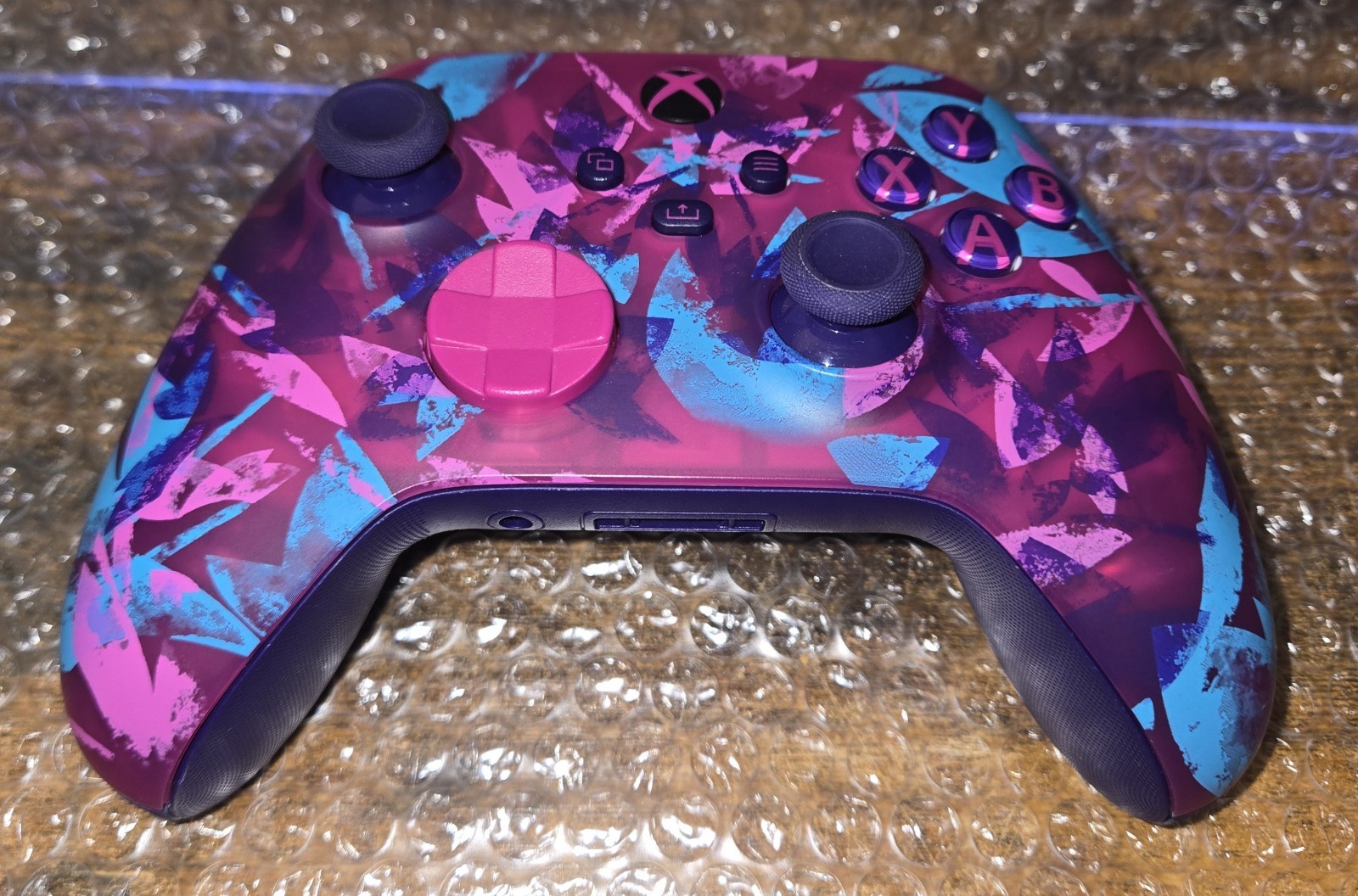

Photos from current listings. Actual item, color, and included accessories may vary.
Xbox Series Controller Buying Guide
The Xbox Series Controller segment covers first-party wireless pads and licensed third-party wired/wireless alternatives built for Xbox Series X|S, Xbox One, and PC. The core trade-off is between Microsoft's proprietary wireless protocol and Hall-effect module upgrades found in pro-tier controllers. Buy first-party for guaranteed compatibility and impulse-trigger fidelity; choose a licensed third-party only when you need back paddles, swappable sticks, or a lower-cost wired option.
Median $149.12
Key takeaways
- First-party Series controllers use the Xbox Wireless protocol with Bluetooth fallback; third-party wireless pads often require a separate USB dongle for low-latency PC use.
- Hall-effect electromagnetic sticks eliminate drift but are found mainly in pro-tier licensed models; standard first-party pads use potentiometer sticks rated for roughly 1-2 million cycles.
- Wired licensed controllers run USB-C or micro-USB at 1000 Hz polling on PC; wireless first-party pads poll at 125 Hz over Bluetooth and up to 250 Hz via the Xbox Wireless Adapter.
At a glance
- Category
- Controllers & Gaming Accessories
- Last updated
- Nov 28, 2026
Current offers
Highlights
- First-party Series controllers use the Xbox Wireless protocol with Bluetooth fallback; third-party wireless pads often require a separate USB dongle for low-latency PC use.
- Hall-effect electromagnetic sticks eliminate drift but are found mainly in pro-tier licensed models; standard first-party pads use potentiometer sticks rated for roughly 1-2 million cycles.
- Wired licensed controllers run USB-C or micro-USB at 1000 Hz polling on PC; wireless first-party pads poll at 125 Hz over Bluetooth and up to 250 Hz via the Xbox Wireless Adapter.
- Share button, textured grips, and hybrid D-pad debuted on the Series X|S controller; older Xbox One pads lack these and use smooth plastic shells with no share capture.
Best use cases
- Buy the first-party Xbox Wireless Controller if you play across console and PC and want guaranteed impulse-trigger rumble, share-button capture, and firmware updates through the Xbox Accessories app.
- Choose a licensed wired pad like the PDP Wired or Hyperkin DuchesS only if you play competitively on PC and want zero battery management at the cost of console wireless freedom.
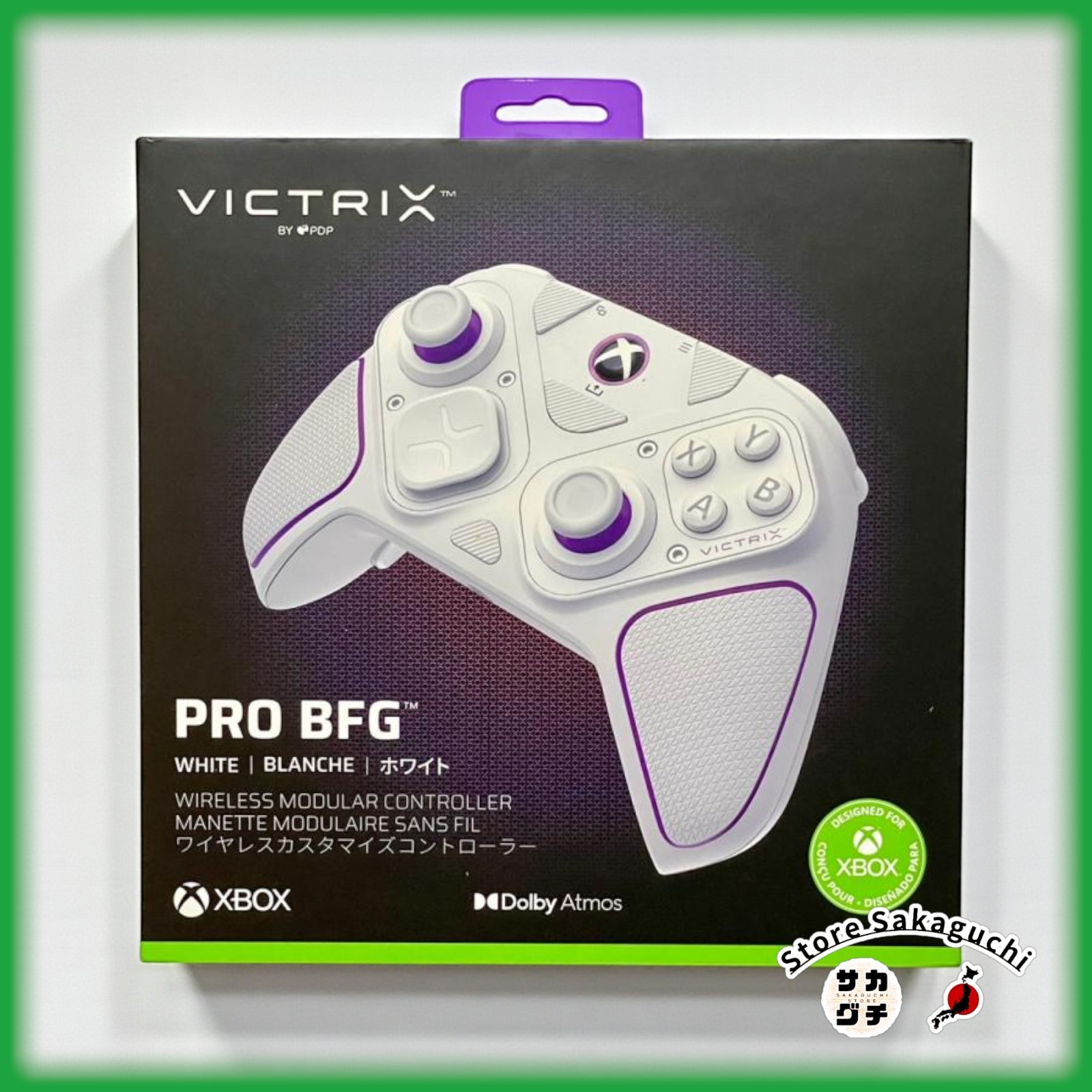
- Pick a pro-tier wireless module controller such as the Victrix Pro BFG if you need swappable stick/button layouts and back paddles for fighting or shooter games; skip it for casual couch play where first-party is simpler.
- Avoid generic unbranded pads for Xbox Series X|S if you rely on console-only play; unlicensed models frequently lack the security chip required for Xbox Wireless pairing.
Buying tips
- Confirm the pad is officially licensed for Xbox Series X|S — the Xbox logo on the box guarantees the security chip needed for console pairing; unlicensed pads are PC-only in practice.
- Match connection to platform: Bluetooth for PC/mobile, Xbox Wireless Adapter for low-latency console-style PC play, USB-C wired for tournament use where battery drain is unacceptable.
- For drift resistance, choose Hall-effect sticks (pro-tier licensed models) over standard potentiometer sticks; standard sticks need replacement modules after heavy use.
- Check trigger and bumper layout: Series X|S pads use textured triggers and a hybrid D-pad; third-party pads may omit impulse triggers, which affects racing and shooter feedback.
Specs
| Connection | Xbox Wireless / BT / USB-C |
|---|---|
| Stick Type | Potentiometer vs Hall-effect |
| Battery | 2x AA / rechargeable pack |
| Compatibility | Xbox Series X|S, One, PC |
Related searches
What to check before buying
- Verify your console or PC supports the pad's connection type: Xbox Series X|S and Xbox One need the Xbox Wireless protocol; PC needs Bluetooth 4.0+ or the Xbox Wireless Adapter.
- Measure hand size and grip preference: first-party pads suit medium-to-large hands; compact third-party wired pads suit smaller hands and claw grips.
- Confirm the pad includes a USB-C cable or requires one separately for wired play and charging; wireless first-party pads use AA batteries unless you add a rechargeable pack.
- Check whether the controller supports the Xbox Accessories app for button remapping and firmware updates; unlicensed pads typically lack app support.
FAQ
Data sources: eBay / Amazon listings and product attribute feeds. Updated Nov 28, 2026.
Some links on this page are affiliate links. If you buy after clicking one, we may earn a commission at no extra cost to you. This does not change which products appear here or their order. Affiliate disclosure.