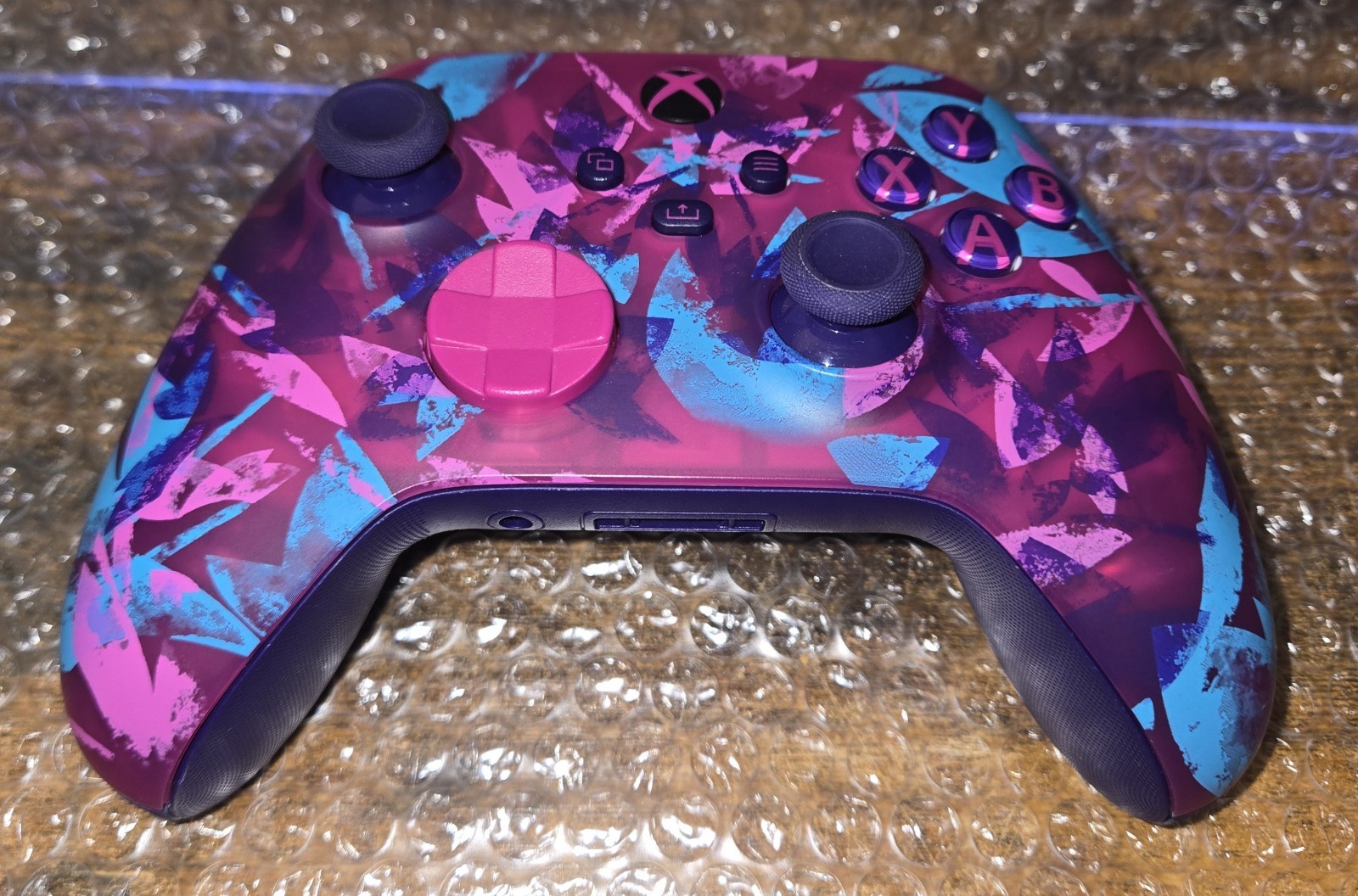

Photos from current listings. Actual item, color, and included accessories may vary.
Xbox S Controller Buying Guide
Xbox S controllers are gamepads designed for the Xbox Series S/X and compatible with Xbox One and PC, available in official Microsoft wireless models and third-party wired/wireless alternatives. The primary trade-off is official wireless convenience and build quality versus third-party features like back buttons, custom materials, and lower cost with wired-only or hybrid connectivity. Choose official Xbox Wireless for seamless console integration and proven durability; choose third-party only when you need extra buttons, specific ergonomics, or a wired esports-grade connection.
Median $149.12
Key takeaways
- Official Xbox Wireless uses Xbox Wireless Radio (proprietary) and Bluetooth for PC/mobile, with USB-C wired fallback on Series X/S controllers.
- Third-party wired controllers typically use USB-A or USB-C wired connections; some offer 2.4G dongles for wireless PC/console use but lack Xbox Wireless radio.
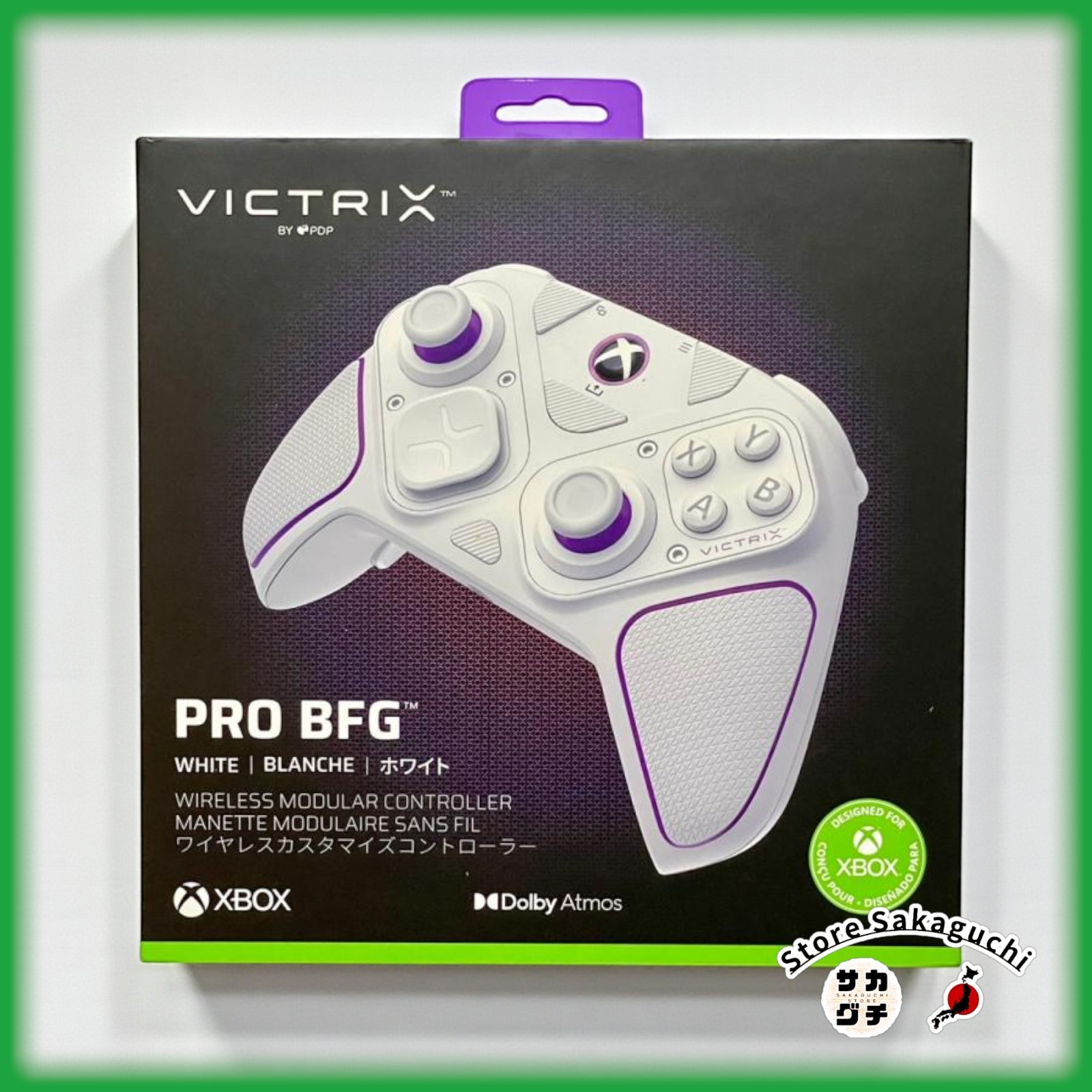
- Controller construction ranges from ABS plastic hard shells (standard) to rubberized grips and metal thumbstick modules on pro-tier models like Victrix Pro BFG.
At a glance
- Category
- Controllers & Gaming Accessories
- Last updated
- Nov 28, 2026
Current offers
Highlights
- Official Xbox Wireless uses Xbox Wireless Radio (proprietary) and Bluetooth for PC/mobile, with USB-C wired fallback on Series X/S controllers.
- Third-party wired controllers typically use USB-A or USB-C wired connections; some offer 2.4G dongles for wireless PC/console use but lack Xbox Wireless radio.
- Controller construction ranges from ABS plastic hard shells (standard) to rubberized grips and metal thumbstick modules on pro-tier models like Victrix Pro BFG.
- Hall Effect vs traditional potentiometer thumbsticks is the key durability differentiator: Hall Effect avoids drift, while potentiometers wear over time.
Best use cases
- Best fit: Official Xbox Wireless Controller for Series X/S for seamless pairing, firmware updates, and headset audio via 3.5mm jack—skip third-party if you rely on console-level features.
- Best fit: Wired third-party controller (PDP, Hyperkin) for budget-conscious PC or console players who want zero latency and no battery management—skip if you need wireless couch play.
- Best fit: Pro-style controller with back buttons/paddles (Victrix Pro BFG, PDP Rematch) for competitive FPS or fighting games—skip if you only play casually and don't need remappable inputs.
- Wrong fit: Original Xbox 'S-Type' controllers are not compatible with Xbox One/Series consoles—avoid unless you specifically own an original Xbox (2001-2005).
Buying tips
- Check compatibility: Series X/S controllers work on Xbox One and PC (Bluetooth or USB-C); Xbox One controllers work on Series consoles but lack the Share button and have micro-USB on older models.
- For PC wireless, confirm Bluetooth 4.0+ or use the Xbox Wireless Adapter for the proprietary connection; third-party 2.4G dongles require a free USB-A port and only work with their bundled receiver.
- If drift resistance matters, prioritize Hall Effect thumbsticks (common on higher-end third-party models) over standard potentiometer sticks found in official base controllers.
- Wired controllers need a USB-A or USB-C port within cable length (typically 6-10 ft); check cable is detachable if you prefer replaceable cables.
Specs
| Connection | Xbox Wireless / Bluetooth / USB-C |
|---|---|
| Compatibility | Xbox Series X|S, Xbox One, PC |
| Thumbstick Type | Potentiometer vs Hall Effect |
| Extra Inputs | Back buttons / paddles (pro models) |
Related searches
What to check before buying
- Confirm your console generation: Series S/X, Xbox One, or original Xbox—controller compatibility differs, and original Xbox S-Type is not cross-compatible.
- Measure available USB ports on your console/PC for wired or dongle-based controllers; Series S has two USB-A ports on the back and one on the front.
- Check if you need a 3.5mm headset jack for audio—official controllers include it; some third-party wired models omit it.
- Verify wireless environment: 2.4G dongles can suffer interference in crowded Wi-Fi/Bluetooth spaces; Xbox Wireless radio is more robust for console use.
FAQ
Data sources: eBay / Amazon listings and product attribute feeds. Updated Nov 28, 2026.
Some links on this page are affiliate links. If you buy after clicking one, we may earn a commission at no extra cost to you. This does not change which products appear here or their order. Affiliate disclosure.