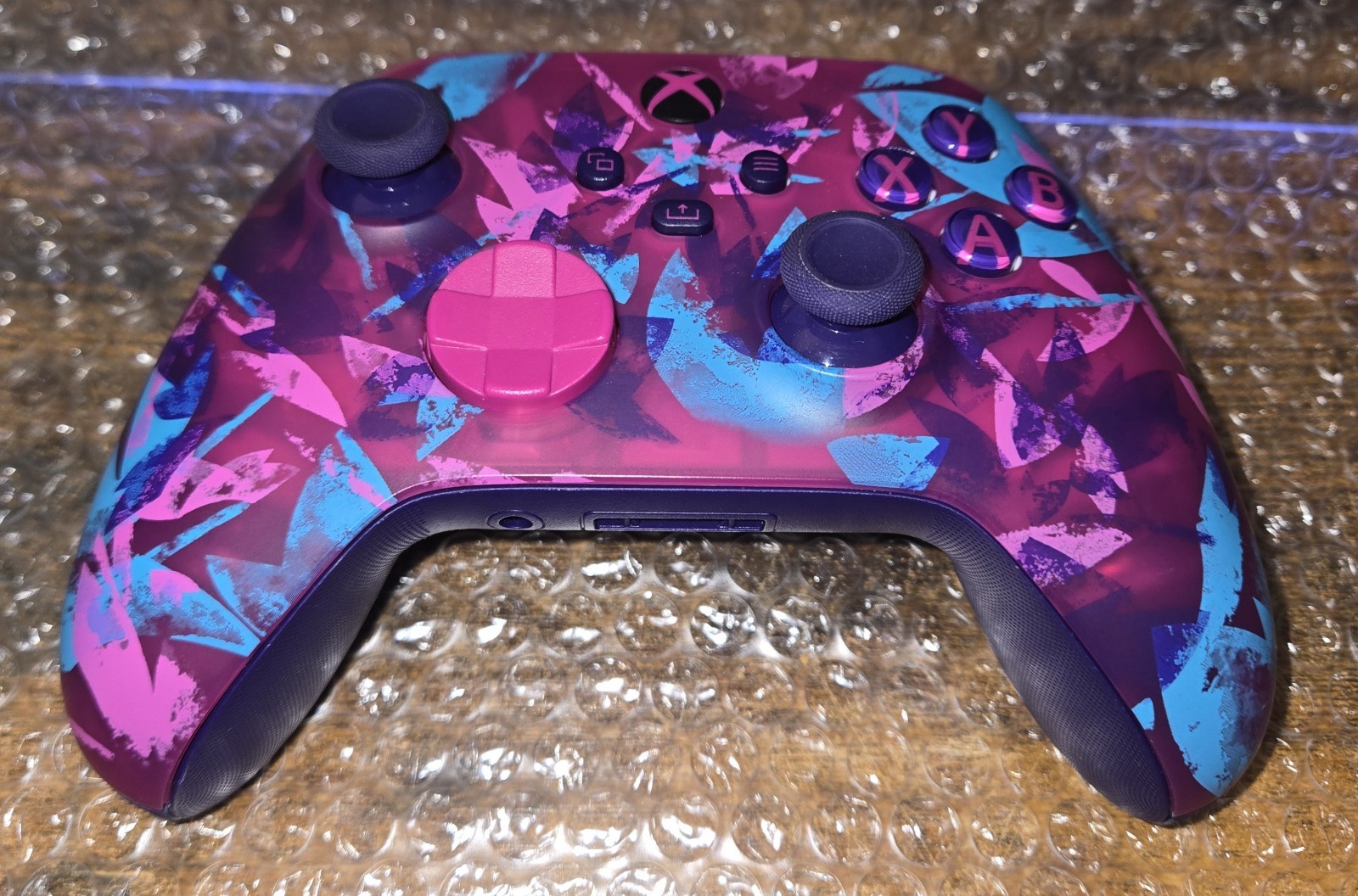

Photos from current listings. Actual item, color, and included accessories may vary.
Xbox One S Controller Buying Guide
The Xbox One S Controller is the revised gamepad that shipped with the Xbox One S console, adding Bluetooth wireless, a textured grip, and a 3.5 mm headset jack. The core buying decision is OEM Microsoft (model 1708) versus third-party wired or wireless alternatives, where the primary trade-off is certified build quality and compatibility against lower-cost wiring or features. Buy OEM or licensed PDP/Hyperkin for durability and full Xbox/PC support; skip unbranded 2.4G dongle controllers unless budget strictly dictates.
Median $149.12
Key takeaways
- OEM model 1708 uses Bluetooth 4.0 for wireless to Xbox One, Series X|S, and Windows 10/11; earlier 1537 model lacks Bluetooth and uses proprietary Xbox wireless only.
- Official Xbox One S controllers include a 3.5 mm stereo headset jack and textured grip; third-party wired models often omit the audio jack or use a thinner shell.
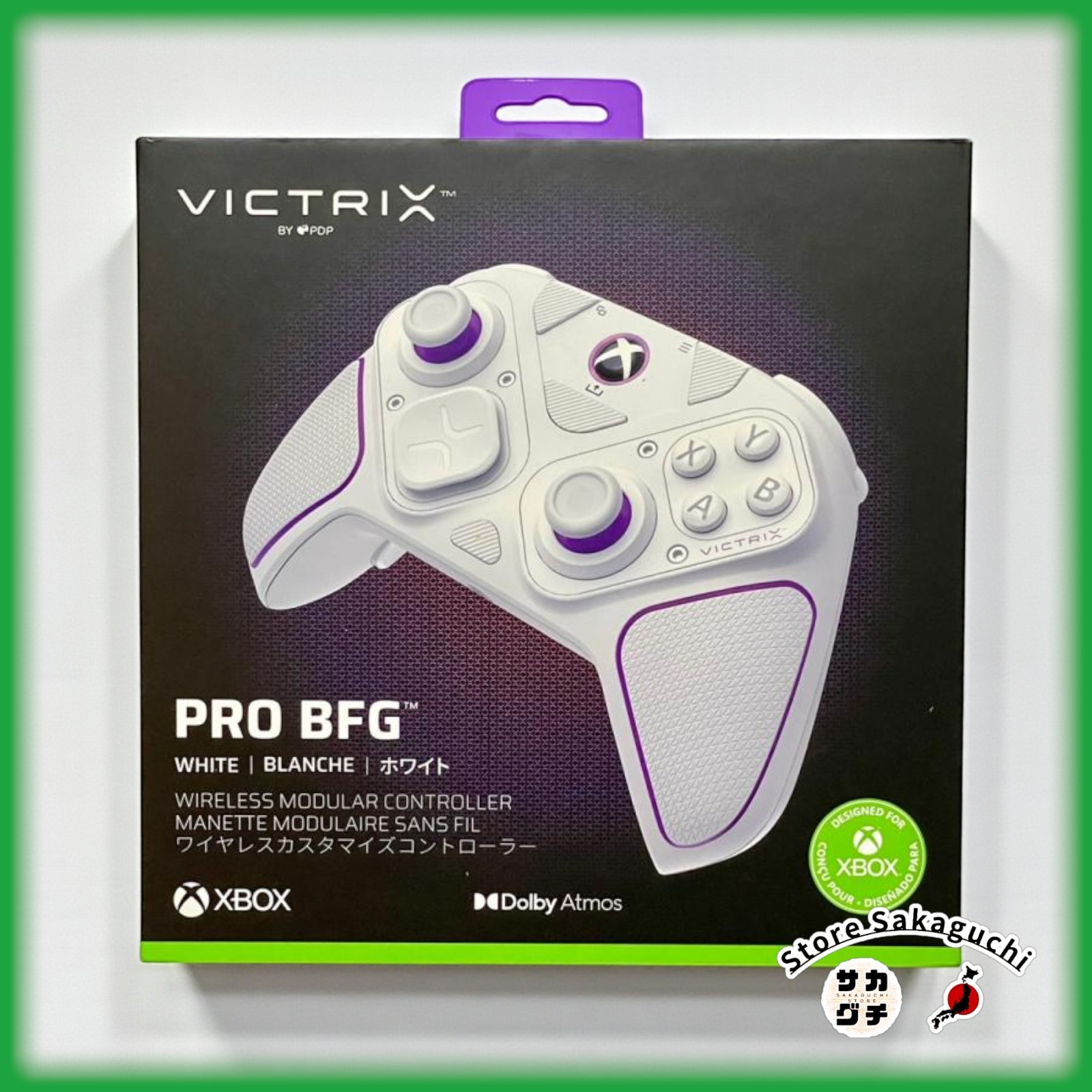
- Licensed third-party options like PDP and Hyperkin use official Xbox wireless or USB-C wired protocols, ensuring button mapping and firmware compatibility with the console.
At a glance
- Category
- Controllers & Gaming Accessories
- Last updated
- Nov 28, 2026
Current offers
Highlights
- OEM model 1708 uses Bluetooth 4.0 for wireless to Xbox One, Series X|S, and Windows 10/11; earlier 1537 model lacks Bluetooth and uses proprietary Xbox wireless only.
- Official Xbox One S controllers include a 3.5 mm stereo headset jack and textured grip; third-party wired models often omit the audio jack or use a thinner shell.
- Licensed third-party options like PDP and Hyperkin use official Xbox wireless or USB-C wired protocols, ensuring button mapping and firmware compatibility with the console.
- Unbranded 2.4G wireless controllers rely on a USB dongle and often lack impulse trigger rumble and headset audio support, with shorter lifespan and no firmware updates.
Best use cases
- Best fit for Xbox One S/X or Series X|S console play: choose an OEM 1708 wireless controller or licensed PDP/Hyperkin for native pairing and full feature support. Skip unbranded 2.4G models if you need reliable console sync.
- Best fit for PC gaming on Windows 10/11: an OEM 1708 over Bluetooth or USB-C, or a licensed wired PDP/Hyperkin controller, gives plug-and-play XInput support. Avoid generic 2.4G dongle controllers that may require driver workarounds.
- Best fit for competitive or low-latency play: pick a licensed wired controller like PDP Wired or Hyperkin DuchesS to eliminate wireless latency and battery management. Skip wireless entirely if you play fighting games or shooters at high level.
- Wrong fit for travel or kids: an OEM 1708 costs more and is harder to replace; a budget licensed wired controller is more sensible if rough handling is expected. Never buy unbranded 2.4G for a child's primary controller.
Buying tips
- Confirm you are buying model 1708, not 1537: the 1708 has Bluetooth and a 3.5 mm jack; the 1537 is Xbox Wireless only and lacks the headset jack.
- For wired alternatives, check for official Xbox licensing (PDP, Hyperkin) to ensure correct button mapping and firmware compatibility; unbranded wired controllers may use generic DirectInput.
- Wireless range: OEM 1708 over Bluetooth reaches about 10 m line-of-sight; 2.4G dongle controllers often drop beyond 5-7 m or through walls, so match to your room layout.
- Battery: OEM 1708 uses two AA batteries (rechargeable kit optional); wired controllers draw power from USB and never need batteries, which suits long sessions.
Specs
| Connection | Bluetooth 4.0 / Xbox Wireless / USB |
|---|---|
| Model Generation | 1708 (S) vs 1537 (original) vs Series |
| Headset Jack | 3.5 mm stereo (1708 only) |
| Power Source | 2x AA batteries / USB bus power |
Related searches
What to check before buying
- Verify your console generation: Xbox One S and Xbox One X use the same controller; Series X|S also accepts 1708 but the Share button is absent.
- For PC, confirm Windows 10/11 with Bluetooth 4.0 or a USB-C port; older Windows 7/8 needs the Xbox Wireless Adapter or a wired controller.
- Measure your play distance: if more than 3 m from console/PC, prefer OEM Bluetooth or a wired controller over short-range 2.4G dongles.
- Check headset compatibility: the 1708 3.5 mm jack supports standard CTIA headsets; some third-party wired controllers omit audio entirely.
FAQ
Data sources: eBay / Amazon listings and product attribute feeds. Updated Nov 28, 2026.
Some links on this page are affiliate links. If you buy after clicking one, we may earn a commission at no extra cost to you. This does not change which products appear here or their order. Affiliate disclosure.