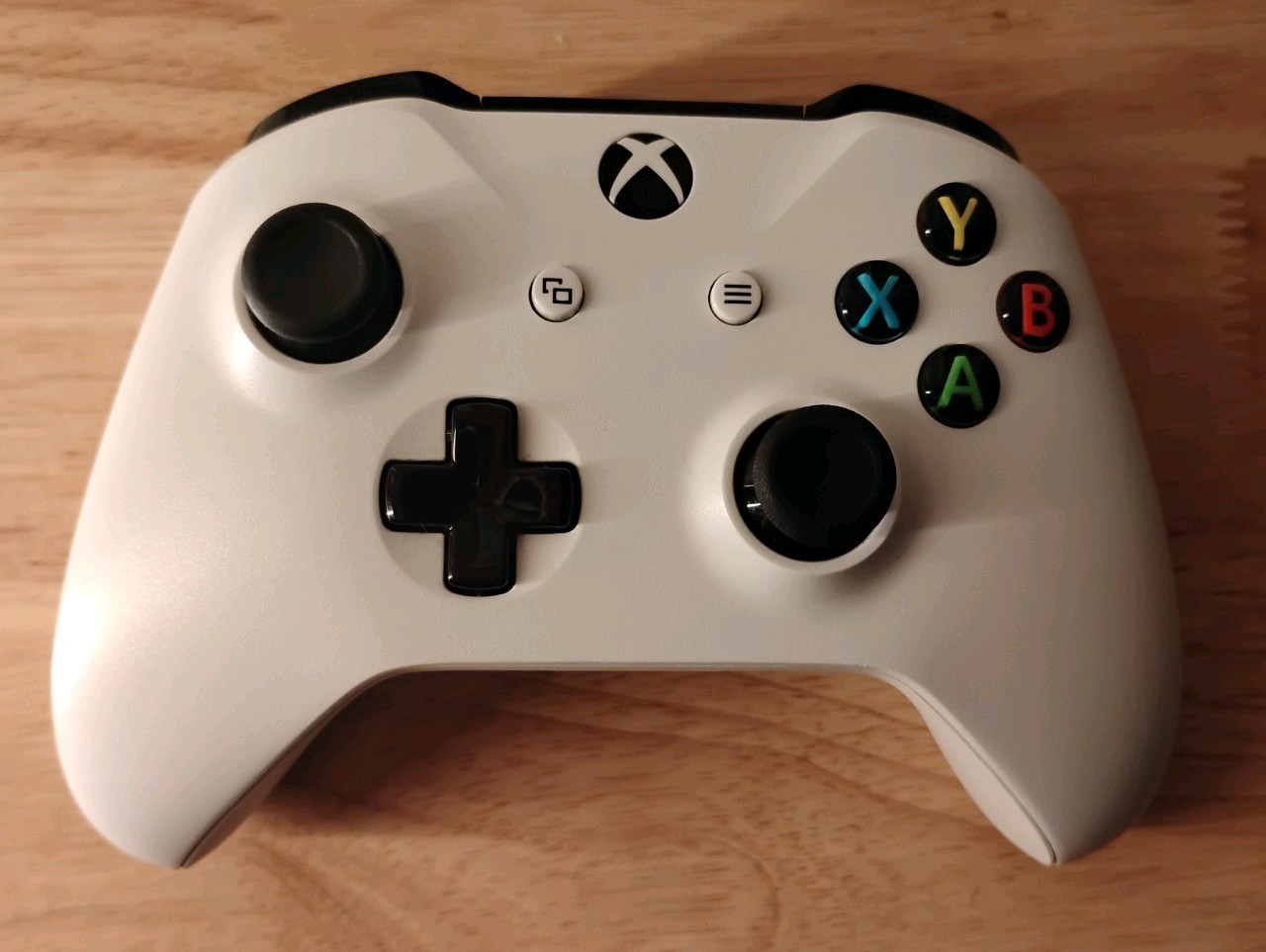

Photos from current listings. Actual item, color, and included accessories may vary.
Xbox One Controller Wireless Buying Guide
The Xbox One wireless controller segment splits into two clear tiers: official Microsoft models (1708 and later) that guarantee console-native wireless, impulse trigger rumble, and firmware support, versus third-party and budget 2.4G dongle controllers that trade those integrations for lower cost and extra features. The primary trade-off is official wireless protocol and build consistency versus third-party modularity or PC-centric 2.4G connectivity. The decision rule is simple: buy an official Microsoft 1708-series controller for console-first play and guaranteed compatibility; choose a licensed third-party controller only if you specifically need back buttons, swappable sticks, or PC dongle reliability.
Median $24.99
Key takeaways
- Model 1708 is the official Microsoft Xbox One wireless controller revision with Bluetooth, a 3.5mm headset jack, and impulse trigger rumble — earlier 1537 models lack Bluetooth and the jack.
- Official controllers use Xbox Wireless radio for console pairing; third-party 2.4G controllers require a USB dongle and do not pair natively to the console's wireless protocol.
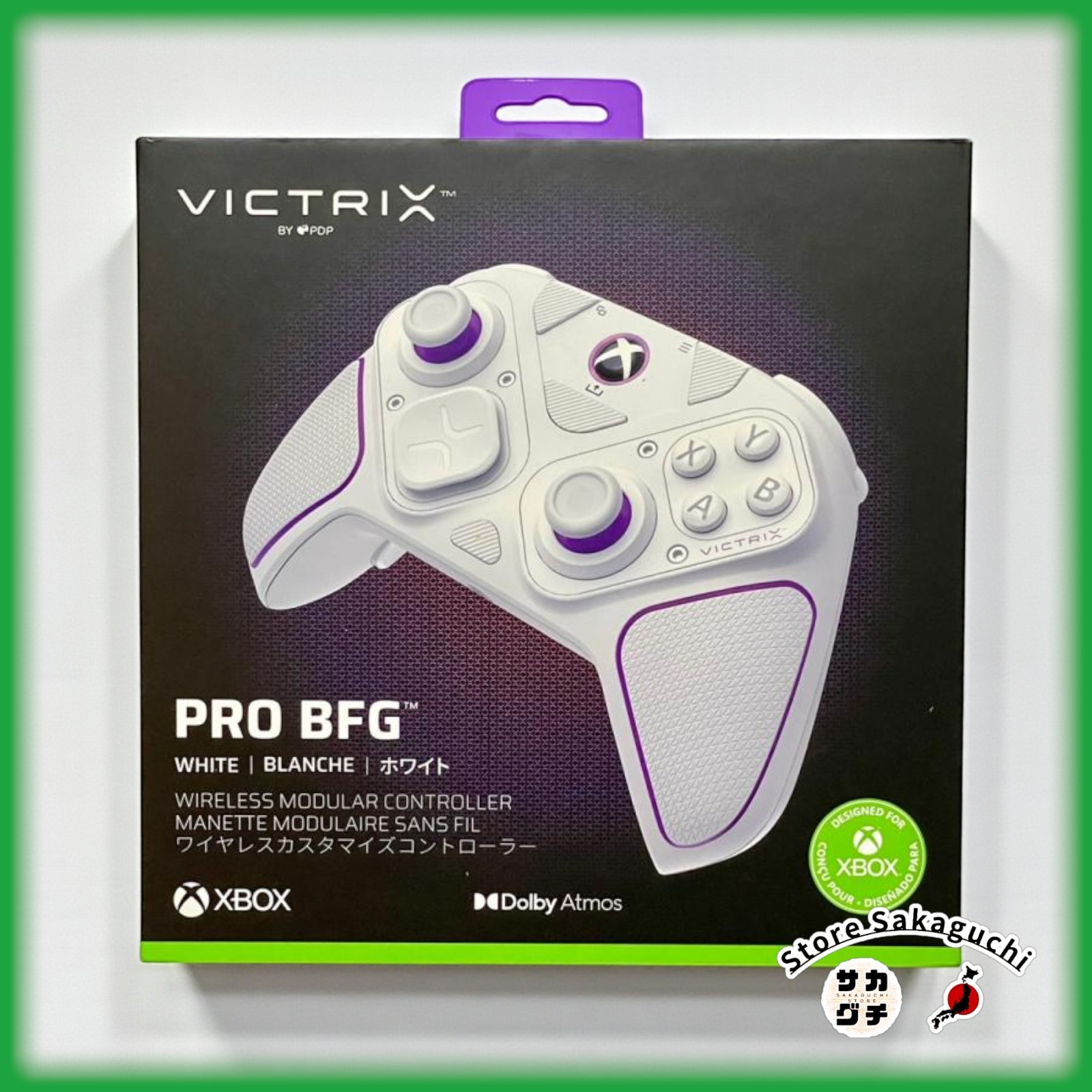
- Licensed third-party options like the PDP Victrix Pro BFG add hot-swappable stick/button modules and back paddles but rely on their own wireless dongle or wired mode.
At a glance
- Category
- Controllers & Gaming Accessories
- Last updated
- Nov 27, 2026
Current offers
Highlights
- Model 1708 is the official Microsoft Xbox One wireless controller revision with Bluetooth, a 3.5mm headset jack, and impulse trigger rumble — earlier 1537 models lack Bluetooth and the jack.
- Official controllers use Xbox Wireless radio for console pairing; third-party 2.4G controllers require a USB dongle and do not pair natively to the console's wireless protocol.
- Licensed third-party options like the PDP Victrix Pro BFG add hot-swappable stick/button modules and back paddles but rely on their own wireless dongle or wired mode.
- Battery architecture differs: official 1708 uses two AA batteries (no built-in rechargeable pack), while many third-party pads use internal rechargeable cells with USB-C or micro-USB charging.
Best use cases
- Console-first multiplayer on Xbox One, One S, or One X: pick an official Microsoft 1708 controller — it pairs natively, supports impulse triggers, and receives firmware updates through the console.
- PC and mixed-platform play where you want a dongle-based 2.4G link and extra back buttons: choose a licensed third-party controller such as the Victrix Pro BFG rather than a generic unbranded 2.4G pad.
- Competitive play needing swappable stick tops and paddle remapping: pick a modular licensed controller, but skip it if you rely on console-native wireless and official firmware updates.
- Budget replacement for casual single-player: an official 1708 is the durable baseline; avoid unbranded 2.4G dongle controllers if you need guaranteed console pairing and headset-jack support.
Buying tips
- Confirm the model number on the battery-door label: 1708 is the Bluetooth-capable official revision; 1537 is the older non-Bluetooth model and will not pair wirelessly to PCs without an adapter.
- For console use, insist on the Xbox Wireless radio protocol — generic 2.4G dongle controllers will not sync to the console without their dongle and often lack impulse trigger support.
- If you need a built-in battery, plan for a third-party pad or an official Play & Charge kit; the standard 1708 ships with AA batteries and no internal cell.
- Check headset compatibility: official 1708 includes a 3.5mm jack; older 1537 models require the stereo headset adapter for wired headsets.
Specs
| Connection | Xbox Wireless / Bluetooth / USB-C |
|---|---|
| Model Revision | 1708 (Bluetooth) vs 1537 (older) |
| Battery Type | 2x AA / Play & Charge kit |
| Headset Jack | 3.5mm on 1708; adapter on 1537 |
Related searches
What to check before buying
- Verify your console generation (Xbox One, One S, One X, or Series X|S) — all accept official 1708 controllers, but Series X|S adds share-button support only on newer revisions.
- Measure your play distance: Xbox Wireless radio is rated for roughly 20–30 feet indoors; 2.4G dongle controllers can be more sensitive to USB-port interference.
- Confirm you have AA batteries or a Play & Charge kit ready if buying an official 1708, since no rechargeable pack is included.
- For PC use, check whether you need Bluetooth (official 1708 supports it) or a dedicated Xbox Wireless Adapter for older Windows builds and lower latency.
FAQ
Data sources: eBay / Amazon listings and product attribute feeds. Updated Nov 27, 2026.
Some links on this page are affiliate links. If you buy after clicking one, we may earn a commission at no extra cost to you. This does not change which products appear here or their order. Affiliate disclosure.