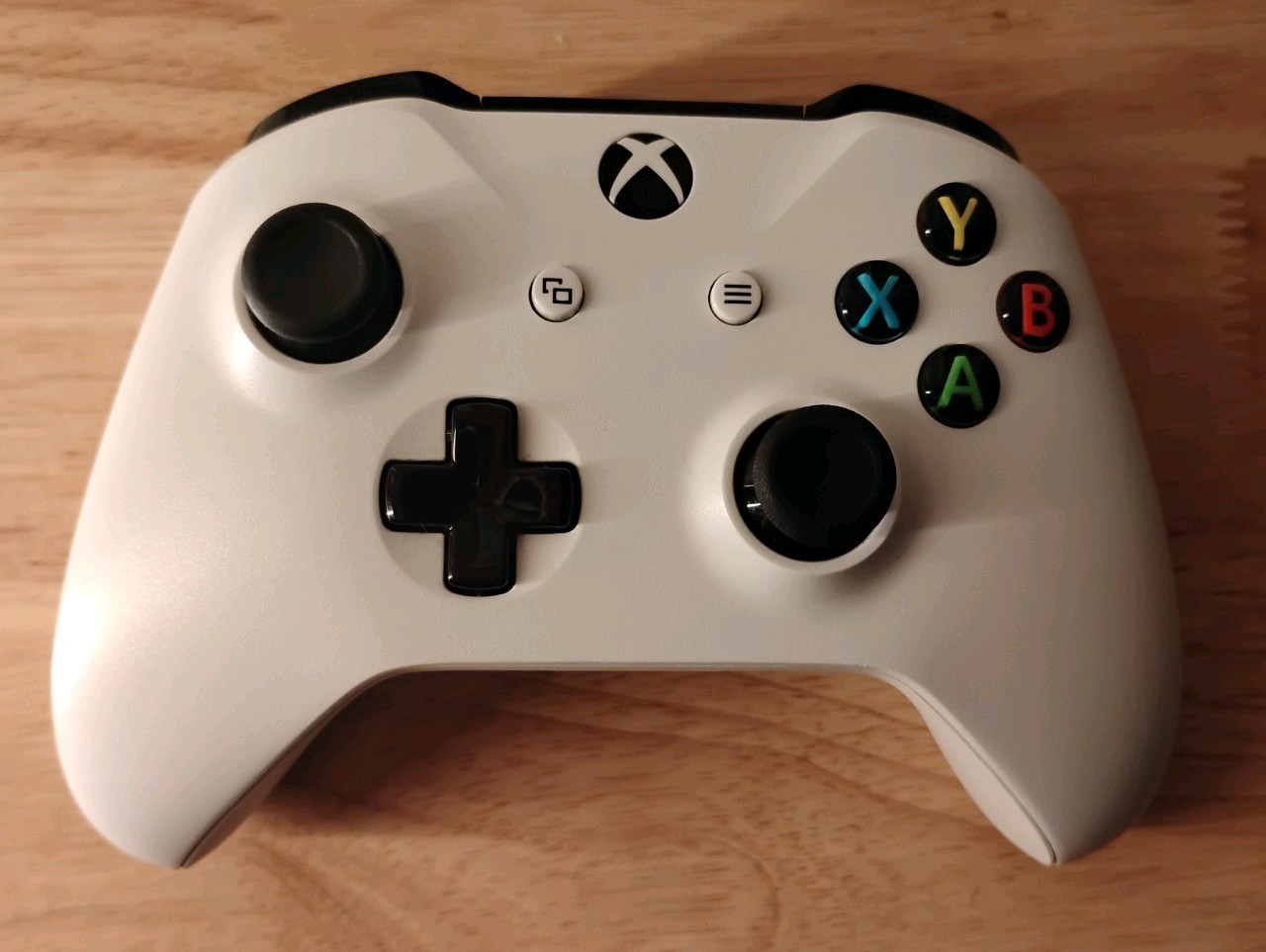

Photos from current listings. Actual item, color, and included accessories may vary.
Xbox One Controller Buying Guide
The Xbox One controller segment spans official Microsoft wireless pads, licensed wired alternatives, and third-party pro-style controllers. The key trade-off is between official wireless integration (Xbox Wireless Radio, Bluetooth, USB-C on later revisions) and licensed third-party build features (paddles, adjustable triggers, wired low latency). Buy official model 1708 or later for native wireless and firmware support; choose licensed wired or pro controllers only when you need tournament features or a lower-cost durable backup.
Median $24.99
Key takeaways
- Model 1708 (Xbox One S/X era) introduced Bluetooth and a 3.5mm jack; original 1537 model is wireless-only via Xbox Wireless Radio and needs an adapter for PC.
- Official controllers use Xbox Wireless Radio for console and Windows 10/11 PC; Bluetooth works on Android/iOS and Windows, but iOS requires a Bluetooth-capable model (1708 or later).
- Licensed wired controllers like PDP and Hyperkin use USB-A and skip batteries entirely, offering lower latency but tethering you to the console or PC.
At a glance
- Category
- Controllers & Gaming Accessories
- Last updated
- Nov 27, 2026
Current offers
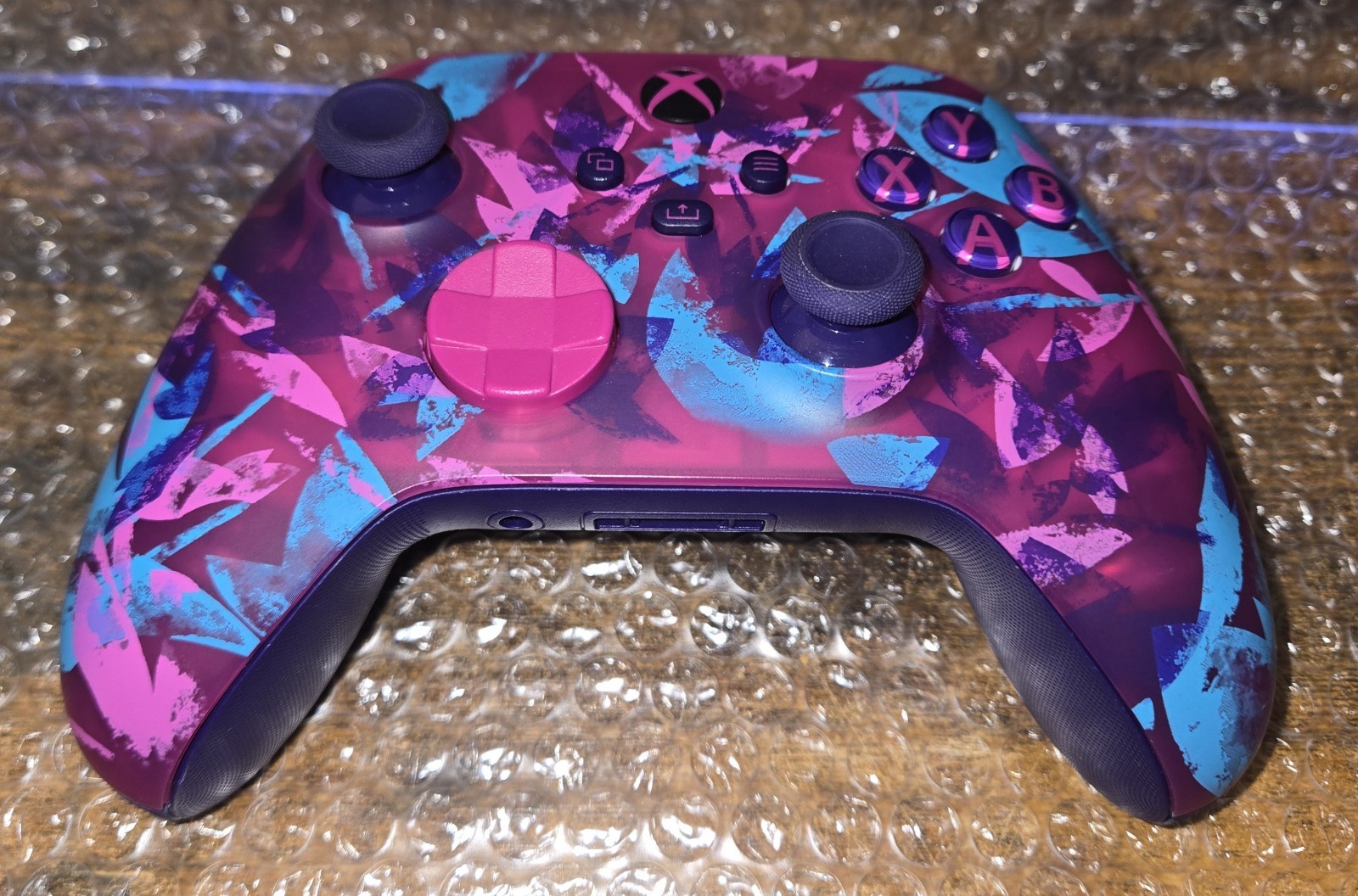
Highlights
- Model 1708 (Xbox One S/X era) introduced Bluetooth and a 3.5mm jack; original 1537 model is wireless-only via Xbox Wireless Radio and needs an adapter for PC.
- Official controllers use Xbox Wireless Radio for console and Windows 10/11 PC; Bluetooth works on Android/iOS and Windows, but iOS requires a Bluetooth-capable model (1708 or later).
- Licensed wired controllers like PDP and Hyperkin use USB-A and skip batteries entirely, offering lower latency but tethering you to the console or PC.
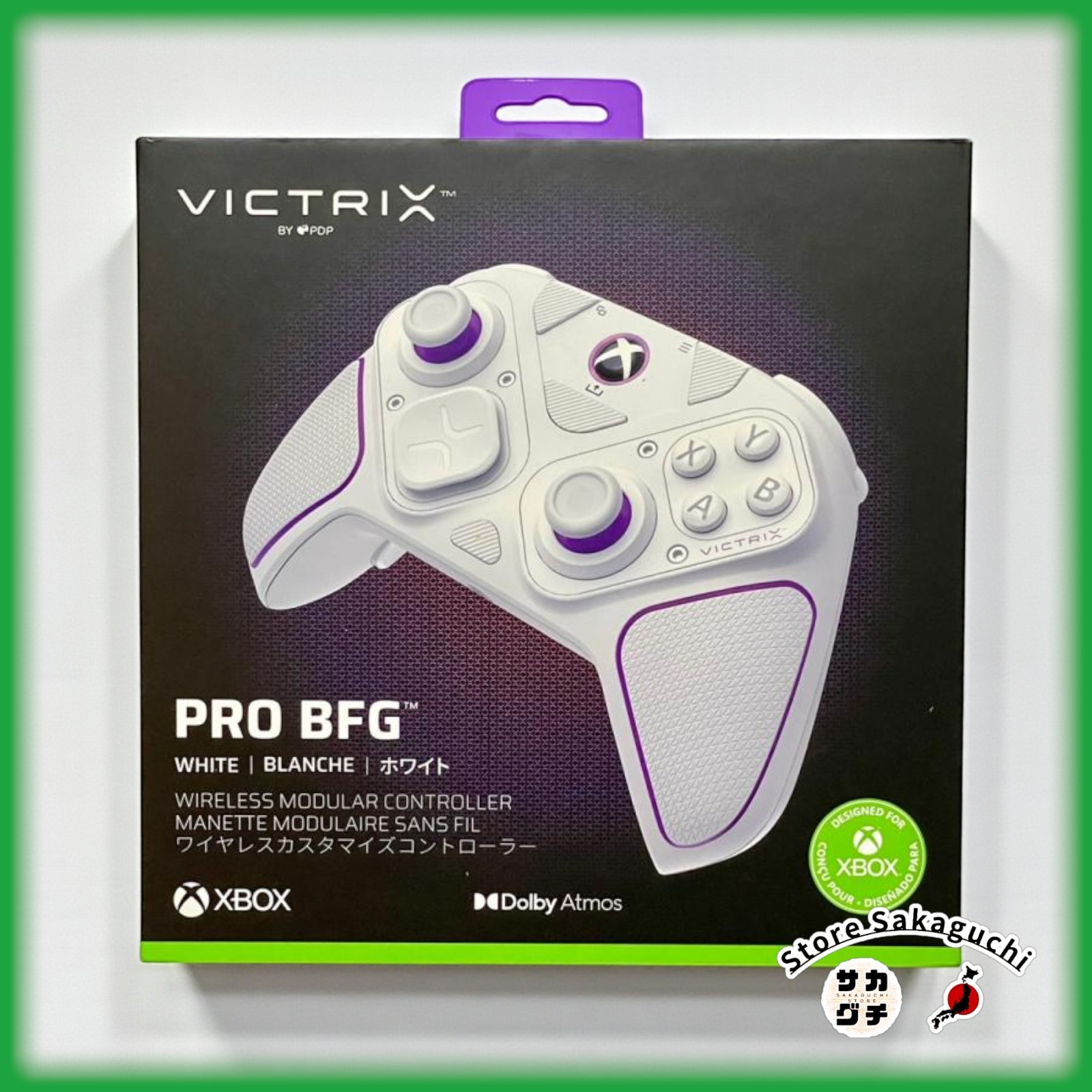
- Pro-style pads such as Victrix Pro BFG add swappable stick/button modules, trigger stops, and paddles; these features add weight and complexity but are not present on standard official pads.
Best use cases
- Best fit for Xbox One console play: official Microsoft Wireless Controller model 1708 or later—native pairing, firmware updates, and headset jack; skip generic 2.4G dongle pads that lack official wireless security.
- Best fit for wired tournament or low-latency PC play: licensed PDP or Hyperkin wired controller with USB-A—no battery swaps, consistent polling; skip if you need wireless couch play.
- Best fit for competitive customization (paddles, trigger stops, swappable sticks): PDP Victrix Pro BFG; skip if you only play casually—standard official pad is lighter and simpler.
- Wrong fit: buying an original 1537 model for PC Bluetooth use—it lacks Bluetooth and requires the Xbox Wireless Adapter for Windows.
Buying tips
- Identify the model number on the battery door label: 1708 and later support Bluetooth; 1537 does not. For PC wireless without an adapter, buy 1708 or newer.
- For wired controllers, confirm USB-A termination and compatibility with Xbox One, Series X|S, and Windows; licensed PDP/Hyperkin pads list these explicitly.
- Battery life on official pads runs about 30–40 hours on two AA batteries; rechargeable battery packs add bulk and vary in quality—AA Eneloops are the reliable standard.
- Pro controllers add 50–100 g of weight and modular parts; if you do not use paddles or trigger stops, the standard official pad is more durable and simpler.
Specs
| Connection | Xbox Wireless Radio / Bluetooth / USB-C |
|---|---|
| Model Gen | 1537 (no BT) vs 1708+ (BT + 3.5mm) |
| Battery | 2x AA (~30-40 hr) / Play & Charge |
| Compatibility | Xbox One, Series X|S, Win 10/11, Android/iOS |
Related searches
What to check before buying
- Confirm your console generation: Xbox One, One S, One X, or Series X|S all accept Xbox One controllers, but Series X|S lacks an optical audio port and some old headsets need the 3.5mm jack on model 1708+.
- For PC wireless, check if your PC has Bluetooth 4.0+ (for 1708+) or if you need the Xbox Wireless Adapter for Windows (required for 1537 and for Xbox Wireless Radio on PC).
- Measure your hand size and grip style: standard official pad suits most hands; pro pads are larger and heavier—try before buying if you have small hands.
- Check your USB port layout for wired controllers: front-panel USB-A on console or PC; a 3 m cable is typical and may be short for couch play.
FAQ
Data sources: eBay / Amazon listings and product attribute feeds. Updated Nov 27, 2026.
Some links on this page are affiliate links. If you buy after clicking one, we may earn a commission at no extra cost to you. This does not change which products appear here or their order. Affiliate disclosure.