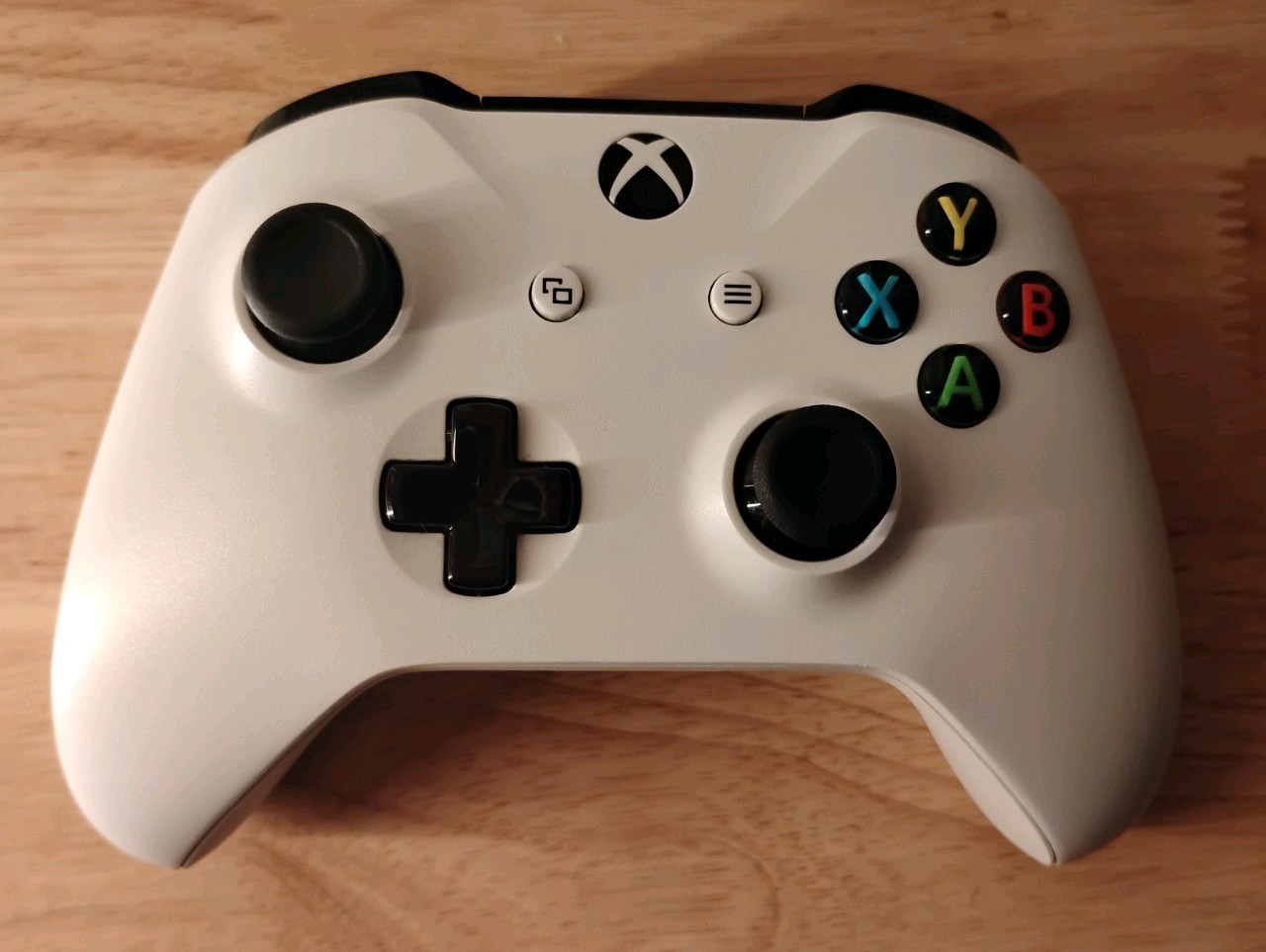

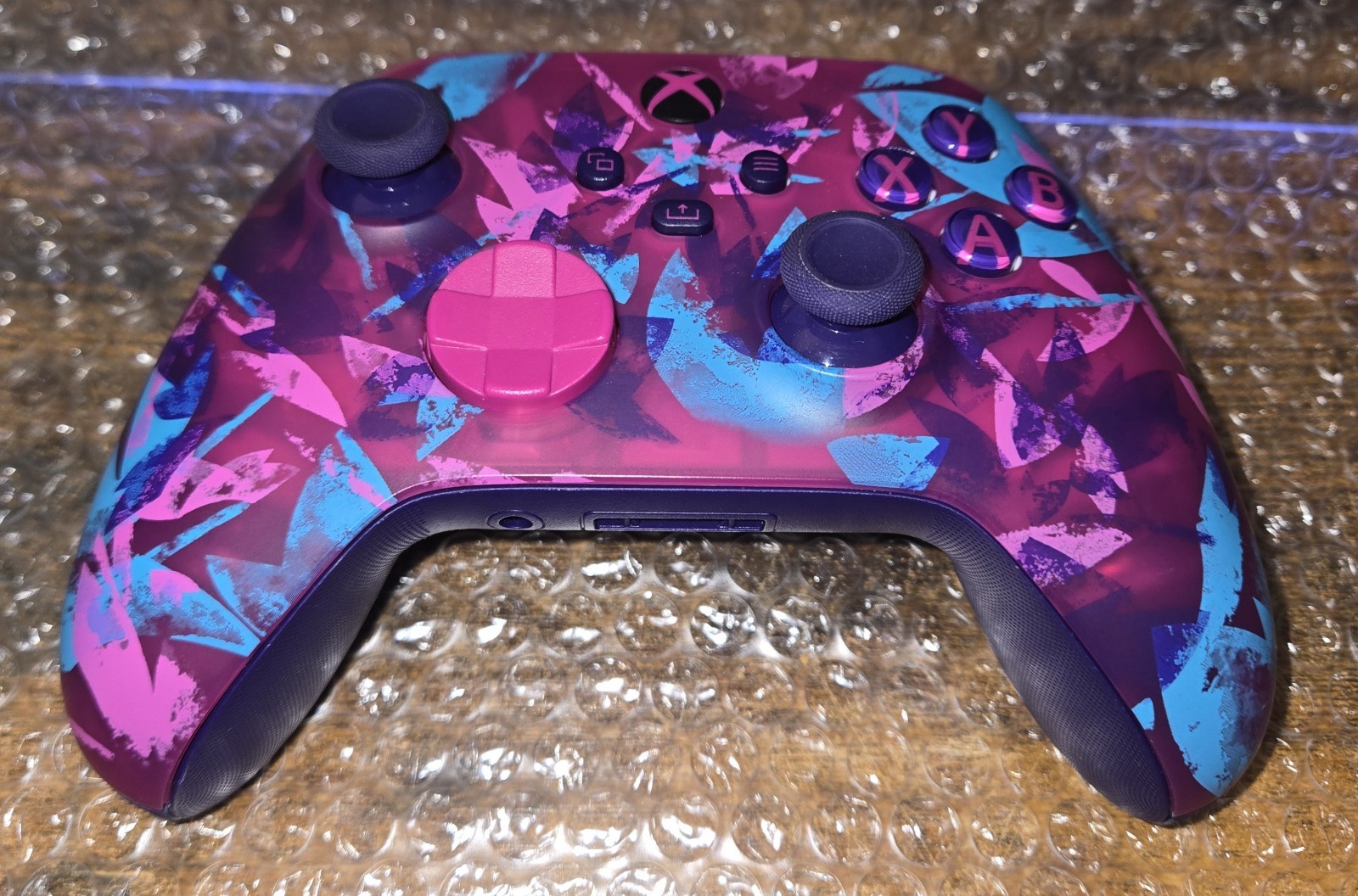
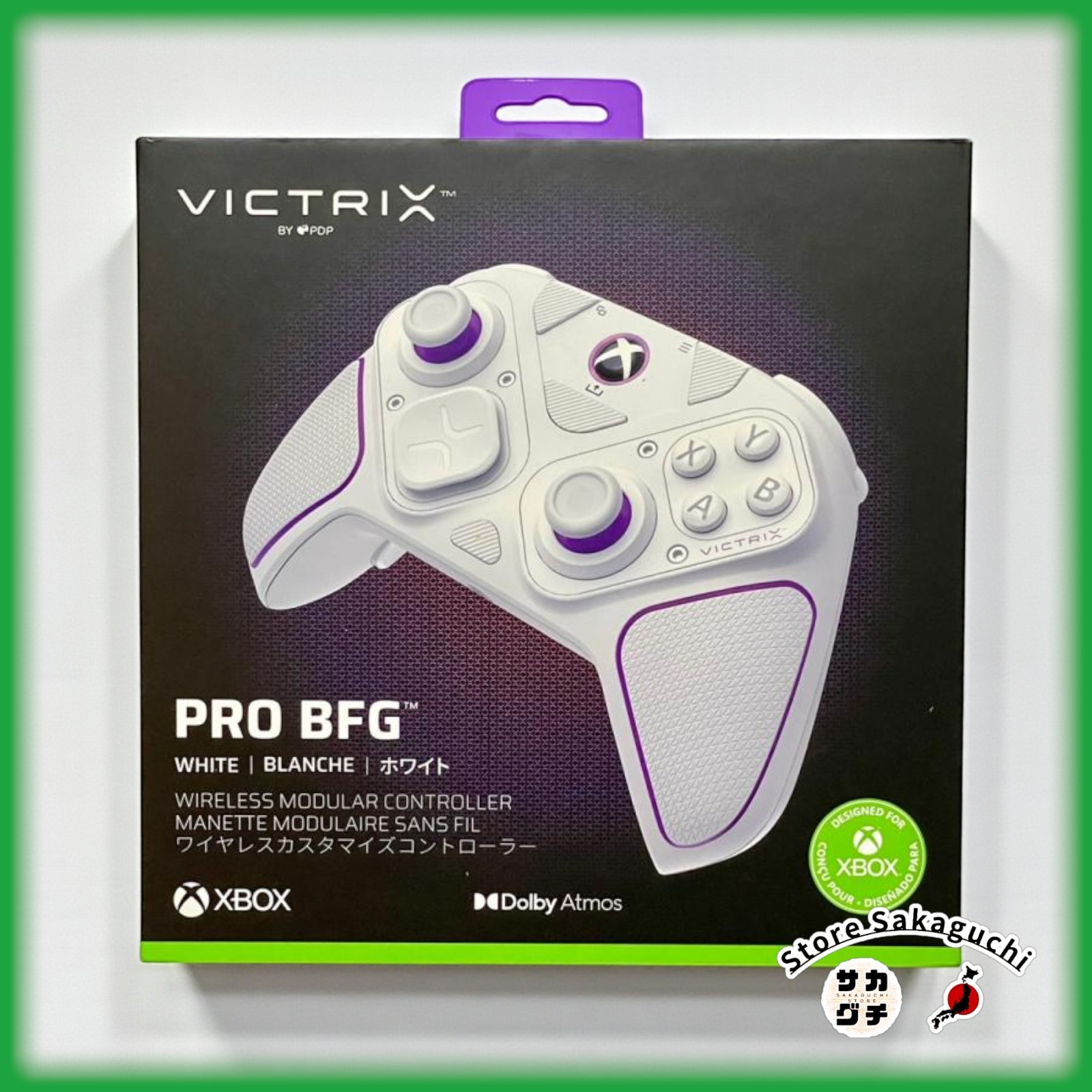
Photos from current listings. Actual item, color, and included accessories may vary.
Xbox Controller Wireless Buying Guide
A wireless Xbox controller is a gamepad that connects to Xbox consoles and PCs without a cable, using either Microsoft's proprietary Xbox Wireless radio or a USB dongle/Bluetooth. The core trade-off is between official Microsoft controllers (guaranteed Xbox Wireless, firmware, and accessory compatibility) and third-party pads (cheaper but often rely on 2.4G dongles, Bluetooth, or wired fallback with varying latency and build quality). The decision rule: buy an official Xbox Wireless controller for seamless console pairing and impulse-trigger/rumble fidelity; choose a third-party tri-mode pad only if you need PC/Android/iOS multi-device support and accept dongle-based wireless.
Median $24.99
Key takeaways
- Official Microsoft Xbox Wireless Controllers (models 1708, 1914) use Xbox Wireless radio for console pairing and Bluetooth for PC/mobile; third-party '2.4G' pads require a bundled USB dongle and often lack Bluetooth.
- Xbox 360 wireless controllers use a proprietary 2.4GHz protocol and need a separate Xbox 360 Wireless Receiver for PC; they are not compatible with Xbox One/Series consoles.
- Third-party tri-mode controllers (e.g., GameSir G7 Pro) support Xbox wired, PC wireless, and Bluetooth, but Xbox console wireless is typically wired-only unless officially licensed.
At a glance
- Category
- Controllers & Gaming Accessories
- Last updated
- Nov 27, 2026
Current offers
Highlights
- Official Microsoft Xbox Wireless Controllers (models 1708, 1914) use Xbox Wireless radio for console pairing and Bluetooth for PC/mobile; third-party '2.4G' pads require a bundled USB dongle and often lack Bluetooth.
- Xbox 360 wireless controllers use a proprietary 2.4GHz protocol and need a separate Xbox 360 Wireless Receiver for PC; they are not compatible with Xbox One/Series consoles.
- Third-party tri-mode controllers (e.g., GameSir G7 Pro) support Xbox wired, PC wireless, and Bluetooth, but Xbox console wireless is typically wired-only unless officially licensed.
- Build quality tiers: official controllers use textured grips, rubberized thumbsticks, and share buttons; budget third-party pads often use plain ABS plastic, stiffer membranes, and lower-capacity batteries.
Best use cases
- Best fit: Xbox Series X/S or Xbox One console owner — pick an official Xbox Wireless Controller (model 1914 or 1708) for guaranteed pairing, firmware updates, and headset jack support.
- Best fit: PC gamer wanting wireless — choose an official controller with Bluetooth or a third-party 2.4G dongle pad; skip Xbox 360 pads unless you also buy the PC wireless receiver.
- Wrong fit: competitive shooter player on PC — skip budget 2.4G dongle pads with unknown polling rates; use a wired official controller or a low-latency tri-mode pad with 1000Hz polling.
- Wrong fit: multi-device household (Xbox + Switch + mobile) — skip Xbox-only pads; pick a tri-mode controller with Bluetooth and platform switching, accepting wired Xbox play.
Buying tips
- Match the controller generation to your console: Xbox 360 pads only work on 360 (and PC with receiver); Xbox One model 1708 works on Xbox One and Series X/S; model 1914 adds Bluetooth and share button.
- For PC wireless without Bluetooth, budget for an Xbox Wireless Adapter for Windows or confirm the pad includes a 2.4G USB dongle — Bluetooth has higher latency and limited range.
- Check battery type: official controllers use 2 AA batteries (rechargeable pack sold separately); third-party pads often have built-in lithium batteries rated 400–800 mAh, so expect shorter sessions.
- Verify headset compatibility: official controllers have a 3.5mm jack (model 1708 and later); many third-party pads omit the jack or require a separate adapter.
Specs
| Connectivity | Xbox Wireless / Bluetooth / 2.4G dongle |
|---|---|
| Console Compatibility | Xbox 360 / One / Series X|S (gen-locked) |
| Battery Type | 2x AA / built-in Li-ion 400-800 mAh |
| Headset Jack | 3.5mm (model 1708+) / none on budget pads |
Related searches
What to check before buying
- Confirm your console generation (Xbox 360 vs Xbox One vs Series X/S) — controller compatibility is generation-locked, not universal.
- Check PC OS and Bluetooth version: Windows 10/11 supports Bluetooth Xbox controllers natively; older Windows needs the Xbox Wireless Adapter or a 2.4G dongle.
- Measure hand size and grip preference: official controllers suit medium-to-large hands; compact third-party pads may suit smaller hands but have shallower triggers.
- Verify included accessories: AA batteries, USB-C cable, dongle, and headset jack are not always bundled — confirm what is in the box before choosing a tier.
FAQ
Data sources: eBay / Amazon listings and product attribute feeds. Updated Nov 27, 2026.
Some links on this page are affiliate links. If you buy after clicking one, we may earn a commission at no extra cost to you. This does not change which products appear here or their order. Affiliate disclosure.