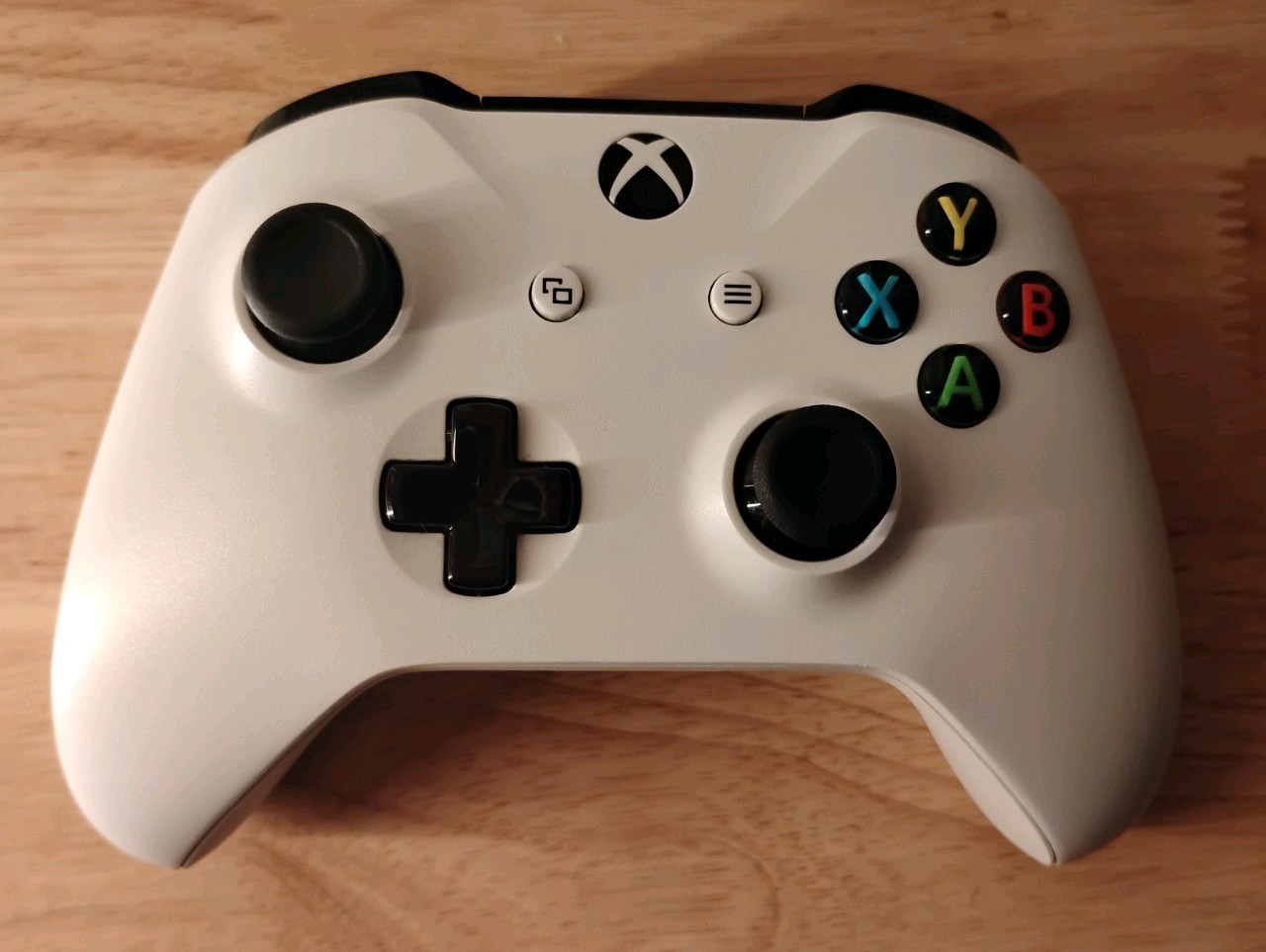

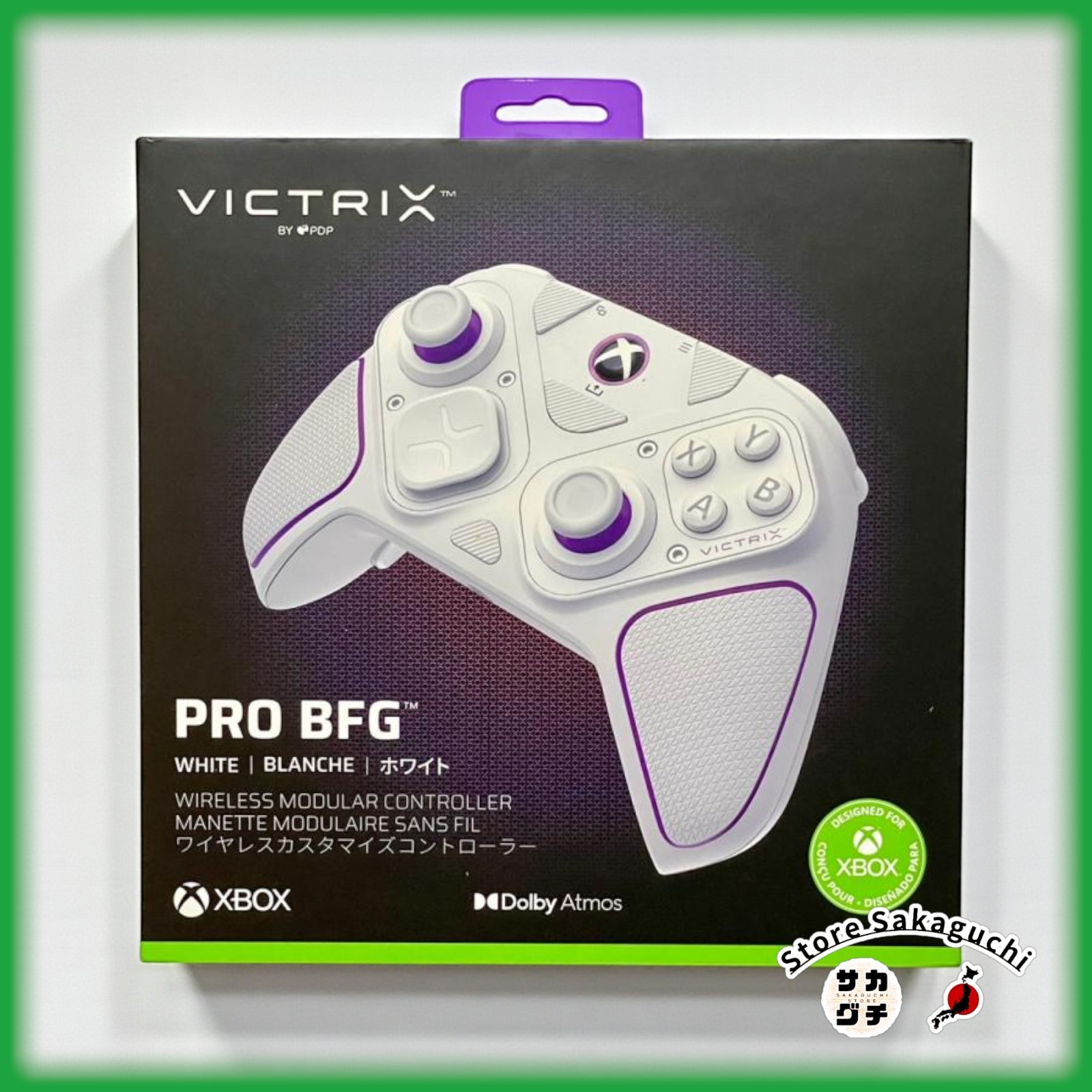
Photos from current listings. Actual item, color, and included accessories may vary.
Wireless Xbox Controller With Paddles Buying Guide
A wireless Xbox controller with paddles adds rear buttons for competitive and accessibility play, but the segment splits sharply between licensed controllers with native Xbox Wireless and third-party pads that emulate the protocol with varying latency and durability. The core trade-off is genuine Xbox Wireless plus Hall-effect or ALPS stick modules versus cheaper 2.4GHz dongle pads with plastic-shell paddles. Buy licensed or Hall-effect-equipped models for paddles that survive daily use; treat unbranded 2.4GHz shells as occasional-use compromises.
Median $144.12
Key takeaways
- Native Xbox Wireless uses the 2.4GHz Xbox protocol with pairing to console and PC via the Xbox Wireless Adapter; third-party 2.4GHz dongles add a receiver and usually drop Bluetooth.
- Paddle construction separates tiers: licensed controllers use metal or reinforced polymer levers with remappable microswitch actuation, while budget shells use molded plastic tabs prone to flex and cracking.
- Stick modules decide longevity: Hall-effect magnetic sensors resist drift indefinitely, while standard carbon-film potentiometers drift after heavy use and require module replacement.
At a glance
- Category
- Controllers & Gaming Accessories
- Last updated
- Nov 28, 2026
Current offers
Highlights
- Native Xbox Wireless uses the 2.4GHz Xbox protocol with pairing to console and PC via the Xbox Wireless Adapter; third-party 2.4GHz dongles add a receiver and usually drop Bluetooth.
- Paddle construction separates tiers: licensed controllers use metal or reinforced polymer levers with remappable microswitch actuation, while budget shells use molded plastic tabs prone to flex and cracking.
- Stick modules decide longevity: Hall-effect magnetic sensors resist drift indefinitely, while standard carbon-film potentiometers drift after heavy use and require module replacement.
- Generation matters: Xbox One model 1708, Series X|S model 1914, and Elite Series 2 add different Bluetooth profiles, USB-C, and share buttons; older 360-era pads lack Bluetooth entirely.
Best use cases
- Best fit: competitive shooter and racing players who remap face buttons to paddles — choose a licensed pad with Hall-effect sticks and per-game remap profiles stored on the controller.
- Best fit: accessibility users needing rear-button macros — pick a controller with hardware remap (not app-only) so paddles work on any console or PC without software.
- Wrong fit: casual single-player gamers who never remap — standard first-party wireless controllers without paddles save weight, cost, and accidental paddle presses.
- Wrong fit: buyers wanting Bluetooth-only PC play — skip 2.4GHz Xbox 360-style pads and pick a model with Bluetooth 4.0+ or the Xbox Wireless Adapter included.
Buying tips
- Confirm protocol first: native Xbox Wireless pairs to consoles without a dongle; 2.4GHz third-party pads need their receiver and often cannot pair to Xbox consoles at all.
- Check paddle mechanism: metal or glass-filled polymer levers with tactile microswitches outlast molded plastic tabs; look for user-replaceable paddle kits.
- Pick Hall-effect sticks if you play more than a few hours weekly — they eliminate drift and are now standard on mid-tier and licensed third-party models.
- Match generation: Series X|S pads add Share button and USB-C; Xbox One 1708 pads use micro-USB and Bluetooth; 360-era pads are 2.4GHz-only with no Bluetooth.
Specs
| Connectivity | Xbox Wireless / Bluetooth / 2.4GHz dongle |
|---|---|
| Paddle Type | Remappable rear levers / microswitch |
| Stick Module | Hall-effect vs carbon-film potentiometer |
| Battery | AA x2 / built-in USB-C rechargeable |
Related searches
What to check before buying
- Confirm your console generation and whether you need Xbox Wireless, Bluetooth, or a 2.4GHz dongle — protocol mismatch is the top return reason.
- Check grip and battery: AA-powered pads need rechargeable AAs, built-in batteries need USB-C charging; verify the pad's battery type before buying.
- Measure hand size: paddles add rear depth; players with smaller hands should pick slimmer paddle profiles or adjustable-lever models.
- Verify PC compatibility: Windows 10/11 supports Xbox Wireless natively; macOS and Linux need Bluetooth or third-party driver support.
FAQ
Data sources: eBay / Amazon listings and product attribute feeds. Updated Nov 28, 2026.
Some links on this page are affiliate links. If you buy after clicking one, we may earn a commission at no extra cost to you. This does not change which products appear here or their order. Affiliate disclosure.