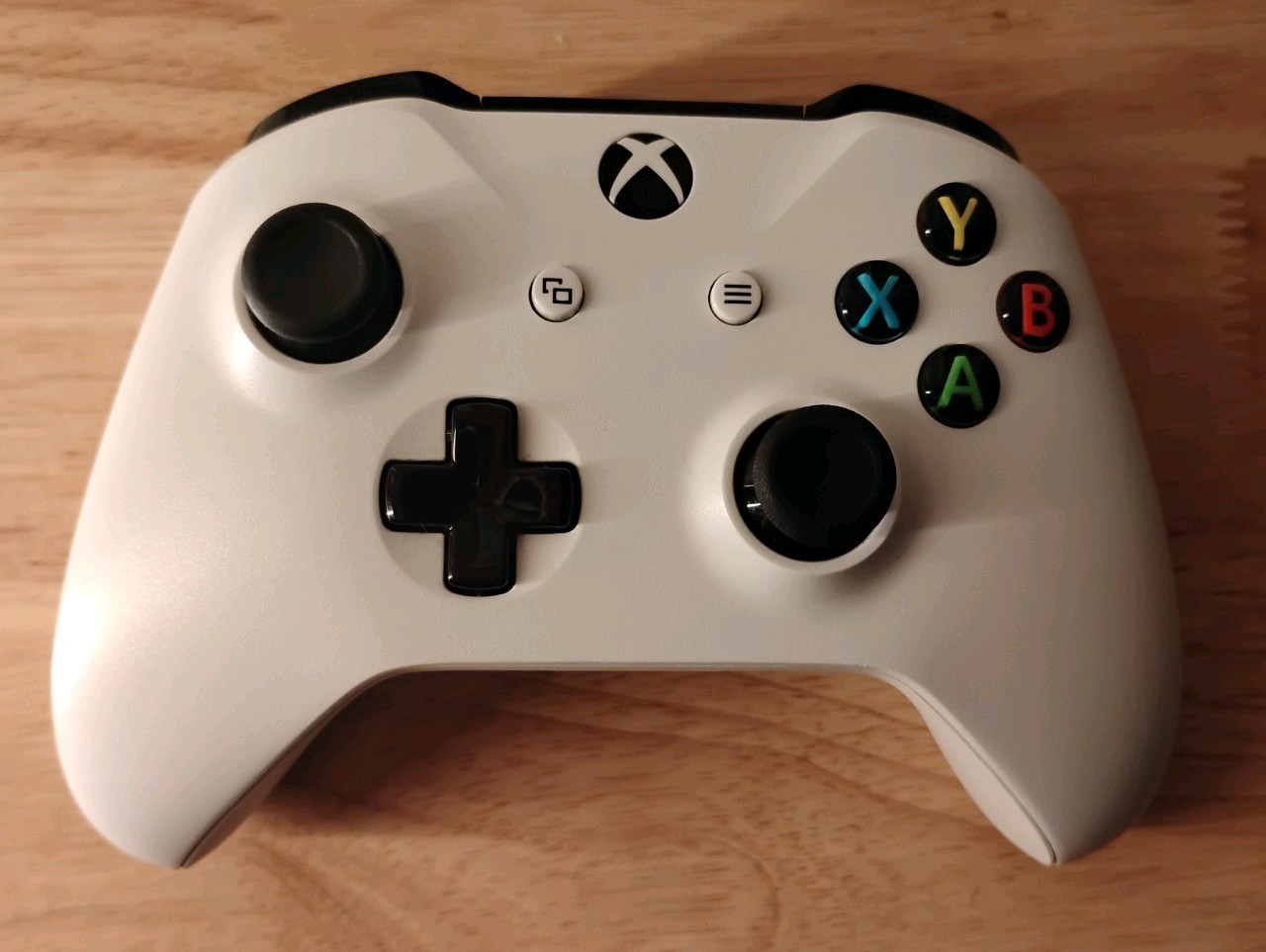

Photos from current listings. Actual item, color, and included accessories may vary.
Wireless Xbox Controller Buying Guide
Wireless Xbox controllers span three incompatible generations (Xbox 360, Xbox One/Series, and third-party tri-mode) plus major connectivity and build-quality gaps. The core trade-off is genuine Microsoft wireless (Xbox Wireless Radio for console, Bluetooth for PC/mobile) versus cost-cut 2.4GHz dongle clones and wired-only 'wireless-ready' models. Decision rule: buy only controllers explicitly labeled for your exact console generation with the correct wireless protocol—skip anything that lists multiple incompatible Xbox generations as one SKU.
Median $24.99
Key takeaways
- Xbox 360 wireless uses a proprietary 2.4GHz radio and needs a PC receiver; Xbox One/Series uses Xbox Wireless Radio plus Bluetooth, so 360 pads never pair natively with Xbox One or Series consoles.
- Model 1708 (Xbox One S) and 1914 (Series X|S) are the genuine Microsoft tiers; 1708 adds Bluetooth and a 3.5mm jack, while 1914 adds a Share button and matte grip texture.
- Third-party tri-mode pads like GameSir G7 Pro combine wired Xbox mode, 2.4GHz PC wireless, and Bluetooth mobile—wired-only on Xbox, wireless only off-console.
At a glance
- Category
- Controllers & Gaming Accessories
- Last updated
- Nov 27, 2026
Current offers
Highlights
- Xbox 360 wireless uses a proprietary 2.4GHz radio and needs a PC receiver; Xbox One/Series uses Xbox Wireless Radio plus Bluetooth, so 360 pads never pair natively with Xbox One or Series consoles.
- Model 1708 (Xbox One S) and 1914 (Series X|S) are the genuine Microsoft tiers; 1708 adds Bluetooth and a 3.5mm jack, while 1914 adds a Share button and matte grip texture.
- Third-party tri-mode pads like GameSir G7 Pro combine wired Xbox mode, 2.4GHz PC wireless, and Bluetooth mobile—wired-only on Xbox, wireless only off-console.
- Clone 'for Xbox 360/One/PC' listings typically use a 2.4GHz dongle with no Bluetooth and no Xbox Wireless Radio, so they cannot wake or pair with a modern Xbox console wirelessly.
Best use cases
- Best fit: Xbox Series X|S or Xbox One console owner → genuine Model 1914 or 1708 for native wireless, impulse triggers, and firmware updates; skip 360-era and dongle clones.
- Best fit: PC-only gamer who wants Xbox layout → Model 1708/1914 over Bluetooth, or a tri-mode pad like GameSir G7 Pro for 2.4GHz low-latency wireless; skip 360 pads unless you also buy a PC receiver.
- Best fit: Budget retro Xbox 360 owner → genuine Microsoft 1403 wireless pad with a 360-compatible receiver; skip '360/One/PC universal' clones that lack the official radio.
- Wrong fit: Anyone expecting one controller to wirelessly cover Xbox 360, Xbox One, Series X|S, and PC—no single SKU legitimately does all four; plan per-generation.
Buying tips
- Match the model number to your console: 1708 for Xbox One S/X and Series via Bluetooth/radio, 1914 for Series X|S native, 1403 only for Xbox 360.
- For PC wireless, confirm Bluetooth 4.0+ on the motherboard or plan a separate Xbox Wireless Adapter; 2.4GHz dongle pads skip Bluetooth entirely.
- Battery tier matters: genuine 1708/1914 use two AA cells (rechargeable pack optional); most tri-mode third-party pads use built-in Li-ion charged over USB-C.
- Check the wireless protocol, not the word 'wireless': Xbox Wireless Radio + Bluetooth is genuine; 2.4GHz-only clones need their dongle and won't pair to consoles.
Specs
| Wireless Protocol | Xbox Wireless Radio + Bluetooth vs 2.4GHz dongle |
|---|---|
| Console Generation | Xbox 360 / Xbox One / Series X|S |
| Battery Type | 2x AA vs built-in Li-ion (USB-C) |
| Connectivity Modes | Single-mode vs tri-mode wired/2.4GHz/BT |
Related searches
What to check before buying
- Identify your exact console generation and model—Xbox 360, Xbox One, One S/X, or Series X|S—before choosing a wireless protocol.
- For PC, confirm Bluetooth 4.0+ or reserve a USB-A port for an Xbox Wireless Adapter or 2.4GHz dongle.
- Verify AA vs built-in Li-ion battery preference and whether a play-and-charge or USB-C cable is included.
- Confirm the controller ships with the correct receiver/dongle when the listing is 2.4GHz-only, since Bluetooth is absent on those models.
FAQ
Data sources: eBay / Amazon listings and product attribute feeds. Updated Nov 27, 2026.
Some links on this page are affiliate links. If you buy after clicking one, we may earn a commission at no extra cost to you. This does not change which products appear here or their order. Affiliate disclosure.