
Photos from current listings. Actual item, color, and included accessories may vary.
Wireless Switch Controller Buying Guide
Wireless Switch controllers split into two distinct architectures: split Joy-Con-style pairs that enable handheld and motion play, and full-size Pro-style gamepads built for docked, long-session ergonomics. The core trade-off is between genuine first-party wireless protocols (stable latency, HD rumble, NFC) and budget third-party 2.4G/Bluetooth clones that cut motion fidelity or firmware compatibility. Buy first-party or licensed tiers for competitive and motion-heavy titles; choose budget Pro-style pads only for casual docked play where ergonomics matter more than haptics.
Median $33.98
Key takeaways
- Joy-Con pairs use independent left/right Bluetooth links with SL/SR shoulder buttons, IR camera (right), and HD rumble; Pro controllers use a single Bluetooth link with NFC amiibo reader and gyro.
- First-party Pro Controller (Switch 1) charges via USB-C and offers roughly 40 hours per charge; third-party Pro-style pads typically run 10–20 hours and often omit HD rumble and NFC.
- Budget third-party Joy-Con clones frequently drop IR camera, NFC, and wake-from-sleep; they pair as generic Bluetooth HID and may not support system-level motion calibration.
At a glance
- Category
- Controllers & Gaming Accessories
- Last updated
- Nov 28, 2026
Current offers
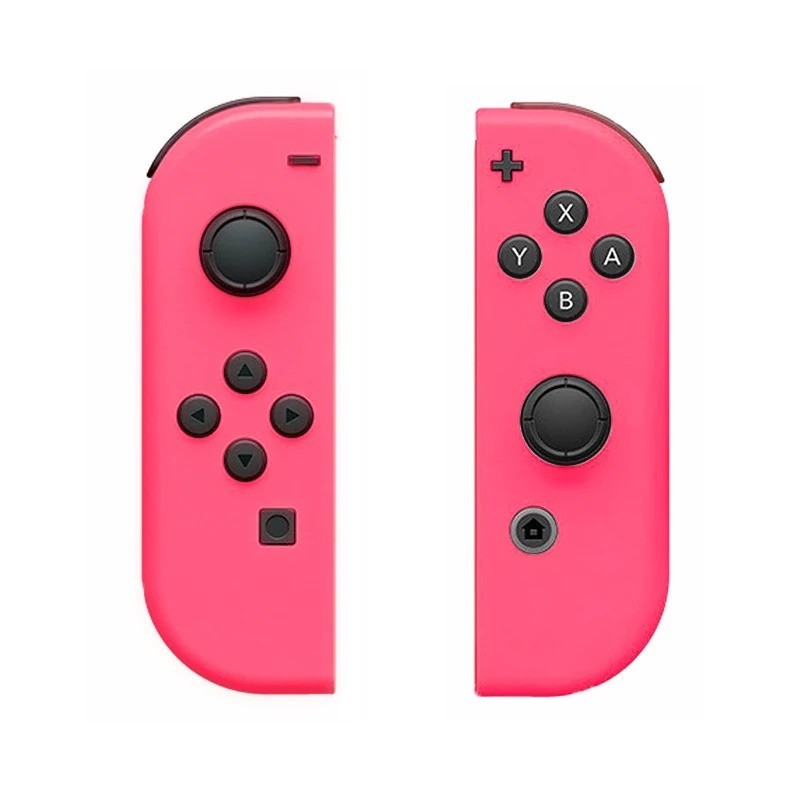 Wireless Gamepad Left/Right Game Controller For Nintendo Switch JoyCon1Pair Case$7.94View on eBay
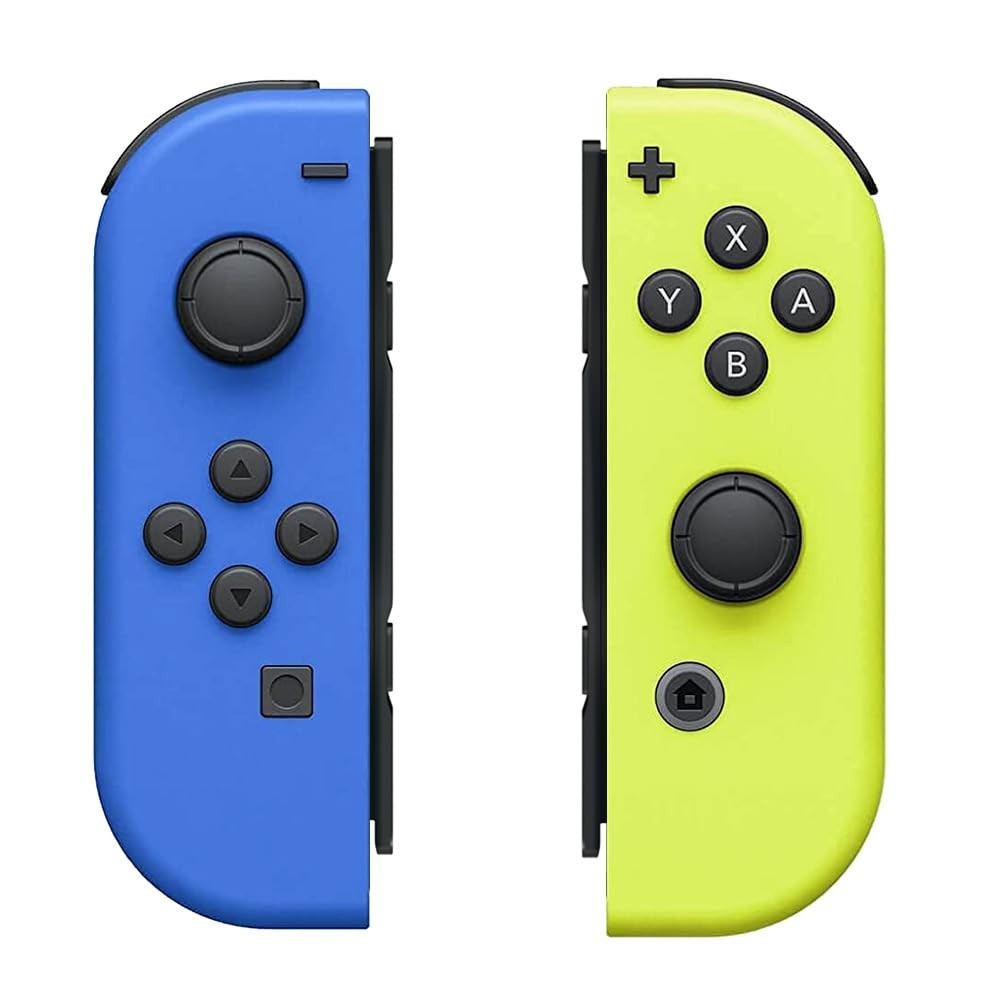 Wireless Gamepad Left & Right Game Controller For Nintendo Switch Joy-Con1-Pair$24.99Last checked Nov 27, 2026View on eBay
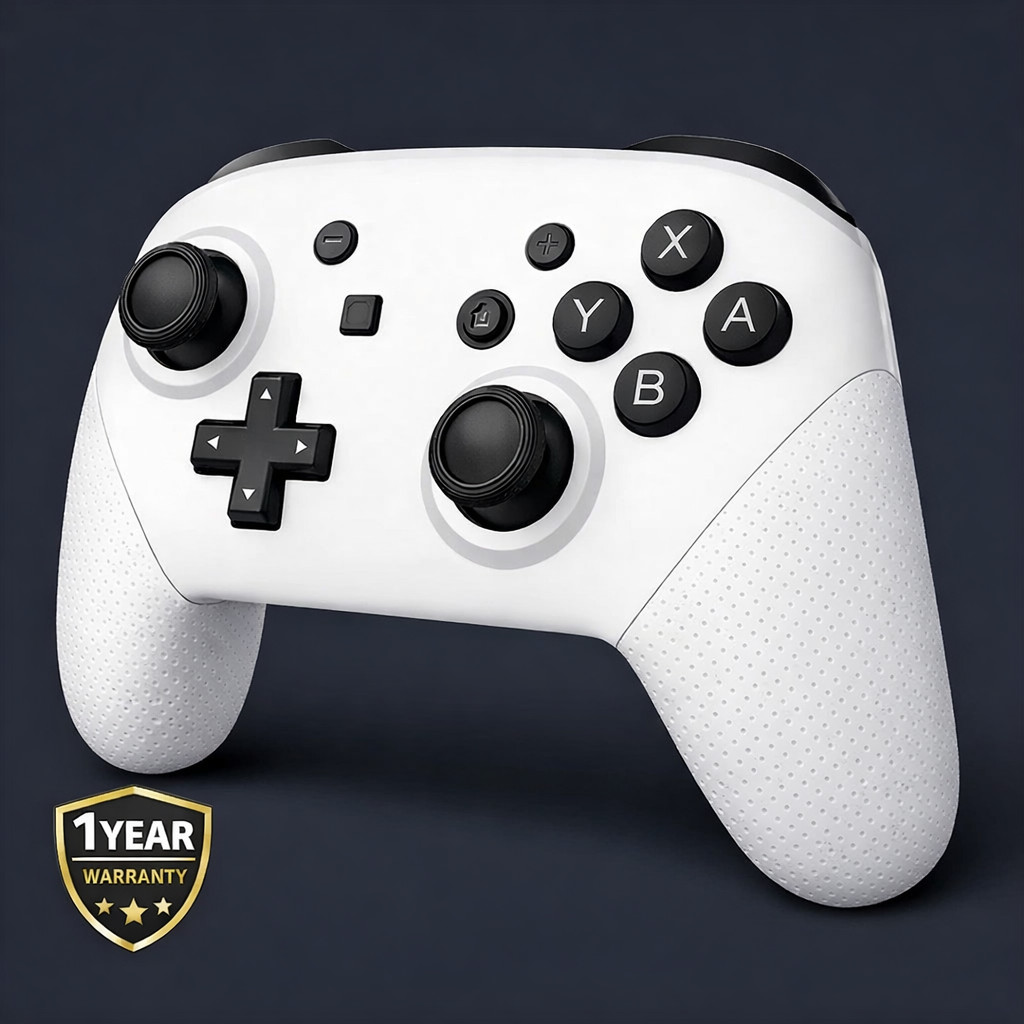 Arctic White Wireless Pro Controller For Nintendo Switch 1+2 OLED Lite Bluetooth$27.99View on eBay
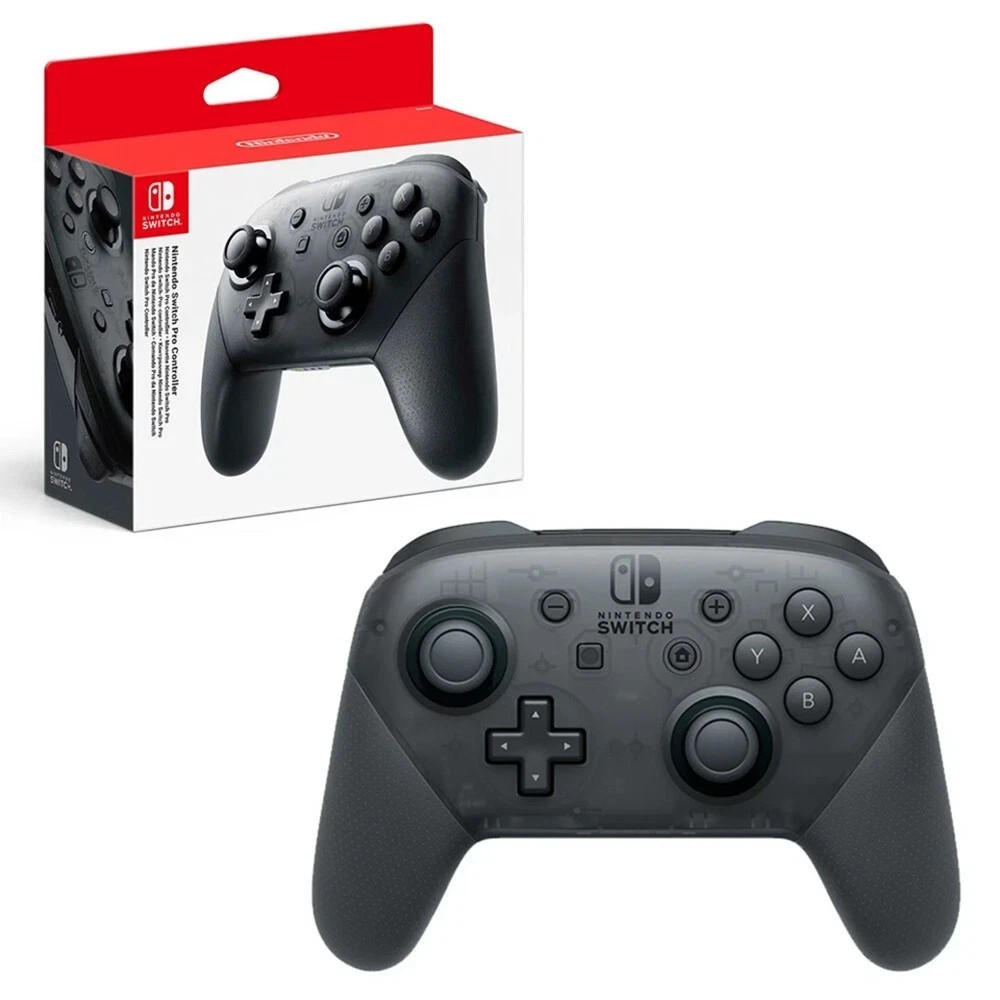 Nintendo Switch Wireless Pro Controller - Black$33.98View on eBay
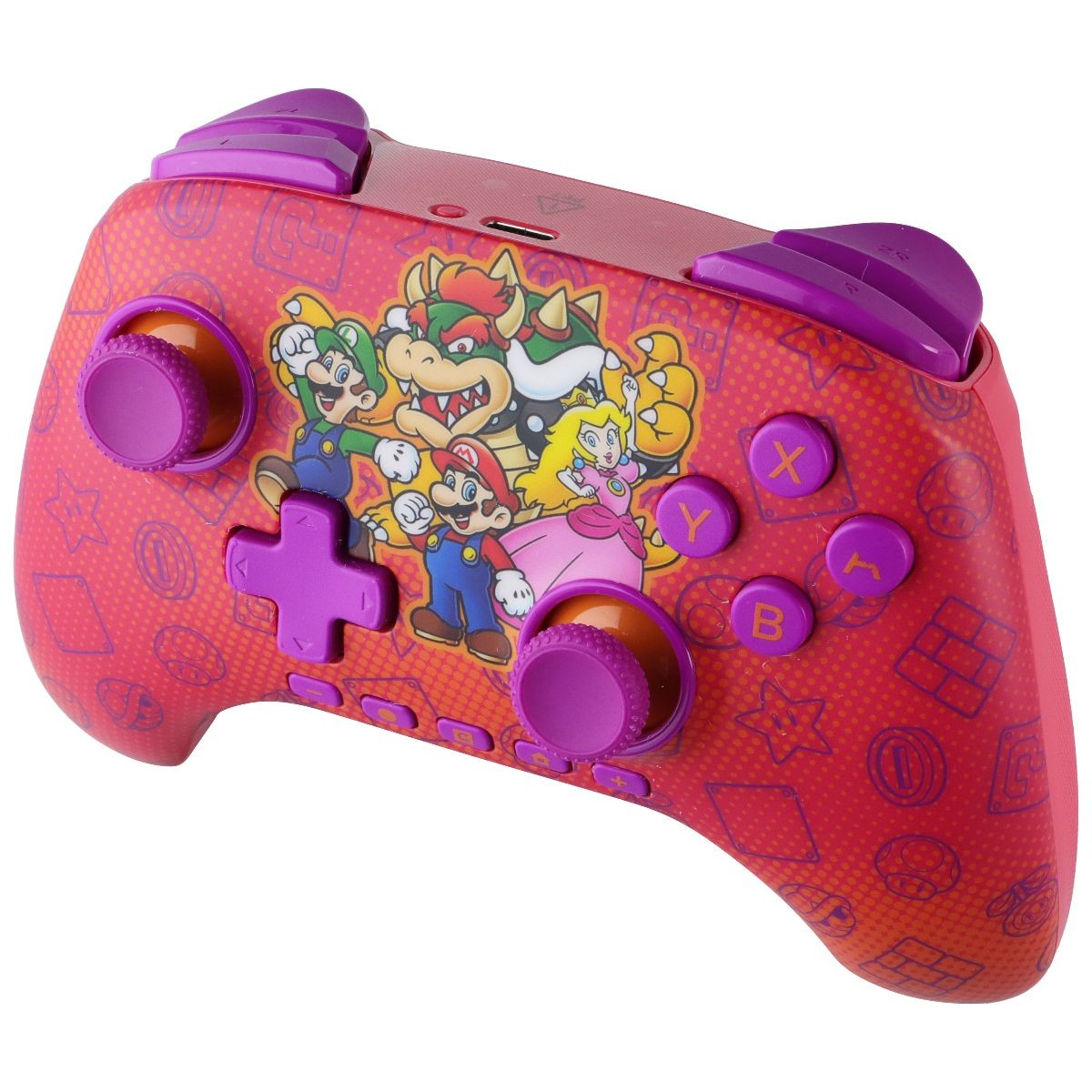 PowerA Advantage Wireless Controller for Nintendo Switch 1/2 - Mario and Friends$43.95View on eBay
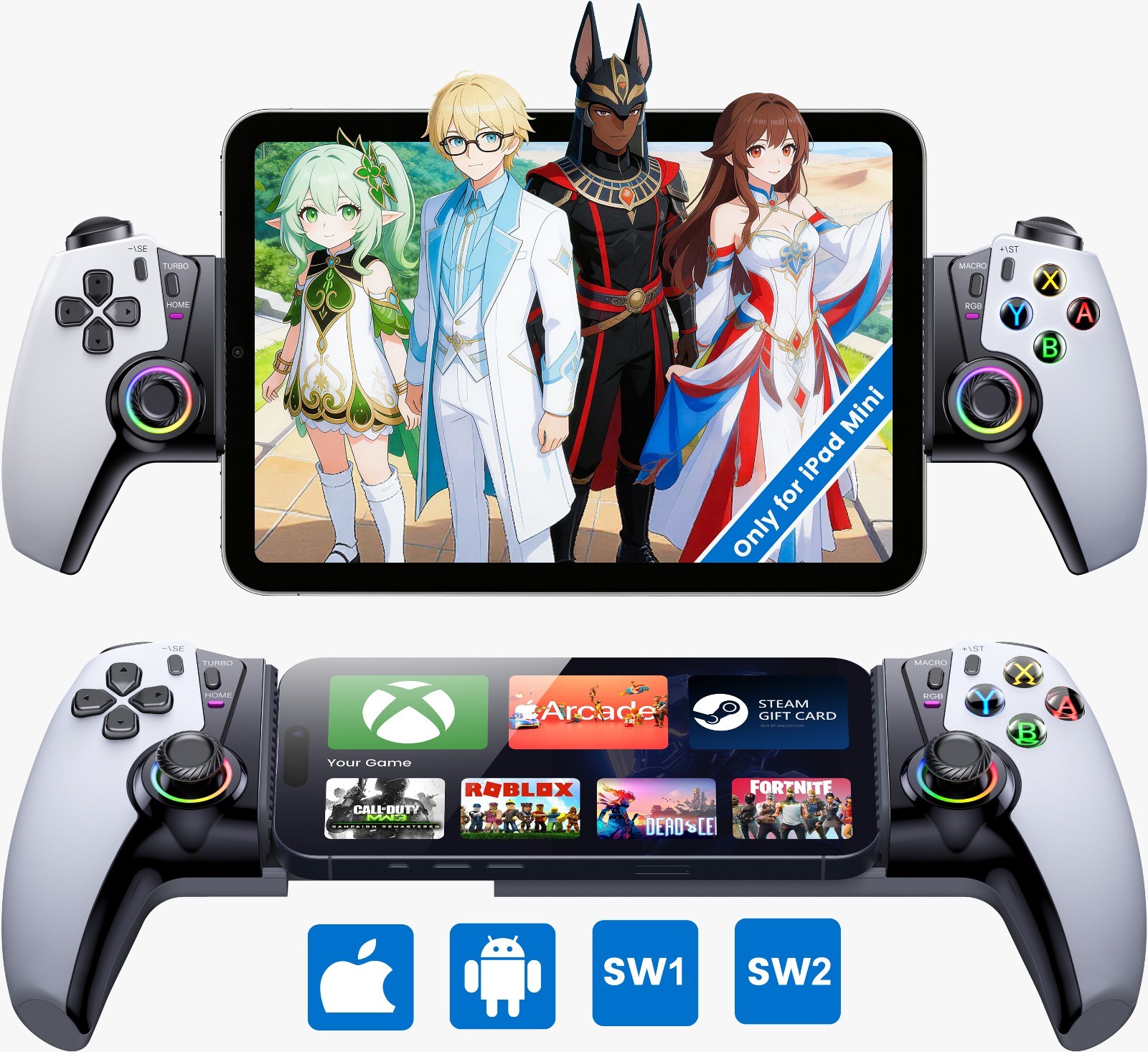 for Switch 2/OLED/iOS/Android Wireless Bluetooth Mobile Phone Game Controller$46.99Last checked Nov 20, 2026View on eBay
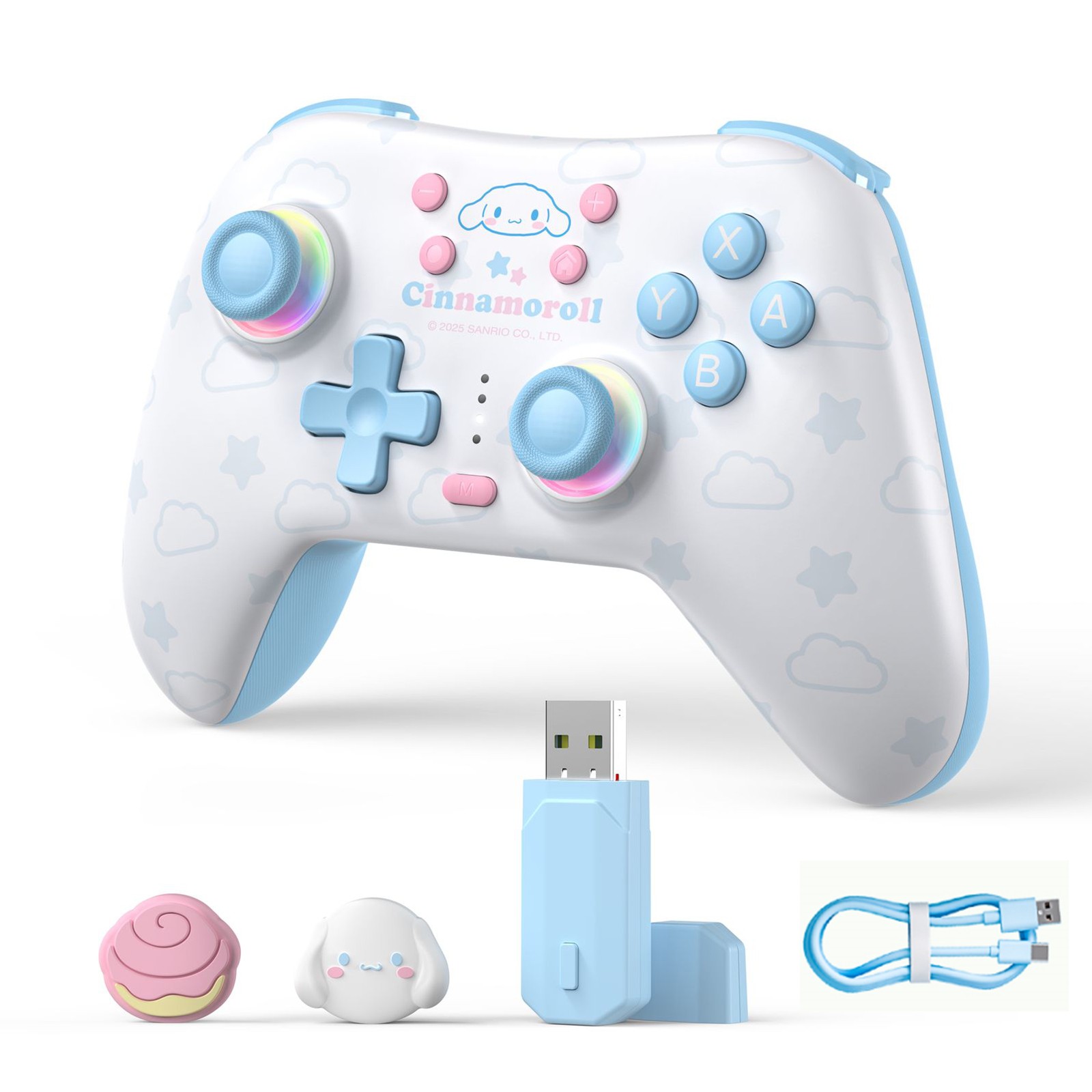 Cartoon Switch Wireless Controller Bluetooth Gamepad for PC/Switch/iOS/Android$56.99View on eBay
Highlights
- Joy-Con pairs use independent left/right Bluetooth links with SL/SR shoulder buttons, IR camera (right), and HD rumble; Pro controllers use a single Bluetooth link with NFC amiibo reader and gyro.
- First-party Pro Controller (Switch 1) charges via USB-C and offers roughly 40 hours per charge; third-party Pro-style pads typically run 10–20 hours and often omit HD rumble and NFC.
- Budget third-party Joy-Con clones frequently drop IR camera, NFC, and wake-from-sleep; they pair as generic Bluetooth HID and may not support system-level motion calibration.
- Hall-effect joystick modules eliminate stick drift and are now standard on premium third-party Pro pads; stock first-party sticks use traditional potentiometers subject to wear.
Best use cases
- Handheld or tabletop multiplayer: buy a genuine or licensed Joy-Con pair (left+right) — skip full-size Pro pads, which cannot attach to the console rails.
- Docked single-player marathons: pick a Pro-style gamepad with gyro and NFC; skip split pairs unless you need motion-controlled party titles.
- Competitive Smash/Splatoon: choose a low-latency first-party Pro Controller or a licensed pad with 1000Hz polling; skip unbranded 2.4G dongle pads with unverified latency.
- Budget family setup: buy one budget Pro-style pad per player for casual docked play; skip it if you rely on amiibo, HD rumble, or precise gyro aiming.
Buying tips
- Confirm Bluetooth 3.0+ wireless with gyro and accelerometer support — motion is mandatory for Splatoon, Mario Odyssey, and Zelda shrine puzzles.
- For docked play, ensure the pad pairs natively to Switch firmware without a dongle; dongle-based 2.4G pads add a USB-A port dependency on the dock.
- Check joystick type: Hall-effect modules resist drift over years; potentiometer sticks on budget pads wear out within 6–18 months of heavy use.
- Verify NFC amiibo support if you collect figures — budget Pro clones almost always omit the NFC reader, blocking amiibo unlocks.
Specs
| Controller Type | Split Joy-Con pair vs full-size Pro pad |
|---|---|
| Wireless Protocol | Bluetooth native vs 2.4G dongle |
| Motion Support | 6-axis gyro + accelerometer (required) |
| Joystick Module | Hall-effect vs potentiometer |
Related searches
What to check before buying
- Confirm rail compatibility: Joy-Con-style pairs must slide onto the console rails; Pro-style pads pair wirelessly and never attach physically.
- Check charging standard: USB-C is universal on current models; older micro-USB pads need a separate cable not included with the Switch dock.
- Match player count to purchase: each split pair covers two players; each Pro-style pad covers one — buy accordingly for local multiplayer nights.
- Verify firmware compatibility with Switch 1, Switch Lite, and OLED — budget clones may fail on newer firmware or require manual re-pairing.
FAQ
Data sources: eBay / Amazon listings and product attribute feeds. Updated Nov 28, 2026.
Some links on this page are affiliate links. If you buy after clicking one, we may earn a commission at no extra cost to you. This does not change which products appear here or their order. Affiliate disclosure.