
Photos from current listings. Actual item, color, and included accessories may vary.
Wireless Gaming Controller Buying Guide
A wireless gaming controller is an input device that connects to a console, PC, or mobile device over Bluetooth, 2.4 GHz RF, or a proprietary protocol. The core trade-off is between latency, connection stability, and battery life versus build quality—Hall-effect sticks and mechanical buttons cost more but eliminate drift and double-press failures. The decision rule: pick a controller whose wireless protocol matches your platform natively and whose stick/trigger technology is rated for your play intensity; skip any model that relies on potentiometer sticks if you play competitively or for long sessions.
Median $108.50
Key takeaways
- Xbox Wireless Controllers use Xbox Wireless Radio plus Bluetooth and USB-C; the 2025 revision adds a share button and textured grips but keeps the same potentiometer stick modules.
- Razer Wolverine V3 Pro and PDP Victrix Pro BFG use Hall-effect sticks and anti-drift magnetic modules, while stock Xbox and MSI Force GC30V2 use conventional analog potentiometers that wear over time.
- Pro-tier controllers like the Victrix Pro BFG and Wolverine V3 Pro include swappable stick/DPad modules, trigger stops, and 2.4 GHz USB dongles for sub-10 ms latency versus Bluetooth's 15–30 ms.
At a glance
- Category
- Controllers & Gaming Accessories
- Last updated
- Nov 27, 2026
Current offers
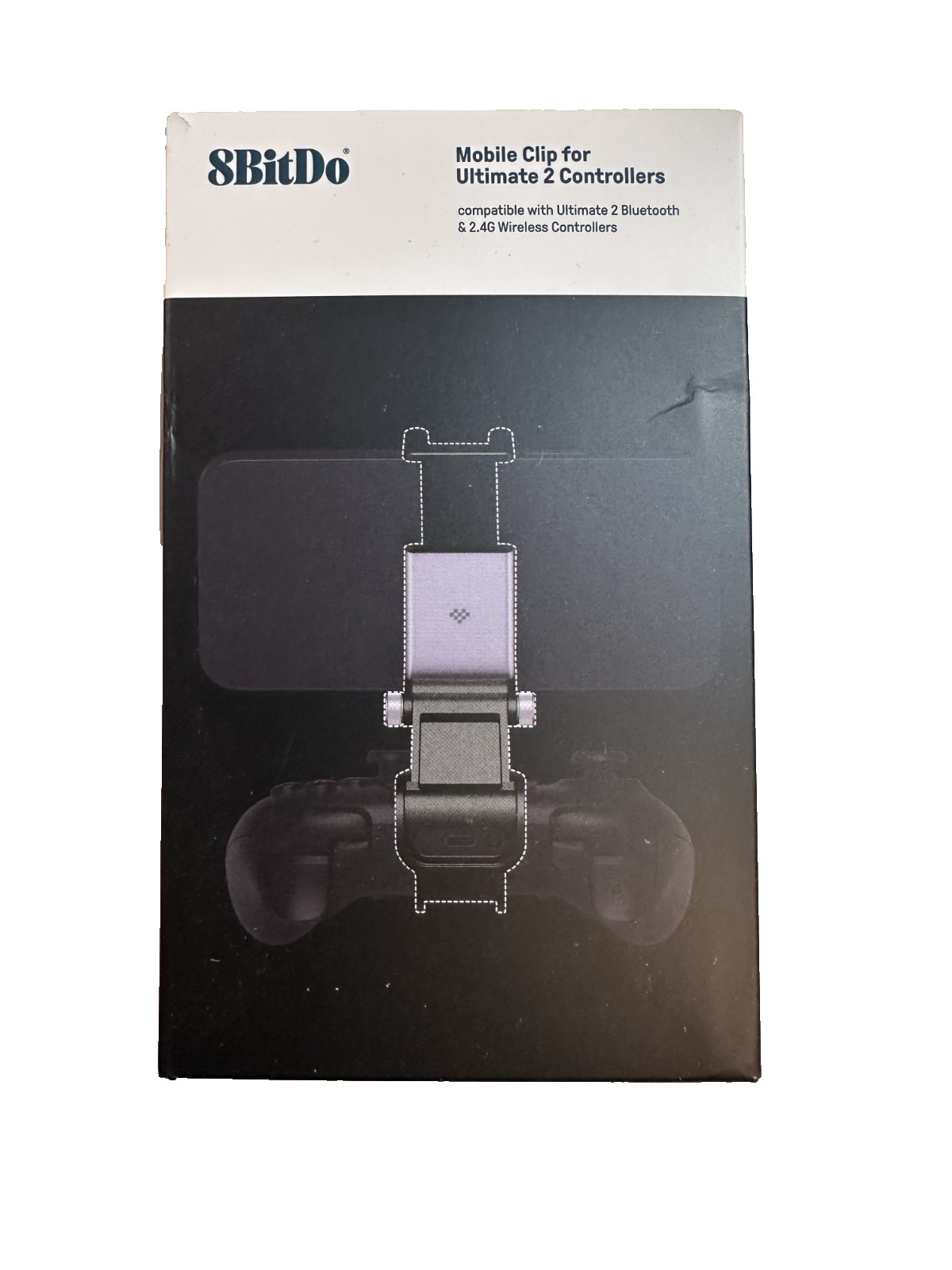 Set of 4 8BitDo Mobile Phone Gaming Clip Holder Ultimate 2 Wireless Controller$30.00View on eBay
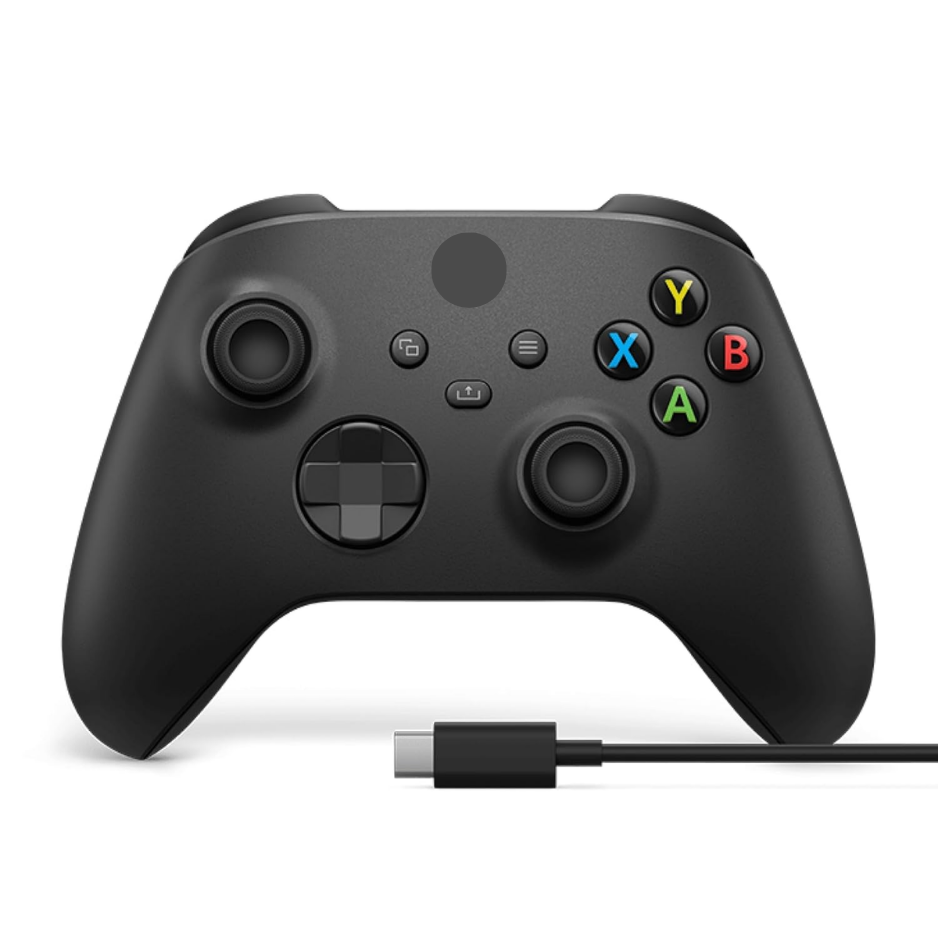 Wireless Gaming Controller With USB-C Cable, Bluetooth & Textured Grip$136.99View on Mallflare
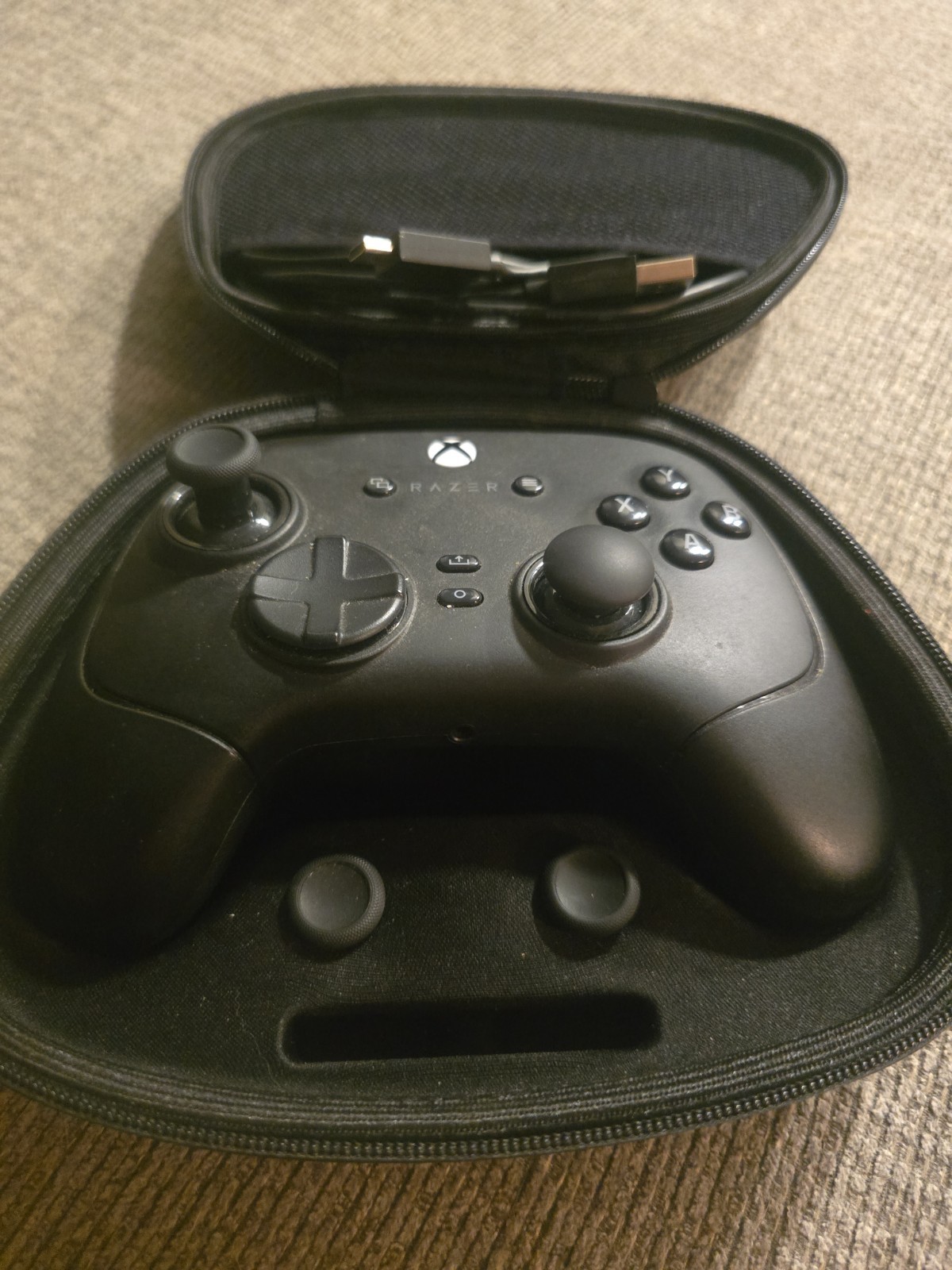 Razer Wolverine V3 Pro Wireless Gaming Controller Black, Cable, Case$80.00View on eBay
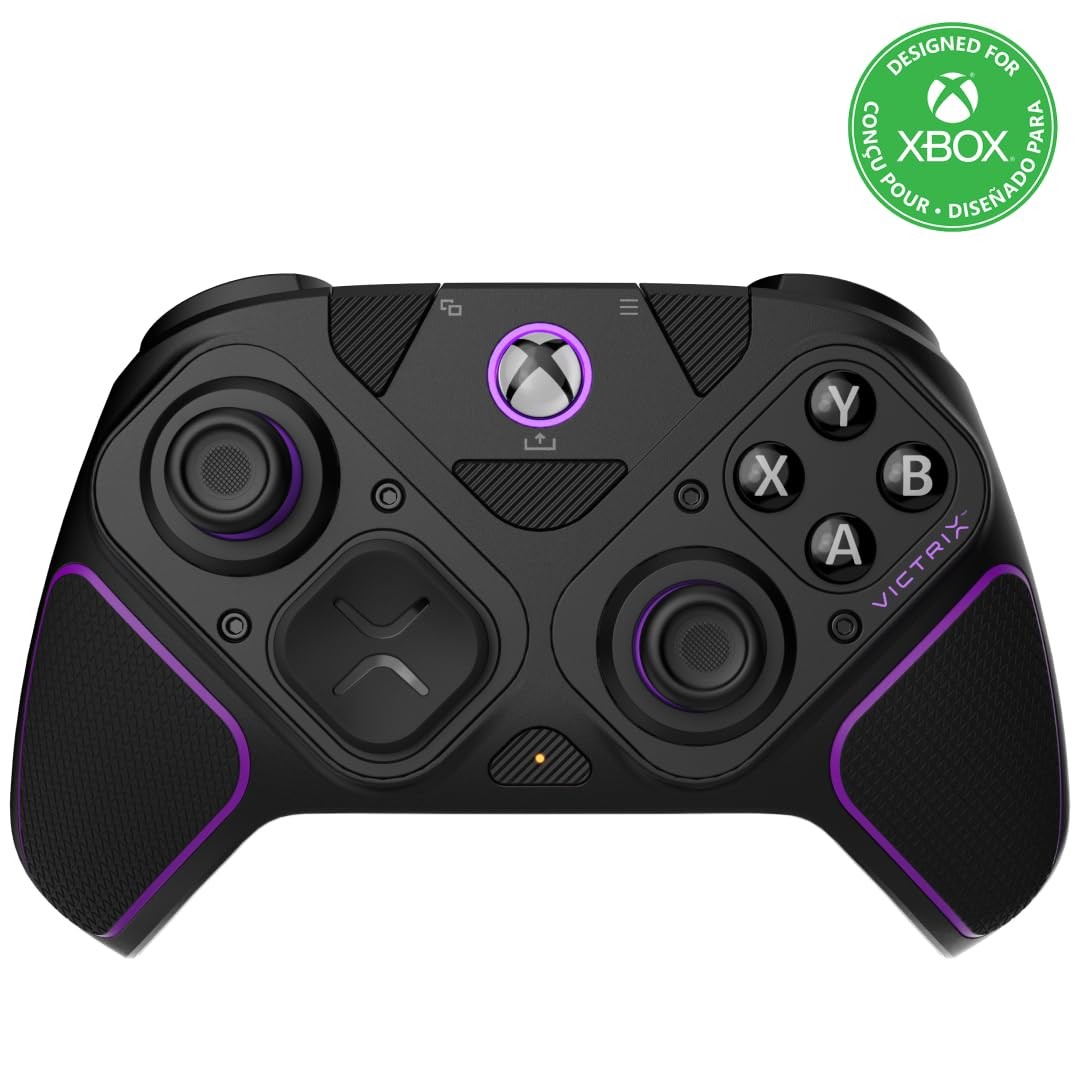 PDP Victrix Pro BFG Wireless Gaming Controller for Xbox Series X|S,Windows 10/11$171.64Last checked Nov 19, 2026View on eBay
Highlights
- Xbox Wireless Controllers use Xbox Wireless Radio plus Bluetooth and USB-C; the 2025 revision adds a share button and textured grips but keeps the same potentiometer stick modules.
- Razer Wolverine V3 Pro and PDP Victrix Pro BFG use Hall-effect sticks and anti-drift magnetic modules, while stock Xbox and MSI Force GC30V2 use conventional analog potentiometers that wear over time.
- Pro-tier controllers like the Victrix Pro BFG and Wolverine V3 Pro include swappable stick/DPad modules, trigger stops, and 2.4 GHz USB dongles for sub-10 ms latency versus Bluetooth's 15–30 ms.
- Mobile clips (8BitDo Mobile Gaming Clip, Amazon Luna mount) add phone-holding hardware to a full-size controller; they require a Bluetooth-capable controller and add 100–150 g of leverage to the grip.
Best use cases
- Best fit for Xbox Series X|S and PC: Xbox Wireless Controller with USB-C cable—native Xbox Wireless Radio, impulse triggers, and no dongle needed. Skip third-party Bluetooth-only pads if you need impulse trigger rumble.
- Best fit for competitive FPS and long-session durability: Razer Wolverine V3 Pro or PDP Victrix Pro BFG—Hall-effect sticks, trigger stops, and 2.4 GHz dongle. Skip these if you only play casual platformers and don't need swappable modules.
- Best fit for mobile/cloud gaming: 8BitDo Mobile Gaming Clip or Amazon Luna Controller paired with your phone—clip holds the phone rigidly and the Luna controller connects over Bluetooth and Wi-Fi. Skip full-size console pads without a clip if you play touch-first mobile titles.
- Wrong fit: buying a Bluetooth-only controller for competitive Xbox play—Bluetooth adds latency and lacks impulse triggers. Wrong fit: potentiometer sticks for heavy daily FPS use—they develop drift within months.
Buying tips
- Match the wireless protocol to your platform: Xbox consoles need Xbox Wireless Radio or a 2.4 GHz dongle; PC and mobile accept Bluetooth 5.0+ or 2.4 GHz. Bluetooth-only pads lose impulse triggers on Xbox.
- Prioritize Hall-effect or magnetic stick modules over potentiometer sticks if you play more than 10 hours per week—potentiometer tracks wear and cause drift, while Hall-effect sensors are contactless and rated for millions of cycles.
- Check battery capacity and charging: built-in rechargeable packs in the 1200–1600 mAh range give 20–40 hours; AA-powered controllers (Xbox) need 2×AA and last 30–40 hours but add weight and recurring cost.
- For mobile clips, verify the clip's phone-width range and controller compatibility—8BitDo clips fit Xbox One/Elite and Ultimate controllers, while Luna's mount is proprietary to the Luna controller.
Specs
| Wireless Protocol | Xbox Wireless / Bluetooth / 2.4 GHz |
|---|---|
| Stick Technology | Hall-effect vs potentiometer |
| Battery Type | Rechargeable 1200–1600 mAh / 2×AA |
| Platform Support | Xbox / PC / mobile / cloud |
Related searches
What to check before buying
- Confirm your platform's native wireless standard: Xbox Wireless Radio (Xbox consoles), Bluetooth 5.0+ (PC, mobile, Switch), or 2.4 GHz USB dongle (PC, some consoles).
- Measure your phone width if using a mobile clip—most clips support 60–90 mm widths; thicker cases may not fit.
- Check the controller's weight with batteries/clip: full-size pads run 250–300 g, and adding a phone clip plus phone pushes past 400 g, which affects long-session comfort.
- Verify the charging port and cable standard: USB-C is now standard on Xbox 2025, Wolverine V3 Pro, and Victrix Pro BFG; older micro-USB models need a separate cable.
FAQ
Data sources: eBay / Amazon listings and product attribute feeds. Updated Nov 27, 2026.
Some links on this page are affiliate links. If you buy after clicking one, we may earn a commission at no extra cost to you. This does not change which products appear here or their order. Affiliate disclosure.