
Photos from current listings. Actual item, color, and included accessories may vary.
Wireless Controller PC Buying Guide
A wireless PC controller is an input device that connects over Bluetooth, a 2.4 GHz USB dongle, or a wired fallback, and its core trade-off is native XInput/Steam compatibility versus cheap multi-protocol firmware that emulates it poorly. Buy a controller whose connection mode matches your platform and whose sticks use Hall-effect sensors; skip generic gamepads that list every console but guarantee none.
Median $28.47
Key takeaways
- Connection tiers: native Bluetooth LE + USB-C, 2.4 GHz dongle with lower latency, or wired-only fallback - dongle models need a free USB-A port
- Stick durability: Hall-effect magnetic sensors resist drift for years; standard carbon-film potentiometers develop dead zones under heavy play
- PC protocol: XInput is the Windows default for modern games; DInput and DirectInput-only pads need Steam Input or wrapper software to map buttons
At a glance
- Category
- Controllers & Gaming Accessories
- Last updated
- Nov 28, 2026
Current offers
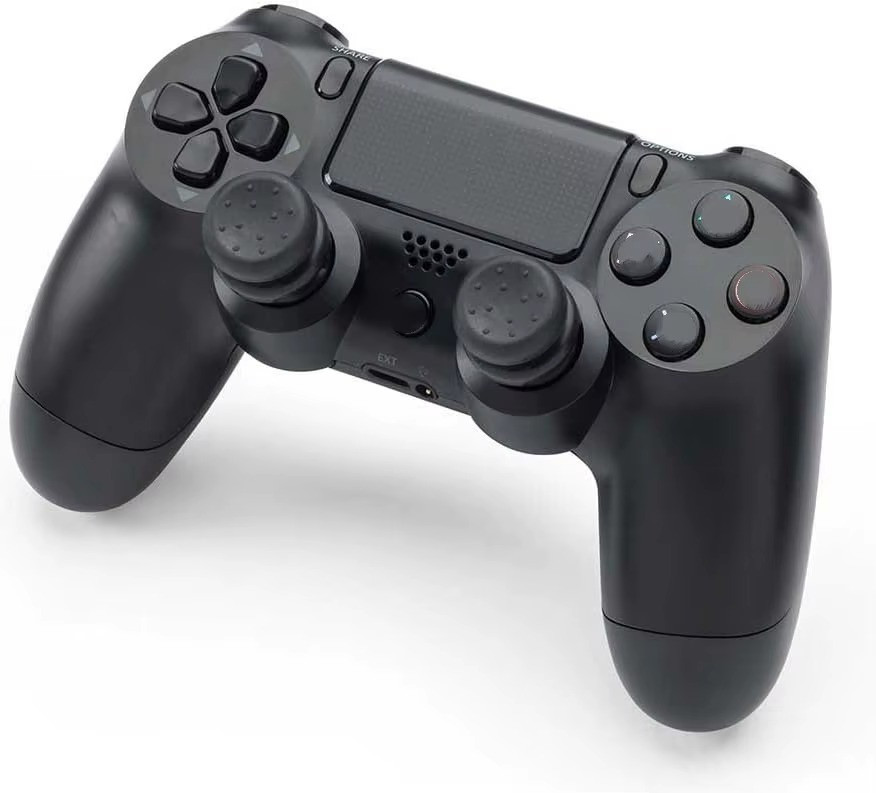 1PC Wireless Bluetooth Controller Gamepad PlayStation 4 PS4 Black Same Day 🚛✅$5.35View on eBay
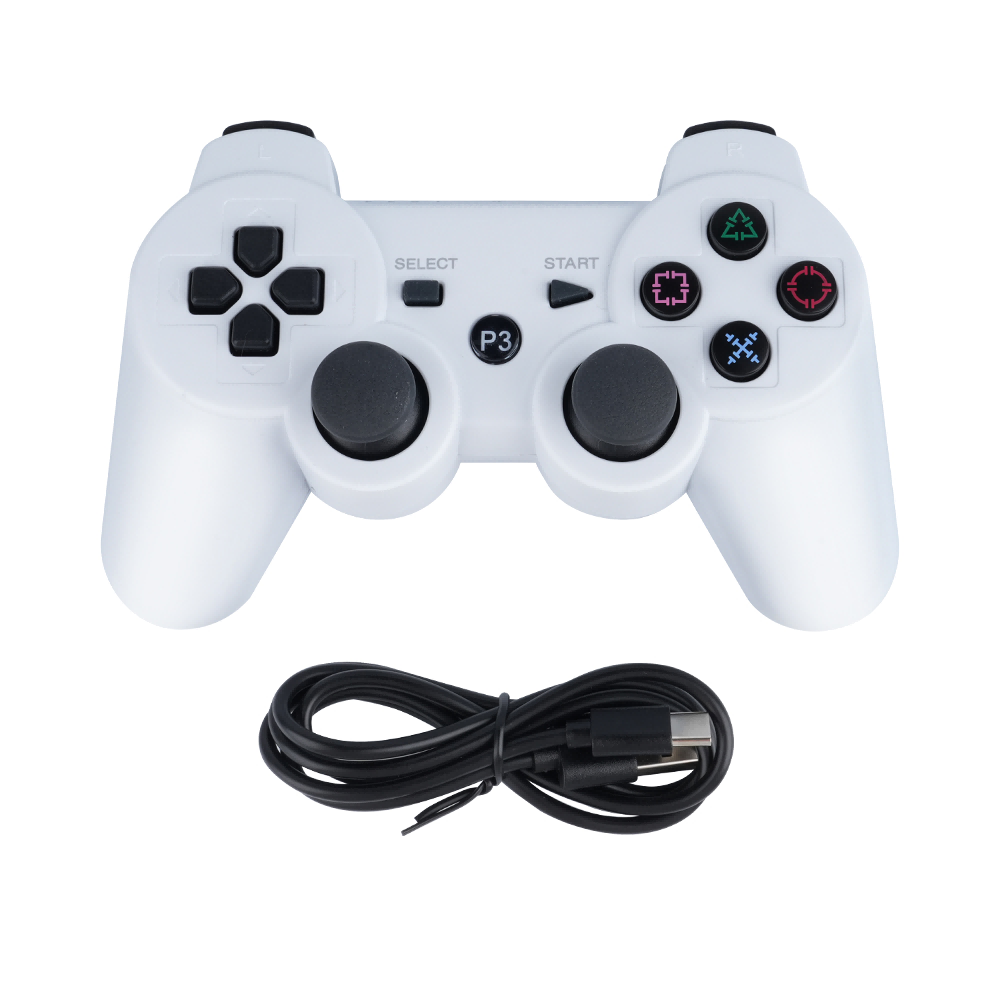 PS3 Gamepad Wireless Game Controller With USB Cable$19.99View on Mallflare
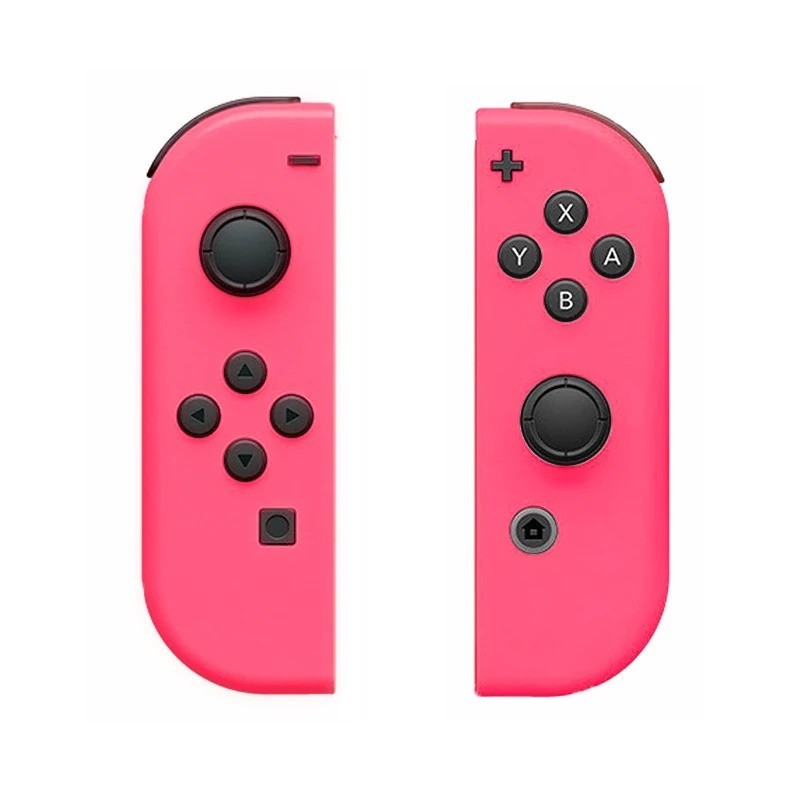 Wireless Gamepad Left/Right Game Controller For Nintendo Switch JoyCon1Pair Case$7.94View on eBay
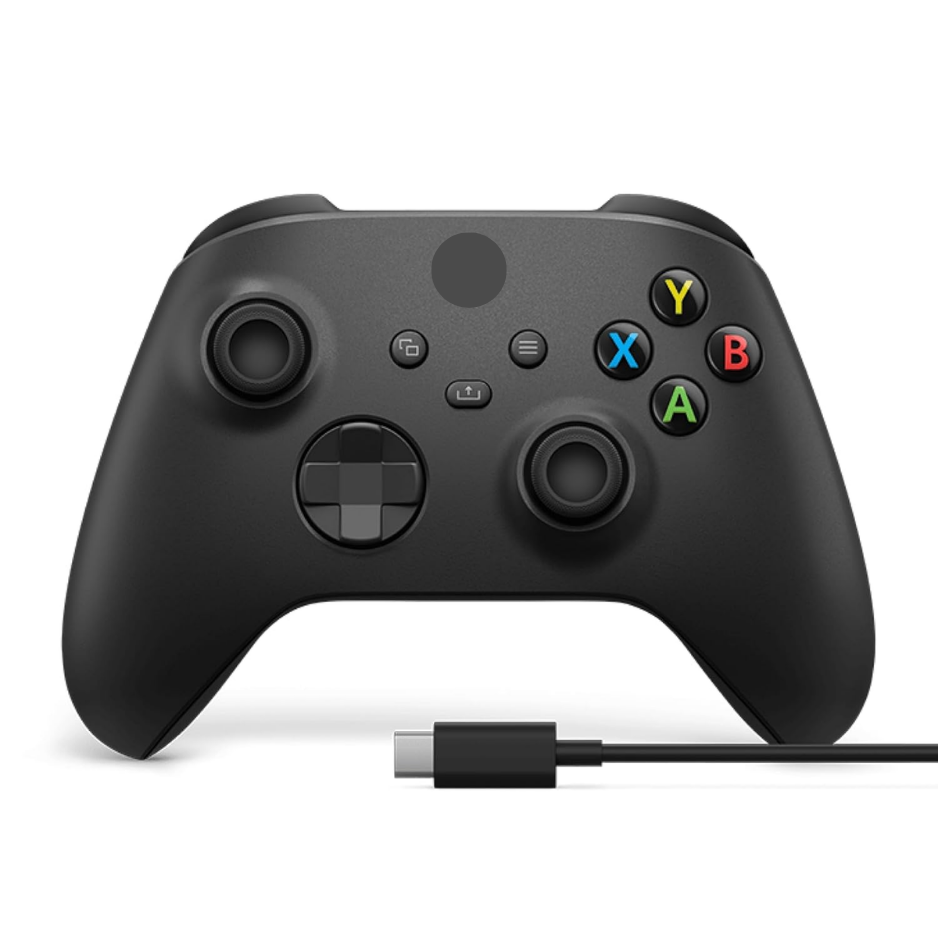 Wireless Gaming Controller With USB-C Cable, Bluetooth & Textured Grip$136.99View on Mallflare
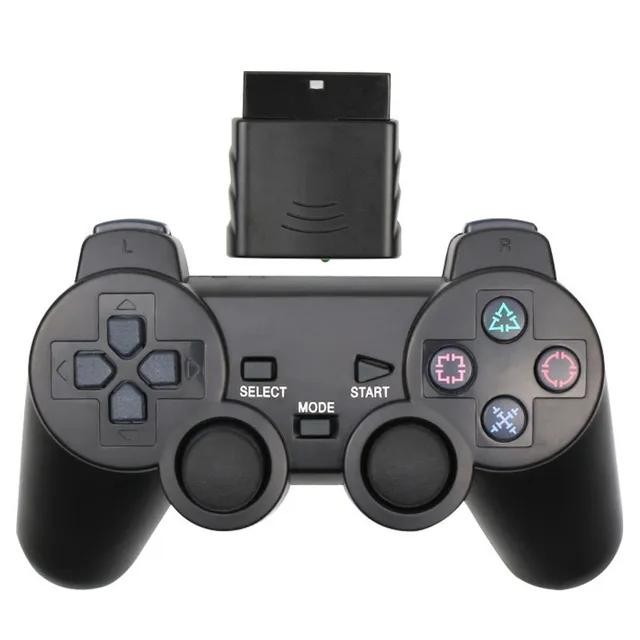 Wireless Gamepad Controller for PS2 PS1 2.4G Vibration USB PC Compatible$8.99View on eBay
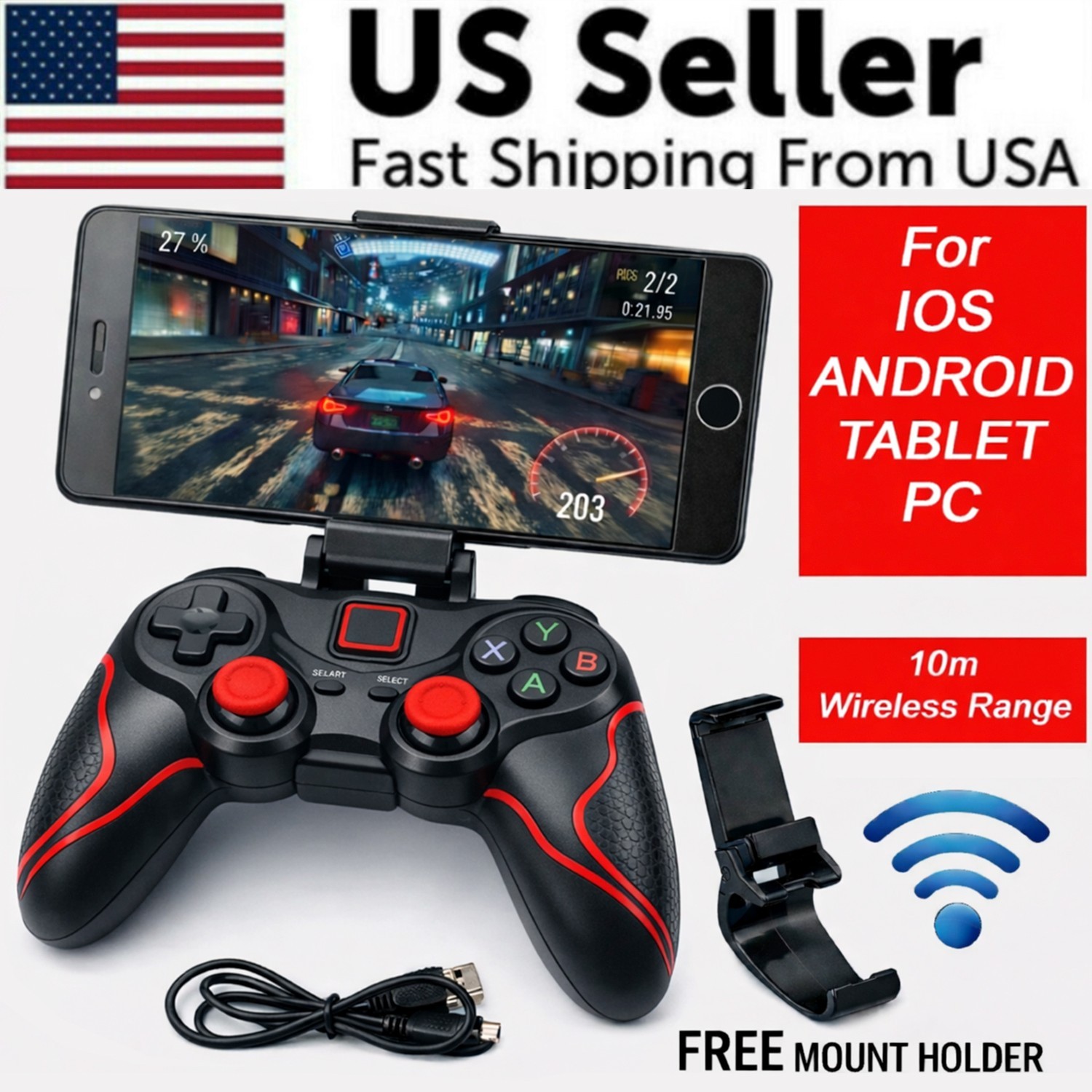 Wireless Bluetooth Game Controller Gamepad For Android iPhone Tablet PC Phone$12.89Last checked Nov 28, 2026View on eBay
- Wireless Bluetooth Game Controller Gamepad For Android iPhone Tablet PC Phone$12.89View on eBay
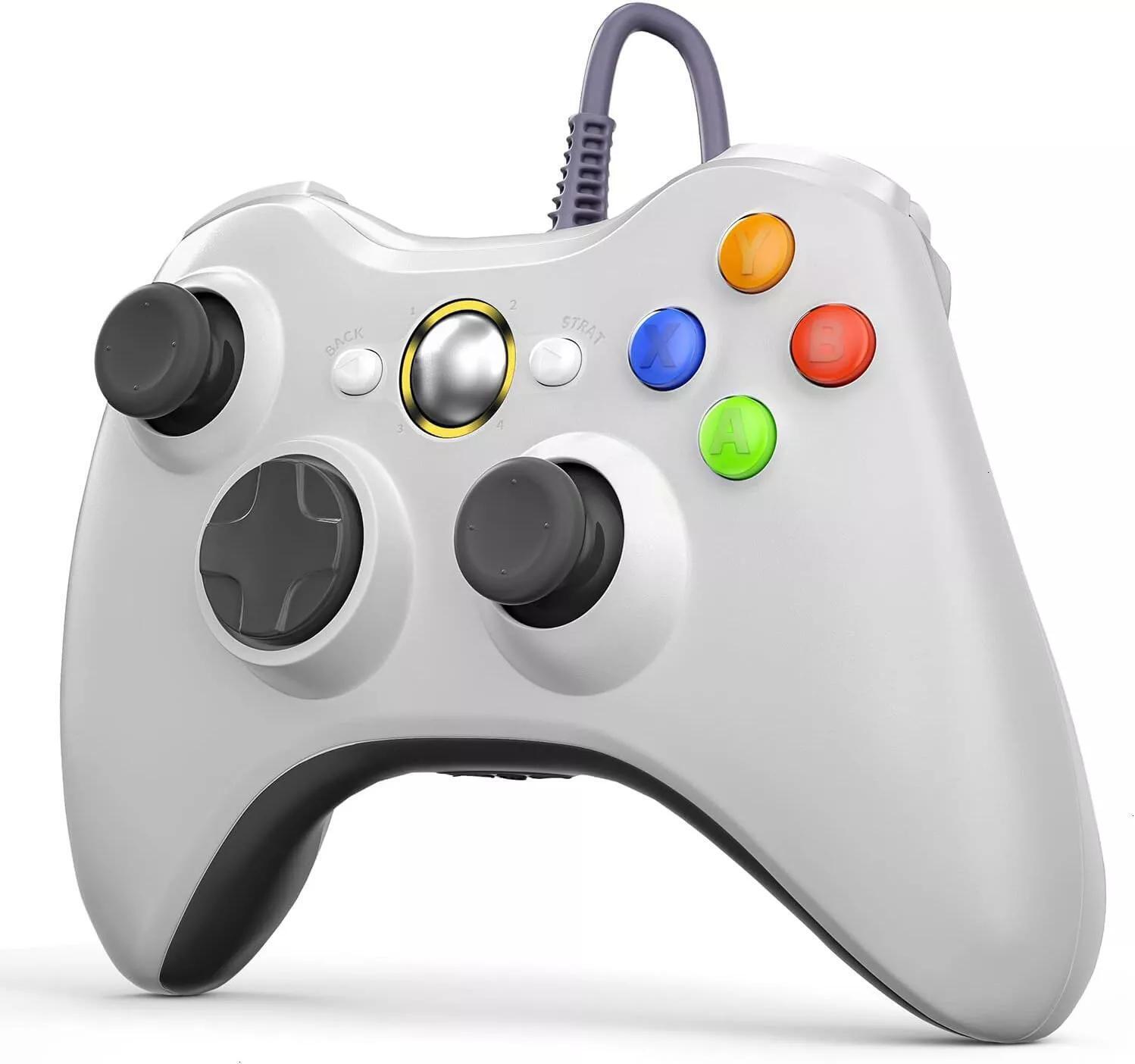 Wireless Controller For Microsoft Xbox 360/ 360Slim/ 360E for Windows 11/10/8/7$13.89Last checked Nov 20, 2026View on eBay
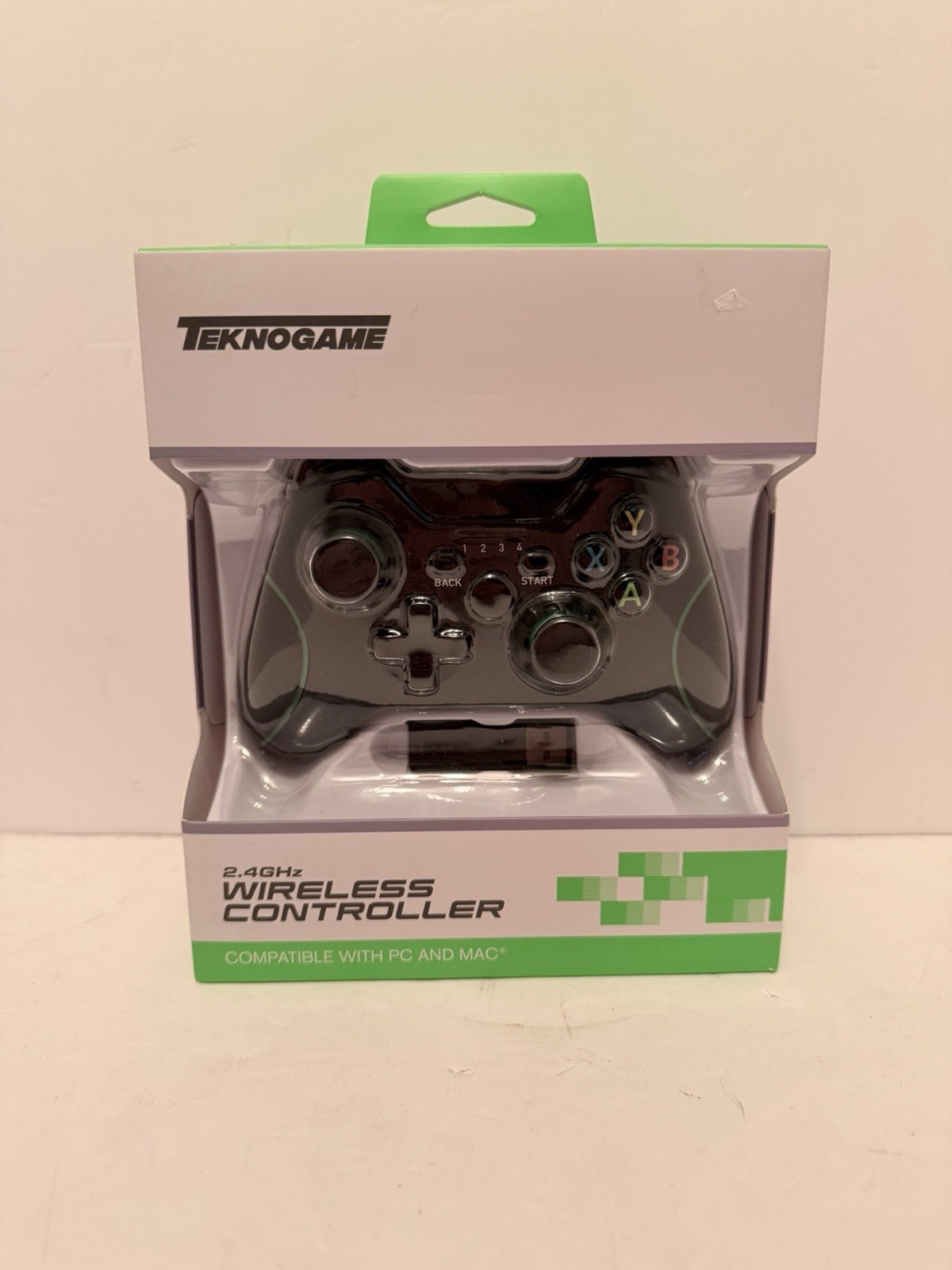 Teknogame 2.4GHz wireless controller for Xbox 360, PC, and Mac - Black New$14.99View on eBay
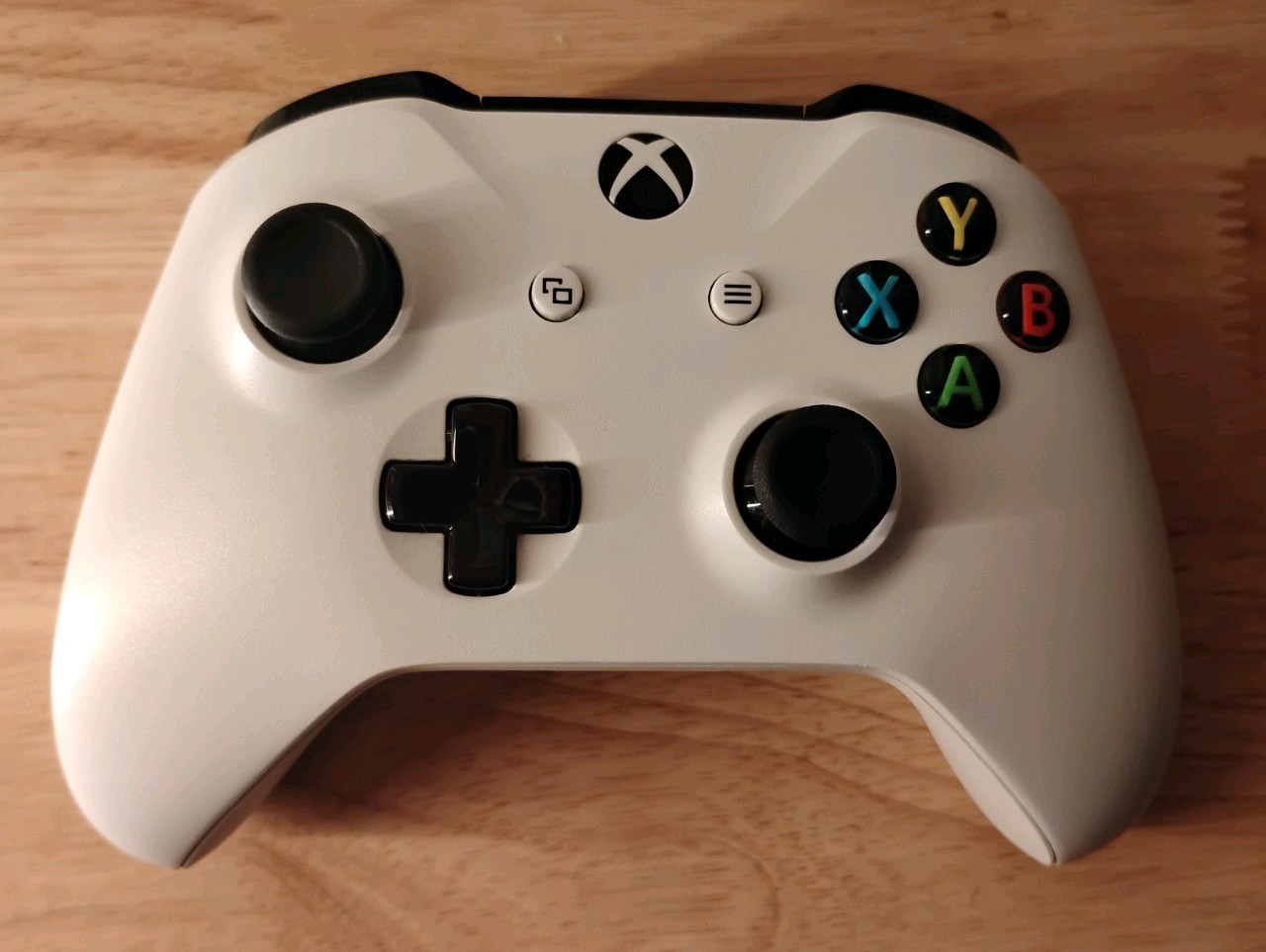 Fully Working Microsoft Xbox One Wireless Controller White/Black Model 1708$14.99View on eBay
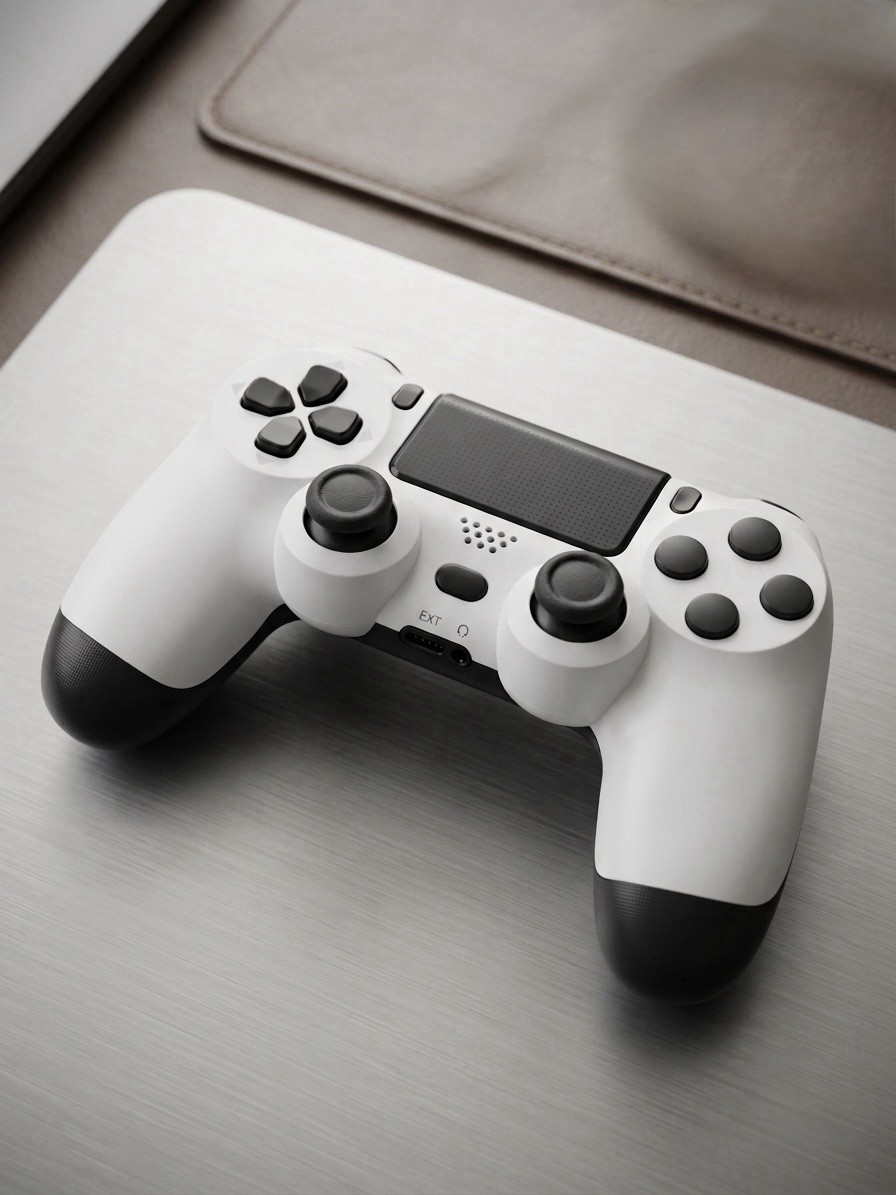 Wireless Controller Bluetooth Gamepad For PS4$15.00View on eBay
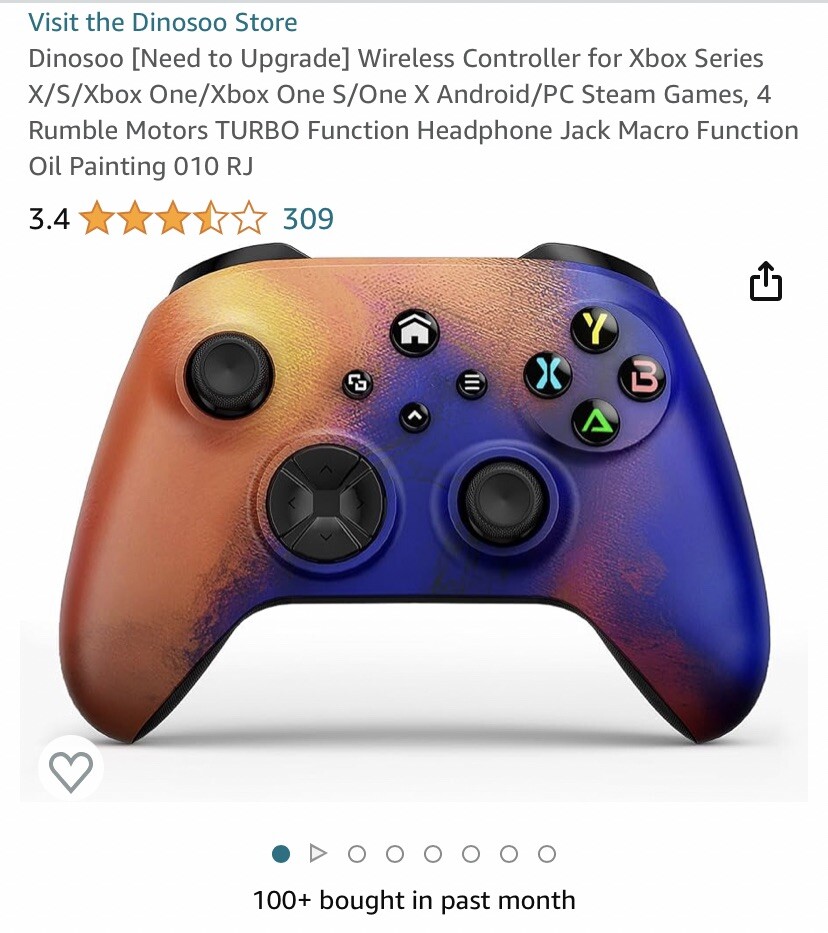 Dinosoo -Wireless Controller Xbox full range of consoles, Android, PC, and iOS.$15.00View on eBay
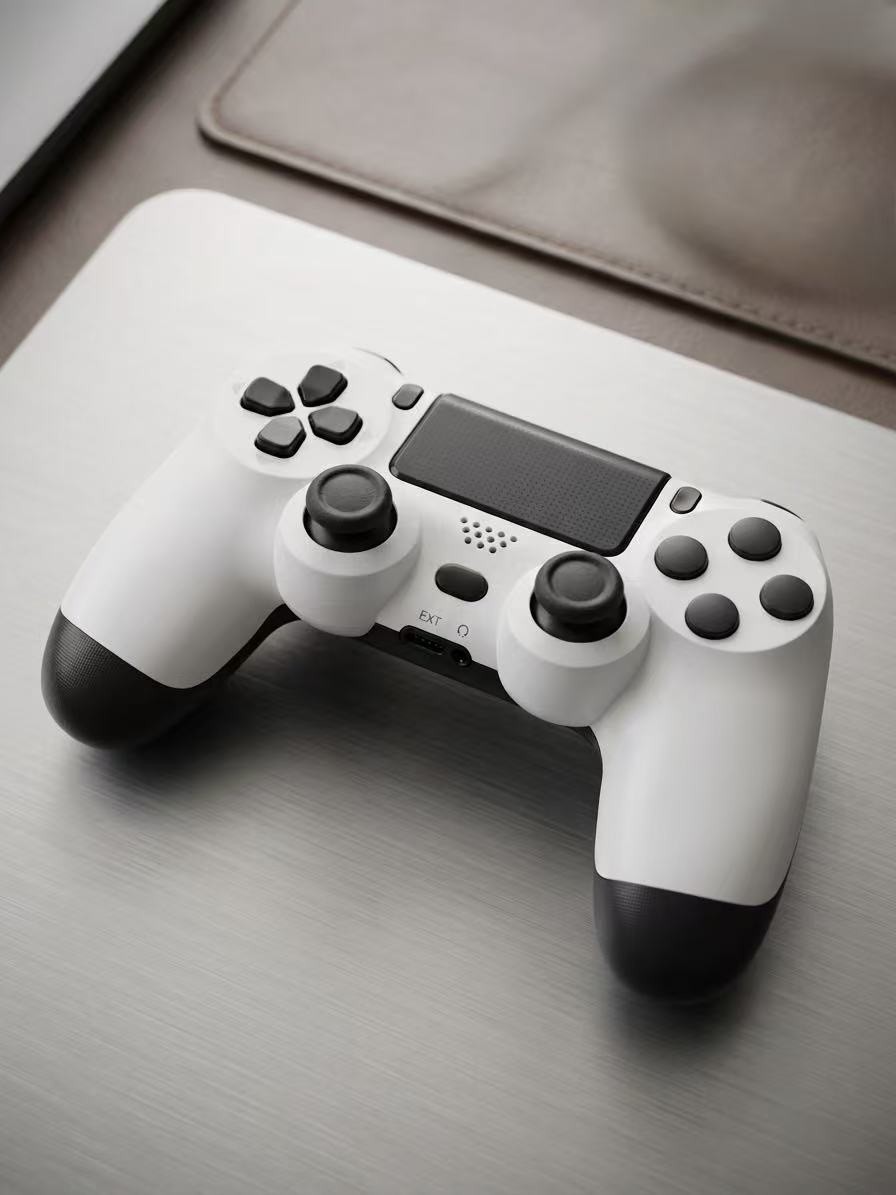 Wireless Controller for ps4 playstation/ pc White$17.50View on eBay
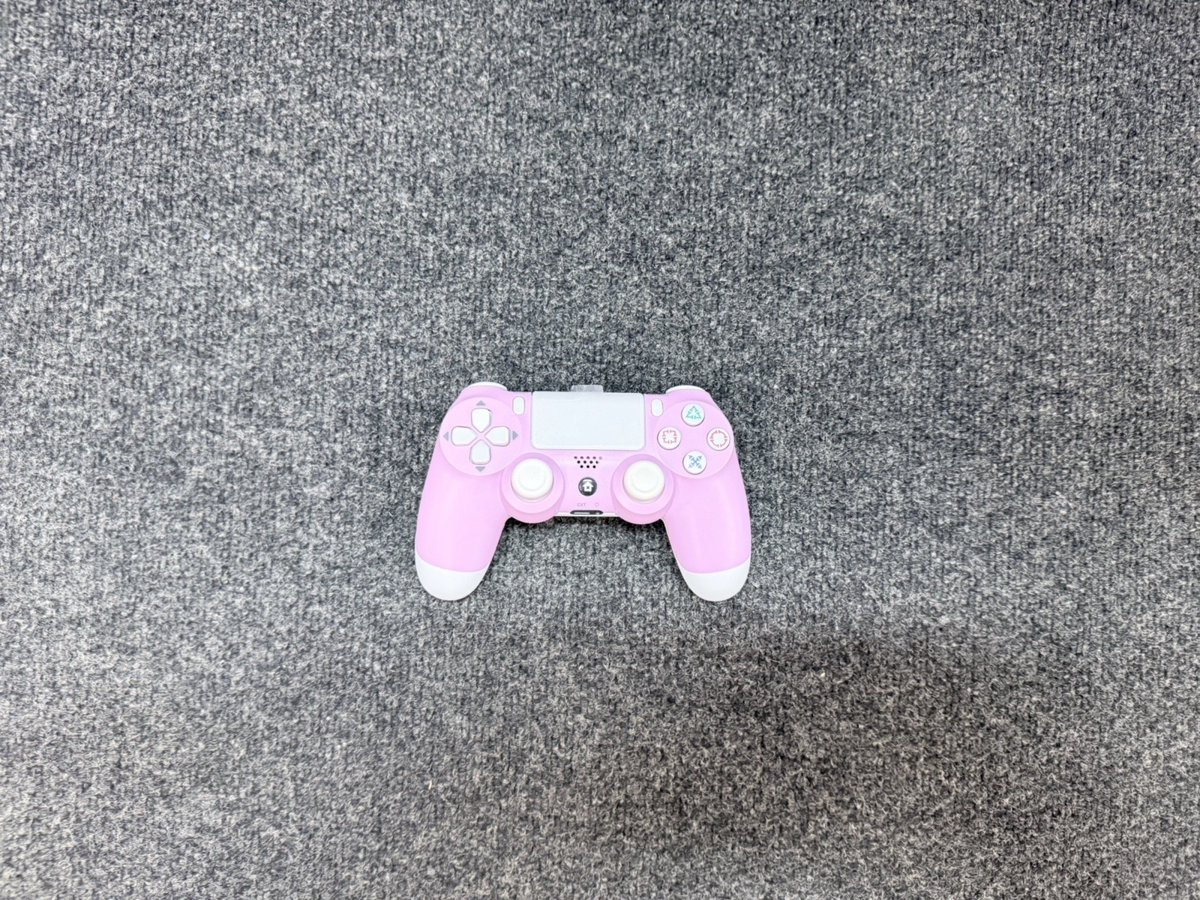 Wireless Controller Bluetooth Gamepad for PlayStation4 PS4 (Pink & White )$17.99View on eBay
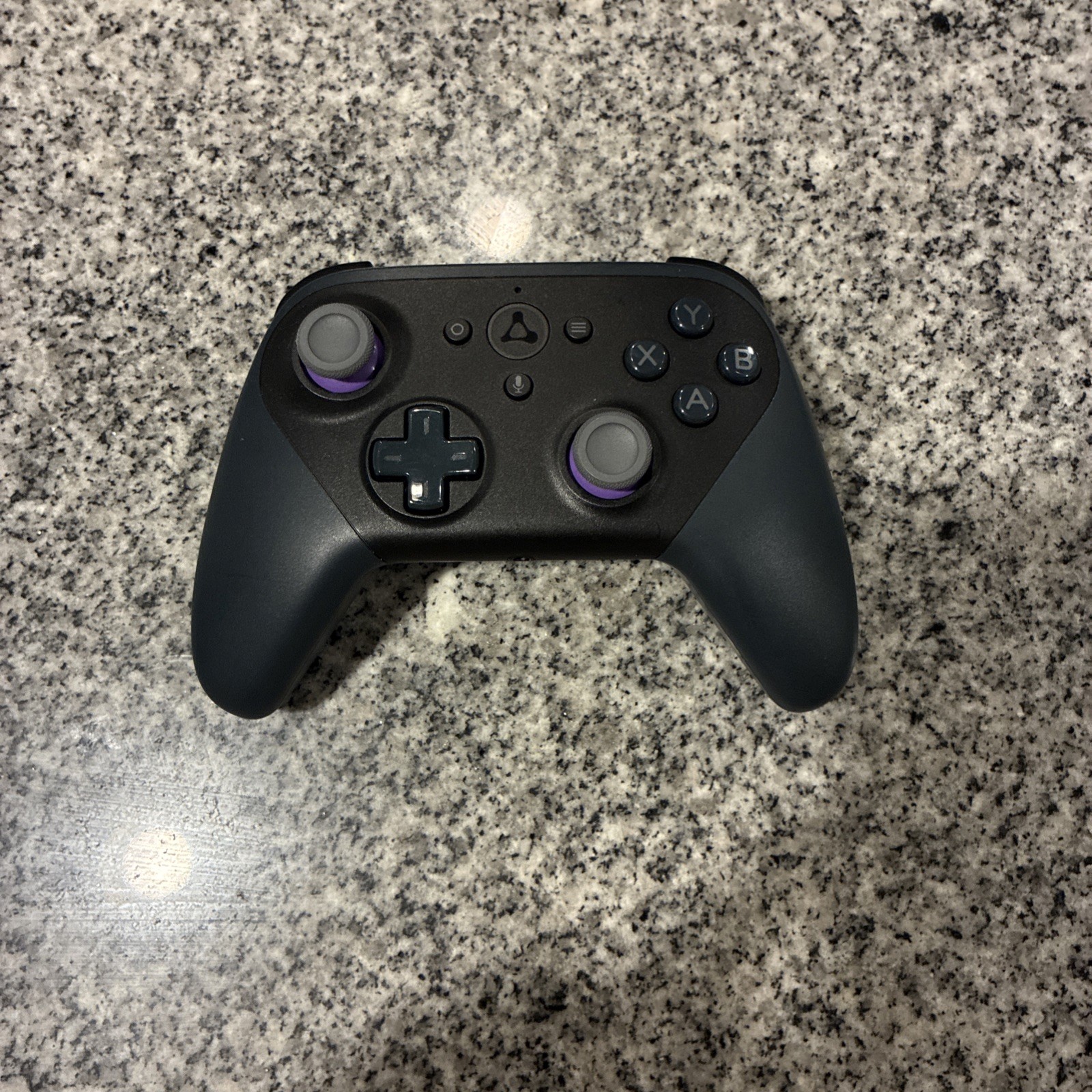 Amazon Luna Wireless Controller for Amazon Luna Cloud Gaming. Bluetooth and WiFi$20.00View on eBay
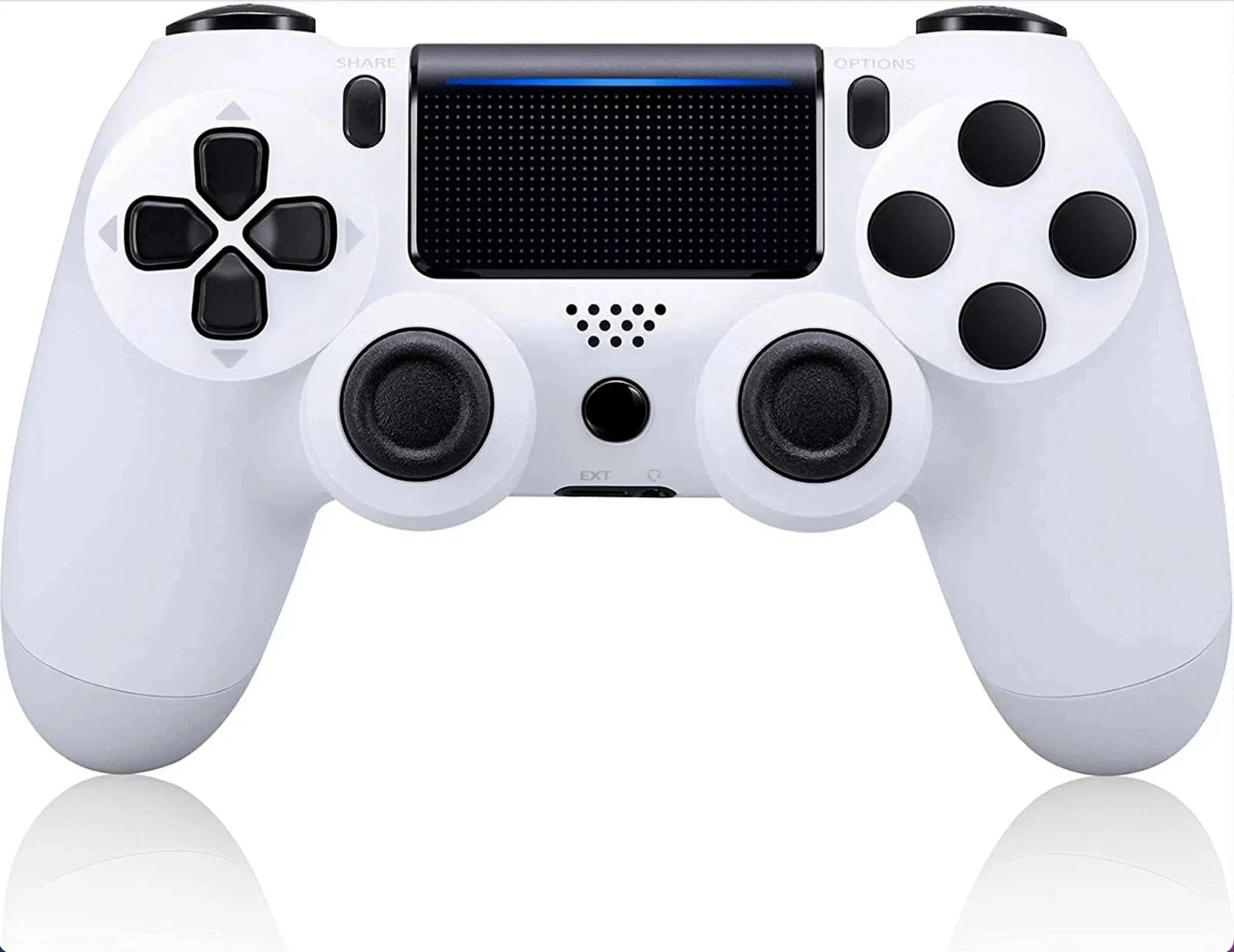 Wireless Controller Bluetooth Gamepad compatible to PlayStation4 PS4 Multi-color$20.99View on eBay
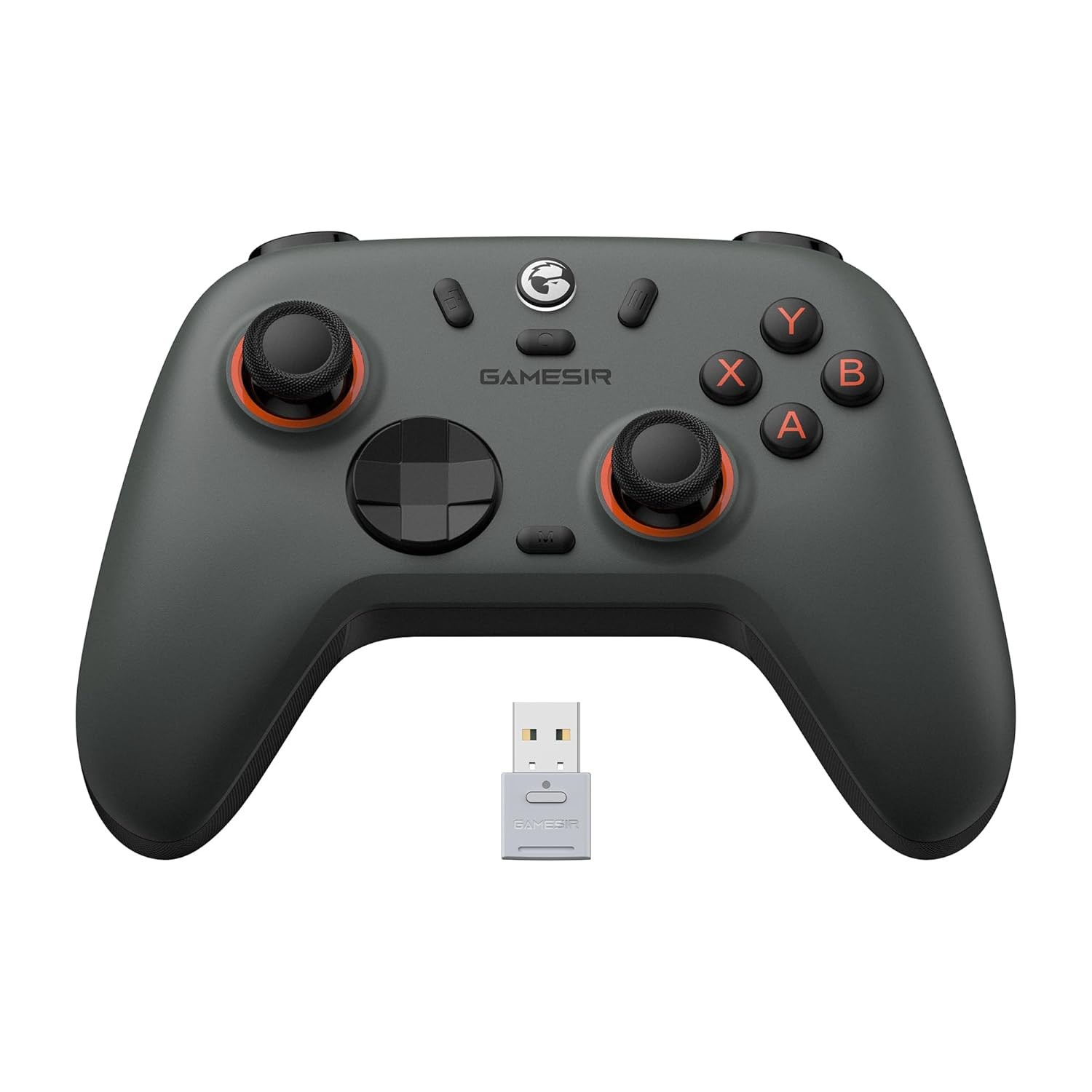 GameSir Nova Lite 2 Wireless PC Controller with Hall Effect Class B$21.99View on eBay
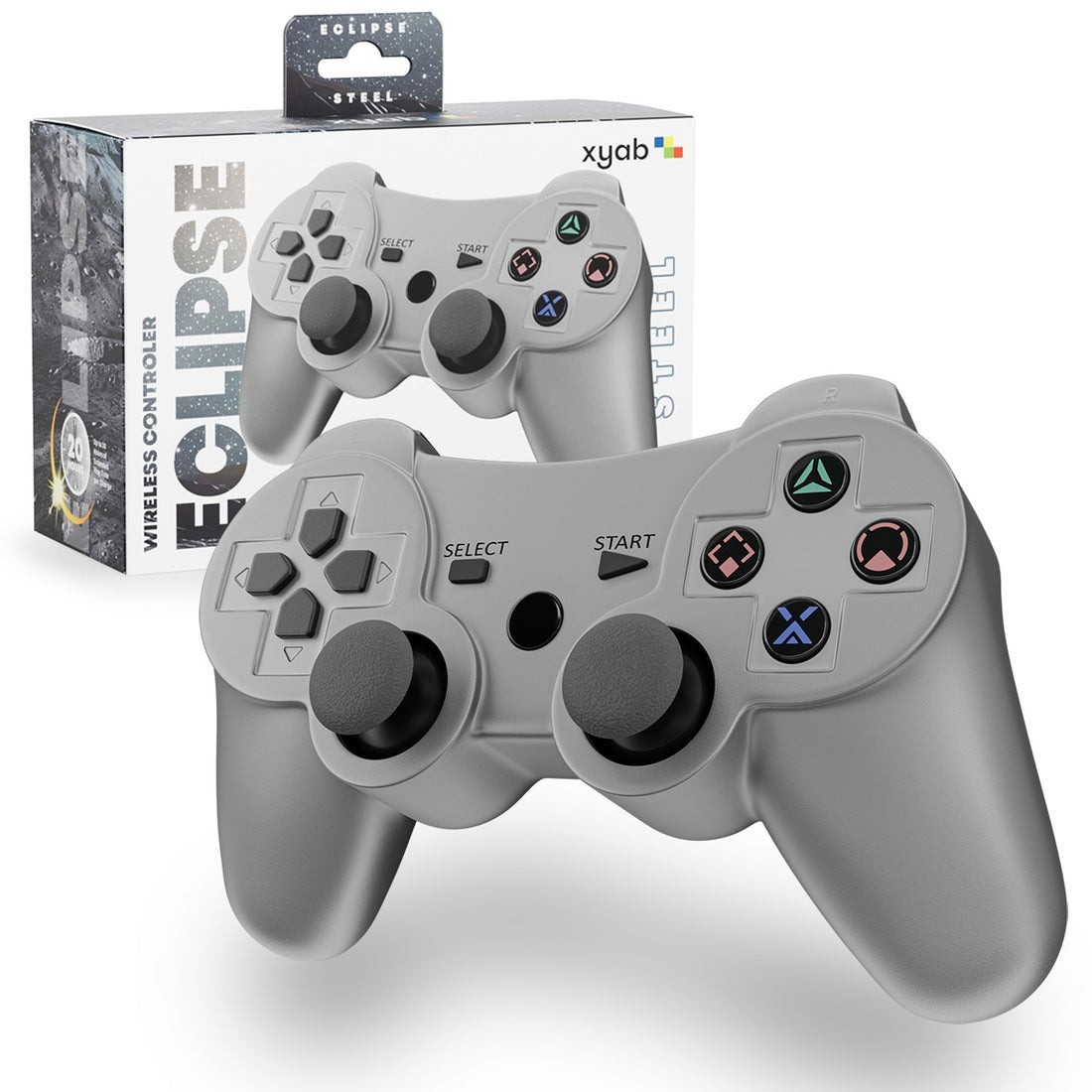 Brand New Wireless Controller for Playstation 3 PS3 Wireless Controller NEW$23.99View on eBay
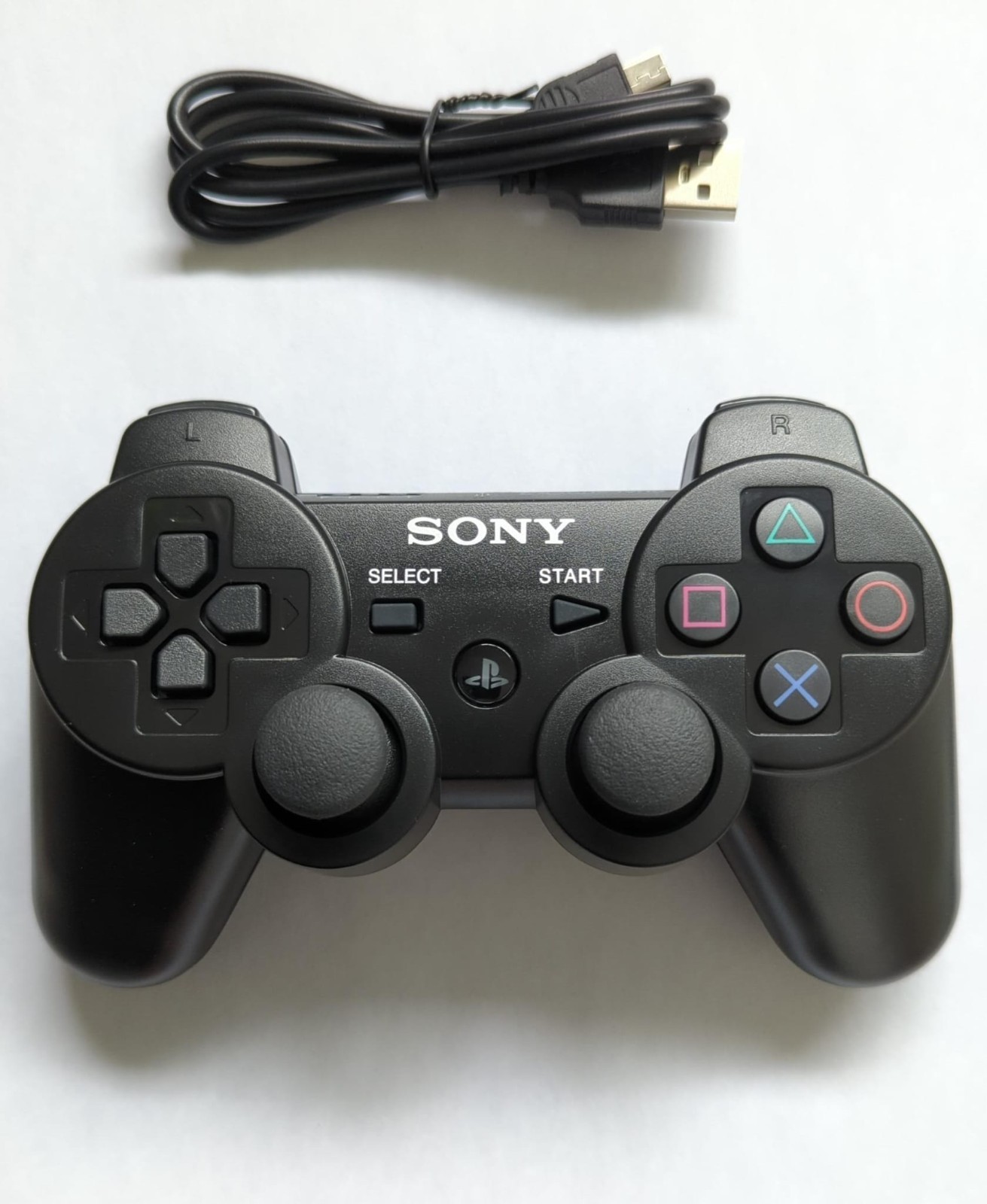 Sony PS3 DualShock 3 Wireless Controller Non-OEM Black CECHZC2U A1 W/ USB Cable$24.19View on eBay
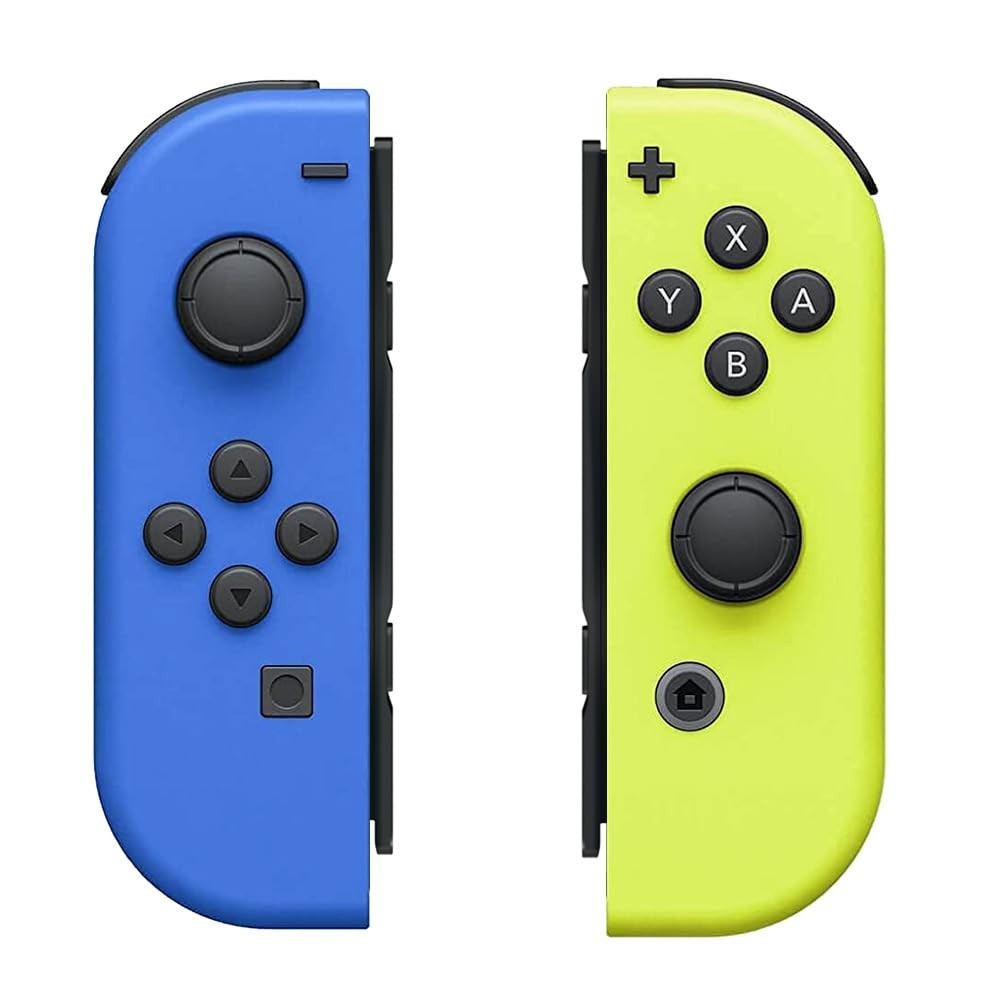 Wireless Gamepad Left & Right Game Controller For Nintendo Switch Joy-Con1-Pair$24.99Last checked Nov 27, 2026View on eBay
Highlights
- Connection tiers: native Bluetooth LE + USB-C, 2.4 GHz dongle with lower latency, or wired-only fallback - dongle models need a free USB-A port
- Stick durability: Hall-effect magnetic sensors resist drift for years; standard carbon-film potentiometers develop dead zones under heavy play
- PC protocol: XInput is the Windows default for modern games; DInput and DirectInput-only pads need Steam Input or wrapper software to map buttons
- Battery class: built-in rechargeable packs (USB-C, roughly 500-1500 mAh) versus AA cells - AA swaps instantly but adds ongoing cost and weight
Best use cases
- Best fit: pick a native XInput pad with Bluetooth plus USB-C for Steam and Game Pass libraries - plug in for zero-latency play, go wireless on the couch.
- Best fit: 2.4 GHz dongle models suit desktop setups with EMI-heavy environments or older Windows builds where Bluetooth pairing is unreliable.
- Wrong fit: skip multi-console 'works with PS4/Switch/Android' pads if you only play PC - the emulation firmware adds input lag and button-mapping quirks.
- Wrong fit: avoid AA-only or micro-USB pads for travel and long sessions; micro-USB ports loosen and AA drain costs more over the controller's life.
Buying tips
- Match the connection to platform: Bluetooth 5.0+ for laptops and Steam Deck, 2.4 GHz dongle for desktops, USB-C wired for competitive latency under 10 ms.
- Prioritize Hall-effect sticks and triggers if you log heavy hours; potentiometer sticks typically drift after months of competitive play.
- Verify XInput support natively - Xbox-style layout with A/B/X/Y and dual analog triggers maps 1:1 in most Windows games without remapping.
- Check grip and shell materials: textured rubberized grips beat glossy rigid plastic for sweaty hands; rigid plastic shells creak and crack at seam stress points.
Specs
| Connection | Bluetooth 5.0 / 2.4 GHz dongle / USB-C |
|---|---|
| Stick Sensor | Hall-effect vs potentiometer |
| PC Protocol | XInput native vs DInput mapping |
| Battery Type | Rechargeable USB-C vs AA cells |
Related searches
What to check before buying
- Measure your hand span and grip style - large hands need fuller grips and longer sticks; small hands favor compact pads with shorter throws.
- Confirm your PC has Bluetooth 5.0+ or a free USB-A port for a 2.4 GHz receiver; desktops often lack built-in Bluetooth.
- Check OS support: Windows 10/11 have native XInput; older builds and Linux/SteamOS rely on Steam Input mapping.
- Confirm the pad ships with or accepts a USB-C cable for charging and wired play, and that the battery is user-replaceable or AA-compatible.
FAQ
Data sources: eBay / Amazon listings and product attribute feeds. Updated Nov 28, 2026.
Some links on this page are affiliate links. If you buy after clicking one, we may earn a commission at no extra cost to you. This does not change which products appear here or their order. Affiliate disclosure.